
Trending now
80s AI Photo Generator: One Photo In, a Mid-80s Studio Portrait Out
The generator does the hair, the clothes, the flash and the backdrop. Your face stays yours. Free on iOS and Android, no prompt, no account to try.
4.6average rating · 4,109 App Store

The Short Answer
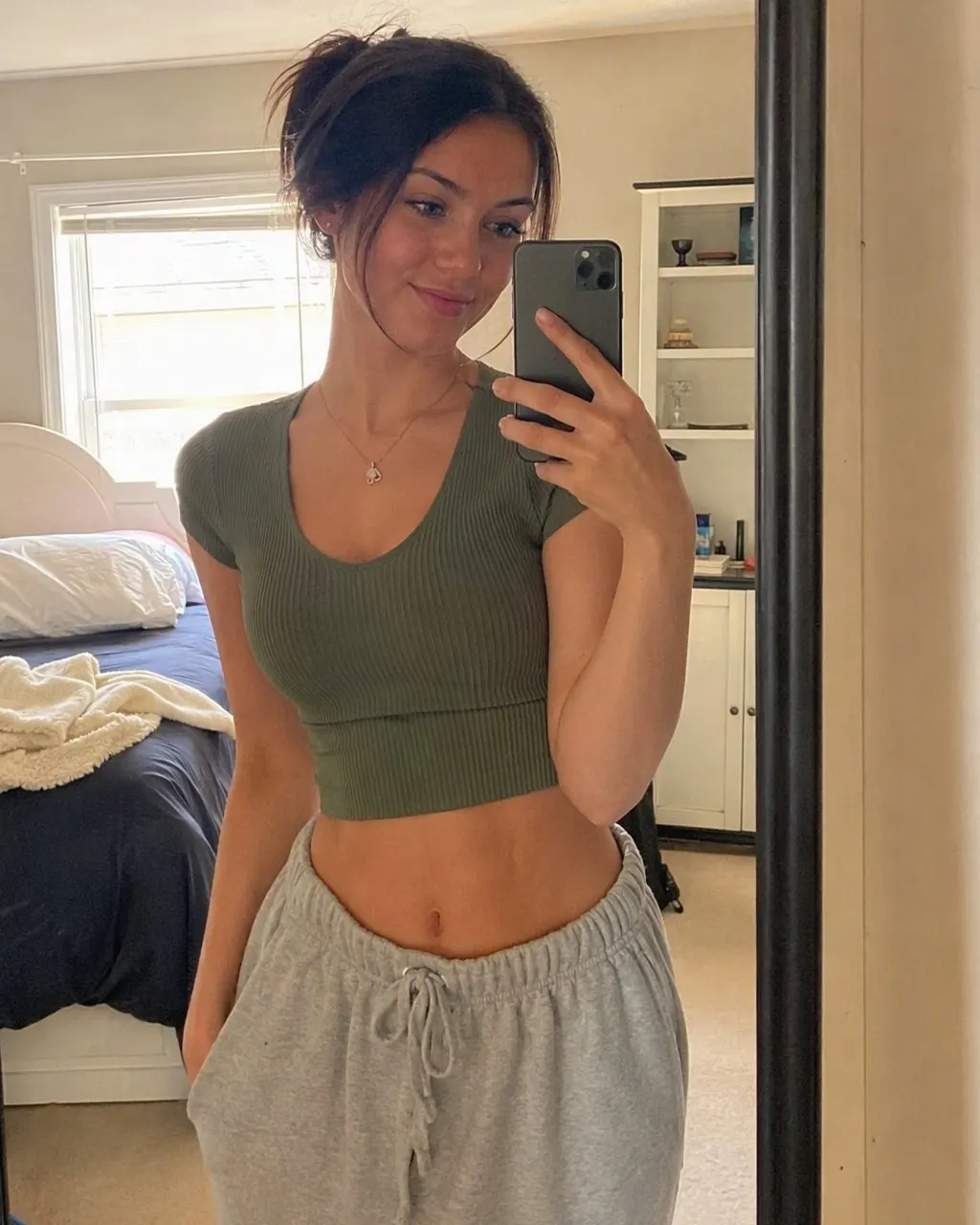
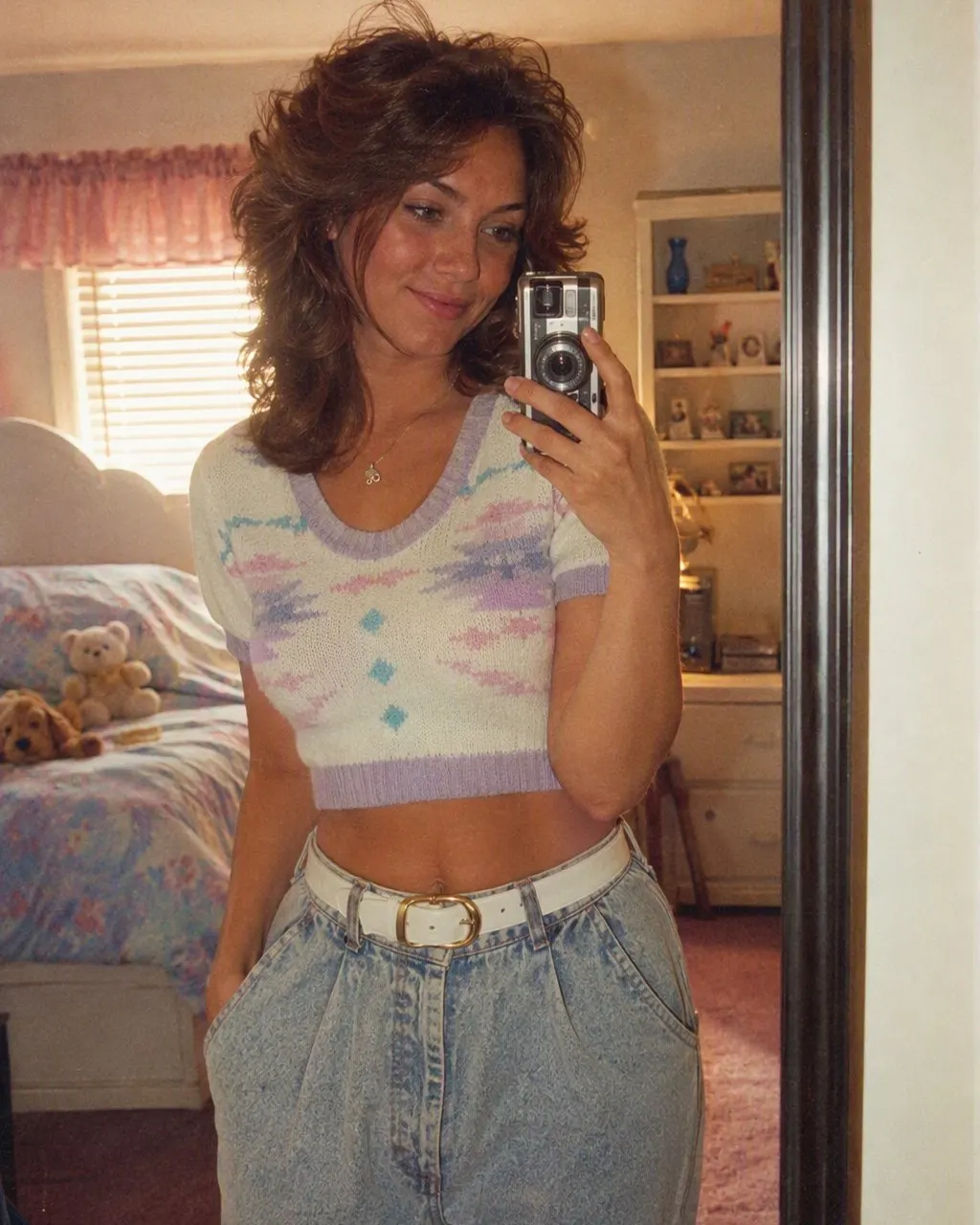
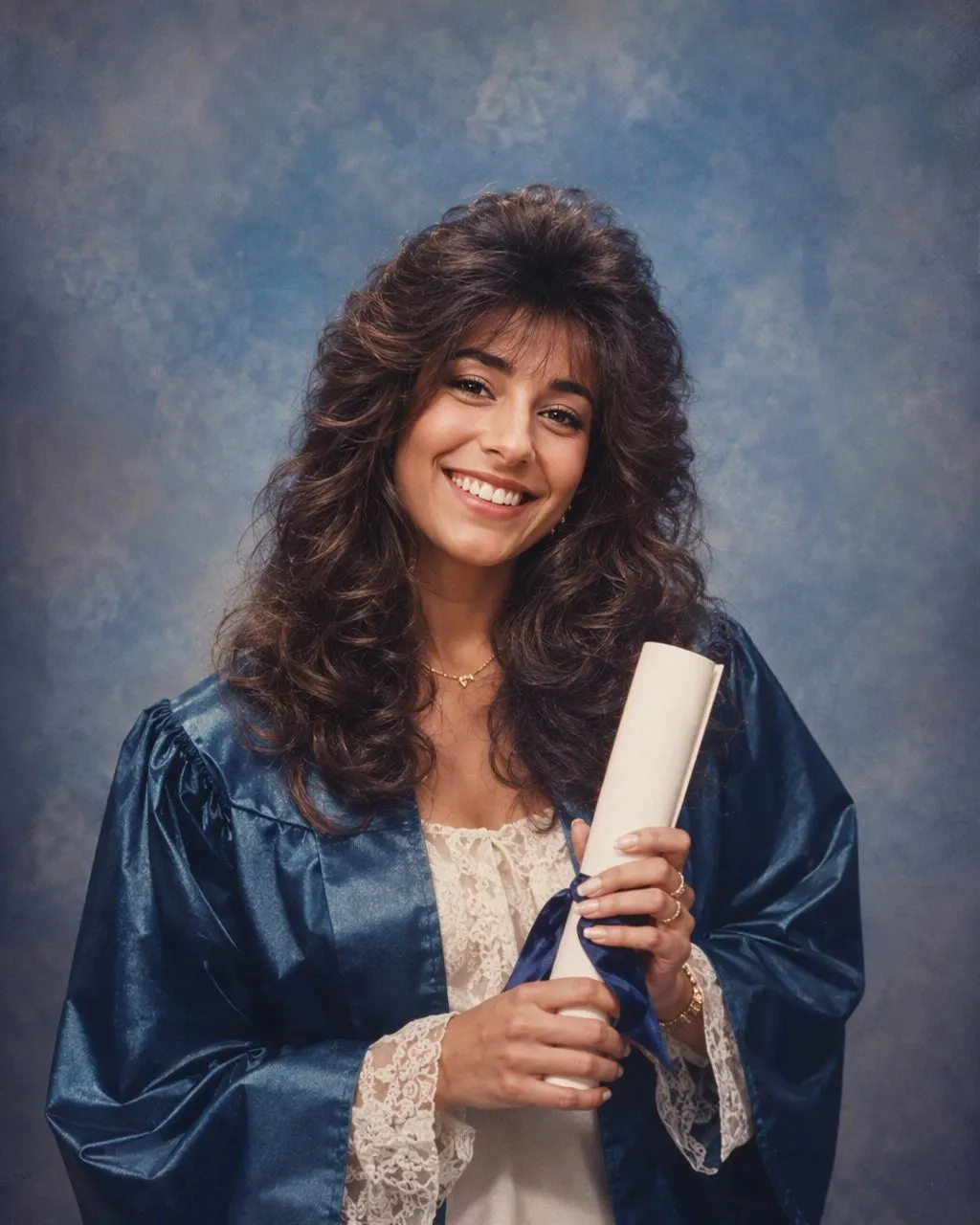
An 80s AI photo generator takes one ordinary photo and returns a mid-1980s studio portrait: bigger hair, a shoulder-padded blazer or a collar-up polo, a direct on-camera flash, a mottled canvas backdrop and soft film grain. A good one keeps your face, skin tone and expression exactly as they are and changes only the hair, the clothes, the accessories and the setting. FaceCast does this for free on iOS and Android: upload one photo, tap the 80s style, and the portrait is ready in seconds, with nothing to type and no account needed to try it.
The phrase covers two different tools, and it is worth knowing which one you are looking at. One is a chat model like ChatGPT or Gemini, where you paste a prompt and the wording is the whole interface. The other is a fixed style inside an app, where the 80s look is already built and the only input is your photo. The prompt route gives you more control over the costume; the fixed-style route gives you the same face every time, because the identity handling is the same code on every run rather than a sentence you happened to type.
What no generator does is turn a photo into a video, make anyone older or younger, put a celebrity in the frame or produce a photo you could use for an ID. It makes one still image in the style of a mid-80s print. FaceCast uses your photo only to generate your result; it is not sold or shared for marketing.



How to Use the 80s AI Photo Generator
Pick one clear photo
A front-facing photo in even light, with the whole face visible and nothing covering it. A phone selfie is fine. Group shots work, but the cleanest results come from one or two faces filling the frame.
Tap the 80s style
Open FaceCast, choose the 80s look and upload the photo. There is no prompt box and nothing to configure; the era, the flash and the backdrop are already decided.
Save and post
The portrait comes back in seconds. Check the jawline and the eyes against the original, save it, and add a short “made with AI” note when you post it.
What the Generator Changes and What It Keeps
The whole trend depends on one rule: people have to be able to tell it is you. So the useful way to judge any 80s AI photo generator is to split the picture into what moved and what stayed.
Kept: the face
Features, skin tone, expression and the shape of the head. If any of these move, the result is a period portrait of a stranger, however good the hair is.
Changed: the hair
Height at the crown, feathered layers or a perm, a swept fringe, hairspray shine. On men, a fuller side part or a mullet.
Changed: the clothes
A blazer with shoulder pads, a denim jacket, a pastel polo with the collar up, a satin blouse with a bow, large plastic earrings.
Changed: the photograph
A direct flash that lights the face hot and drops a hard shadow behind the shoulder, a mottled grey or blue canvas, and a soft grain like a print that has been in a family album since the mid-80s.
Free Generator Versus a Prompt in ChatGPT or Gemini
Both routes produce a mid-80s portrait, and both are free at the entry level. The difference is where the work happens. With a prompt, you write the identity instruction, the costume list and the camera description yourself, and the model re-decides the whole image on every run. Run the same prompt on the same photo three times and the jawline or the eye spacing will usually have moved on at least one of them. That is not a flaw you can fully write around; it is how free-text generation works.
With a fixed style, the generator already knows what the 80s look is and what it must not touch, so the only thing that varies between two results is the photo. It is less flexible: you cannot ask for a specific jacket. In exchange, the face holds. If you want to write your own recipe, the Gemini and ChatGPT prompt guides linked below give you the full wording. If you just want the picture, the app is the shorter road.
Why the Mid-80s Studio Look Lands So Well Here
Filipino families have a lot of the original article. The mall photo studio was where the mid-80s portrait came from: the graduation photo, the debut photo, the prom pair, the whole family in coordinated colours in front of a canvas backdrop, lit with one flash. Those prints are still on living-room walls and in albums under the TV, which is why a generated version reads as familiar rather than as a costume.
It is also why the style is so easy to compare against. Hold your generated portrait next to a parent’s graduation picture or a tita’s prom photo and you can check the flash, the backdrop and the hair against the real thing. If it matches, the generator did its job.
Frequently Asked Questions
Is there a free 80s AI photo generator?+
Yes. FaceCast has the 80s look as a fixed style and it is free to use on iOS and Android: upload one photo, tap the style, and the portrait comes back in seconds. You do not need an account to try it and there is no prompt to write.
Does the 80s AI photo generator keep my face?+
In FaceCast, yes. The face, skin tone and expression are kept and only the hair, clothes, accessories, backdrop, flash and grain change. In a chat model like ChatGPT or Gemini the face can drift between attempts unless the prompt tells it explicitly to leave the face alone, and sometimes even then.
What photo works best for an 80s AI image generator?+
A sharp, front-facing photo in even light, with the whole face visible. Avoid sunglasses, heavy filters and strong side shadows. Group photos work, but one or two faces filling the frame give the cleanest result.
Can it generate an 80s video of me?+
No. The output is a single still image in the style of a mid-80s studio print. FaceCast does not make video, does not age or de-age anyone, and does not add celebrity faces.
Can I use the generated photo as an ID picture?+
No. It is a stylised portrait with changed hair, clothes and lighting, so it is not a valid ID or passport photo. Use it for social media, a family group chat or a print for the wall.
Is it safe to upload my photo?+
FaceCast uses your photo only to generate your result; it is not sold or shared for marketing. Whichever tool you use, upload your own photo or one everyone in it has agreed to, and label the result as AI when you post it.
Generate Your 80s Portrait
One photo, one tap, a mid-80s studio portrait in seconds with your face kept. Free on iOS and Android.
4.6average rating · 4,109 App Store