
Baby face generator for expecting couples
Your future baby's face, from two photos
Choose a photo of each of you in the FaceCast app and it brings your features together into one little face, as a son and as a daughter.
- Free to download on iPhone and Android
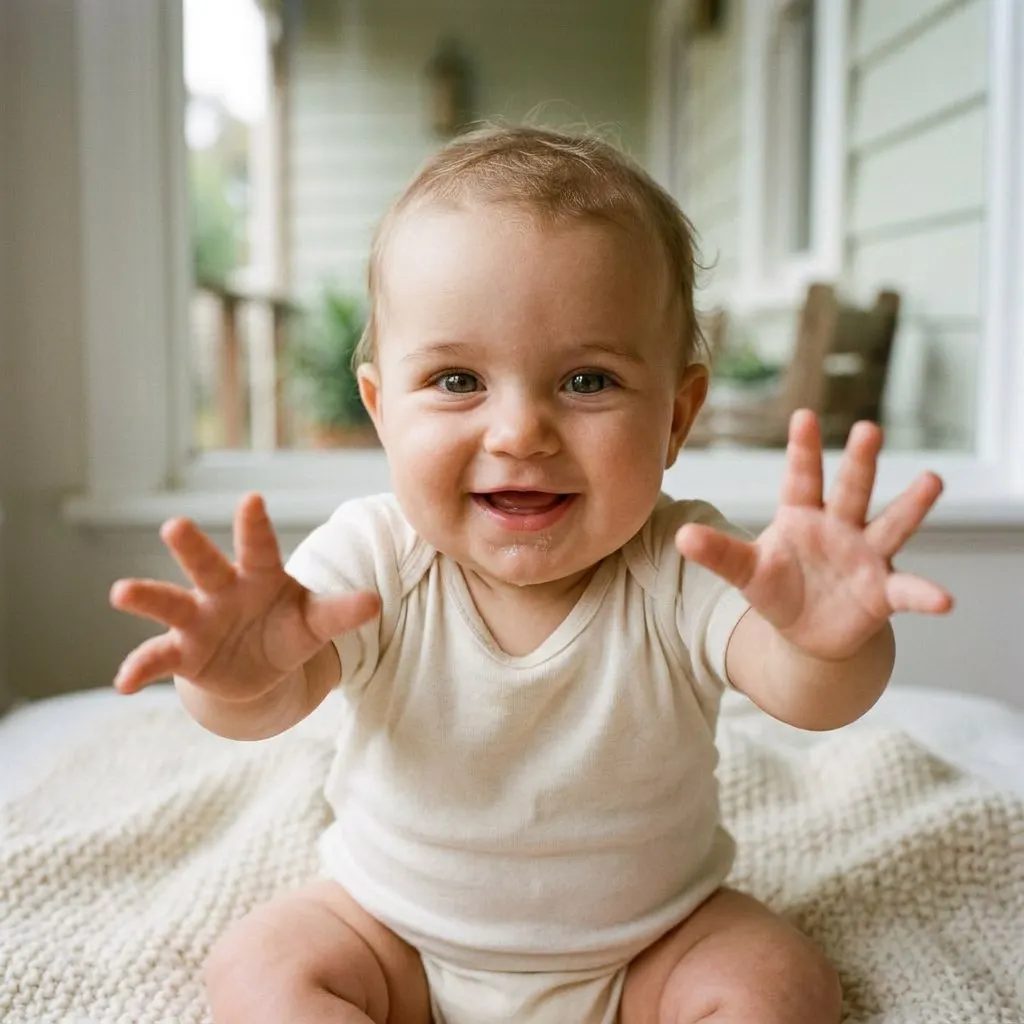

From two photos to one bub
It all happens in the app. What you see on this page are samples; your own pictures are made in FaceCast.
Install FaceCast
It's on the App Store for iPhone and iPad running iOS 16 or later, and on Google Play for Android phones.
Add Mum and Dad
A recent head-and-shoulders photo of each of you, facing the camera, in decent light and without sunnies.
See the result
You get a boy and a girl version to keep, compare and share with whoever you've already told.
Two Aussie couples and the babies they might have
Meet Mum and Dad, then their bub, then the same kid running around the backyard a few years on.
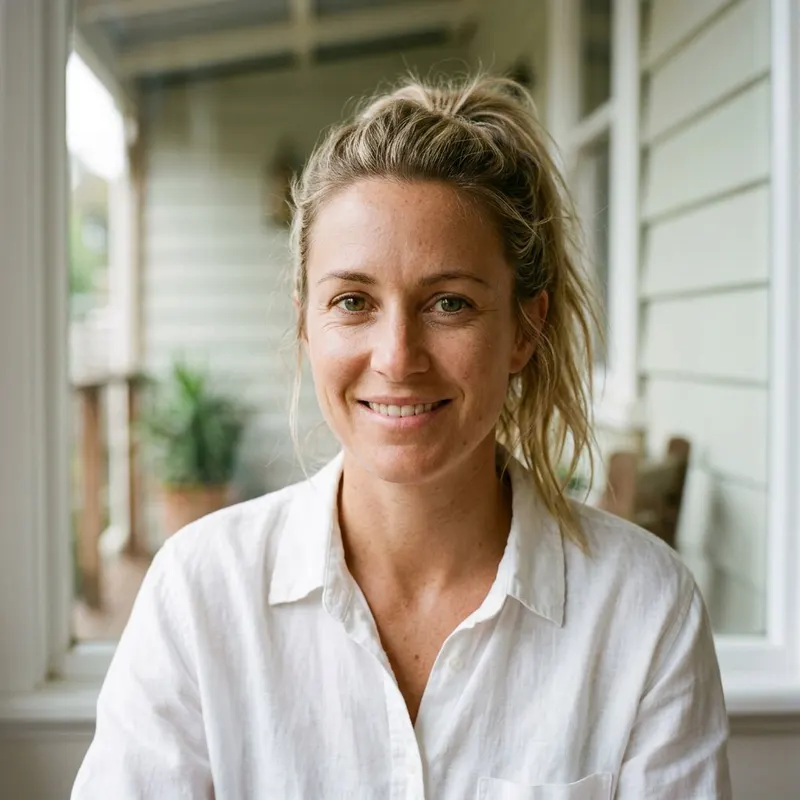
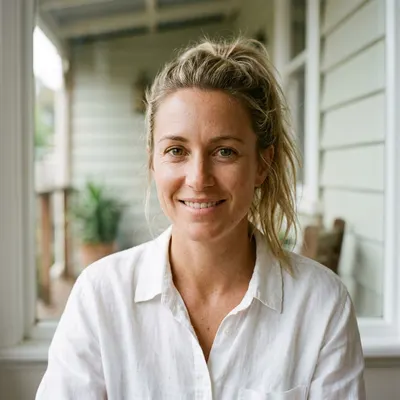
Mum

Dad
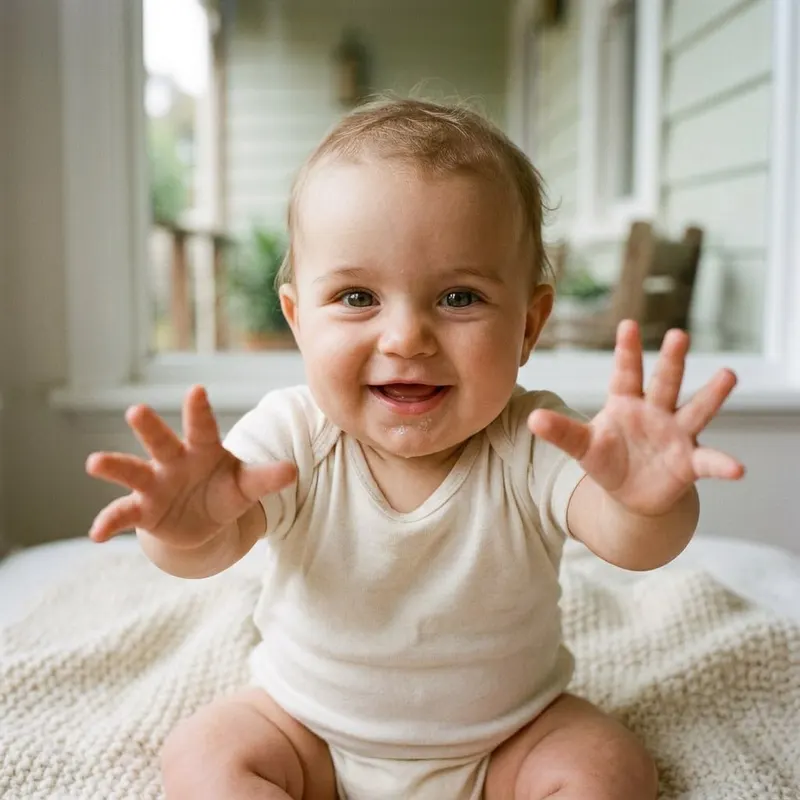
Their bub

As a little kid
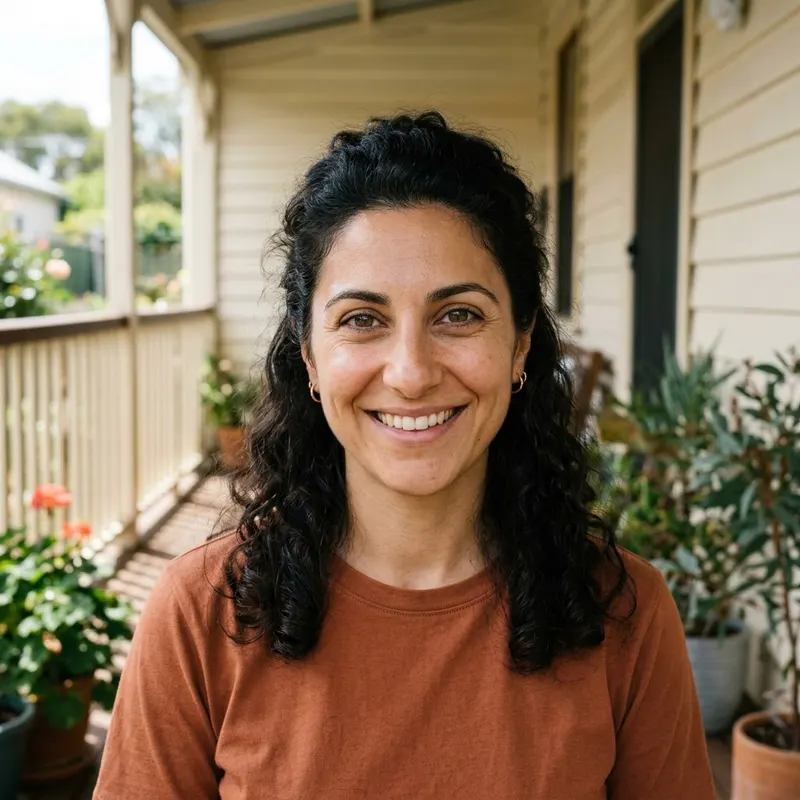
Mum

Dad
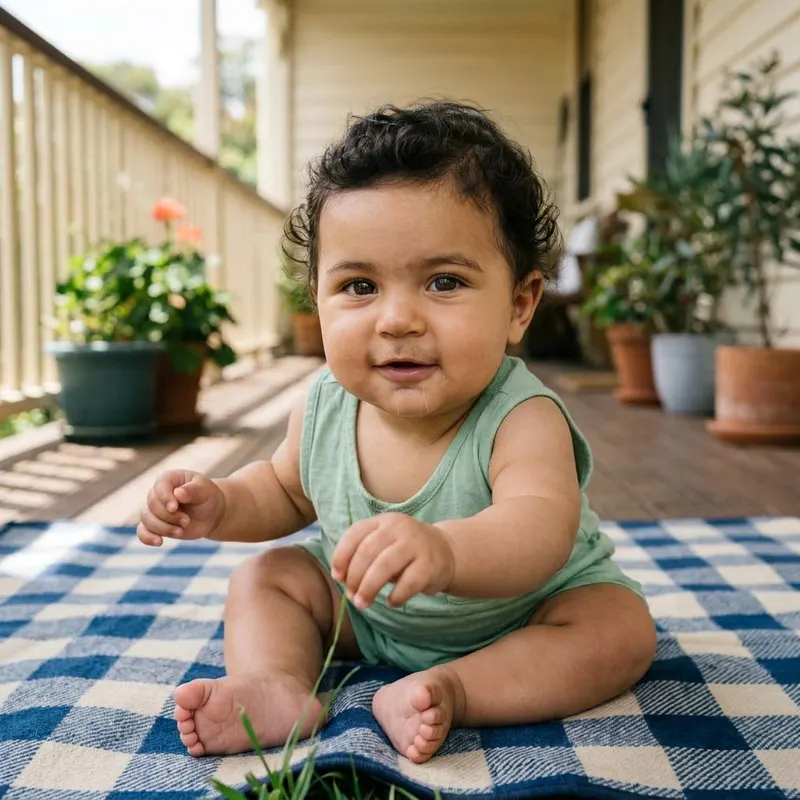
Their bub
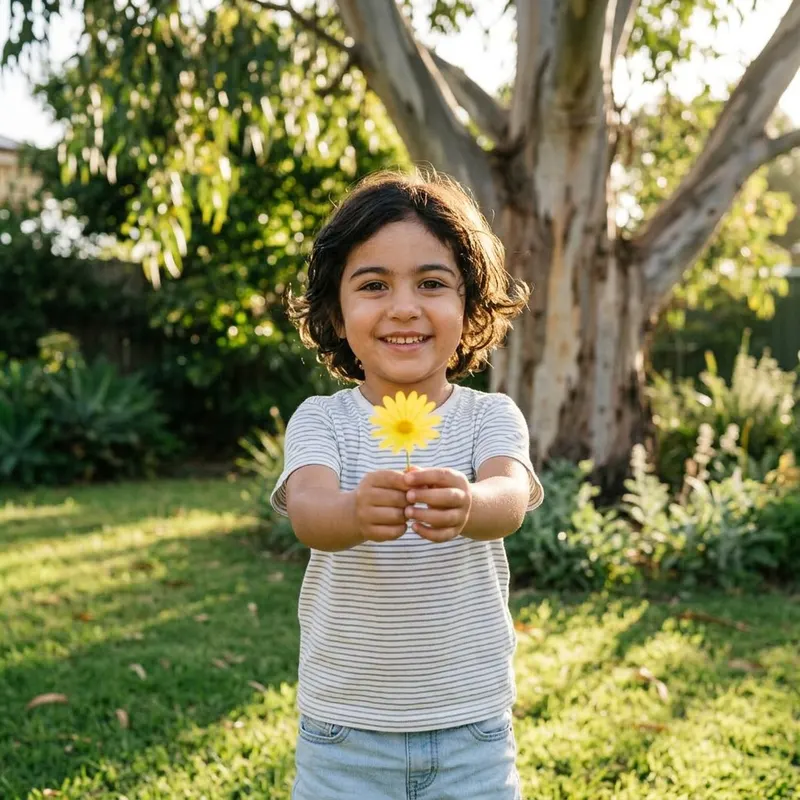
As a little kid
Sample families only: the people pictured are AI-generated.
What a baby face generator shows, and what it can't
A baby face generator is an app that looks at a photo of each parent and creates a new face carrying bits of both, such as Mum's eye shape, Dad's chin, a skin tone somewhere in between. In FaceCast you see two results from the same pair of photos, a little boy and a little girl. Neither one is a photo of your actual child. It is a picture of one way your features could come together, and it is meant to be enjoyed in that spirit.
Plenty of Australian couples keep the news to themselves until after the twelve-week scan, then the 20-week morphology scan becomes the next big milestone. Neither scan shows much of a face, which is one reason private 3D and 4D scan studios have opened in the capital cities. A generated face fills a different gap. It isn't based on the baby you're carrying at all, only on the two of you, so it can't tell you anything about the pregnancy or your baby's health. Leave those questions to your midwife, GP or obstetrician.
What it can do is start a good argument at the next family barbecue. Families here are often a mix of backgrounds, like our second sample couple, and every side tends to have a theory about whose looks will come through. A Greek yiayia might be certain the baby will have her family's dark curls, while a Vietnamese grandmother is just as sure about the eyes. Genetics doesn't take sides in a predictable way, and a generated picture won't either. That is part of the fun, and the picture usually ends up on the fridge or in someone's phone long after the debate has moved on to names.
Keep in mind that babies change fast. Lots of newborns start with blue or slate-grey eyes that settle into their final colour over the first year, and the hair a baby is born with often falls out and grows back different. If you share the image in the family group chat or on Instagram, a short line saying it's AI-made saves confusion, especially with relatives who've only just heard you're expecting.
What else is in the app
Six tools in FaceCast, starting with the one most people come for.
Baby face from Mum and Dad
Two photos in, two possible babies out: a boy and a girl, saved to your camera roll if you like them.
3D or 4D scan to baby photo
Turn an image from your 3D or 4D scan into a realistic newborn-style portrait. Treat it as an artist's impression rather than a medical picture.
Pregnancy photoshoot
Bump portraits with studio backdrops and lighting, made from a photo of you, no booking needed.
Filters and looks
Give a photo the one-tap 80s treatment, or try cartoon, anime and other styles. The 80s look changes the hair, outfit and background but keeps your face.
Family photo with your bub
Add your future baby to a portrait of the two of you, so you can see the three of you together.
Photo enhancer
Fix blurry, dull or badly lit photos with better detail and colour, without making the face look fake.
Have a look at each feature
Sample results and a plain explanation on every page. Your own versions are made in the FaceCast app.
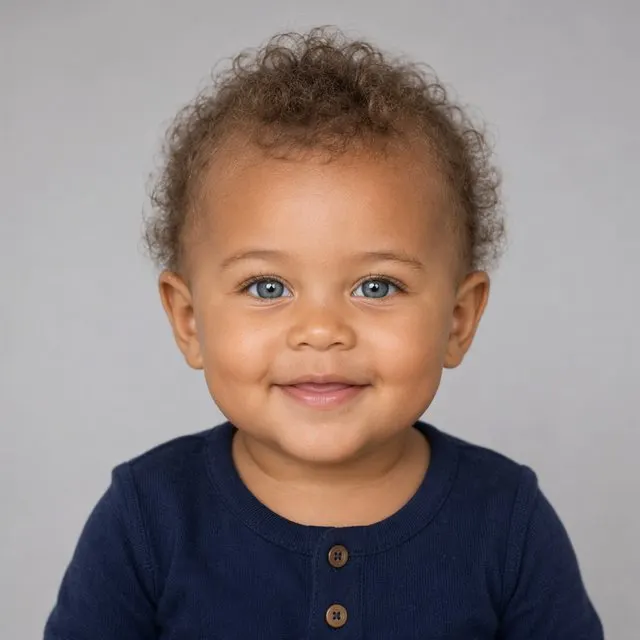
AI Baby Generator
Blend two photos into a realistic future-baby portrait.
See how it works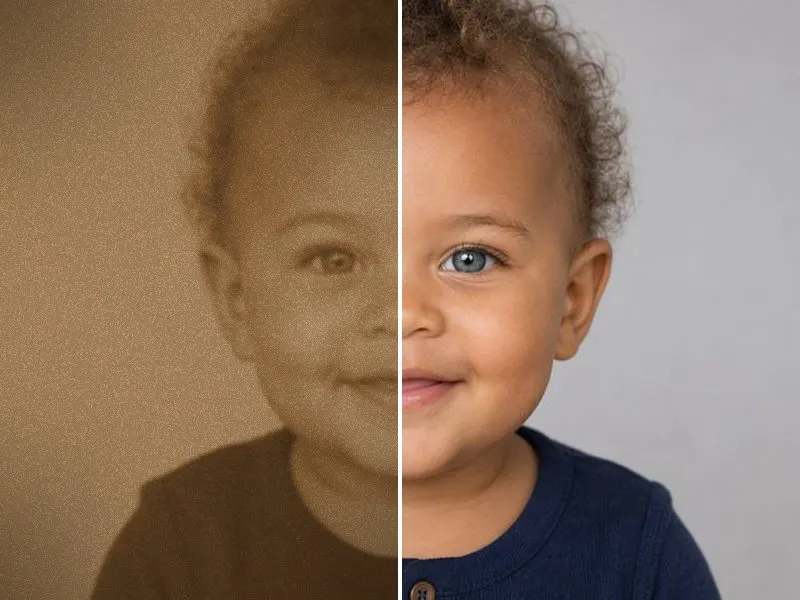
Ultrasound to Baby Photo
Upload a 3D or 4D scan — FaceCast turns the shapes it captured into a lifelike, studio-quality newborn portrait you can save, print, and share.
How It Works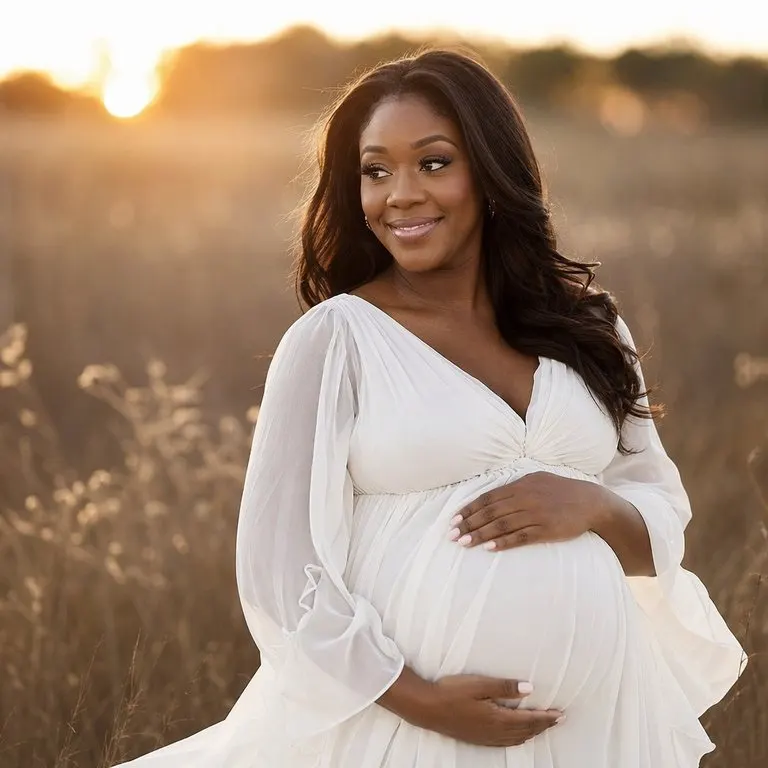
AI Maternity Photoshoot
Turn a simple photo into a studio-quality pregnancy photoshoot.
See how it works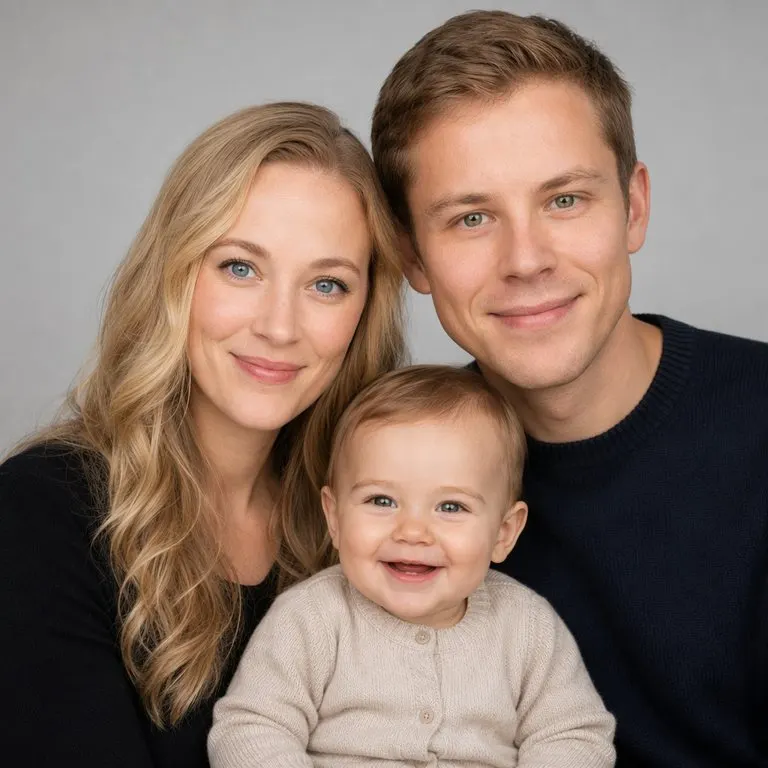
AI Family Portrait
Blend two parents into a portrait with your future baby.
See how it works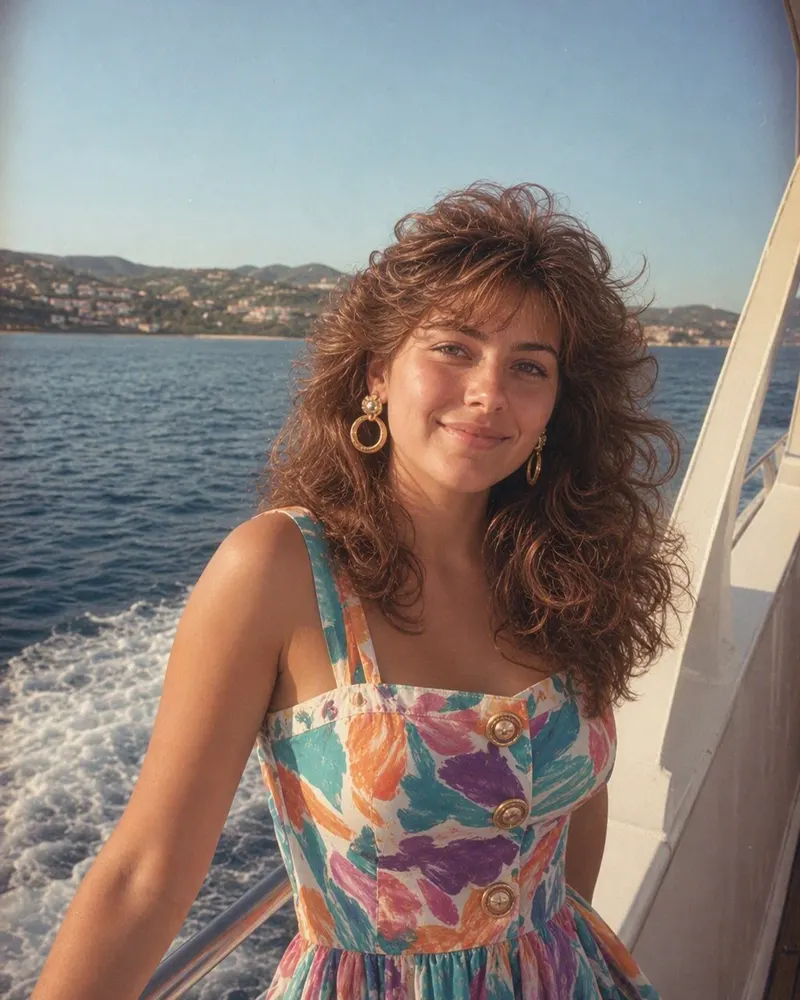
80s Photo App
What the 80s app does to a photo, how to use it on your phone, and how a proper Australian 80s photo looked, from the class photo to the formal.
How It WorksSeen the face? Time to choose a name
Try our free baby name finder. Narrow the list by girl, boy or unisex, by origin (Greek and Irish are in there) and by starting letter, with the meaning for each name.
Find a baby nameThings Australian parents want to know
How do you know what your baby is going to look like?+
You don't, until they're born, and even then they keep changing. FaceCast gives you an imagined face built from both parents' photos. It's a bit of fun to look at together, not a prediction you can rely on.
Can it show what my baby will look like older?+
The baby generator shows your future child as a baby, as a boy and as a girl. The sample families on this page also show the same child a few years older, to give you a feel for the idea, but nobody can tell you how a real child will grow up.
Is the result accurate?+
It isn't measured against anything, so there's no accuracy to quote. The app works only from the two photos you choose. It doesn't use DNA or any medical information, and the same photos can give a slightly different baby each time.
Which photos should we use?+
Clear, recent photos with your whole face visible and looking at the camera. Natural light from a window works well. Avoid sunnies, caps, strong beauty filters and photos where someone else is in the frame.
Does it work with our 4D scan pictures?+
Yes, that's a separate feature. Add an image from your 3D or 4D scan and FaceCast makes a lifelike baby portrait from it. Expect an artistic version: it fills in detail the scan can't show, so keep the original too.
Will it tell us the baby's sex?+
No. The app always shows a boy version and a girl version from the same two photos. Your scans or blood tests through your care team are the way to find out.
How much does it cost?+
Downloading FaceCast costs nothing. A few features are unlocked with an in-app purchase or a subscription. If you're new, there's a free trial, and the price is always shown in the app before you agree to pay.
Is it safe to use our photos?+
Photos are processed only to make your result, which can involve our AI service providers. They aren't sold and aren't used for advertising. You'll find the full detail in our privacy policy.
Can I use it on my computer?+
No, FaceCast is a phone and tablet app: iPhone and iPad on iOS 16 or later, and Android via Google Play. This website explains the features and shows samples, but the pictures themselves are made in the app.
Meet your future bub
Grab FaceCast on iPhone or Android, add a photo of each of you, and see the boy and girl versions side by side.