
80s photo style
80s photo app: turn one picture into a 1980s photo of you
What the 80s filter actually changes, how the app compares with a ChatGPT or Gemini prompt, and what American photos from the decade really looked like.
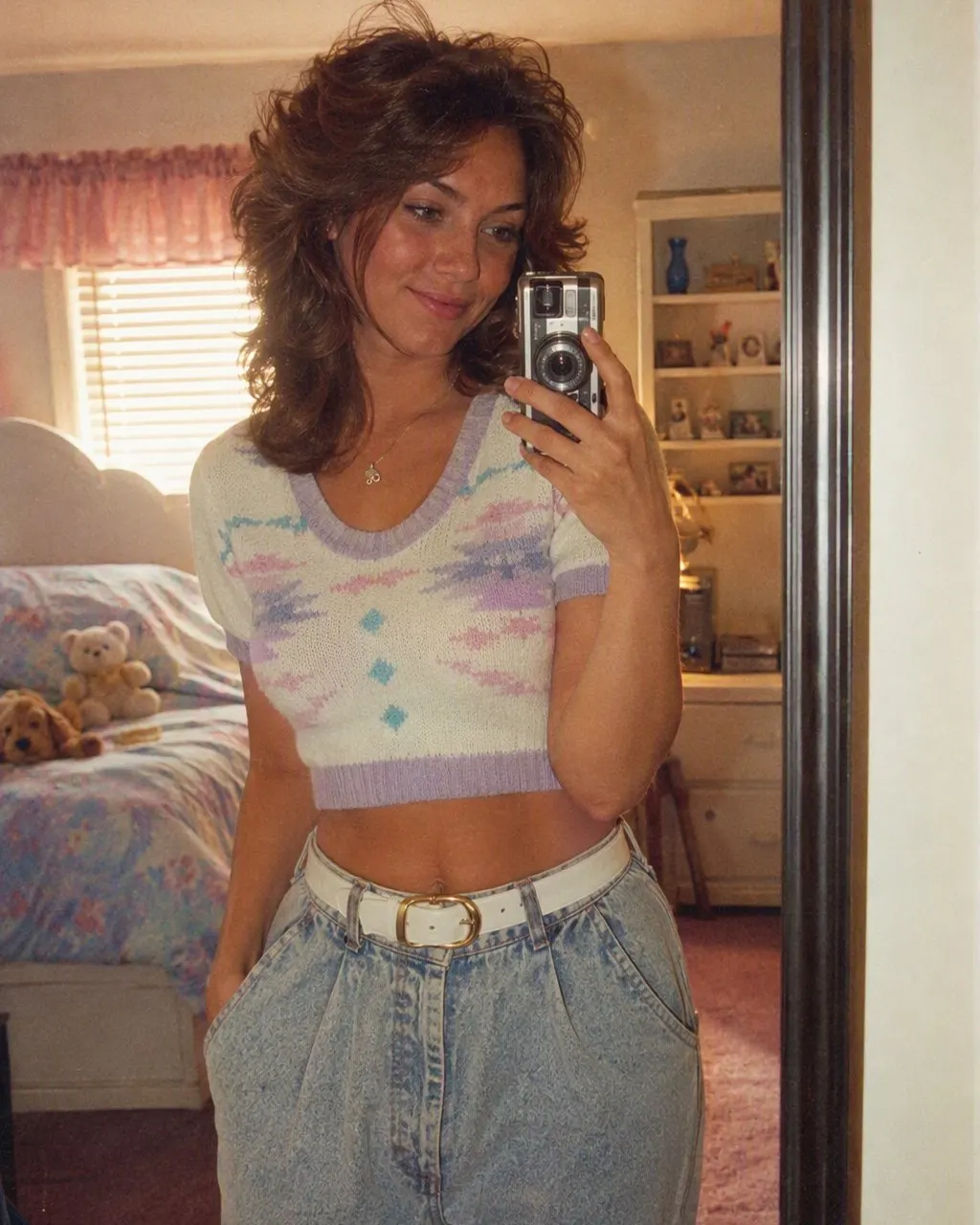
The short answer
An 80s photo app takes a photo you already have and redraws it as if it had been shot in the mid-1980s. Your face stays recognizably yours. The hair, clothes, background, flash and film grain change to the era.
There are two ways people make these. A one-tap app style, where you add one photo and the app does the rest, or a written prompt in an AI chat tool like ChatGPT or Gemini. The app keeps your face more reliably; the prompt gives you more control but varies from run to run.
If what you really want to know is how you would have looked growing up in the 80s, our guide to the trend walks through that question step by step. This page is about making the picture.


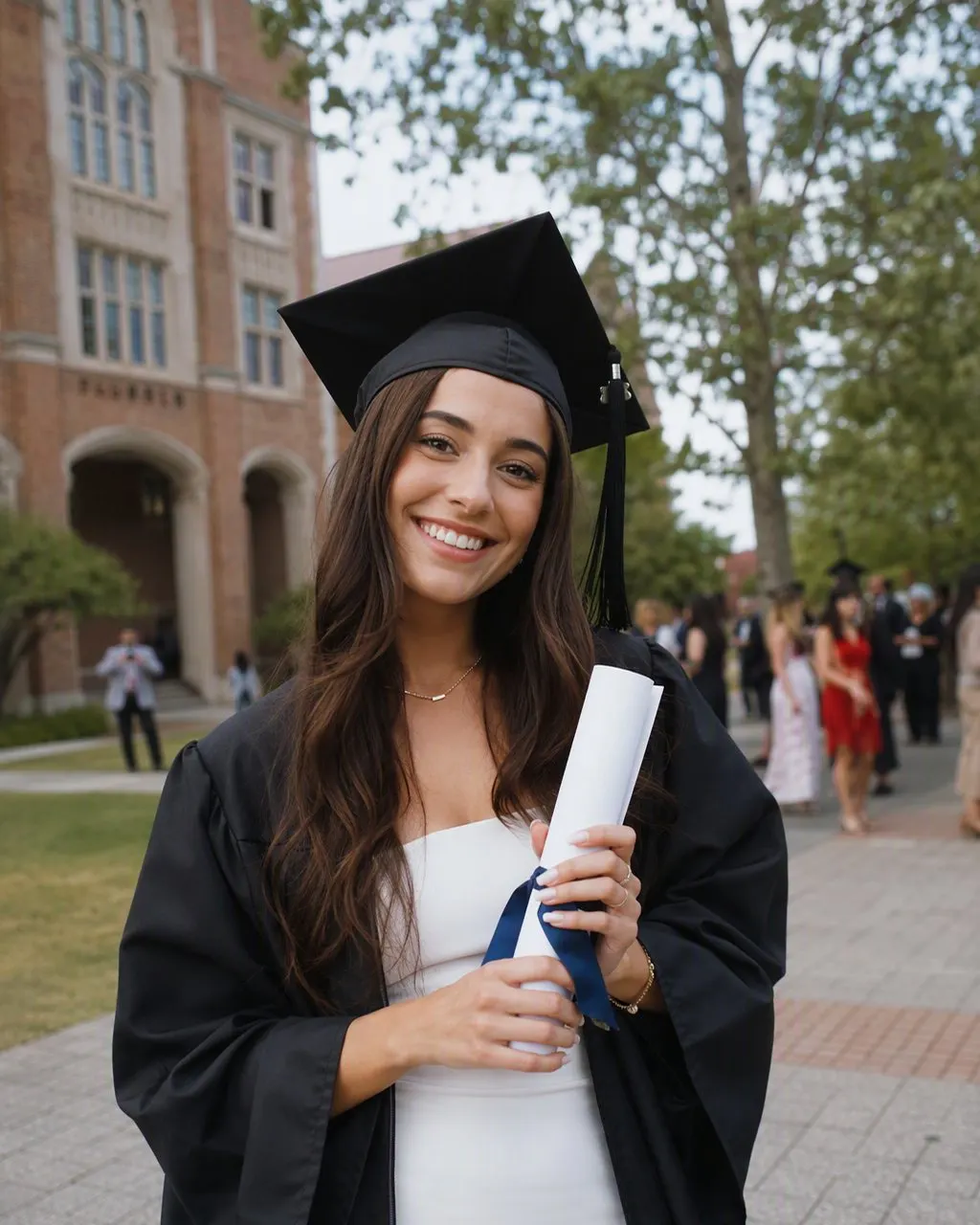
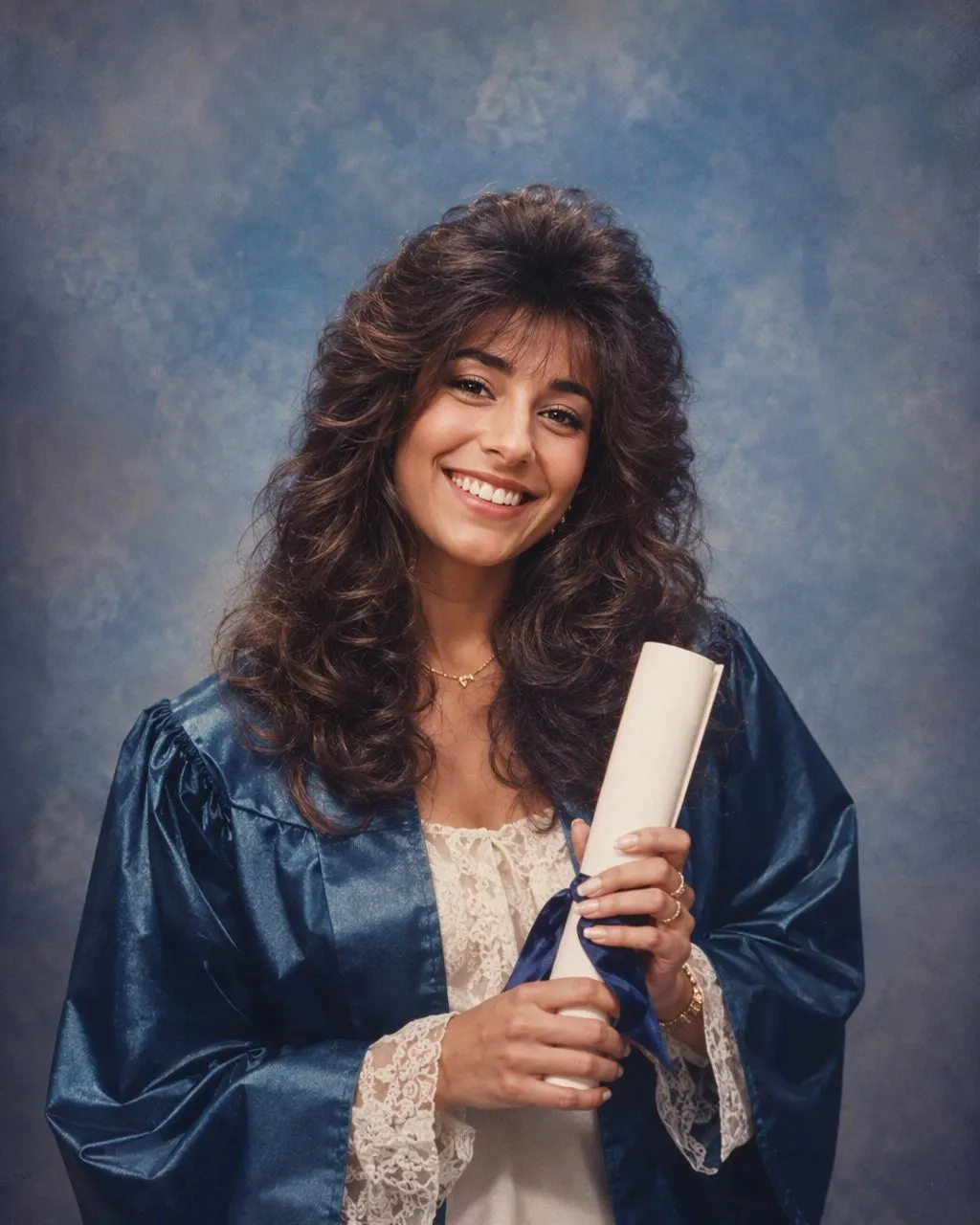
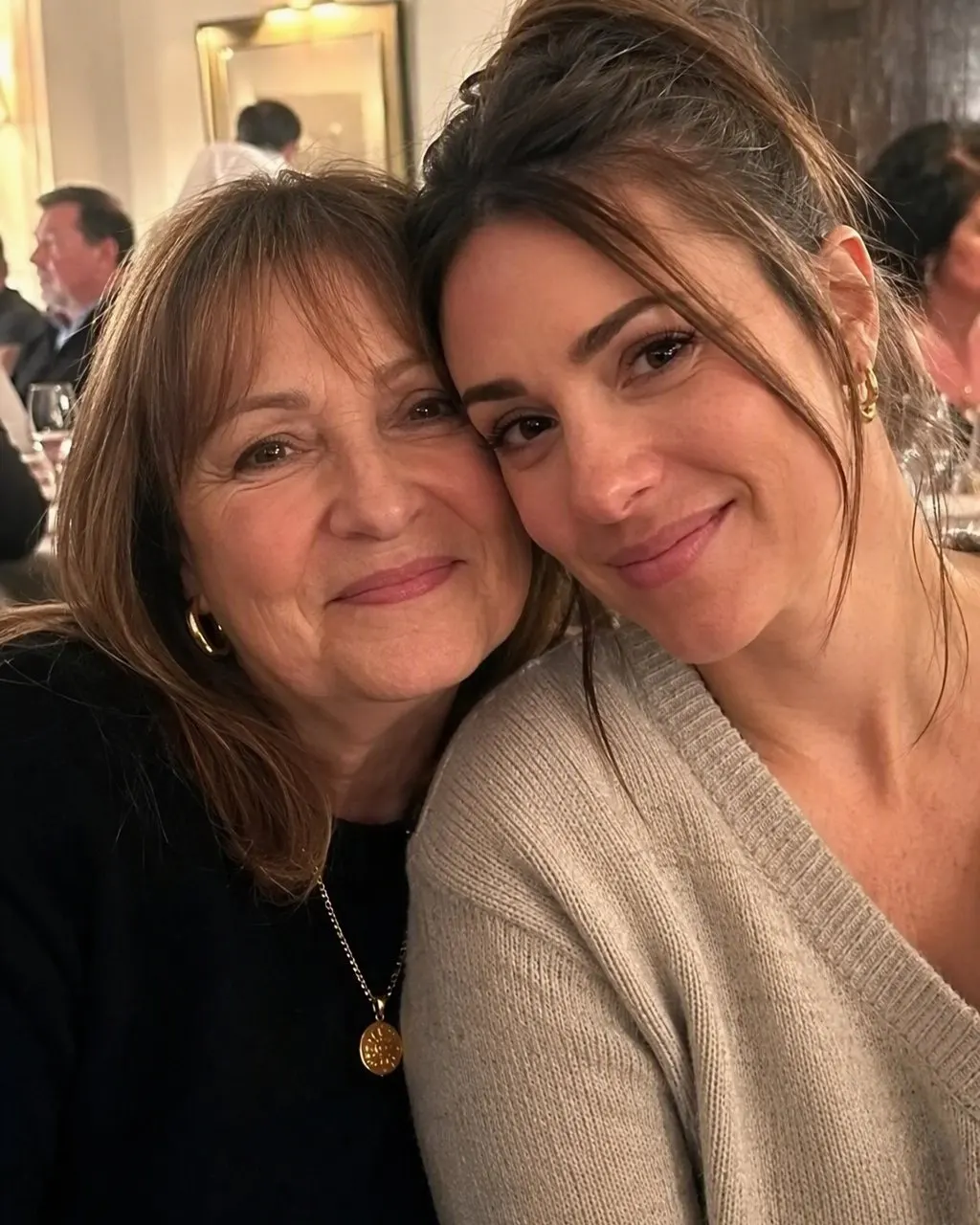

Making an 80s photo in FaceCast
Choose one clear photo
A front-facing shot in decent light works well. Everyone you want in the result has to be in the photo.
Tap the 80s style
There is no prompt to write and nothing to set. The app restyles hair, clothes, backdrop, light and grain.
Save the still image
You get a finished picture to keep or share. Run another photo if you want a different look.
What the 80s photo trend is
The trend is simple: a recent photo of you, remade so it looks like it came out of a shoebox of prints from 1986. People post the two side by side, usually with a caption about how their parents would have dressed them. It started with AI chat tools that can edit photos and spread fast once one-tap apps made it possible without writing anything.
What makes a result land is not one detail. It is the combination: the hair has volume it never has now, the colors are warm and slightly faded, the flash is hard and direct, and the background belongs to a studio, a wood-paneled den or a mall, not to a 2020s apartment.
App or prompt: an honest comparison
FaceCast 80s style
One photo, one tap, no prompt. The style is built to keep the face and change everything around it. You need to download the app, and you do not pick each detail yourself. FaceCast is free to download; some features need an in-app purchase or subscription, and the price is shown in the app before you confirm.
ChatGPT or Gemini prompt
You attach a photo and paste a prompt. You can ask for specific things, like a laser backdrop or a feathered cut. Results change every run, and these tools sometimes soften or reshape a face, so you may need several tries. Our page of 80s prompts has text that is written to keep the face.
Plain color filters
Many camera apps have an 80s or retro filter that only adds grain, a color cast and a date stamp. It looks vintage, but your modern haircut and clothes stay, so it reads as a 2020s photo with a tint.
What 1980s photos in America actually looked like
Hair did most of the work. Women wore perms, teased crowns and tall bangs held up with a lot of hairspray. Men had feathered cuts, mullets, perms of their own and the occasional mustache. If an 80s result looks wrong, the hair is usually too flat.
Clothes ran from shoulder pads and oversized blazers to acid-wash jeans, denim jackets, Members Only jackets, letterman jackets, neon windbreakers and big sweaters. Accessories were large: plastic earrings, oversized glasses, scrunchies, Swatch watches and jelly bracelets.
Most family photos were 35mm prints from a point-and-shoot camera or a Polaroid. The flash fired straight at people, which gave you red-eye, shiny foreheads and a dark shadow on the wall behind. Many cameras printed an orange date in the corner. You dropped the roll off at a one-hour photo counter at the drugstore or the mall and got prints back in an envelope, often with a second set of doubles.
School pictures, yearbook photos and the laser background
Picture day is the image many Americans associate with the decade. A photographer set up in the gym or library, every kid got a plastic comb, and you sat on a stool in front of a backdrop with your chin tilted the way you were told. The packages came home weeks later with wallet-size prints to trade with friends.
The backdrop most people remember is mottled blue or gray cloth. The laser background, with bright neon beams on a dark field, showed up toward the end of the decade and stayed popular into the early 90s, which is why so many people search for laser background school photos when they think of 80s yearbooks.
Senior portraits were a step up: a studio session, often with a velvet drape for girls and a tuxedo top for boys, and soft vignetted edges. The FaceCast 80s style chooses the backdrop itself, so it might give you mottled studio cloth, a room or a street rather than lasers. If you specifically want lasers, a prompt is the more direct route, and our prompt page has one.
Glamour shots and mall portrait studios
By the late 80s, mall portrait studios sold a full makeover and photo session. You got big hair, heavy makeup, a feather boa or a sequined top, maybe a denim jacket with the collar turned up, and a soft-focus lens that blurred every edge. The pose often had a hand near the chin. Department-store studios at places like Sears and JCPenney did a quieter version for families and couples, with a painted backdrop and matching outfits.
To get closer to that look, start from a photo where your face is well lit and you are looking at the camera. The softer and more flattering the original light, the more the result feels like a studio sitting rather than a snapshot.
Couples, families, friends and big occasions
Couples
One photo with both of you in it. Prom poses, matching denim and the classic department-store couple portrait are all fair game. Our 80s couple photo page covers ideas and prompts for two.
Family
Think of the Christmas card portrait in coordinated sweaters, or the whole family posed on the stairs. Each person keeps their own face, and nobody is added who was not in the original.
Friends
Group shots turn into a basement party or a mall hangout. A photo where everyone is facing forward and not too small in the frame gives the app more to work with.
Prom, weddings and graduation
Puffed sleeves, ruffled tuxedo shirts, big veils and cap-and-gown portraits on studio cloth. Start from a photo that is already dressed up if you want a formal result.
Tips for a convincing result
Face the camera
Profiles and heavy shadows give the AI less to keep, so the face is more likely to drift.
Skip the sunglasses and filters
Beauty filters and dark lenses hide the features that make the result look like you.
Keep it close
Head and shoulders, or a group where faces are not tiny, works far better than a wide landscape shot.
Try more than one photo
Different source photos give different hair and clothes. A second photo is often the easiest fix for a result you do not like.
What happens to your photo
The photo you choose is processed to create the image, so it leaves your phone for that step. The FaceCast privacy policy explains what is stored and for how long, and it is worth reading before you use anyone else's photo. Ask the people in a group photo before you restyle and post it.
If you post the result, saying it was made with AI is a good habit, especially when the picture looks like a real old photo.
What the 80s style will not do
It makes a still image. There is no video, no animation, no aging or de-aging, and no celebrity face swap. It keeps the face from your photo and changes what is around it, so it cannot show what you actually looked like as a child in 1985. For that, the family album is still the only source.
Questions people ask
Which app is everyone using for the 80s trend?+
Several. Many of the posts were made with ChatGPT or Gemini and a prompt, and others with one-tap apps such as FaceCast. The results look similar; the difference is whether you write a prompt and how reliably the face is kept.
Is there a free 80s filter or 80s portrait generator?+
Plain retro color filters are common in free camera apps, but they do not change hair or clothes. ChatGPT and Gemini have free tiers with limits on image edits that change over time. FaceCast is free to download, and some features need an in-app purchase or subscription, with the price shown in the app.
Does the 80s photo app work on iPhone?+
Yes. FaceCast runs on iPhone and iPad with iOS 16 or later, and on Android phones through Google Play.
Can I get the laser background from 80s school pictures?+
The FaceCast style picks its own backdrop, so lasers are not guaranteed. A ChatGPT or Gemini prompt that asks for a dark laser-beam backdrop is the more direct way to get that specific yearbook look.
Can I do the 80s photo trend with ChatGPT or Gemini?+
Yes. Attach your photo, paste a prompt that tells the tool to keep your face and change only hair, clothes and background, and run it a few times. Our prompt page has versions for both.
Does it work with two or more people?+
Yes, as long as everyone is in the original photo and their faces are clear. The result keeps each face and restyles the whole group together.
Make your 80s photo in FaceCast
Free to download on iPhone and Android. Some features need a purchase or subscription, and the app shows the price first.