
Guide
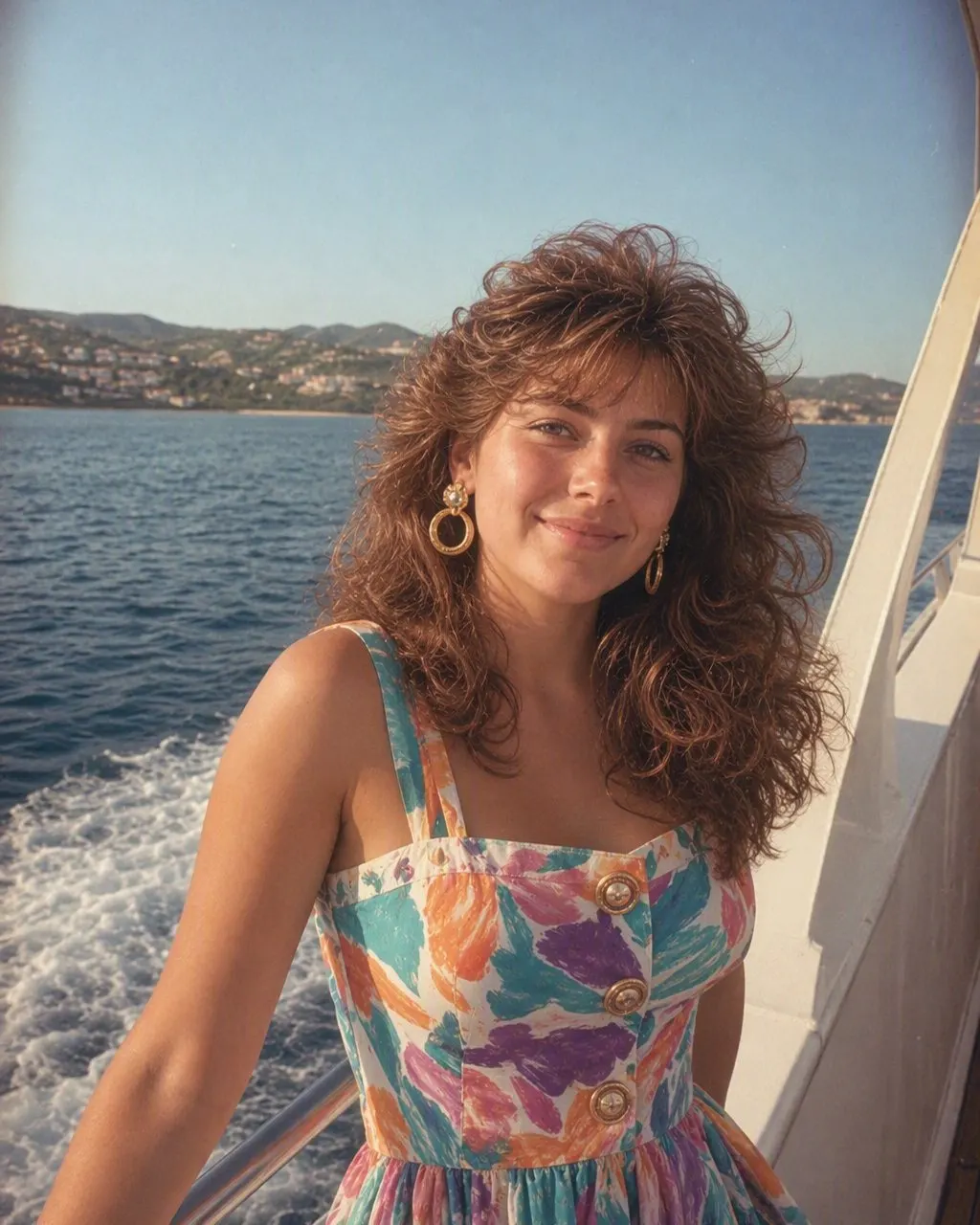
What would I look like in the 80s? How to do the 80s photo trend
Two ways to see yourself in the 1980s, step by step, plus what separates a result that looks like a real old print from one that looks like a costume.

The short answer
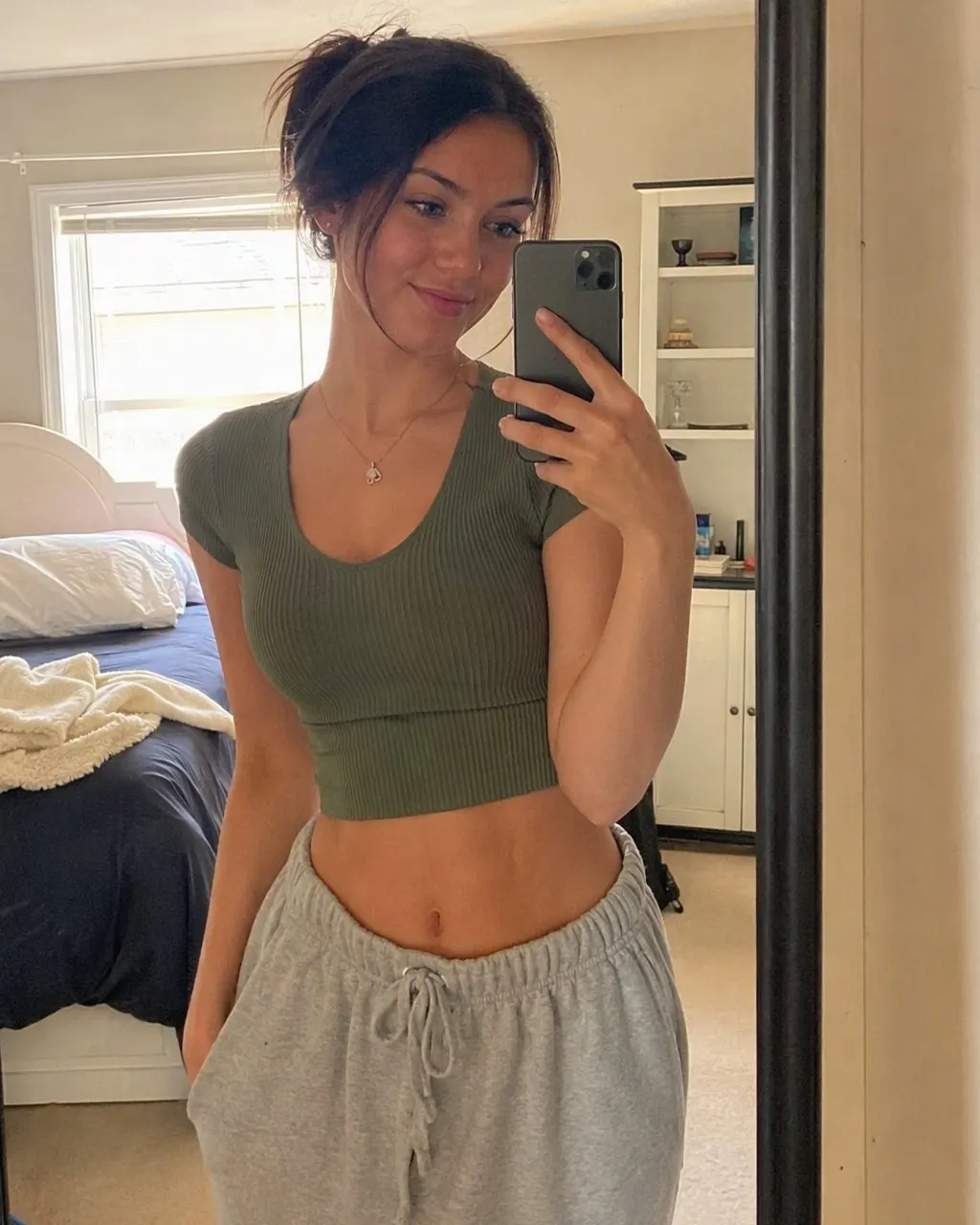
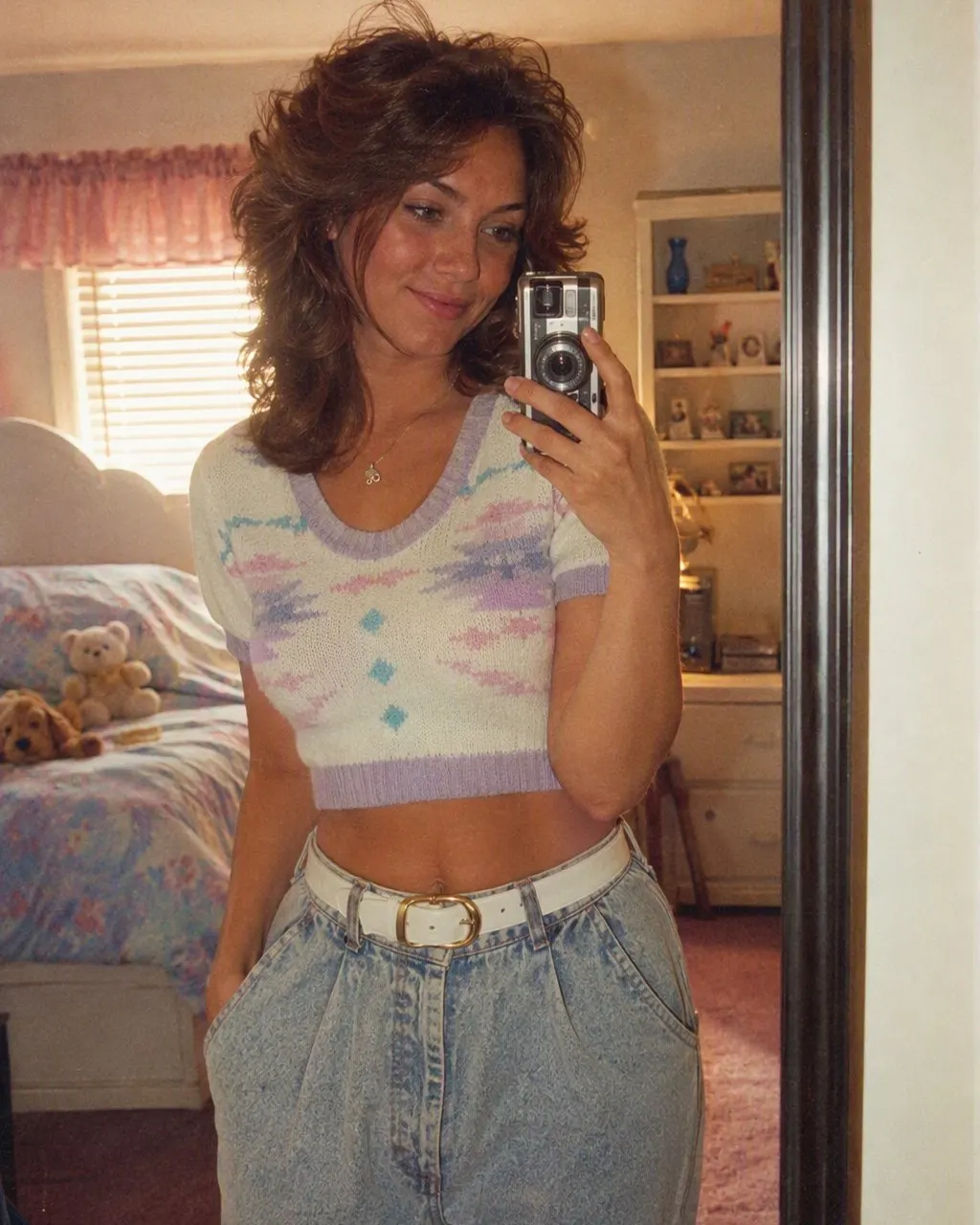
To see what you would have looked like in the 80s, you give an AI one clear photo of yourself and have it change the hair, clothes, background and film look to the mid-1980s while keeping your face. That is the whole 80s photo trend.
You can do it with a one-tap app style, which needs no prompt, or by attaching your photo to ChatGPT or Gemini with a written prompt. Both work. The app is quicker and keeps the face more consistently; the prompt lets you ask for exact details.
Keep in mind what the result is: a styled guess, not a record. It shows today's face in 80s styling, which is a different thing from how you or your parents really looked back then.

The trend in three steps
Pick the photo
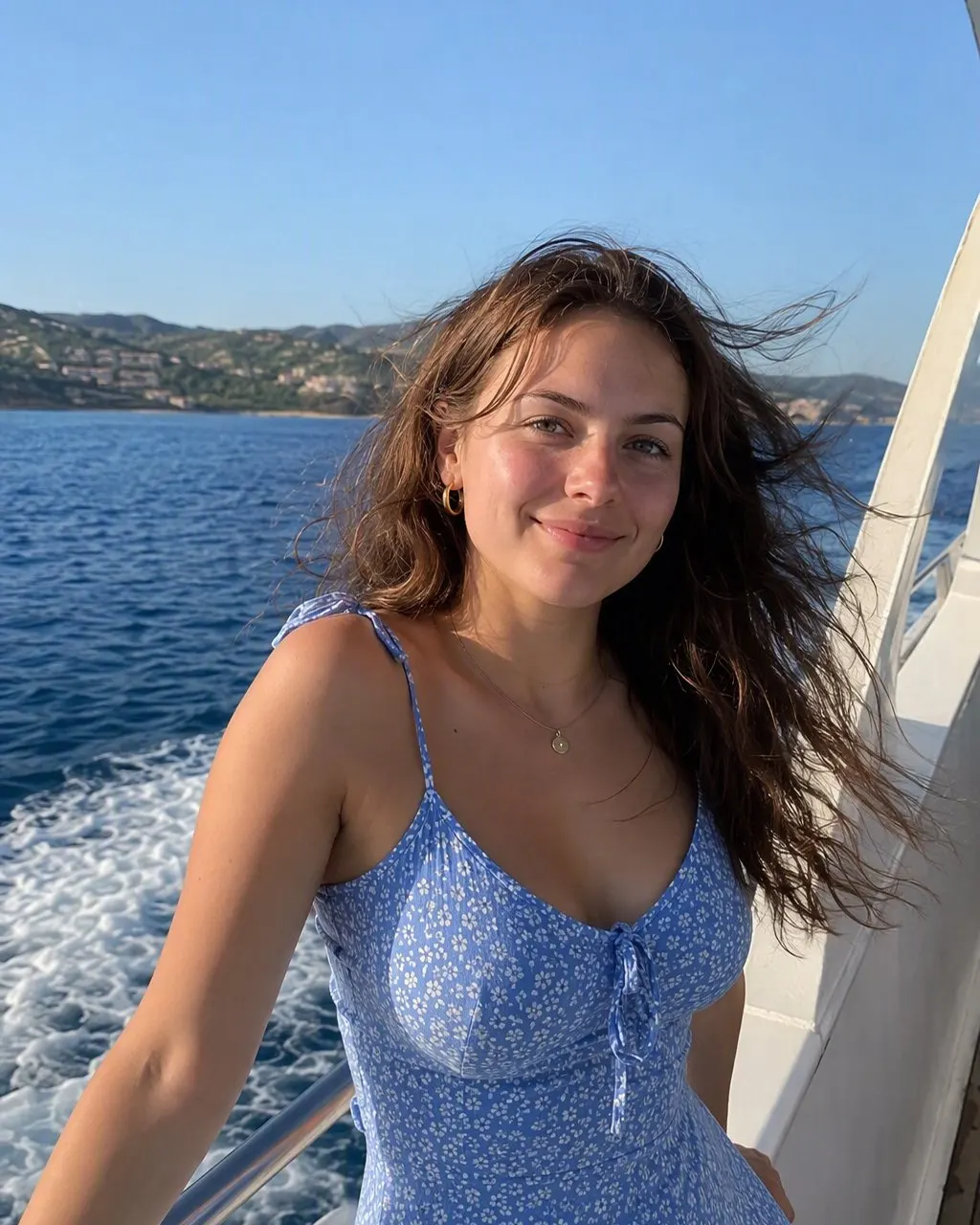
Front-facing, sharp, good light, no sunglasses or beauty filter.
Choose your route
Tap the 80s style in an app, or paste a face-keeping prompt into ChatGPT or Gemini with the photo attached.
Compare and post
Put the original next to the 80s version. That side-by-side is what people share.
Route one: the app, step by step
Install FaceCast from the App Store (iPhone and iPad, iOS 16 or later) or Google Play. Open the 80s style, add one photo from your camera roll, and wait a moment while it is processed. You get a still image back that you can save to your phone.
There is nothing to type. The style decides the hairstyle, the outfit and the backdrop, which is the point for most people: you see what the 80s would have done to you without having to know what a feathered cut is called. If you do not like the outfit you got, try a different source photo, since that changes the result more than anything else.
FaceCast is free to download. Some features need an in-app purchase or subscription, and the app shows the price before you agree to anything.
Route two: ChatGPT or Gemini, step by step
Open ChatGPT or the Gemini app, start a new chat and attach your photo. In the same message, paste a prompt that does two things in this order: first tells the tool to keep your face, skin tone and expression exactly as they are, then describes the 80s look you want. Send it and look closely at the face before anything else.
If the face has drifted, say so in plain words in the next message, for example that the jaw and nose must match the original photo exactly, and ask it to try again. It often takes two or three rounds. Our page of 80s photo prompts has tested text for women, men, couples, families and the yearbook look.
This route is good when you want something specific, such as a laser yearbook backdrop or a prom setting. It is weaker on consistency: two runs of the same prompt can give two quite different people.
What makes it look like a real 80s photo
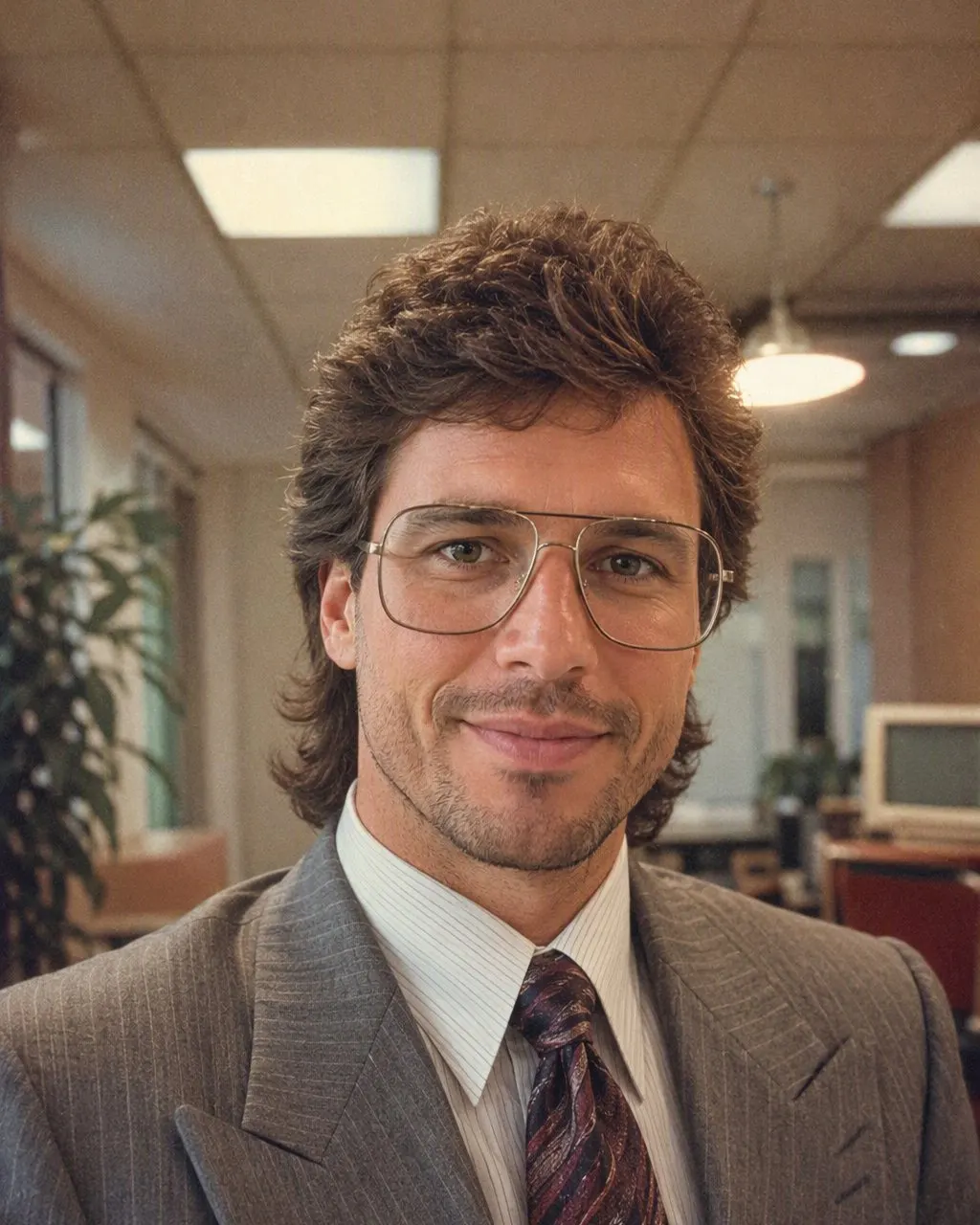
Hair with real volume
Perms, teased crowns, big bangs, feathered sides, mullets. Flat modern hair is the most common giveaway.
Period clothes, not a costume
Denim jackets, shoulder pads, pastel knits, acid-wash and polo shirts with popped collars look lived in. A neon wig and leg warmers on every result look like a Halloween party.
The flash
On-camera flash fired straight at the face, with a hard shadow behind and a little shine on the skin.
Film color and grain
Warm, slightly faded color and visible grain. Too much and it looks like a filter; too little and it looks digital.
A believable setting
A studio backdrop, wood paneling, a kitchen with patterned wallpaper or a parking lot. The background sells the decade as much as the hair.
Common mistakes
Starting from a group selfie where faces are tiny is the most frequent one. The AI has little to keep, so faces blur or change. Crop closer or pick a photo where people are nearer the camera.
Another is using a photo that already has a beauty filter. Smoothed skin and enlarged eyes get carried into the result and fight with the grainy film look. An unfiltered photo gives a more natural print.
With prompts, people often list fifteen 80s items at once. The tool tries to fit all of them and the result turns into a costume. Pick a scene, such as picture day, a mall portrait studio or a backyard barbecue, and let that scene decide the details.
Seeing what we would have looked like in the 80s
Many searches are plural: what would we have looked like in the 80s. Couples and families do this together. Use one photo with everyone in it rather than separate selfies, so the result shares the same light and setting. The app keeps each face in the photo; with prompts, add a line saying every person must stay the same and stay in the same position.
For two people, our 80s couple photo page goes into poses and settings that read as the decade, from prom to the department-store couple portrait.
What the result can and cannot tell you
The image is a still picture of your current face in 80s styling. It does not age or de-age you and it does not guess your childhood looks. If you want to know what you actually looked like in the 80s, the honest answer is in your family's photo albums, and many people post those next to their AI version, which makes a good comparison.
Questions about the 80s trend
How are people doing the 80s trend?+
Mostly two ways: a one-tap 80s style in an app like FaceCast, or ChatGPT and Gemini with a photo attached and a prompt pasted in. Both start from a single recent photo.
Can ChatGPT show me what I would look like in the 80s?+
Yes, if you attach a photo and use a prompt that tells it to keep your face first. Results vary from run to run, so expect to retry a few times and check the face each time.
What is the 80s photo trend?+
A social media trend where people post a recent photo next to an AI-made version of themselves styled as if the picture was taken in the 1980s.
Why does my 80s photo not look like me?+
The source photo is usually the cause: a side angle, low light, a filter or a small face in the frame. Try a sharper, front-facing photo. With prompts, repeat the face-keeping instruction more firmly.
Is there an 80s look app that does it without a prompt?+
Yes. FaceCast has a one-tap 80s style on iPhone and Android. It is free to download; some features need an in-app purchase or subscription.
See yourself in the 80s with FaceCast
One photo, one tap, no prompt. Free to download; some features need a purchase or subscription.