
Free to try
Baby Face Generator from Parents’ Photos
Add one photo of each parent and the AI builds a single baby face out of both. No prompt writing, no editing skills.
What a baby face generator does
A baby face generator takes a photo of each parent, maps the facial structure in both — eye shape and spacing, nose bridge, lip line, jaw width, skin tone — and renders one new face that sits plausibly between them. You are not editing either photo; the model draws a new baby face informed by both.
FaceCast does this from two ordinary photos and returns a boy version and a girl version of the same blend. It is free to download on iOS and Android with a free trial; this page only shows AI-generated sample results.
The output is a realistic face, not a genetic forecast. Which features a real child inherits is decided by a combination that has not happened yet, so treat the result as an informed illustration rather than a prediction.
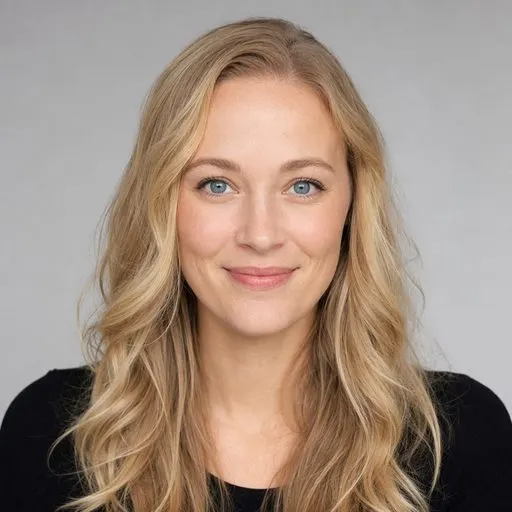

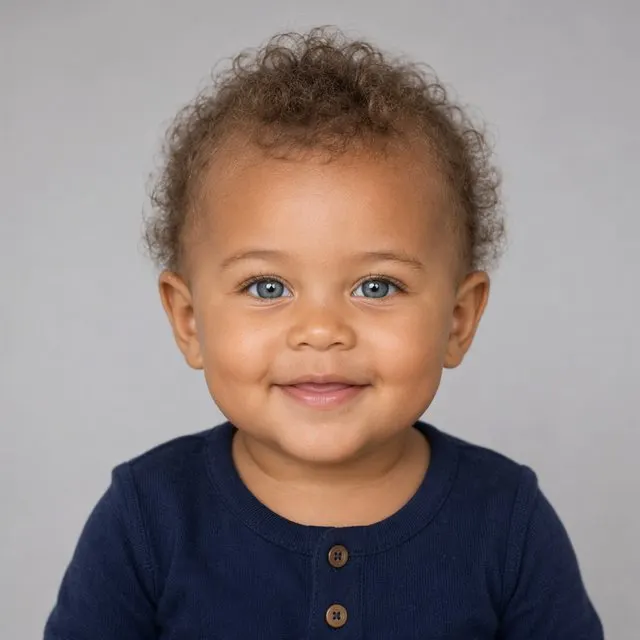
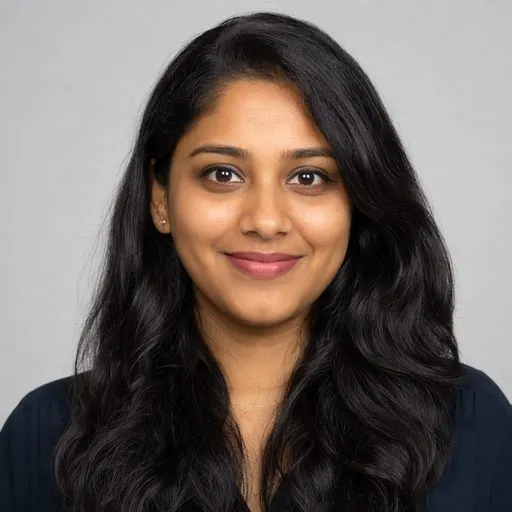
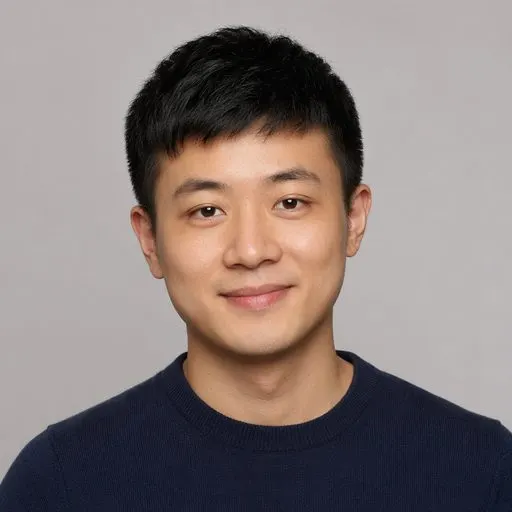
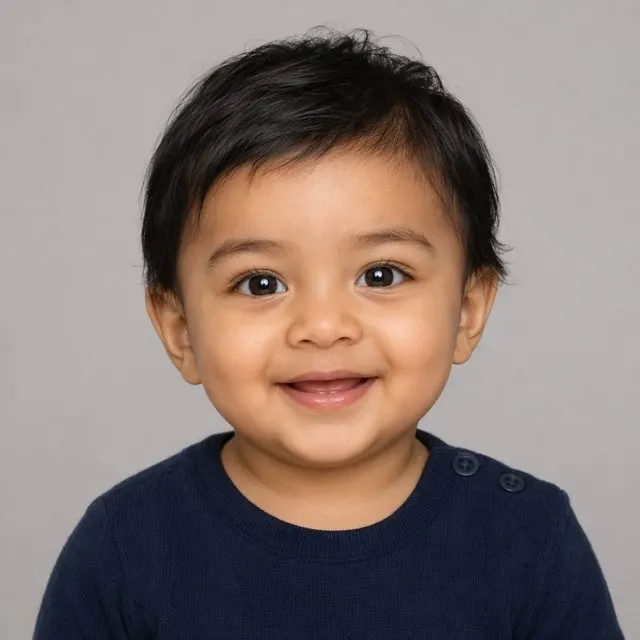
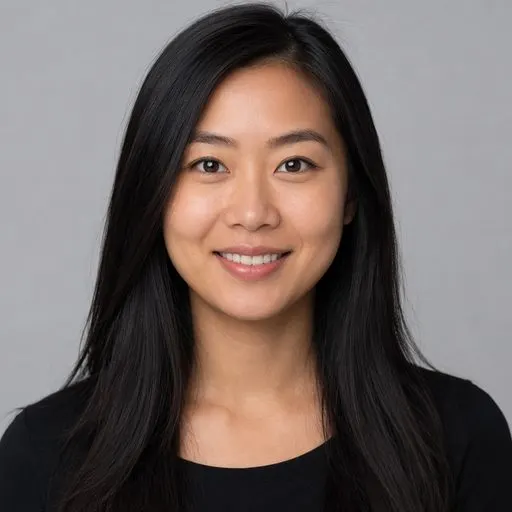

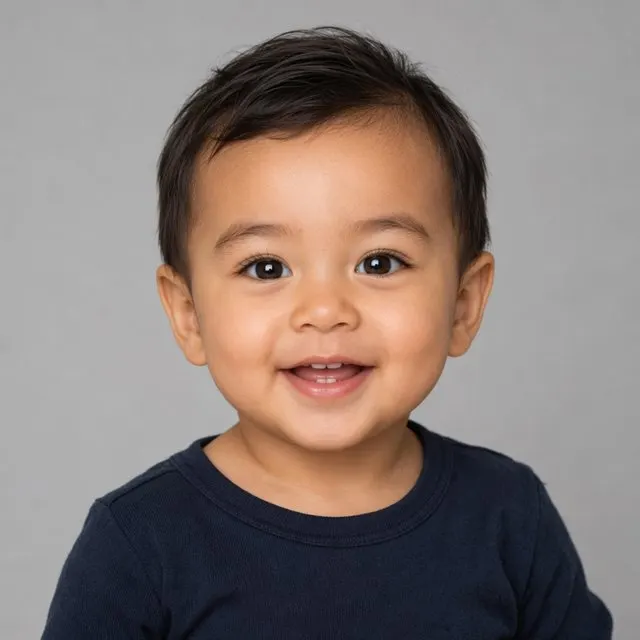
Sample couples and babies are AI-generated illustrations to show how FaceCast works. Download the app to create results from your own photos.
How to generate a baby face from two photos
Pick one photo per parent
Front-facing, evenly lit, whole face visible. One face per photo — group shots and couple selfies confuse the mapping.
Let the model blend them
The AI reads both faces and generates a new baby face that combines their proportions rather than pasting features together.
Browse both versions
Every run returns a boy and a girl face. Save either, re-run with different photos, or take the same faces into a family portrait.
What you get back from one blend
Two faces, not one guess
A boy version and a girl version of the same parent blend, side by side, so you can compare which features carried through.
A set that grows
Re-running with a different pair of source photos gives a noticeably different face. Most couples end up with a small gallery rather than a single image.
The whole family in frame
The family portrait feature places both parents and the generated baby into one picture from the same two photos.
What makes a good source photo
The single biggest factor in the result is the source photo, not the model. A face shot from the front in soft, even daylight gives the AI clean geometry to work with: it can read the width of the nose, the set of the eyes and the shape of the jaw without guessing.
Photos that consistently produce weak blends are the obvious ones — heavy shadow across one side of the face, a sharp upward or downward camera angle, sunglasses, a hand or hair over the cheek, a beauty filter that has already reshaped the features, or a low-resolution crop pulled out of a group photo. If a result looks off, swapping in a better photo fixes it far more often than re-running the same one.
Frequently asked questions
Is there a baby face generator online free?+
FaceCast has no online version: this page only shows AI-generated sample results. The FaceCast app is free to download on iOS and Android with a free trial, so you can generate a face from your own photos before deciding on any optional premium features.
How does a baby face generator from parents work?+
It reads the facial geometry in each parent’s photo and generates a new face weighted between the two. Nothing is cut and pasted — the model renders a fresh baby face whose proportions plausibly come from both sources.
Do I need two photos, or will one work?+
Two photos, one per parent. A blend needs both sets of features to work from. If you only have one parent photo, the result would just be a baby-styled version of that face rather than a genuine blend.
Does it give a boy and a girl version?+
Yes. Each generation returns both from the same parent blend. Most people want to see the pair rather than one arbitrary result, so the app produces them together.
Can the AI baby generator face maker show the child as an adult?+
No. FaceCast generates a baby face from your photos and does not age it forward into a child or an adult. Any tool advertising a 20-year projection is guessing, so read those claims carefully.
Why did my result look nothing like either of us?+
Almost always the source photo. Angled shots, strong side lighting, sunglasses, heavy filters and low-resolution crops all strip out the geometry the model relies on. Retry with a clear, front-facing photo in daylight.
Are the uploaded photos kept private?+
Your photos are processed only to create your images, which can involve our AI service providers. They are not sold or used for advertising. See the Privacy Policy for details.
Generate a baby face from your own photos
Download FaceCast free and blend two parent photos into a boy and a girl version.