
Prompts
80s photo prompts for Gemini and ChatGPT
Seven prompts you can paste as they are, each written to keep the face from your photo, plus what to do when the result goes wrong.
The short answer
A good 80s photo prompt has two parts. First it tells Gemini or ChatGPT to keep your face, skin tone and expression exactly as they are in the attached photo. Then it describes one clear 1980s scene: the hair, the clothes, the backdrop, the flash and the film grain.
Attach your photo, paste one of the prompts below in the same message and send it. If the face changes, ask again with the face instruction repeated. The prompts work in both tools; small differences are noted under each one.

How to use these prompts
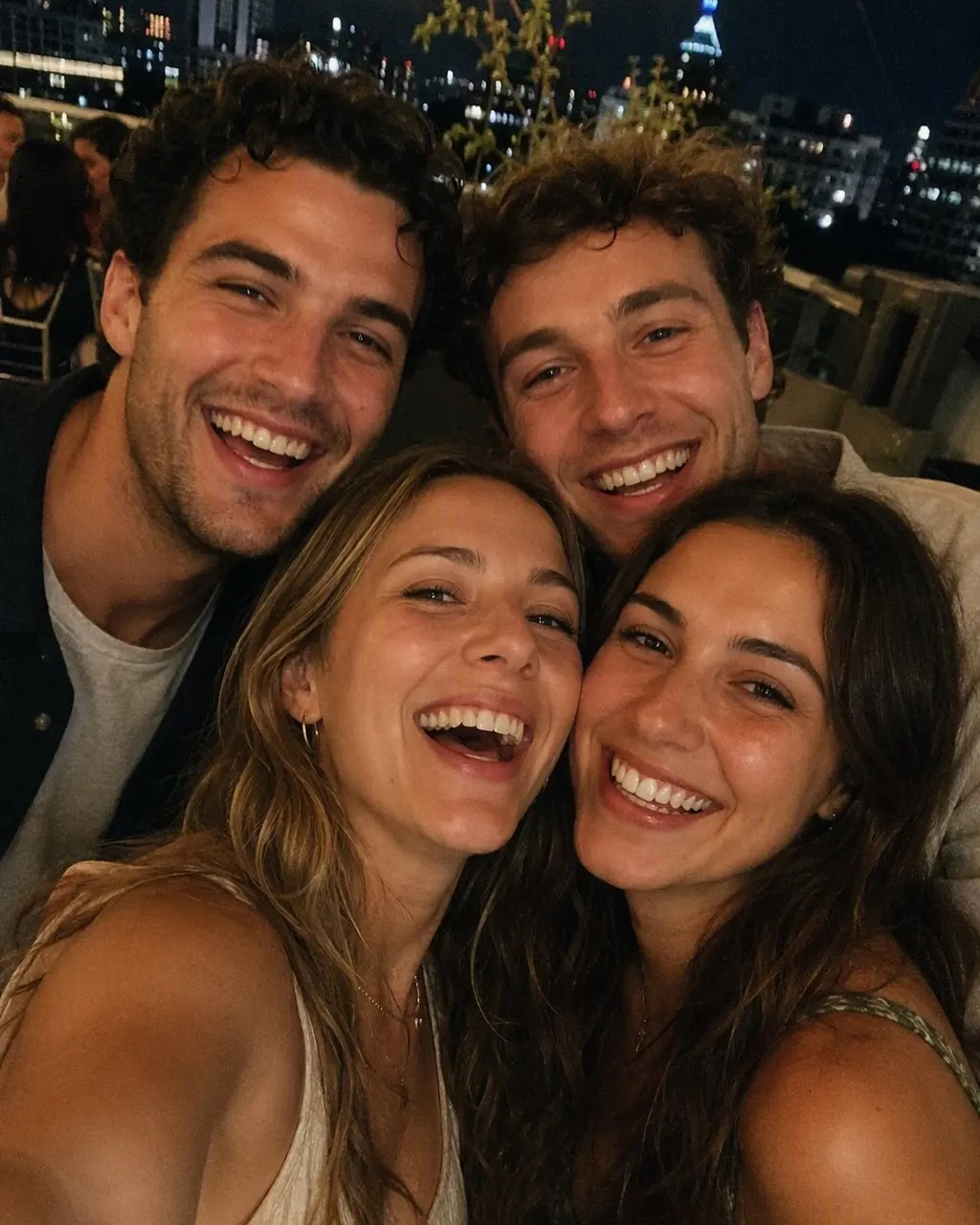
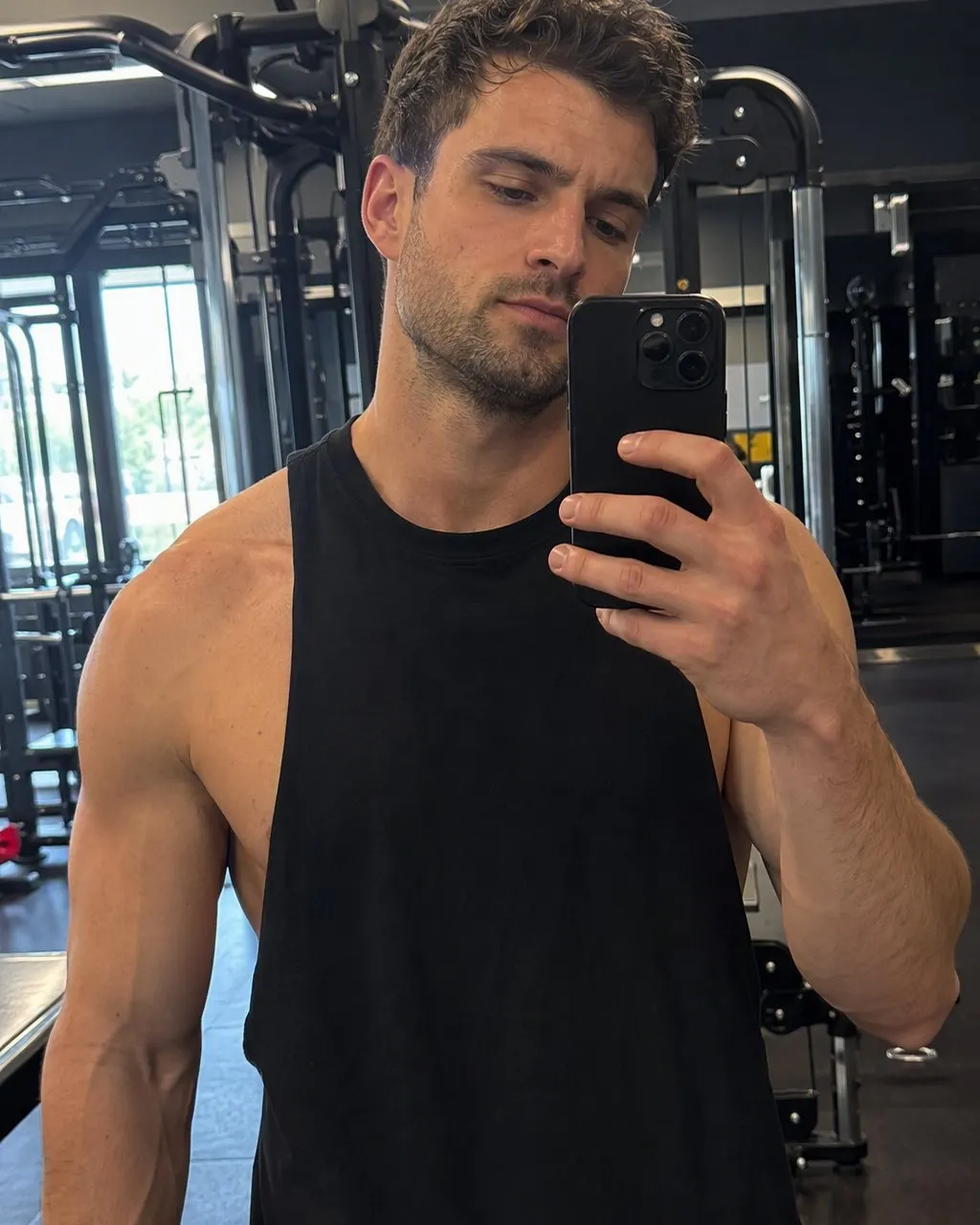
Attach a clear photo
Front-facing, well lit, no sunglasses. In Gemini or ChatGPT, add it to the same message as the prompt.
Paste one prompt
Use it as written first. Change details only after you see a result you mostly like.
Check the face, then refine
If the face drifted, reply that it must match the photo exactly and run it again.
Copy-ready 80s prompts
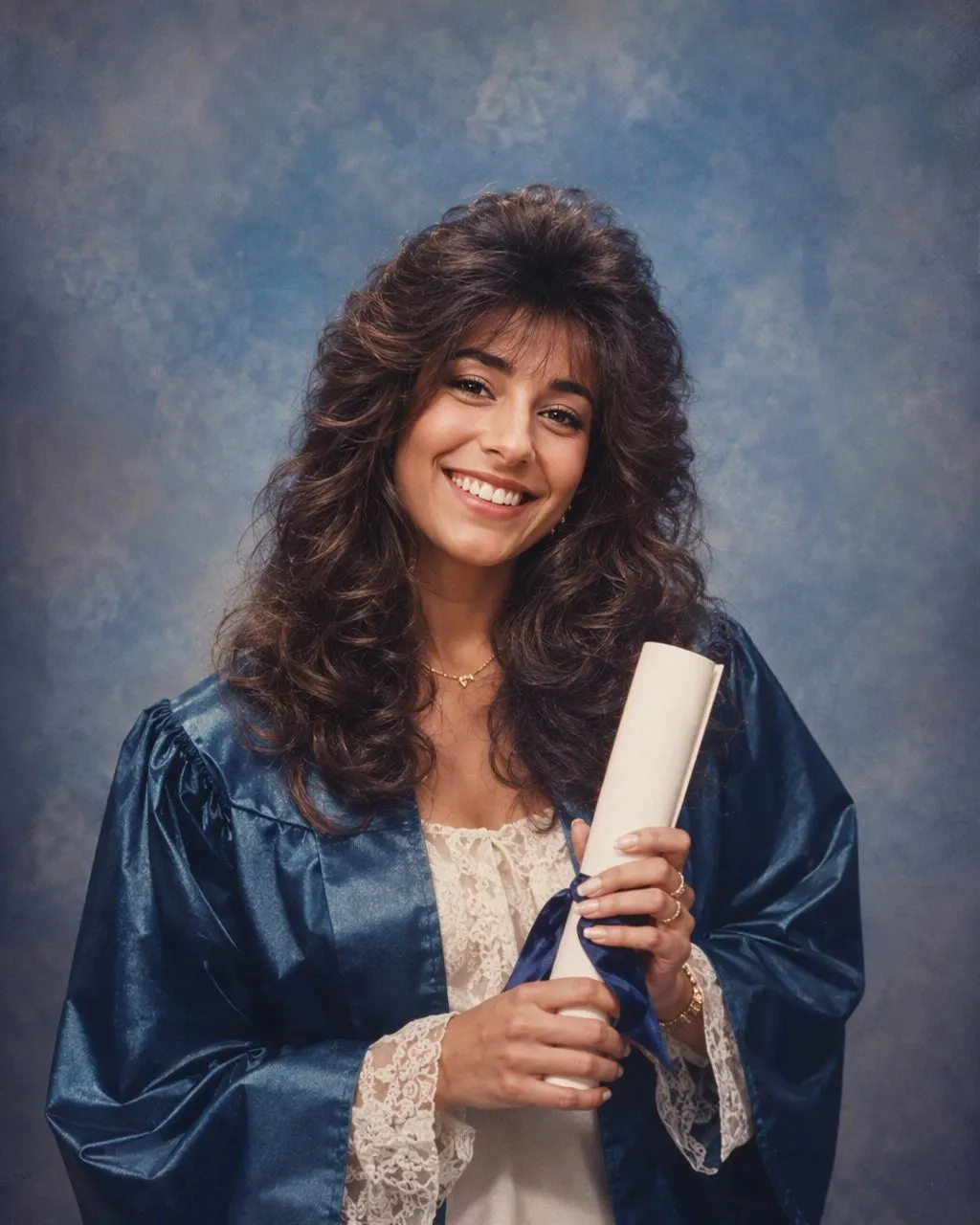
Edit the attached photo. Keep my face exactly as it is: same face shape, eyes, nose, mouth, skin tone and expression. Do not make me look younger, older or like someone else. Restyle the photo as if it was taken in 1986: voluminous permed or feathered hair, period clothing such as a denim jacket or a blazer with shoulder pads, a direct on-camera flash with a hard shadow behind me, warm slightly faded film color and visible 35mm grain. Background: a simple 1980s studio backdrop in mottled blue. Photorealistic, like a scanned print from a family album.
Start here. It is the version most people searching for an 80s look prompt want.
Using the attached photo, keep the person's face, features, skin tone and expression exactly the same. Turn it into a late-1980s American school yearbook portrait: head and shoulders, body turned slightly, chin tilted, a big hairstyle typical of the time, a sweater or collared shirt. Background: the classic school picture laser backdrop with bright pink, blue and purple laser beams on a dark field. Even studio lighting, slight soft focus, faded color, the look of a printed school photo. Photorealistic.
For the laser background school photo look. Ask for "mottled gray-blue backdrop" instead for an earlier 80s picture day.
Keep my face, skin tone and expression exactly as in the attached photo, the same person. Create a late-1980s mall glamour portrait: very big teased hair, bold makeup with blush and frosted eyeshadow, large earrings, an off-the-shoulder top or a denim jacket with the collar turned up, one hand lightly near my chin. Strong soft-focus glow, a hazy pastel backdrop, studio lighting. Photorealistic, like a portrait print from 1989.
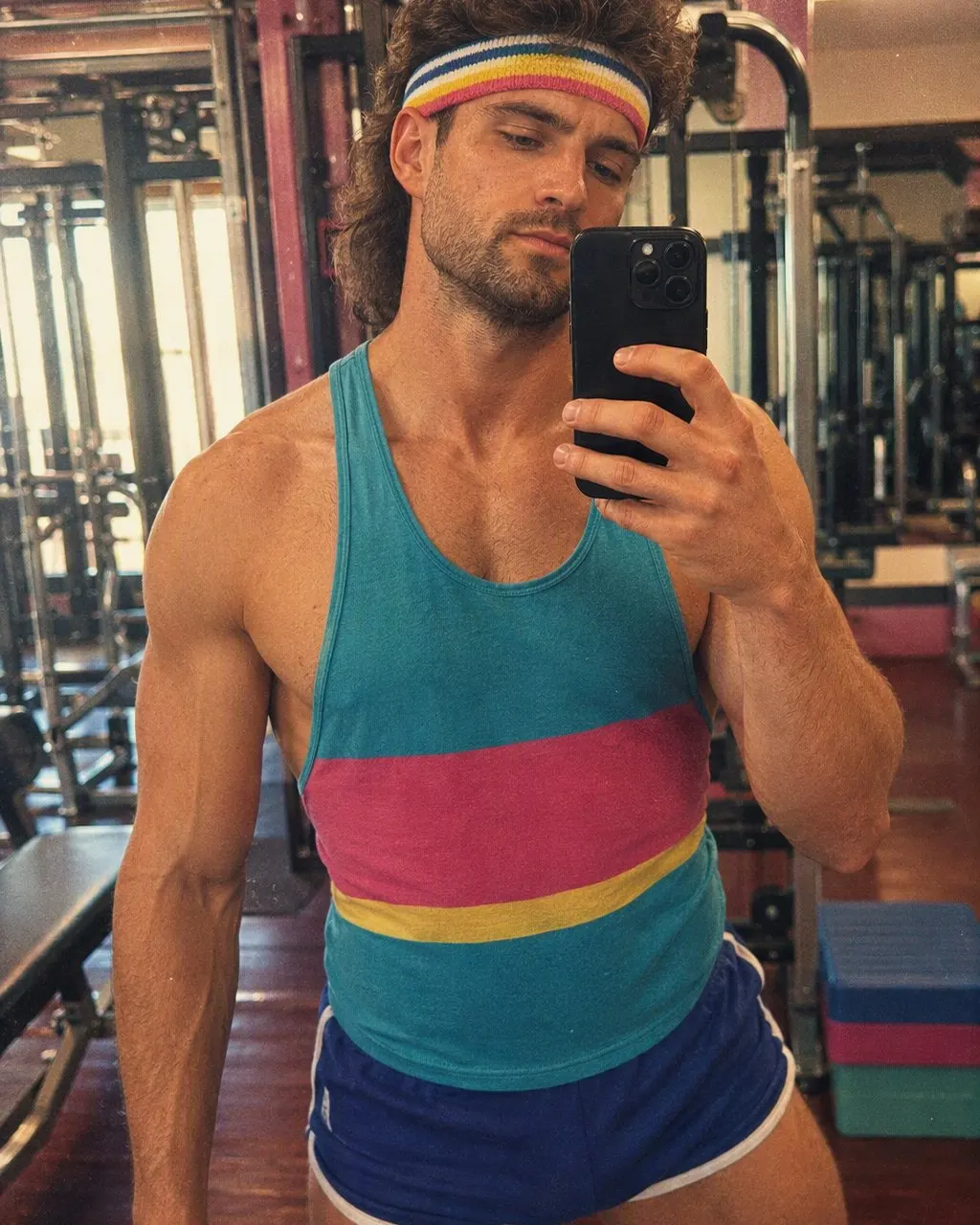
Keep the face in the attached photo exactly the same: same features, same skin tone, same expression, same facial hair if any. Restyle it as a 1985 photo: a mullet or a feathered haircut, a denim or Members Only style jacket over a T-shirt, maybe aviator glasses pushed up on the head. Background: a suburban driveway with an 80s car, late afternoon. Direct flash, warm faded color, 35mm grain, an orange date stamp in the bottom right corner. Photorealistic.
Keep both people's faces exactly as they are in the attached photo: same features, skin tones, expressions and positions. Do not change who they are. Make it a mid-1980s couple portrait from a department store photo studio: coordinated outfits in matching sweaters or denim, big permed hair, the woman's head tilted toward the man's shoulder, a painted blue studio backdrop, soft lighting with a slight glow. Faded color and film grain. Photorealistic.
For prom, ask for a ruffled tuxedo shirt, a taffeta dress with puffed sleeves and a balloon arch behind them.
Keep every person's face exactly as in the attached photo, same people in the same positions, nobody added or removed. Turn it into a 1980s family Christmas card portrait: matching knit sweaters, big hair, a living room with wood paneling, a tree with tinsel and colored lights, everyone posed close together. Direct flash, warm faded color, film grain. Photorealistic, like a print from 1987.
Keep my face exactly the same. Make this a photorealistic 1986 photo: big 80s hair, 80s clothes, studio backdrop, direct flash, faded film color and grain.
Gemini follows short prompts well. If the result looks too clean, add "scanned film print" at the end.
Gemini or ChatGPT: what to expect
Both tools can edit an attached photo, and both can do a convincing 80s look. They behave differently, though. Gemini edits often stay closer to the original photo and its framing, which helps with faces, while ChatGPT more often redraws the whole picture, which can give a richer 80s scene but more drift in the face. Neither behaves the same every day, so treat this as a starting point.
Both have free tiers with limits on how many images you can make, and those limits change. If you hit one, waiting or using the other tool is the usual answer.
Why results vary from run to run
These tools generate a new image each time rather than applying a fixed filter, so the same prompt and photo can give different hair, a different jacket or a slightly different face. That is normal. Run it two or three times and keep the one that looks most like you.
The source photo matters as much as the prompt. A sharp, front-facing photo keeps the face better than a dim side angle, and a photo without a beauty filter gives a more believable film look.
Fixing common failures
The face changed
Reply: "The face must match the original photo exactly. Keep the same eyes, nose, jaw and skin tone and only change hair, clothes and background." Then run it again.
It looks like a costume party
Remove items from the prompt. One scene with a few details reads as the 80s; a list of every trend reads as fancy dress.
It looks too digital
Add "scanned 35mm print, visible grain, slight color fade, direct on-camera flash" to the end.
A person disappeared from the group
Say how many people are in the photo and that all of them must stay in the same positions.
It refuses to edit the photo
Some photos, such as ones that look like they show children or public figures, can be declined. Use a photo of yourself or adults who have agreed to it.
If you would rather not write a prompt
FaceCast has a one-tap 80s style that does the same job without any text: one photo in, a still image out, with the face kept and the hair, clothes, backdrop, light and grain changed. You trade control over each detail for consistency. It is free to download on iPhone and Android, and some features need an in-app purchase or subscription. The 80s photo app page explains how it compares.
Prompt questions
What is the 80s prompt for Gemini?+
Attach your photo and use the classic prompt above, or the short Gemini version. Both start by telling Gemini to keep your face, then describe the 1986 look.
What is the 80s prompt for ChatGPT?+
The same prompts work in ChatGPT. Attach the photo first, paste the prompt in the same message and check the face carefully, since ChatGPT can rebuild more of the image.
Is there a 1980s photo prompt for couples?+
Yes, the couple prompt above keeps both faces and their positions and sets them in a department-store studio portrait. The note under it covers prom.
How do I get the laser background in a prompt?+
Ask for it by name: the classic school picture laser backdrop with pink, blue and purple beams on a dark field. The yearbook prompt above does this.
Why does the prompt change my face?+
Image tools generate a new picture each time. Put the face instruction first, keep the rest of the prompt short and use a clear, front-facing photo. Then retry.
No prompt needed in FaceCast
The 80s style is one tap in the app. Free to download; some features need a purchase or subscription.