
Trending now
What Would I Look Like in the 80s? One Photo Answers It
Not a filter over your selfie: a mid-80s studio portrait with your actual face, the hair your mother had, and the flash from the mall photo studio. Here is how to see it, and what to expect.
4.6average rating · 4,109 App Store
The Short Answer
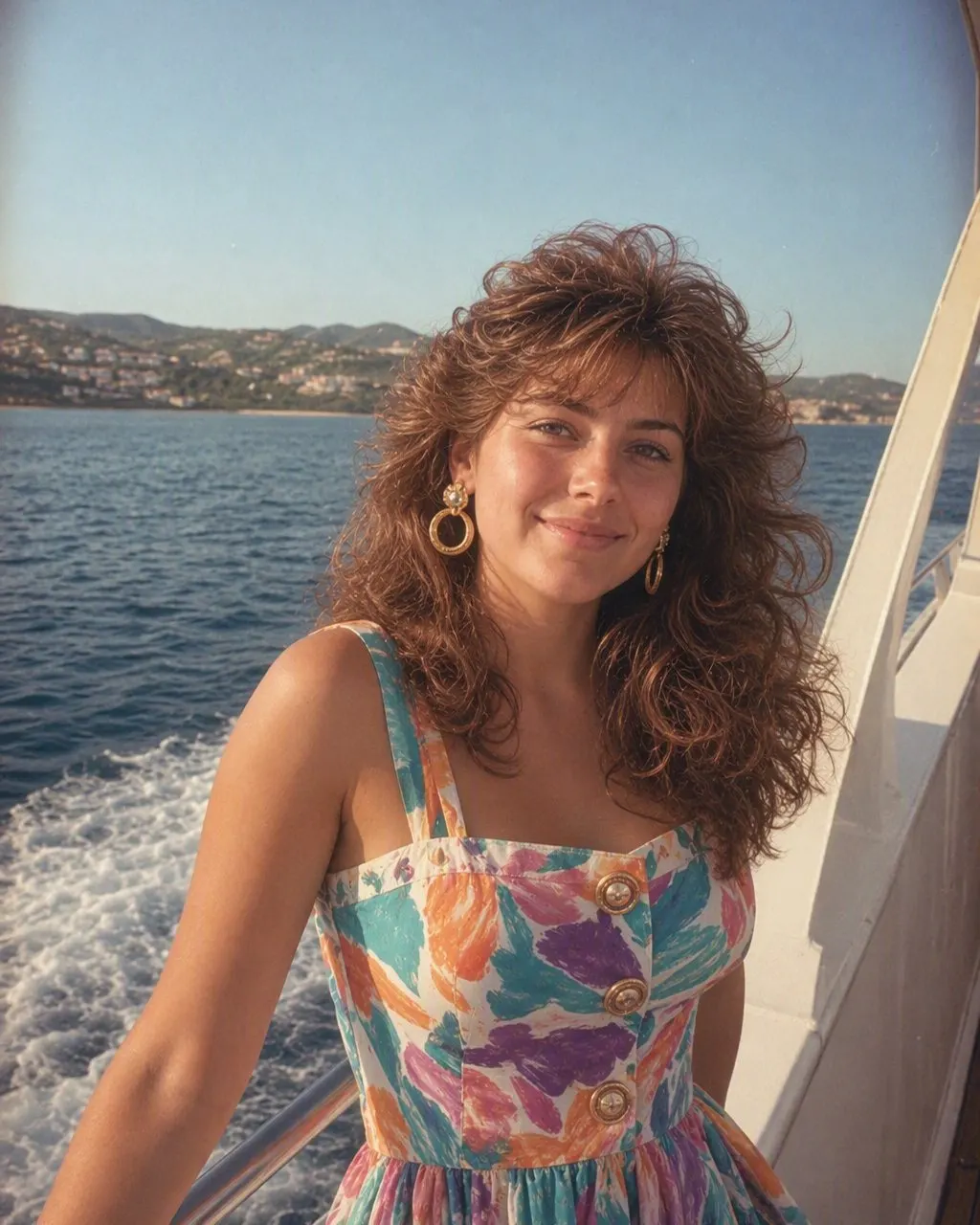
To see what you would look like in the 80s, upload one photo to an AI tool that keeps your face and changes only the hair, clothes, accessories and setting. In the mid-80s that means feathered or permed hair with height at the crown, a blazer with shoulder pads or a pastel polo with the collar up, big plastic earrings, and a studio portrait lit with a direct flash in front of a mottled canvas backdrop, with soft film grain. FaceCast has this as a fixed style: one photo, one tap, the portrait in seconds, free on iOS and Android, with your face, skin tone and expression kept.
The reason “what would I look like in the 80s” took off as a search is that the answer is checkable. Most Filipino families own the original: a parent’s graduation portrait, a tita’s prom photo, the whole family in coordinated colours at a mall studio. When the AI version comes back, you can hold it next to the real print and see whether the flash, the backdrop and the hair match. That is also why the face has to be kept: the picture is only funny, or only moving, if it is clearly you in your mother’s decade.
What you get is one still image. It does not age you, it does not turn you into a celebrity, and it is not a video. It is you, photographed the way people were photographed in the mid-80s.
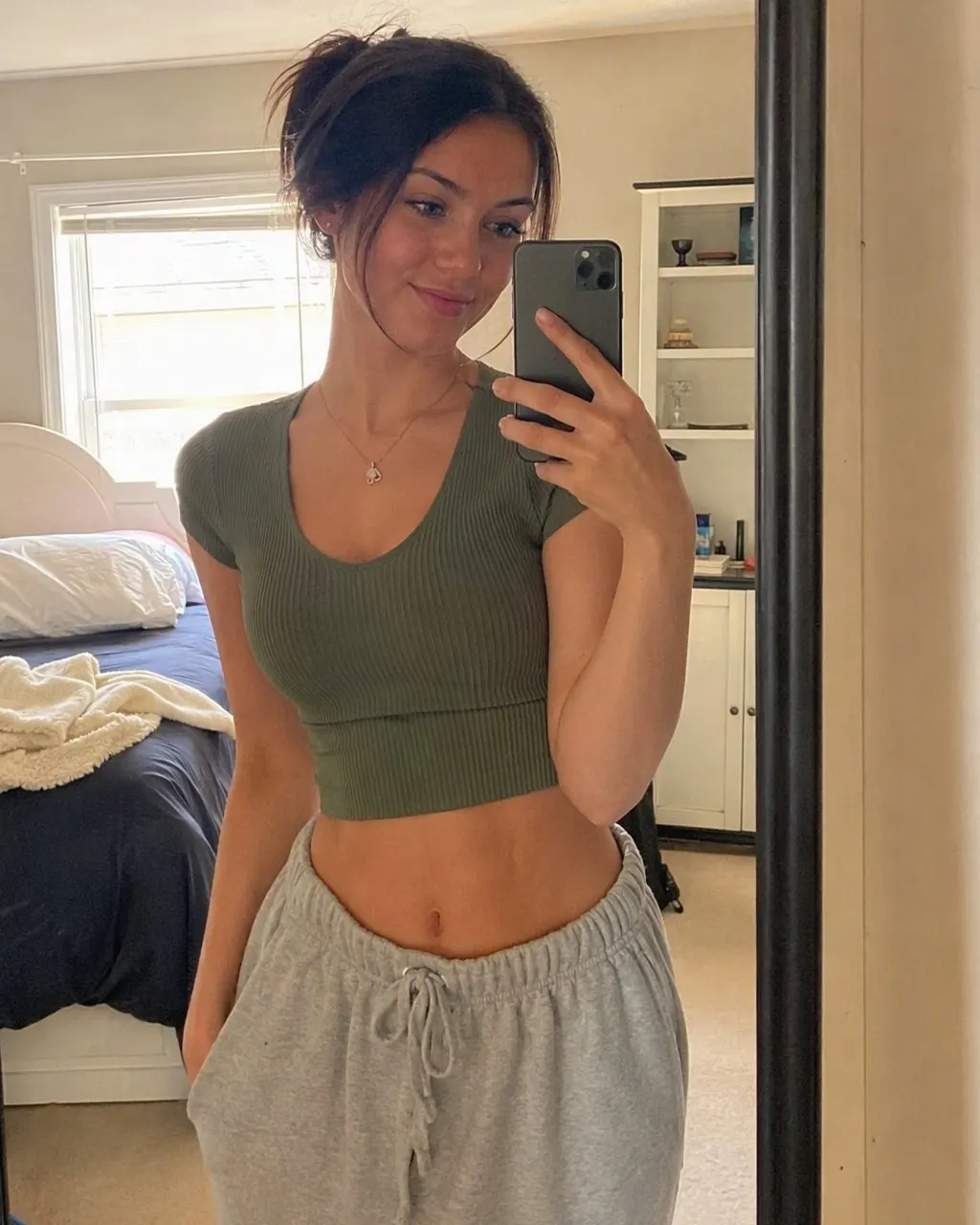




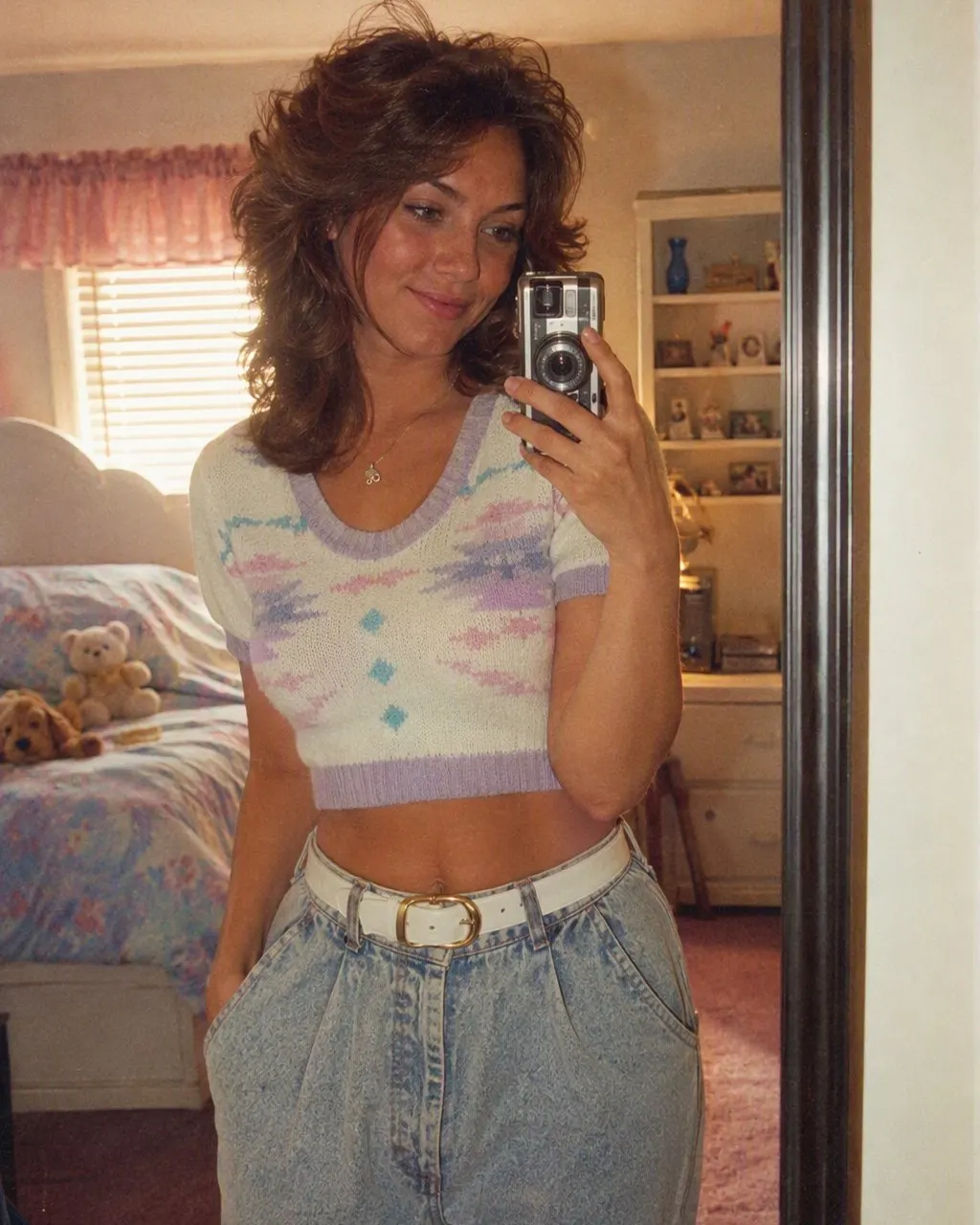
How to See Yourself in the 80s
Choose one clear photo
A front-facing photo in even light with your whole face visible. A selfie is fine. If you want the full mall-studio effect, use a chest-up shot; if you want the snapshot feel, a mirror selfie or a holiday photo works.
Tap the 80s style in FaceCast
Upload the photo and choose the 80s look. There is no prompt and nothing to set; the hair, clothes, flash and backdrop are already decided by the style.
Compare it to a real print
The portrait is back in seconds. Put it next to an actual mid-80s photo from the family album and check the hair, the flash and the backdrop. Then post it with a short “made with AI” note.
What Actually Changes When You Go Back to the 80s
The trend is not a colour filter. A filter tints the photo you already have; this rebuilds everything around the face. Here is what moves, and what a good result refuses to move.
Your face stays
Features, skin tone, expression, the shape of the head. This is the whole point. A version where the jaw changed is a portrait of someone else.
The hair goes up
Feathered layers or a perm, volume at the crown, a swept fringe, hairspray shine. On men, a fuller side part or a mullet. This is the single biggest change and the one people react to first.
The clothes go mid-80s
Shoulder pads, a denim jacket, a collar-up pastel polo, a satin blouse with a bow, a thin chain, a digital watch. The colour palette shifts to pastels and primaries.
The photograph changes
A direct flash that lights the face hot and throws a hard shadow behind the shoulder, a mottled grey or blue canvas, and a soft grain and warm fade like a print that has lived in an album for forty years.
The Filipino Mid-80s Look, Specifically
The generic 80s is a Western mall. The Filipino mid-80s has its own references, and they are mostly the same ones people already have on the wall at home. The teen look of the Bagets years: bright polos with the collar up, high-waisted jeans, the side-swept fringe, a headband. The OPM concert glamour: satin, sequins, big curls and bigger earrings. And the studio portrait itself, from the photo studios in Cubao, Makati and every provincial town centre, with the same mottled backdrop and the same single flash.
An AI style does not know which of those you mean, so the result is a blend: the studio portrait format with mid-80s hair and clothing. If you want the result to lean Bagets or lean glamour, the photo you start with decides a lot. A casual, smiling shot leans teen; a composed, chest-up shot leans studio. The 80s Philippines style page linked below goes through the look in more detail.
The Prompt Route, and the One With Nothing to Type
You can also ask ChatGPT or Gemini. The prompt has to start with an identity line telling the model to keep the face exactly as it is and change only hair, clothes, accessories and setting; then it describes the mid-80s studio photograph. The honest caveat is that a free-text prompt re-decides the whole image every run, so the face can drift between attempts, and you may spend a couple of rounds pulling it back. The ChatGPT and Gemini pages linked below give the full wording.
FaceCast is the route with nothing to type: the 80s look is a fixed style, the face is handled the same way on every run, and the portrait comes back in seconds. It makes a still image only, not video, does not age anyone, and does not add celebrity faces. Your photo is used only to generate your result; it is not sold or shared for marketing. Upload your own picture, or one everybody in it agreed to.
Frequently Asked Questions
What would I look like in the 80s?+
In a mid-80s studio portrait you would have feathered or permed hair with height at the crown, shoulder pads or a collar-up pastel polo, big earrings, and you would be lit with a direct flash in front of a mottled canvas backdrop with soft film grain. An AI style like the one in FaceCast shows you this from one photo, in seconds, with your own face, skin tone and expression kept.
Is there a free app to see what I would look like in the 80s?+
Yes. FaceCast is free on iOS and Android and has the 80s look as a fixed style. Upload one photo, tap the style, and the portrait comes back in seconds. No prompt and no account are needed to try it.
Does the 80s AI change my face?+
A good one does not. FaceCast keeps the face, skin tone and expression and changes only hair, clothes, accessories, backdrop, flash and grain. A ChatGPT or Gemini prompt can drift the face between attempts unless the prompt says explicitly to leave it alone, and sometimes even then.
Can I do it with a couple or family photo?+
Yes. Couple, family and group photos all work; every face in the picture is kept. The cleanest results come from photos where the faces are clearly visible and fill a fair share of the frame.
Does it make a video of me in the 80s?+
No. The output is a single still image styled as a mid-80s print. FaceCast does not make video, does not age or de-age anyone, and does not put celebrity faces in the picture.
Is it safe to upload my photo?+
FaceCast uses your photo only to generate your result; it is not sold or shared for marketing. Upload your own photo or one everyone in it has agreed to, and add a short AI note when you post the result.
See Yourself in the 80s
One photo, one tap, a mid-80s portrait in seconds with your face kept. Free on iOS and Android.
4.6average rating · 4,109 App Store