
1980s photo trend
The 1980s Photo App
One photo in, a 1980s portrait out, in about the time it takes to read this sentence. No prompt, no sliders, no editing skill — and your face comes back as your face. Free on iOS and Android.
4.6average rating · 4,109 App Store
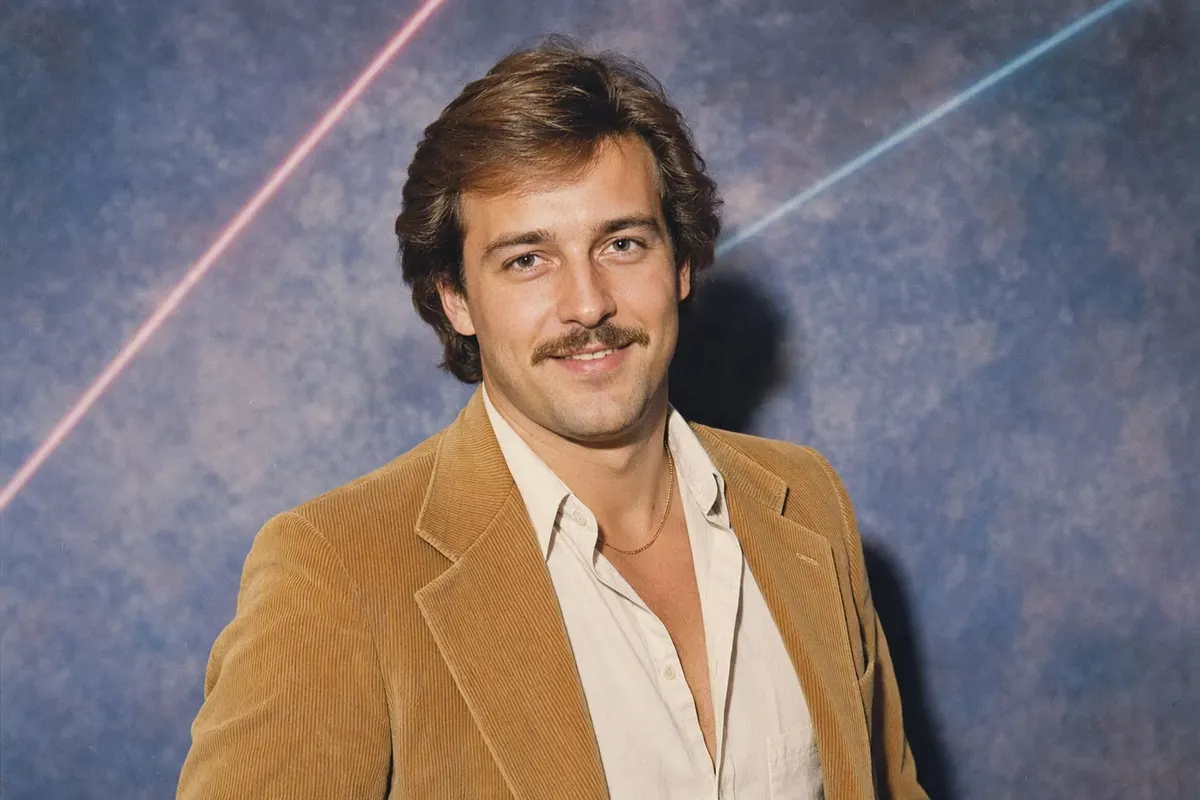
What the app does
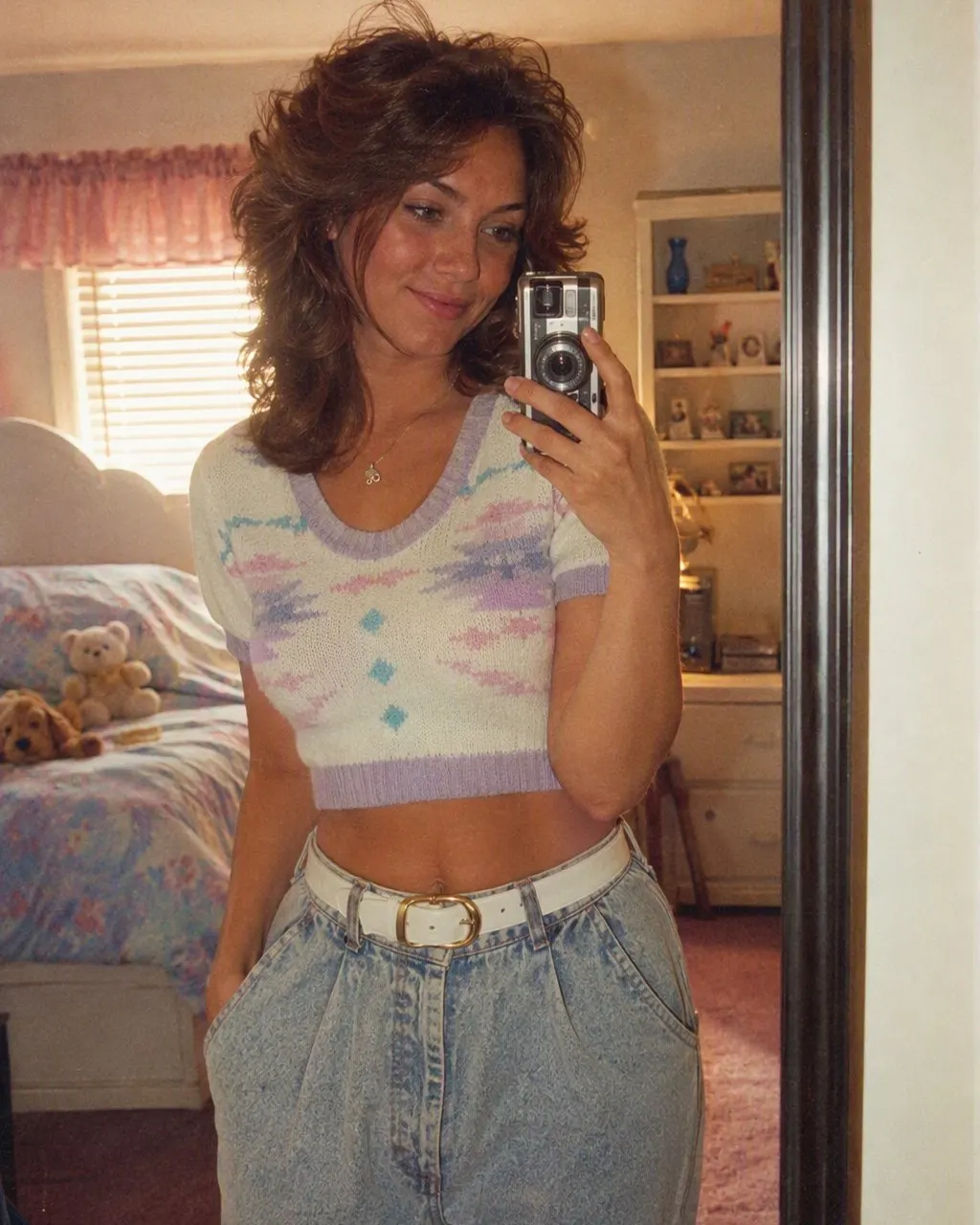
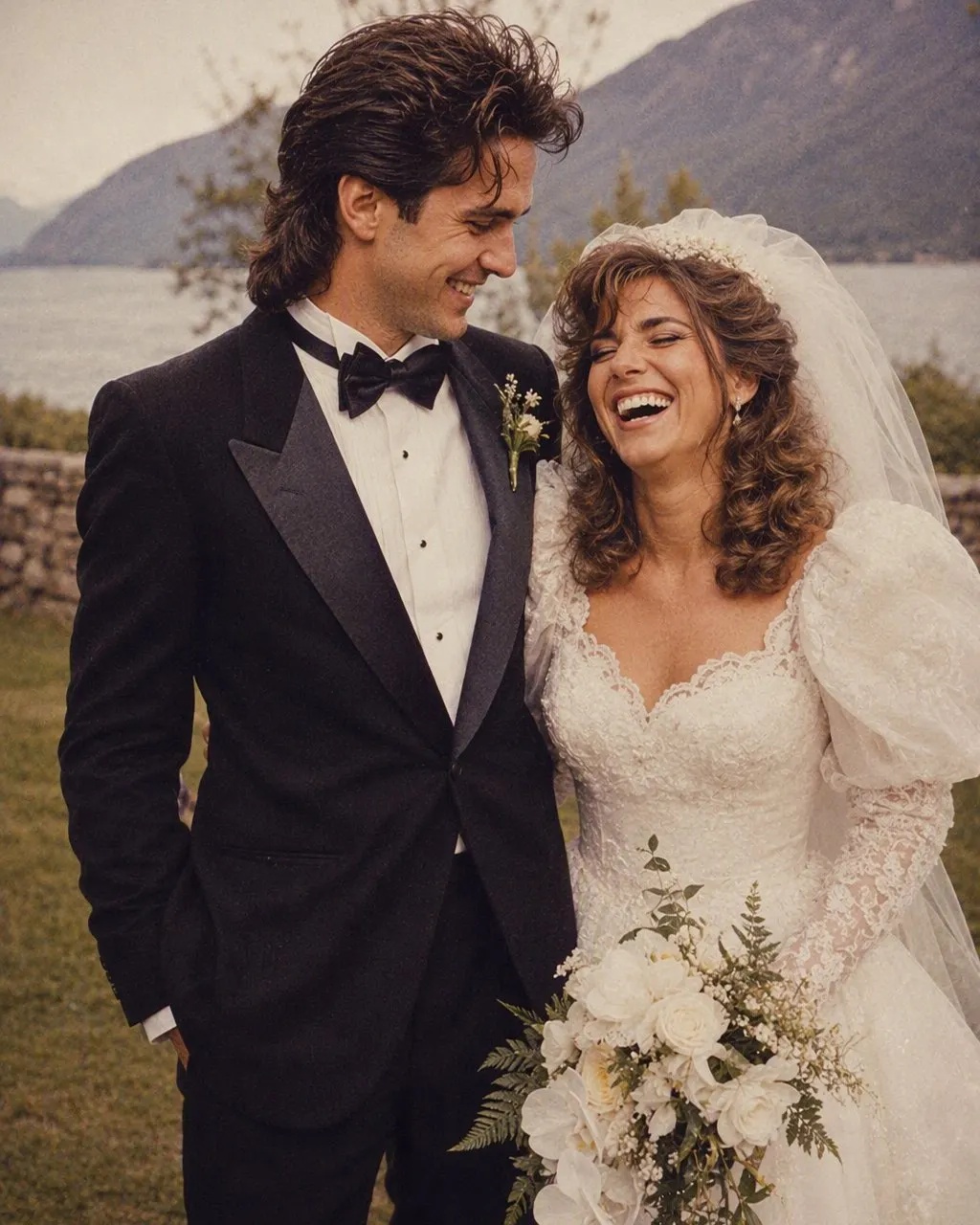
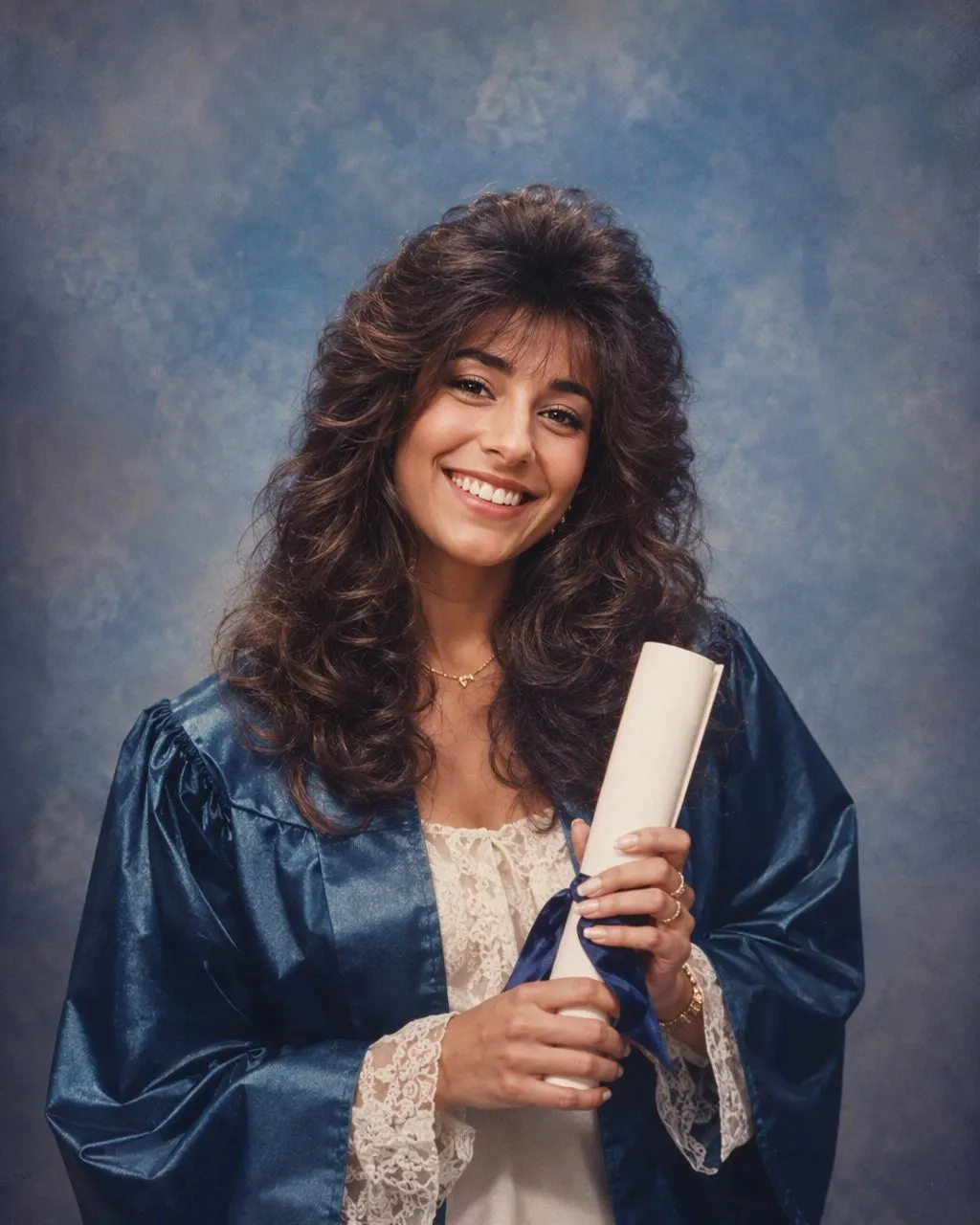
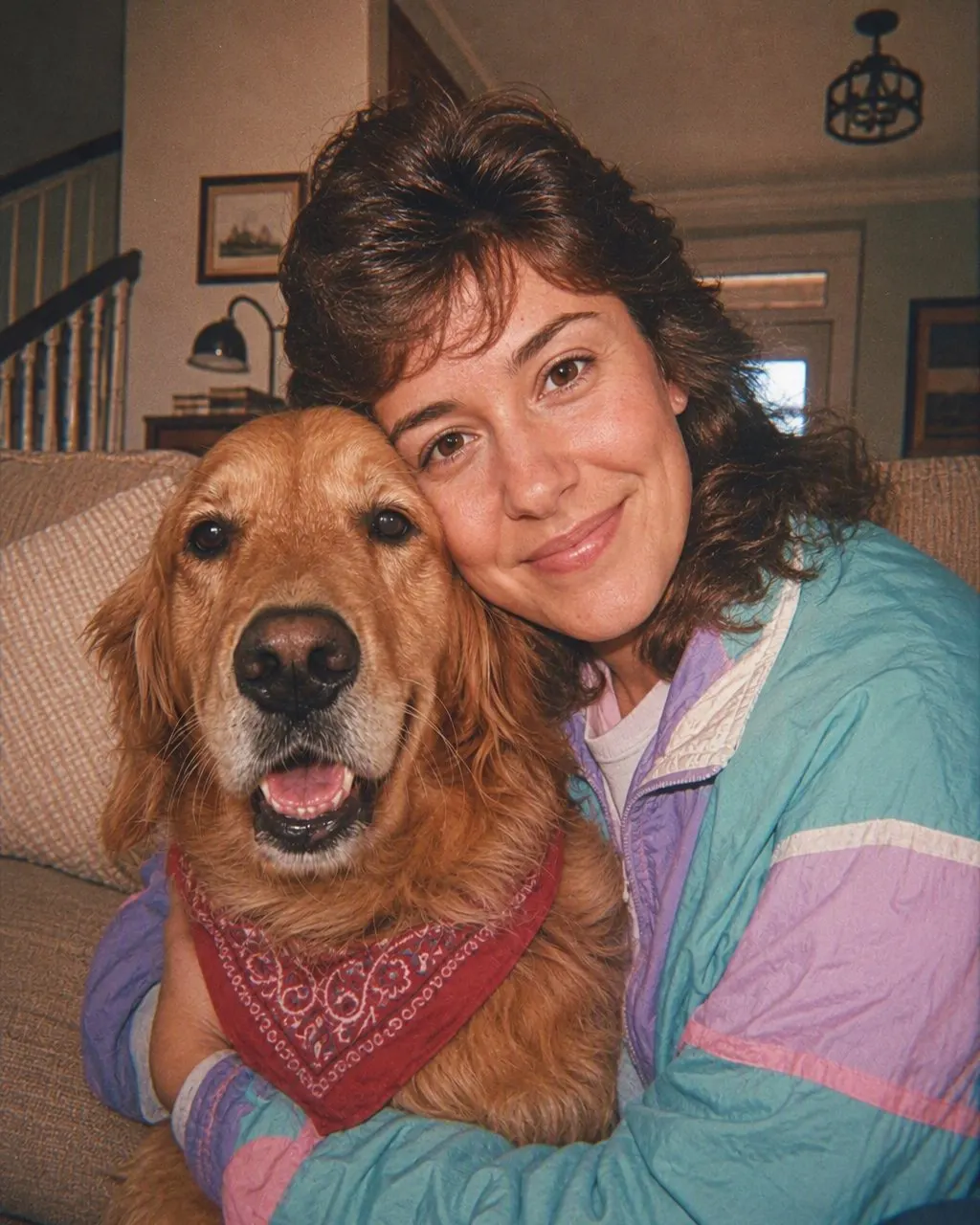
FaceCast is a free 1980s photo app for iOS and Android. You upload one photo, tap the 80s style, and a few seconds later you have a 1980s portrait: hair, clothing, accessories, background, lighting, colour and film grain all shifted to the middle of the decade, while your features, skin tone and expression stay exactly as they were. There is no text box, no prompt to write, no settings to balance, and no sign-up needed to try it. The result saves to your camera roll at full resolution.
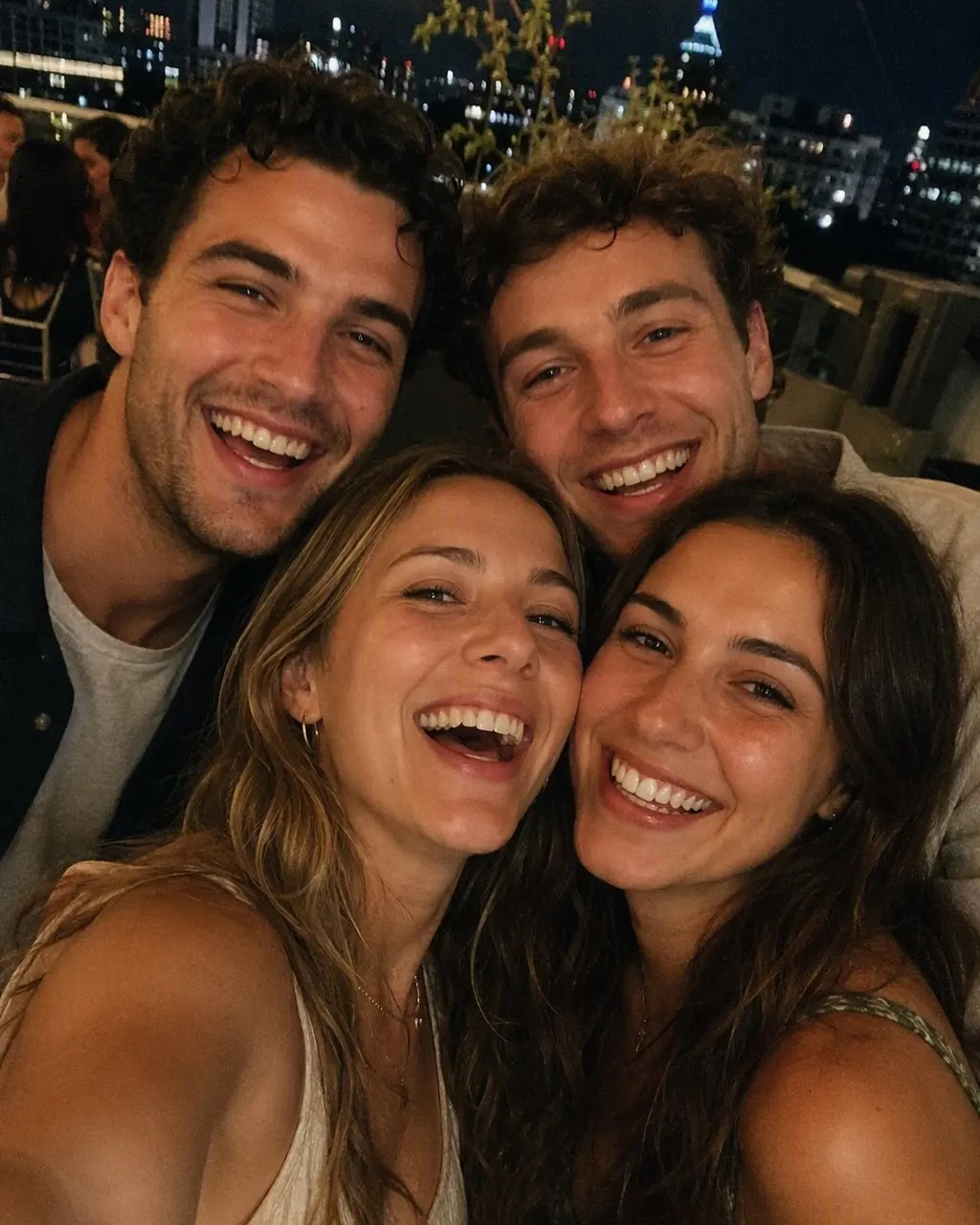
Thirteen use cases are built in rather than left for you to describe: mirror selfie, portrait, couple, mother and daughter, friends, wedding, graduation, gym, holiday, office, pet, car and maternity. Each one is a different kind of 1980s photograph, so a group of friends becomes a flash-lit party rather than six people awkwardly sharing a studio stool.
It makes a still image and nothing else. It does not make video, it does not age anyone up or down, it does not produce celebrity faces, and the result is not a valid passport or ID photo. What it is, is your face in a photograph from 1986 — ready to post with an AI label on it.



How to use it
Install it and open it
FaceCast is free on the App Store and Google Play. Nothing to configure on first launch, and no account needed to try the style.
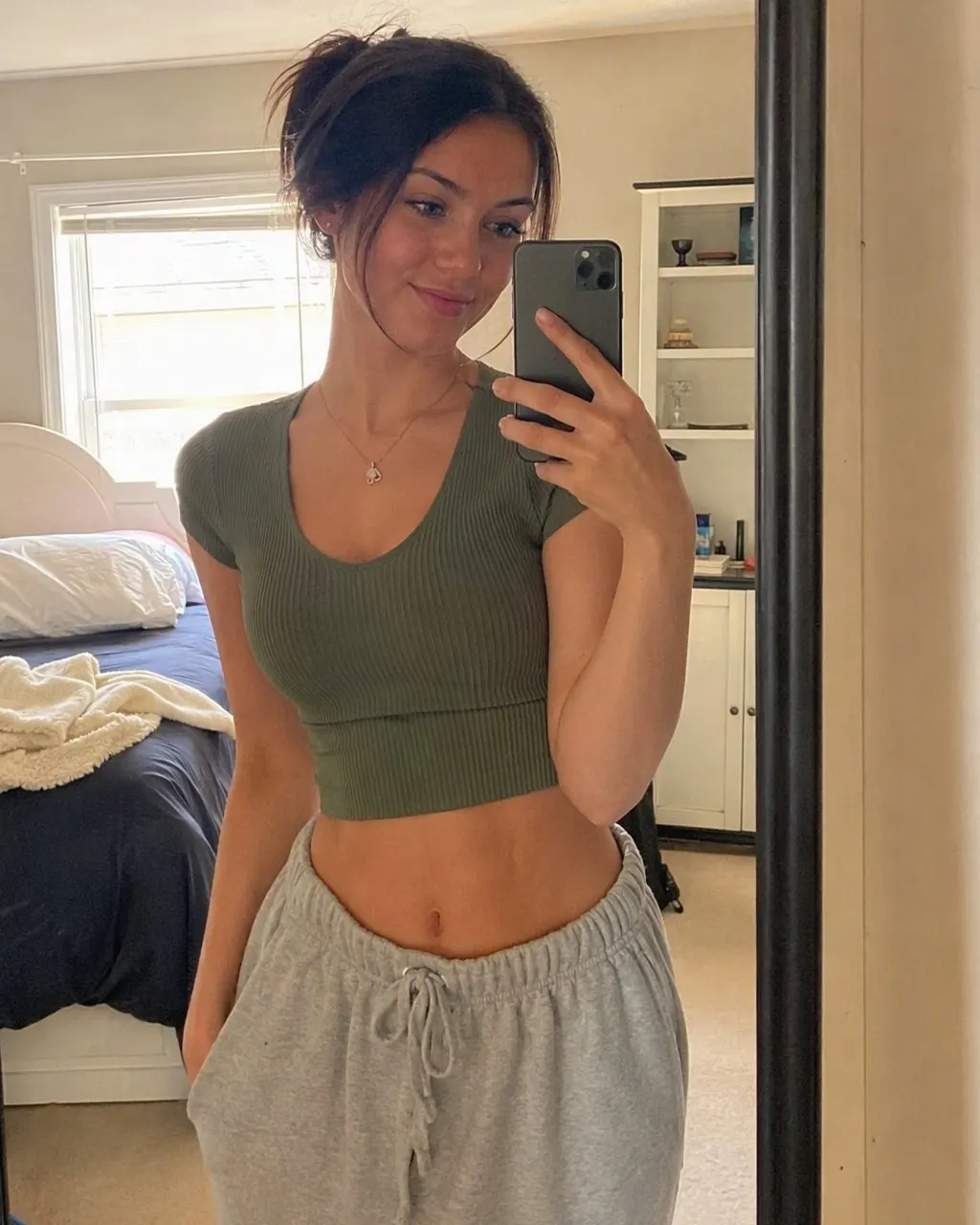
Upload one photo and tap the style
Pick a front-on, sharp photo taken in daylight — no sunglasses, no beauty filter. Tap the 80s style. That is the entire interface: the hair, the clothing, the backdrop, the flash and the grain are all part of the style.
Slide, save, share
The result arrives in seconds. Drag the slider between before and after, save it at full resolution, and post it with your platform’s AI label and a line in the caption.
Three things get called a 1980s photo app
They produce very different pictures, and knowing which one you are after saves you a couple of downloads.
A filter
A colour and grain layer over the photo you already took. It is quick and it genuinely makes a picture look older — but it changes nothing about the hair, the clothes or the room, so what you end up with is a warm, grainy photo of today.
A photo editing app
A manual route: cut yourself out, drop a backdrop file behind you, paste on a jacket or a wig, add grain. With enough time and enough assets it can get close, and it usually still looks pasted, because the light on the face and the light on the backdrop never agree with each other.
A style
What FaceCast does. The whole frame is regenerated around your face, so the flash on the cheek, the shadow behind the shoulder and the shine in the hair all belong to one photograph. One tap, a few seconds, nothing to source and nothing to type. This is the route that produces the pictures you have been seeing.
Why an app rather than a prompt
The other way to make a 1980s portrait is a chat model: attach a photo to ChatGPT or Gemini and write a prompt that locks your identity in its first sentence, then lists what is allowed to change. It works, it is free to try, and it gives you total control over the wording. The site has the exact prompt text if that is the route you want.
The trade-off is that free text re-decides the entire picture on every run, so the jaw or the nose drifts between attempts and group photos come back rearranged. An app fixes the parts you were never going to want to vary.
Your face is preserved by design
Identity preservation is built into the style, not something you have to remember to ask for. That single omission is the most common reason a prompted result comes back as a convincing stranger.
The same treatment every time
A prompt gives a different image on every run. The style behaves consistently, so the version you post is the version you saw.
No period research required
You do not need to know that blues drift green in an aged print, or that 400 ASA grain is fine rather than gritty. Those decisions are already made inside the style.
Groups in a single pass
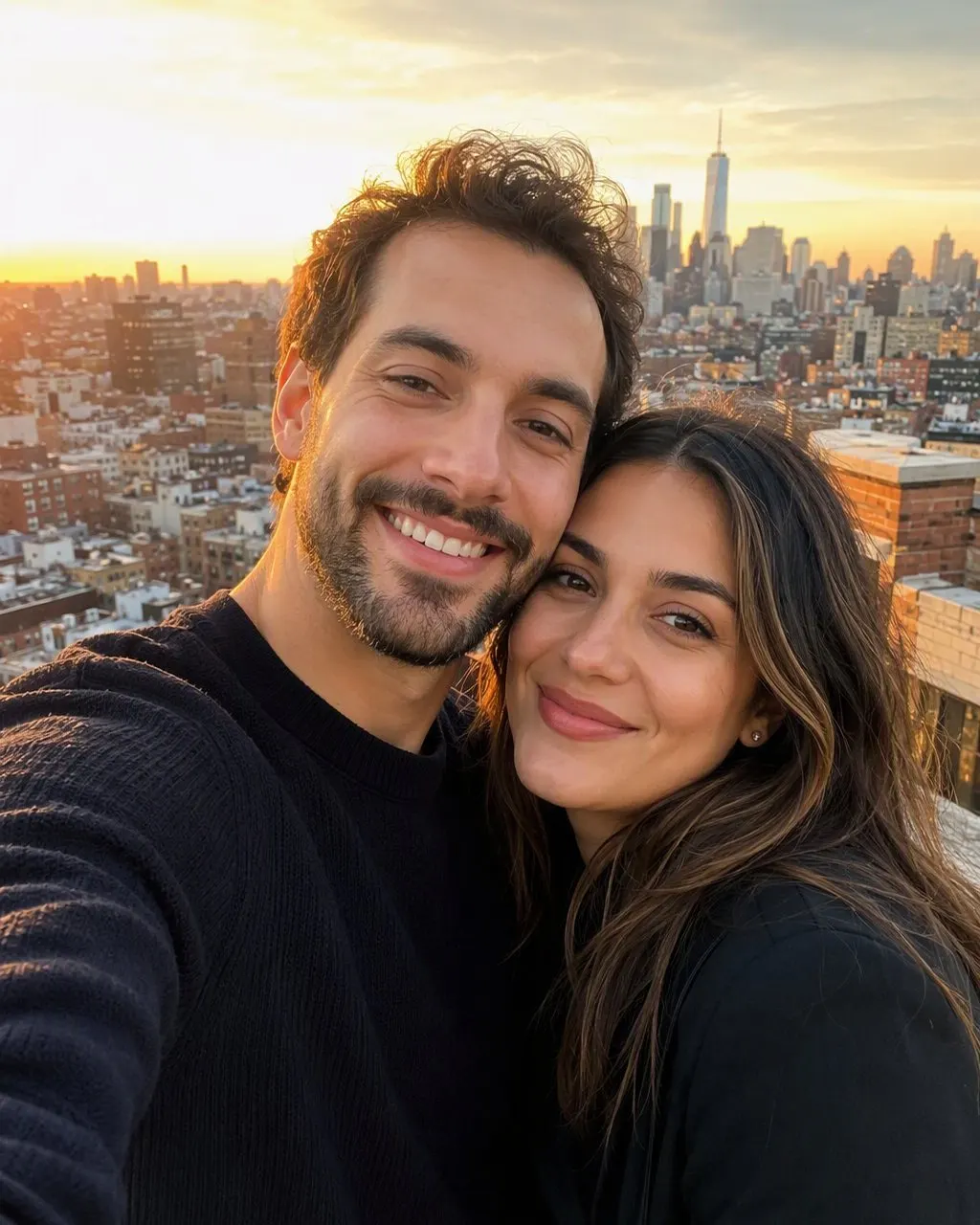
Everyone in the frame is restyled together and keeps their own face and position. Prompting a group photo usually takes two rounds and a correction.
What it costs, and what else is in there
The app is free to download on iOS and Android, and you can try the 80s style without creating an account. Paid credits exist for people who want to generate a lot, but you do not need them to get a result and see whether you like it.
Beyond the 1980s style, FaceCast generates a portrait of a couple’s future baby from both parents’ photos, turns an ultrasound scan into a photo-realistic portrait, builds family portraits and maternity shoots, and has Pixar, anime and PS2 styles. The rule is the same across all of them: your features are preserved and only what surrounds them changes.
Getting a result that actually looks like you
Front-on and sharp
A selfie taken at a window beats a posed shot in a dim room. The more facial detail goes in, the stronger the likeness comes out.
No beauty filter
Smoothing filters remove exactly the detail the style uses to keep your face yours. Start from the original, not the edited version.
Skip Portrait mode
1980s compact cameras had deep focus. A blurred background is a modern signature and it works against the look.
Watch the crop in group shots
Every face needs to be visible and none hidden behind another. Four or five people is comfortable; a crowd of twenty is not.
Your photos, and labelling what you post
Photos are processed only to create your result. They are not sold, and they are not shared with third parties for marketing purposes; the privacy policy has the detail.
Upload photos of yourself, or of adults who have agreed to take part. Please do not upload photos of children.
When you post the result, use the AI label your platform provides and mention it in the caption. A good 1980s portrait is realistic enough to be taken for a real print, which is exactly when disclosure matters — and in the EU it has been required since 2 August 2026 under Article 50 of the AI Act.
Common questions
Is there a free 1980s photo app?+
Yes. FaceCast is free on the App Store and Google Play, and you can try the 80s style without creating an account. Upload one photo, tap the style, and the portrait is ready in seconds.
What is the best app for 1980s photos?+
For a one-tap result, an app with the style built in — FaceCast does it in seconds with your face preserved and no prompt. If you would rather write your own description, ChatGPT and Gemini can do it too, with more typing and a few more attempts.
Does the 1980s photo app work on Android?+
Yes. It is on Google Play as well as the App Store, and the style is identical on both: one photo, one tap, a result in a few seconds.
Will it change my face?+
No. Your features, skin tone and expression are kept. What changes is the hair, the clothing, the accessories and the background, plus the hard flash, faded colour and film grain that make the picture read as a print from the era.
Is it a photo editing app?+
Not in the usual sense — there is nothing to cut out, paste on or adjust by hand. You upload a photo and tap a style, and the picture is rebuilt around your face in one pass. If you want layer-by-layer control, a conventional editor is the better tool.
Can it do couples, groups, pets and maternity photos?+
Yes, all of them, in one upload. Everyone in the frame is restyled together and keeps their own face and position — the dog included. It does not make video, does not age anyone, and does not produce celebrity faces.
Get the 1980s photo app
Upload one photo, tap the style, save the result. Free for iOS and Android.
4.6average rating · 4,109 App Store