
1980s photo trend
The 1980s Photo Trend
You can date a photograph to the 1980s in about half a second, and you probably cannot say why. There are four reasons, all of them physical, and none of them is a colour filter. Once you can name them you can see exactly what the trend is copying — and why some results land and others look like a costume party.
4.6average rating · 4,109 App Store
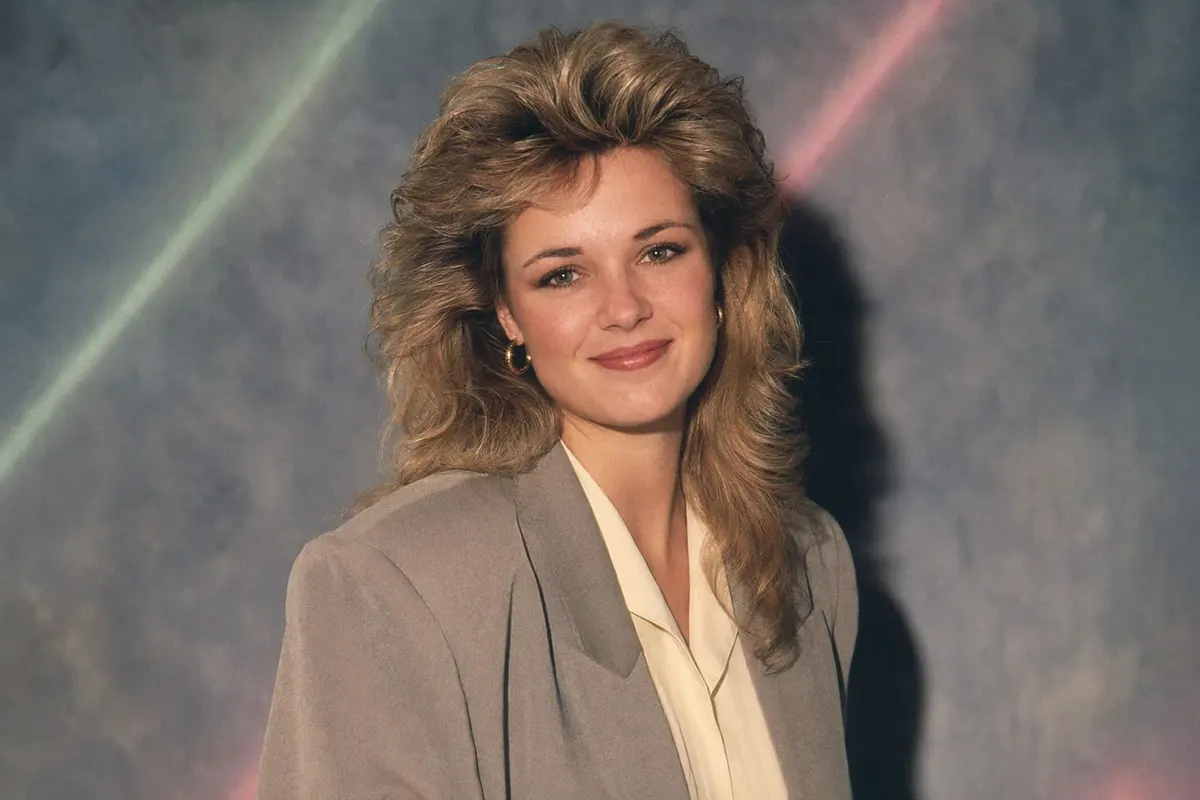
What makes a photo look like it was taken in the 1980s
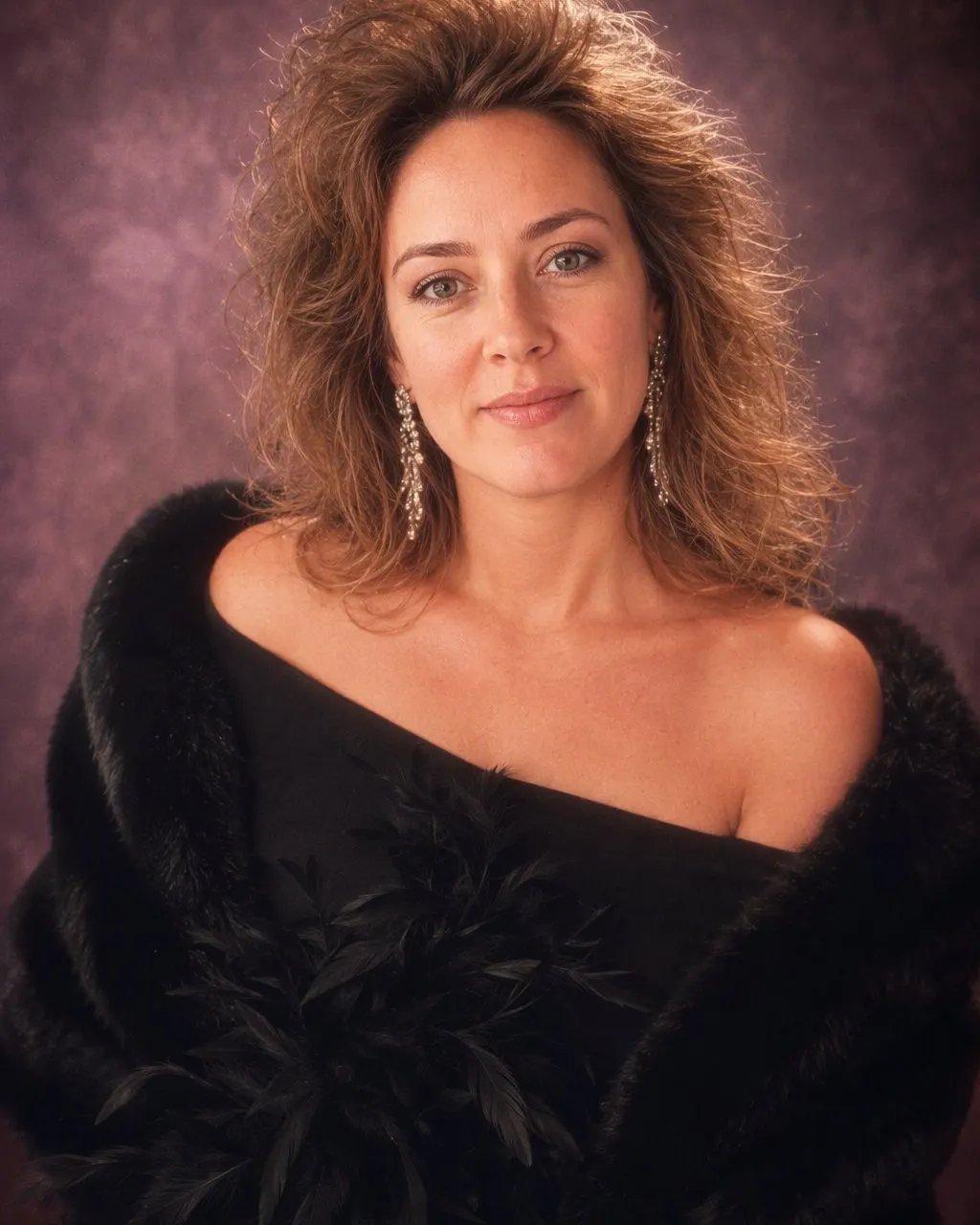
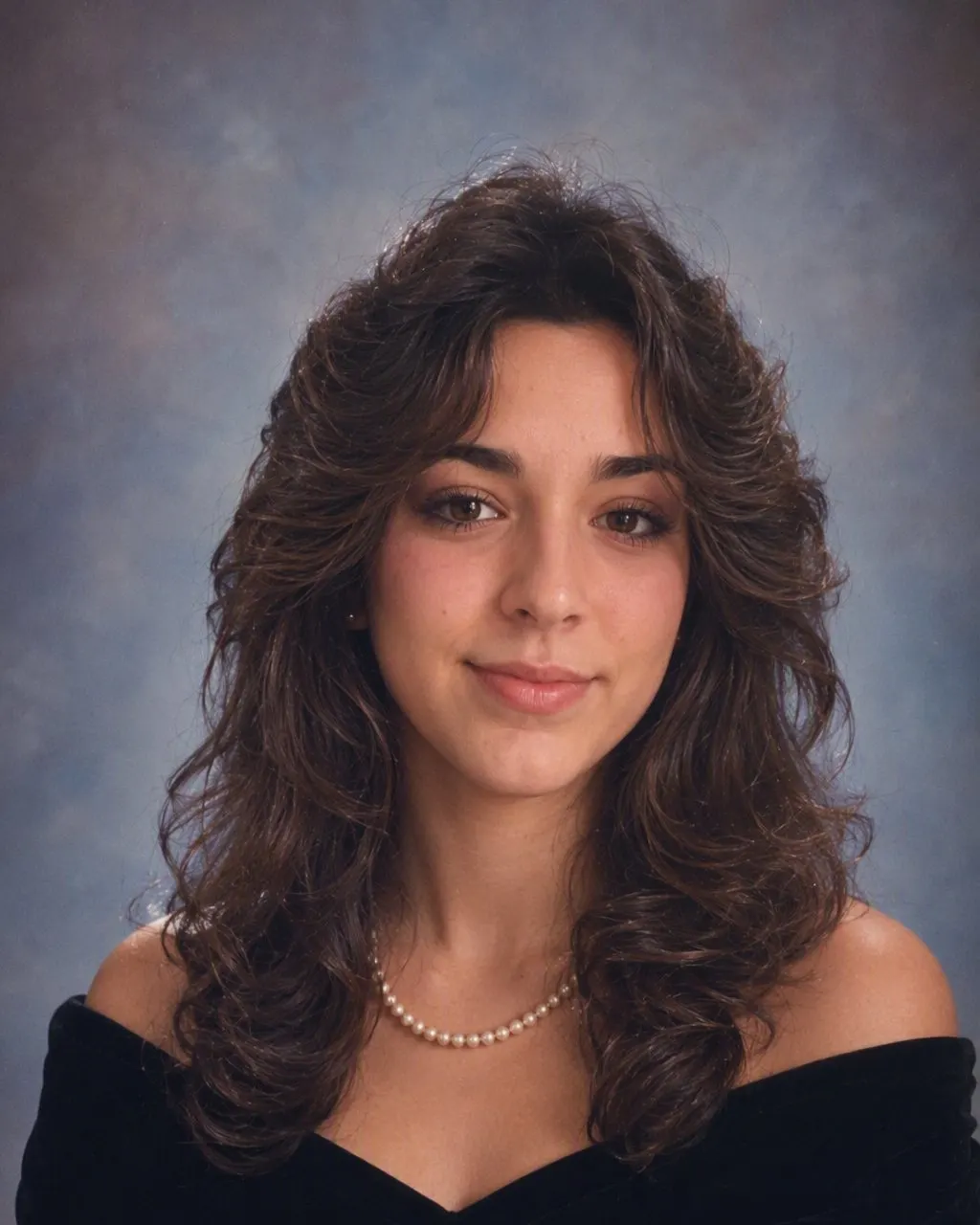
Four markers, and your eye reads them in roughly this order. The flash: almost every indoor photo of the decade was lit by a compact camera’s on-camera flash, a single hard source sitting a couple of centimetres from the lens. It puts a bright flat light on the face, cuts a crisp edge along the hairline, and drops a short dark shadow on the wall just behind the shoulder. The grain: colour negative film at 200 or 400 ASA, giving a fine, even grain across the whole frame that sits a little heavier in the shadows than in the highlights. The colour: decades in an album shift the dyes, so reds and yellows hold their warmth while blues drift towards green and a faint magenta settles into the shadows. And the hair, which carried more height and volume in the 1980s than in the decades on either side.
Miss any one of the four and the picture stops being convincing. Hair and clothing alone give you fancy dress. Grain and a warm tint alone give you a modern photo with a filter on it — which is exactly what the vintage filter apps produce, and exactly why those results get a polite reaction while the trend photos get a comment thread. The four markers have to arrive together, because in a real print they came from the same camera on the same evening.
The trend is people rebuilding all four from a photo they already have. FaceCast does it from one upload with your face preserved: no prompt to write, a few seconds to run, free on iOS and Android. Hair, clothing, background, lighting, colour and grain all move to 1986. Your features, skin tone and expression do not move at all — which is the whole point, because the picture only works if the people who know you can tell at a glance that it is you.

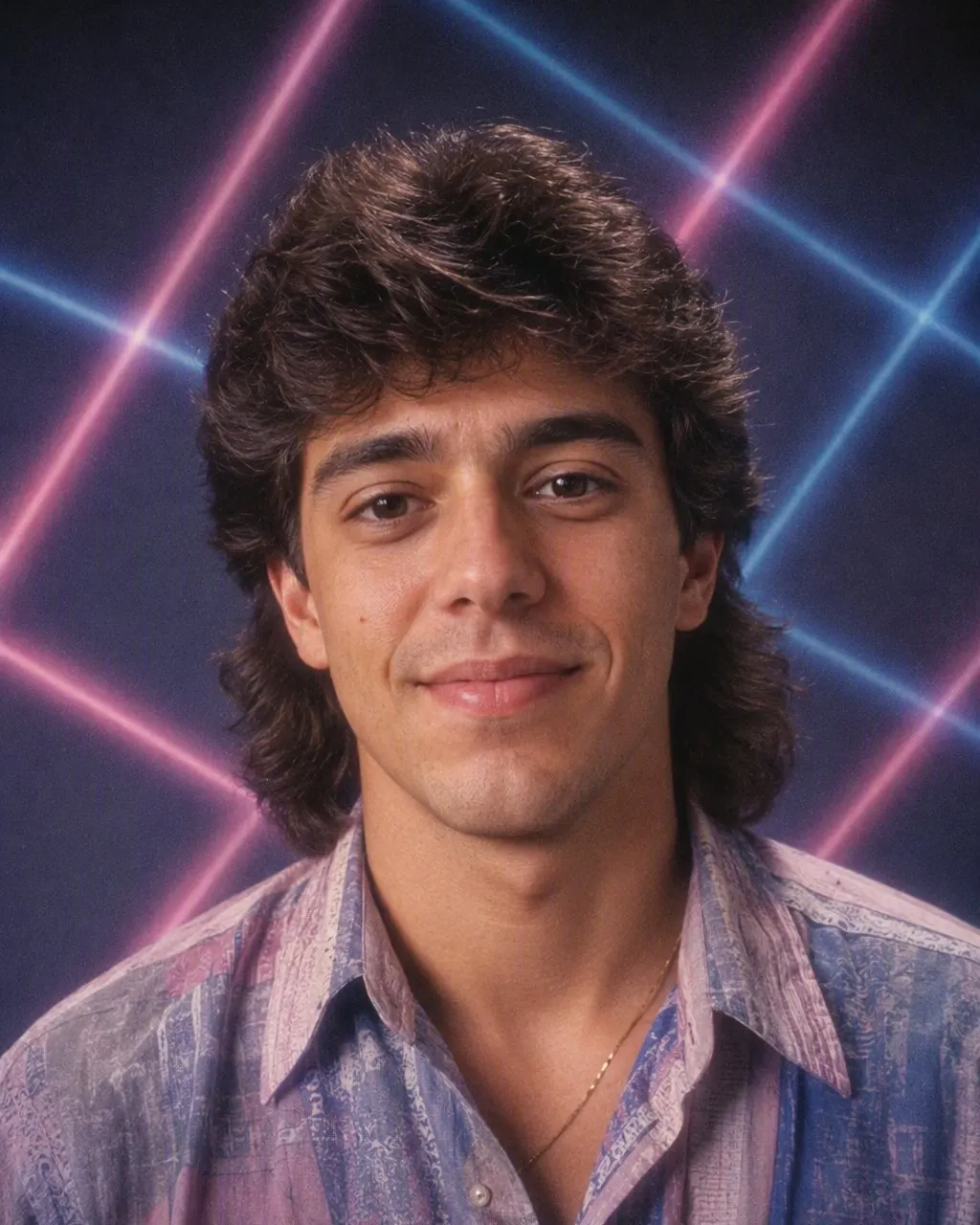

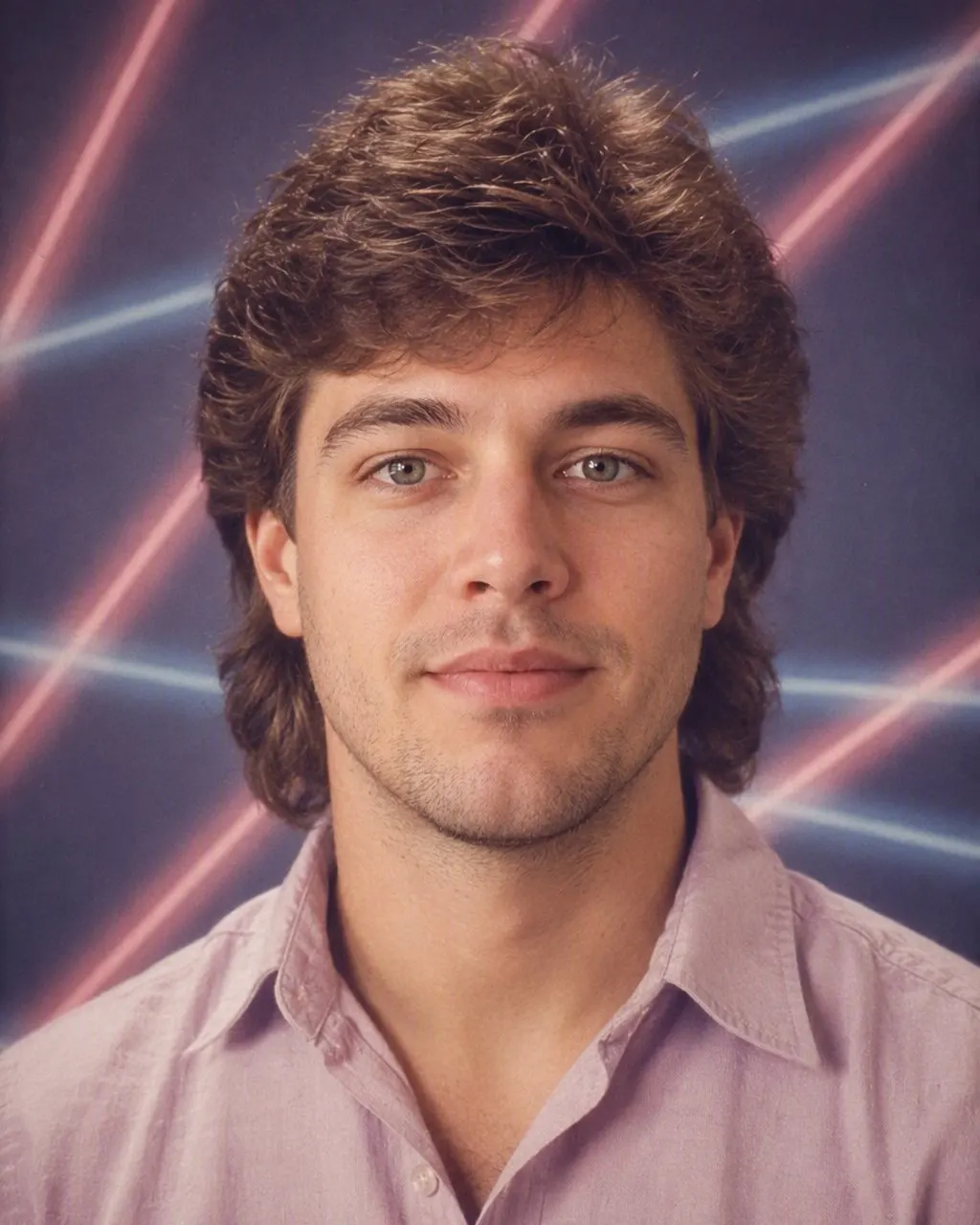
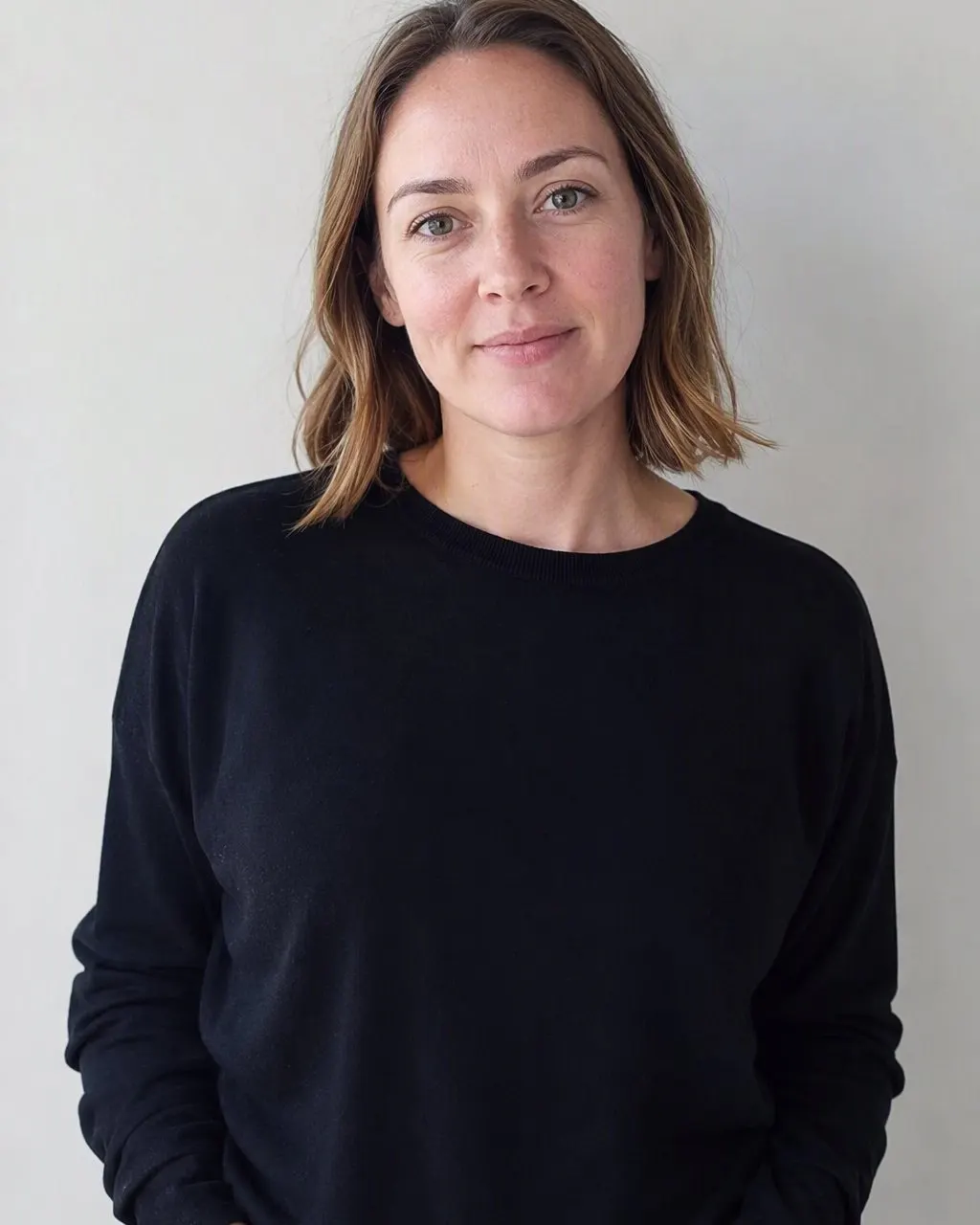

Getting the 1980s look out of a photo you already have
Start from a flat, honest photo
Face front-on and sharp, taken in daylight, no sunglasses and no beauty smoothing. Skip Portrait mode too: 1980s compacts had deep focus, so a blurred background fights the look rather than helping it.
Restyle it rather than tint it
A filter changes the pixels you already have. A restyle rebuilds the picture around your face — hair, clothing, backdrop and flash together — which is the difference between a photo that looks aged and a photo that looks taken.
Post the pair, and label it
The 1980s version first, the original second, as a carousel or a two-frame story. Add your platform’s AI label when you post and say so in the caption.
The four markers, one at a time
These are worth knowing whether you use an app, a prompt or a darkroom. They are the checklist a result either passes or fails.
Hard on-camera flash
One small, very hard light almost on the lens axis. The face comes out evenly bright and slightly flattened, there is a clean line where the hair meets the forehead, the background falls away dark, and a short shadow sits just behind the shoulder. Nothing a modern phone does looks like this — phones lift the shadows and soften the falloff, which is why an unedited phone photo never reads as period.
Colour-negative grain
Fine, even and present everywhere, a little stronger in the shadows. It is not the same thing as digital noise, which is coloured, blotchy and clumps in the dark areas. Grain that is too coarse is the most common giveaway of a fake: 400 ASA is subtle, not gritty.
Aged colour
Reds and yellows keep their strength, blues drift towards green, a faint magenta sits in the shadows and the highlights never quite reach clean white. This is dye fade rather than a creative grade, and it is why scans of genuine prints from different countries and different cameras all share a family resemblance.
Hair with height
Perms, blow-dried feathered layers, deep side parts, mullets, and volume held in place by an unreasonable amount of spray. It is the fastest date stamp in the frame, and it is the one thing a filter can never give you, because it is not a colour — it is a different photograph.
Why the vintage filter never quite gets there
A vintage filter works on the image you already made. It warms the highlights, crushes the blacks, lays grain over the top, perhaps adds a light leak and a date stamp in the corner. Two of the four markers are covered, roughly — colour and grain — and they are the two easiest ones. The other two are still missing, because underneath the tint you are wearing this year’s haircut, standing in your own kitchen, lit by a window.
That mismatch is what people notice without being able to articulate it. The light on the face says soft daylight while the grain says 400 ASA film; the room says 2026 while the colour says 1986. The brain is very good at spotting two eras in one frame even when it cannot explain the complaint.
A restyle solves it by regenerating the frame rather than covering it. The hair gains volume, the hoodie becomes a blazer with shoulders in it, the kitchen becomes a portrait studio, and the window light becomes a flash with its own shadow behind you. All four markers then belong to the same photograph, which is why the result reads as a print instead of an edit.
The photographs the decade actually produced
The trend keeps returning to a handful of set-ups, because these are the pictures most families genuinely have in a drawer. They are the fastest route to a result that feels recognised rather than invented.
The school or yearbook portrait
Mottled canvas in blue or grey, frequently with two or three thin laser streaks added by the photographer, a hard frontal flash and a collar wide enough to land a plane on.
The mall glamour shoot
Soft fog around the edges, a feather boa or an off-the-shoulder wrap, dramatic side light on top of the flash, and hair teased as high as it would go.
Prom and graduation
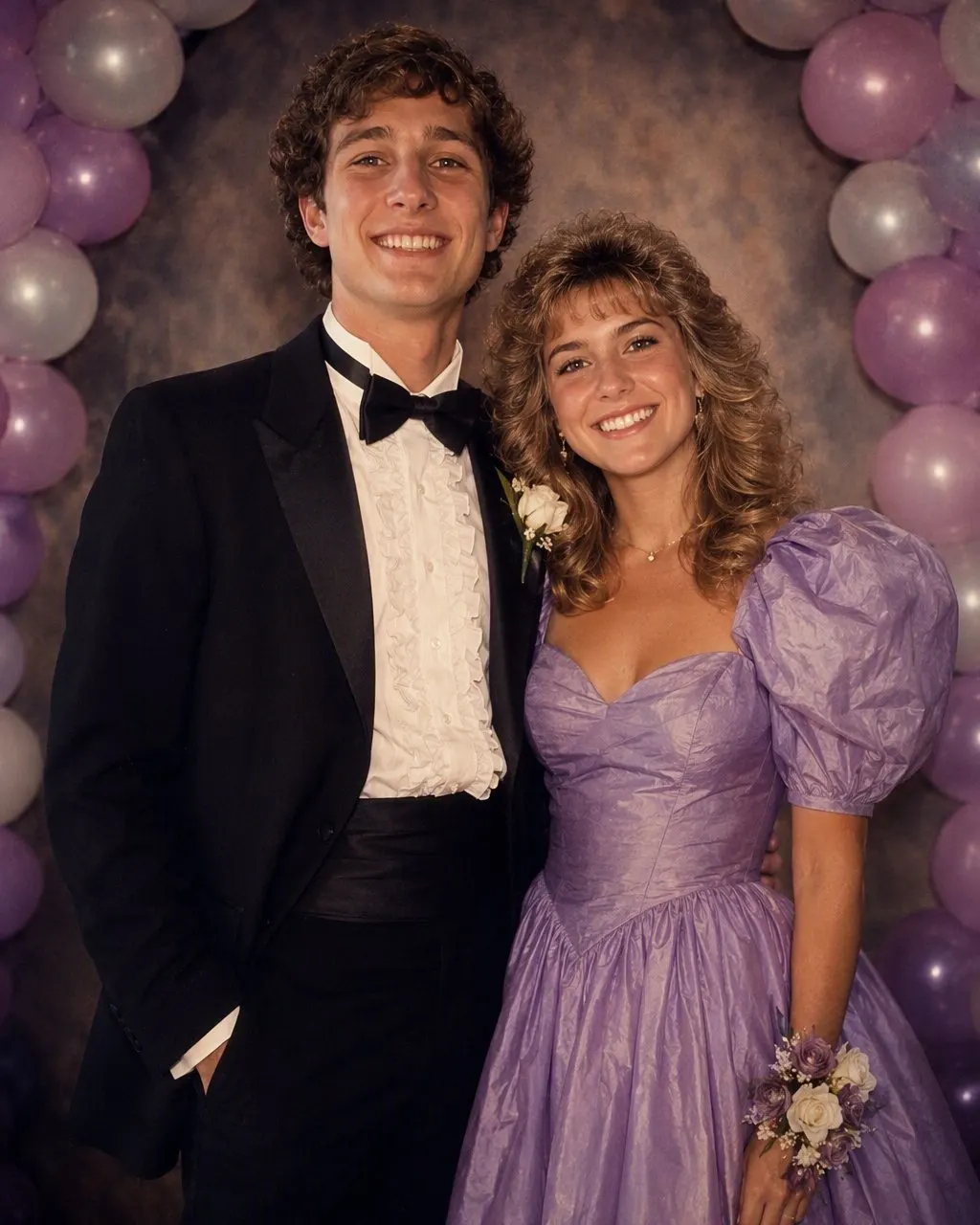
Puffed sleeves, a wide-lapel tuxedo, a pastel or starfield backdrop, shot at the start of the night before anyone had moved.
The living-room Christmas photo
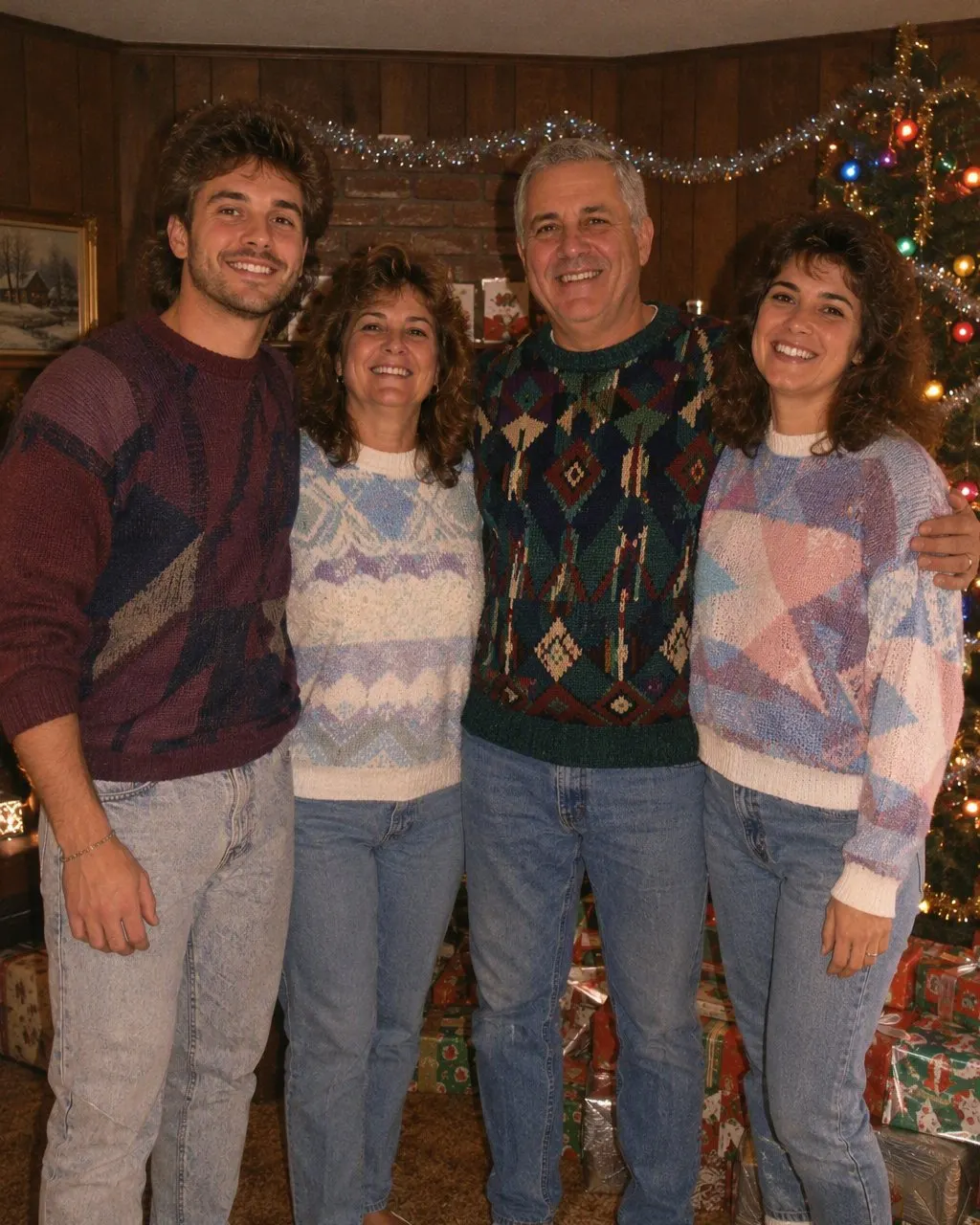
Everyone on the sofa, the flash bouncing off tinsel and off the television in the corner, and one person mid-blink.
The family studio portrait
Three generations in matching knitwear against a brown vignette background, arranged in a pyramid by a photographer working at speed.
The party snapshot
Bright faces, dark room, red drinks, a background that disappears entirely two metres behind the group.
Which photo to feed it
A plain portrait or headshot
The most facial detail, so the strongest likeness, and the cleanest transformation into a studio setting.
A mirror selfie
The most dramatic before-and-after. The phone disappears, the hair gains volume and a backdrop appears where your bedroom wall was.
Couples
You get the studio portrait couples genuinely sat for. Both faces travel together in one pass.
Groups and families
Everyone is restyled at once and keeps their position in the frame. Make sure no face is hidden behind another before you upload.
What to avoid
Heavy beauty filters, sunglasses, deep shade, and photos where your face is small in the frame. Each one removes detail the restyle needs to keep your likeness.
Your photo, and saying it is AI
Photos are processed only to create your result. They are not sold, and they are not shared with third parties for marketing. Upload photos of yourself, or of adults who have agreed to take part — please do not upload photos of children.
When you post, use the AI label your platform offers and add a line in the caption. A well-made 1980s portrait is precisely the kind of image someone would take for a genuine print of a real afternoon, which is why the label matters more here than on an obviously stylised edit. In the EU it has been required since 2 August 2026 for realistic AI images under Article 50 of the AI Act.
And the limits, plainly: this makes a still image and not a video, it does not make anyone older or younger, and it does not produce celebrity faces.
Common questions
What is the 1980s photo trend?+
Taking a photo you already have and restyling it so it looks like a print from the mid-1980s — period hair and clothing, a studio or living-room setting, hard on-camera flash and faded film colour — then posting it beside the original. Your face stays exactly as it is; everything around it changes.
Why do 1980s photos look the way they do?+
Four things at once: a hard on-camera flash from a compact camera, the fine even grain of 200–400 ASA colour negative film, dye fade that keeps reds warm while blues drift green, and hairstyles with far more height and volume than the decades either side.
How do I make a photo look like the 1980s?+
Upload one clear, front-on photo to FaceCast and tap the 80s style. Hair, clothing, background, lighting, colour and grain all shift together while your features stay put. It takes seconds and there is no prompt to write.
Is the 1980s trend just a filter?+
No, and that is why filter results disappoint people. A filter tints and grains the photo you already took, leaving today’s hair and today’s clothes underneath. The trend restyles the whole frame around your face, so all four period markers come from the same picture.
What app does the 1980s photo trend?+
FaceCast has the style built in and is free on the App Store and Google Play — one photo, one tap, a few seconds. ChatGPT and Gemini can also do it, but they need a written prompt and usually several attempts before the face stops drifting.
Do I need to label the result as AI?+
Yes. Use your platform’s AI label and mention it in the caption. Several platforms require it, and in the EU it has been required since 2 August 2026 for AI images realistic enough to be mistaken for photographs.
See yourself in 1986
One photo, a few seconds, your face unchanged. Free for iOS and Android.
4.6average rating · 4,109 App Store