
Trending now
80s AI Filter for Your Photos
One photo, one tap, and you are standing in a 1985 portrait studio — permed hair, shoulder pads, a pastel laser backdrop and a hard flash, with your own face untouched.
4.6average rating · 4,109 App Store

The Short Answer
The 80s AI filter turns one photo into a mid-1980s studio portrait: big hair, shoulder pads, a laser backdrop, direct flash and film grain. Your face, skin tone and expression stay exactly as they are. In FaceCast it is one tap, free on iOS and Android, and the result comes back in seconds.
Most people who search for a filter want precisely that — open something, tap once, get a picture. This is that. There is no prompt to write, no account to create and no settings panel: you pick the 80s style and wait a few seconds.
It produces a still image, not a video, and it does not age you or turn you into anybody else. What you get back is you, in 1985 clothes, in a room that no longer exists.
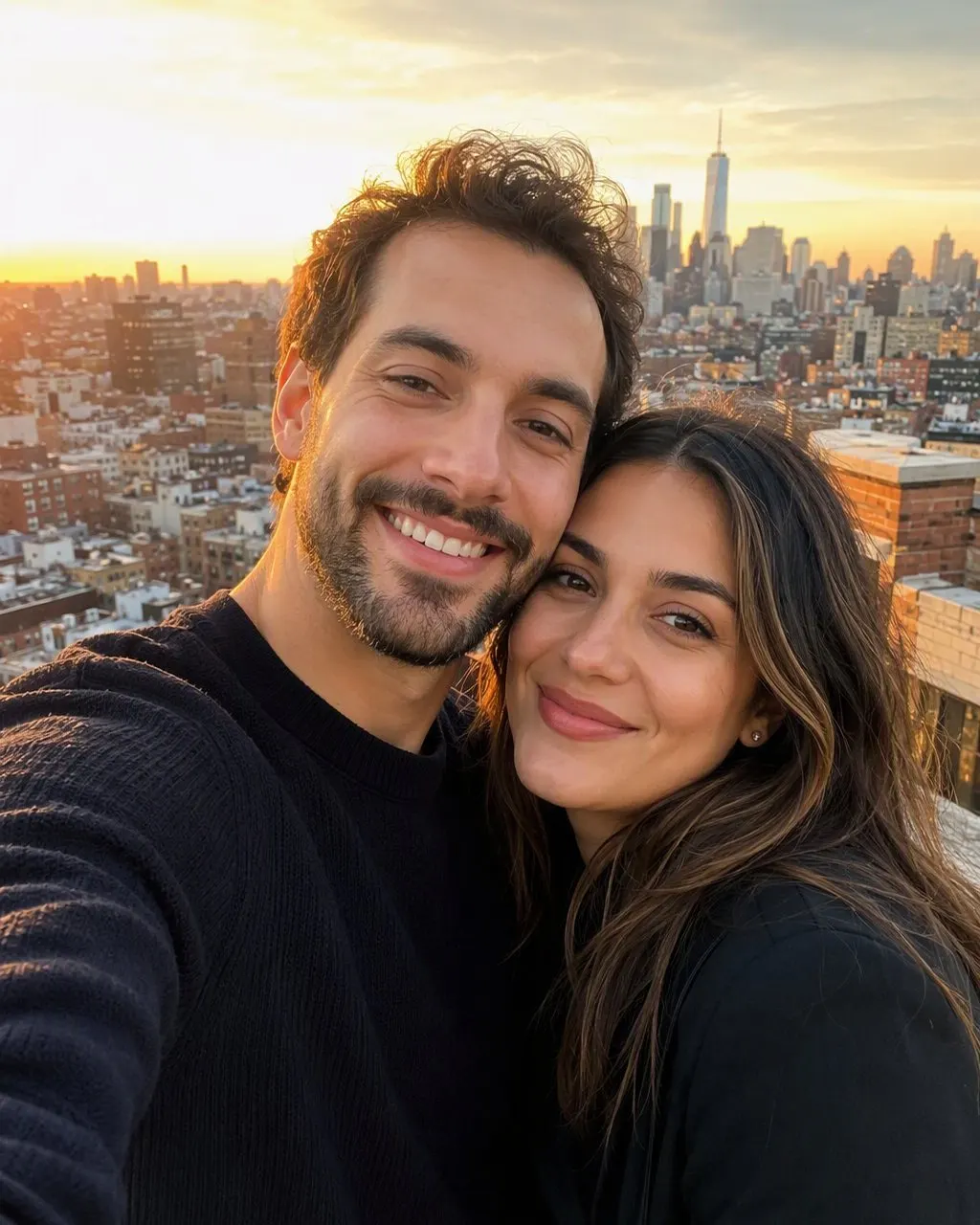

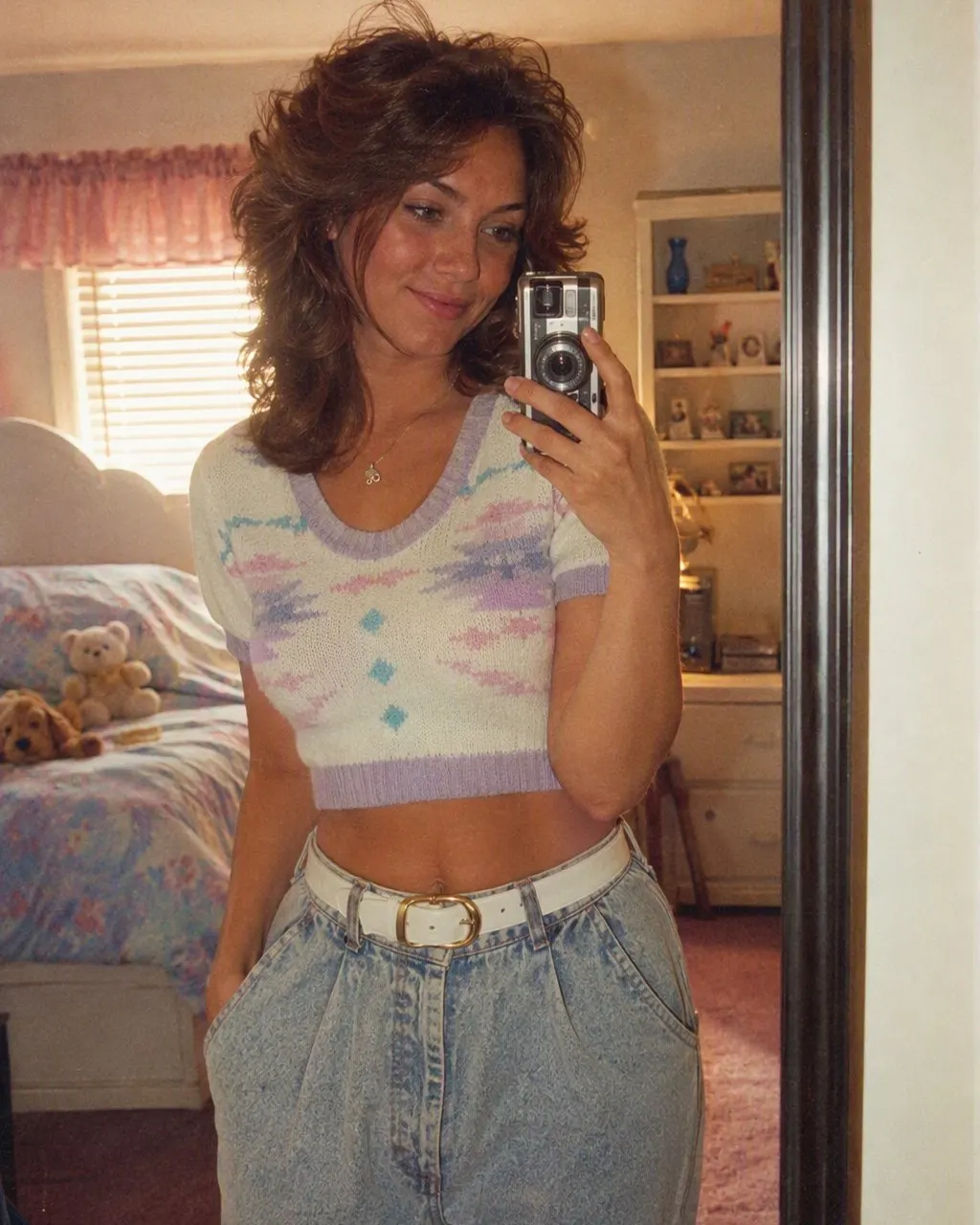

How to Use the 80s AI Filter
Add one photo
A selfie, a couple photo, a family portrait or a group shot. Front-facing and evenly lit gives the filter the most to work with.
Tap the 80s style
Choose it from the style list. There is nothing to describe and nothing to configure — the hair, the clothes, the backdrop and the flash are all built into the style.
Save it
The picture is ready in seconds. Save it to your camera roll and post it, ideally with a short “made with AI” note so nobody files it under real family history.
A Colour Filter Tints a Photo; the 80s AI Filter Rebuilds It
A traditional filter is a colour layer. It warms the highlights, crushes the shadows, adds grain and maybe a light leak, and the photo underneath is unchanged — your 2026 haircut, your 2026 hoodie, your kitchen in the background, now slightly orange. It reads as a photo with a filter on it, because that is what it is.
The 80s AI filter is a restyle instead of a tint. It rebuilds the parts of the picture that were never from the 80s: the hairstyle becomes a perm or feathered layers, the hoodie becomes a denim jacket or a shoulder-padded blazer, the kitchen becomes a mall photo-studio backdrop, and the lighting becomes a hard on-camera flash. The colour grading and grain are still there, but they are the last step rather than the whole effect.
The one thing it deliberately does not rebuild is you. Face, features, skin tone and expression are kept, because the picture only works if the people who know you can tell it is you.
What the 80s AI Filter Changes, and What It Leaves Alone
Changed: hair
Big permed curls or feathered layers with height at the crown; a mullet or a side-swept fringe on men, with plenty of hairspray shine.
Changed: clothes
A denim jacket, a blazer with shoulder pads, a pastel polo with a popped collar or an oversized sweater in a bold geometric pattern.
Changed: accessories and make-up
Large plastic earrings, aviator frames, a thin gold chain, a digital watch; blue or pink eyeshadow and bright blush.
Changed: background and light
A laser-grid or mottled studio backdrop, direct flash, soft focus, visible grain and the slightly faded warmth of a print left in a drawer.
Kept: your face
Features, skin tone, expression and the shape of your smile. Pets in the frame stay themselves too, with a small period bandana.
Which Photos the 80s AI Filter Handles Best
Face fully visible
No sunglasses, no hat brim across the eyes, no hand on the chin. The hairline matters as much as the eyes, because that is where 80s hair is built.
Even, flat light
The style adds its own hard flash. Starting from a harshly side-lit photo stacks two lighting schemes on top of each other.
No beauty filter already applied
A smoothing filter has removed the detail this one needs, and the result comes back soft and waxy.
Any number of people
Selfies, couples, families and whole groups all work from a single photo with everyone already in it.
Frequently Asked Questions
What does the 80s AI filter do to a photo?+
It restyles one photo into a mid-1980s portrait: permed or feathered hair, shoulder pads or a denim jacket, big earrings, a studio laser backdrop, direct flash and film grain. Your face, skin tone and expression are kept as they are, so the picture still reads as you.
Is the 80s AI filter free?+
Yes. The 80s style is free in FaceCast on iOS and Android, and the result comes back in seconds. There is no prompt to write and no account to create before you can try it.
What is the difference between an 80s filter and an 80s AI restyle?+
A colour filter only tints the image — warm cast, grain, faded blacks — while your modern hair, clothes and background stay in the frame. An AI restyle changes the hair, clothes, accessories and background to the mid-1980s and keeps your face. That is why one looks like a photo with a filter and the other looks like a photo from 1985.
Do I need to write a prompt?+
No. FaceCast has no prompt box for this: the 80s look is a ready-made style you tap. The long prompts circulating online are written for general-purpose chat tools that need the era, the wardrobe and the lighting spelled out every time.
Does the 80s AI filter make a video?+
No. It produces a single still image. FaceCast does not make video, does not age faces forwards or backwards, and does not generate celebrity likenesses.
Is it safe to upload my photo?+
Your face counts as biometric data, so it is worth knowing what happens to it. FaceCast uses your photo only to generate your result; it is not sold or shared for marketing. Upload your own picture, or one the other people in it agreed to — never a photo of someone else.
Tap Once, Land in 1985
Add one photo, tap the 80s style, save the result in seconds. Free on iOS and Android.
4.6average rating · 4,109 App Store