
Trending now
How to Make an 80s Family Photo With AI
One photo of everyone, one tap, and the whole group is standing in a 1985 mall studio — permed hair, pastel knitwear, laser backdrop, and every face still its own.
4.6average rating · 4,109 App Store

The Short Answer
To make an 80s family photo with AI, upload one picture with everyone already in it, pick the 80s look, and the portrait comes back in seconds. FaceCast keeps each person’s face, skin tone and expression exactly as they are, and restyles the hair, clothes, accessories and background into the mid-1980s: perms and feathered layers, pastel knitwear and shoulder pads, a mall photo-studio laser backdrop, a direct flash and film grain. It is free on iOS and Android, and there is no prompt to write.
It works the way a real 1985 studio sitting worked: one frame, everyone in it, everyone styled to the same era. Two adult siblings, you and your parents, you and your grown-up child, the couple plus the dog — the group stays exactly as it is, only the decade changes. It produces a still image, never a video, and it does not age anyone up or down.
This is the version that carried the trend into the press. When it broke through on 6 and 7 September 2026, Argentine outlets ran 26 celebrities in their 80s versions, couples and families among them, and Turkish outlets ran 19 celebrities and four celebrity couples on the same day — because a whole family in matching 80s hair is a far better picture than one person in a perm.
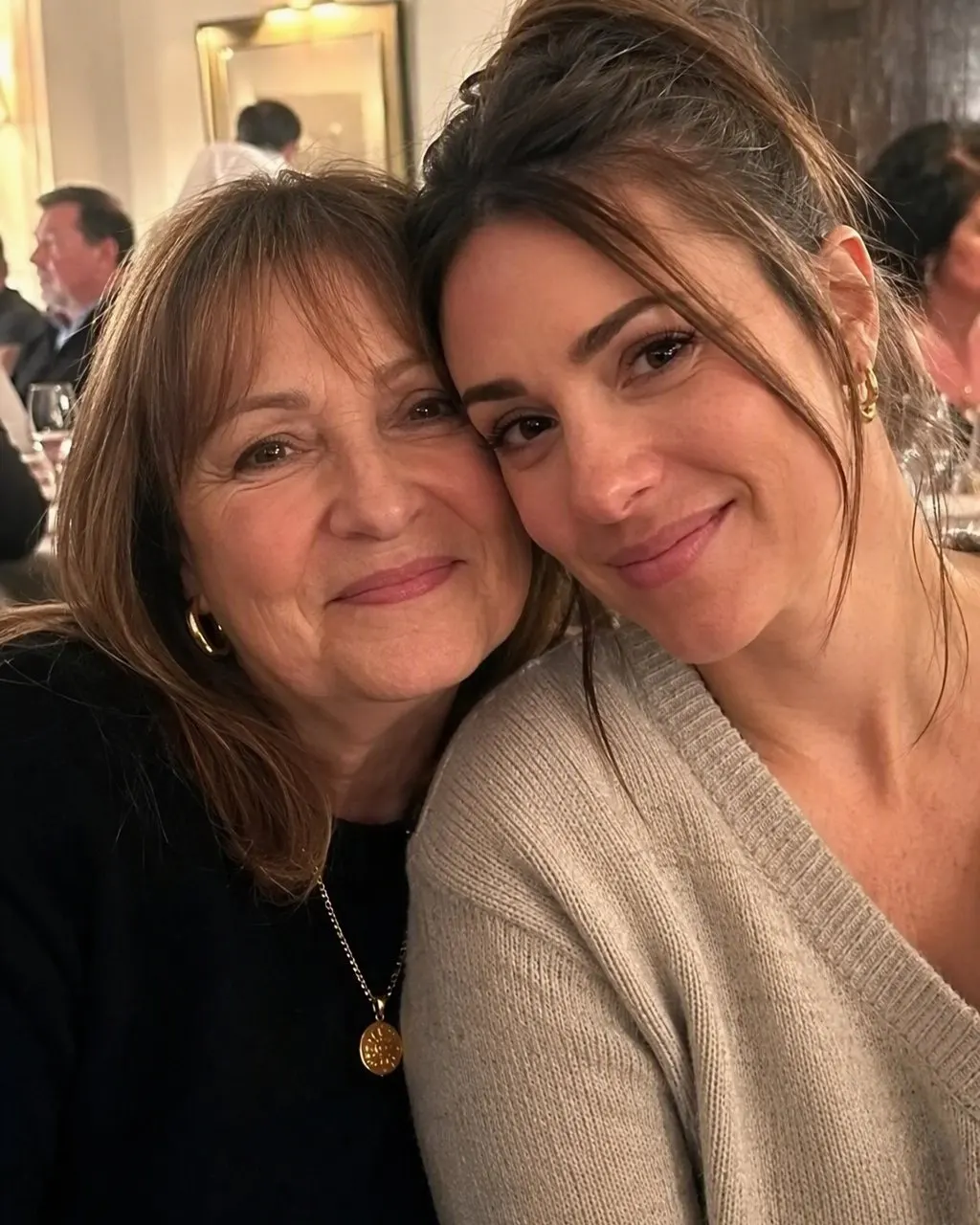

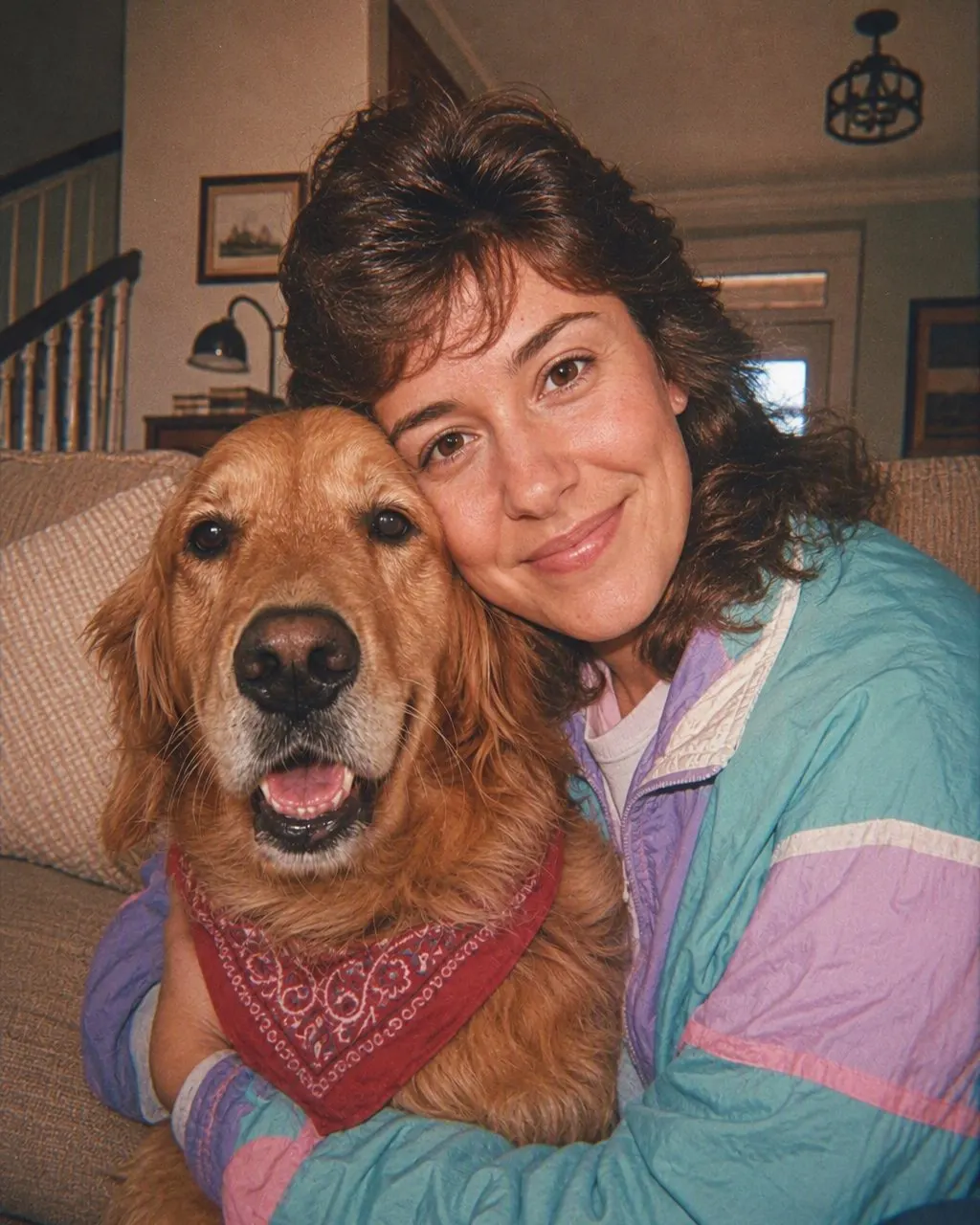
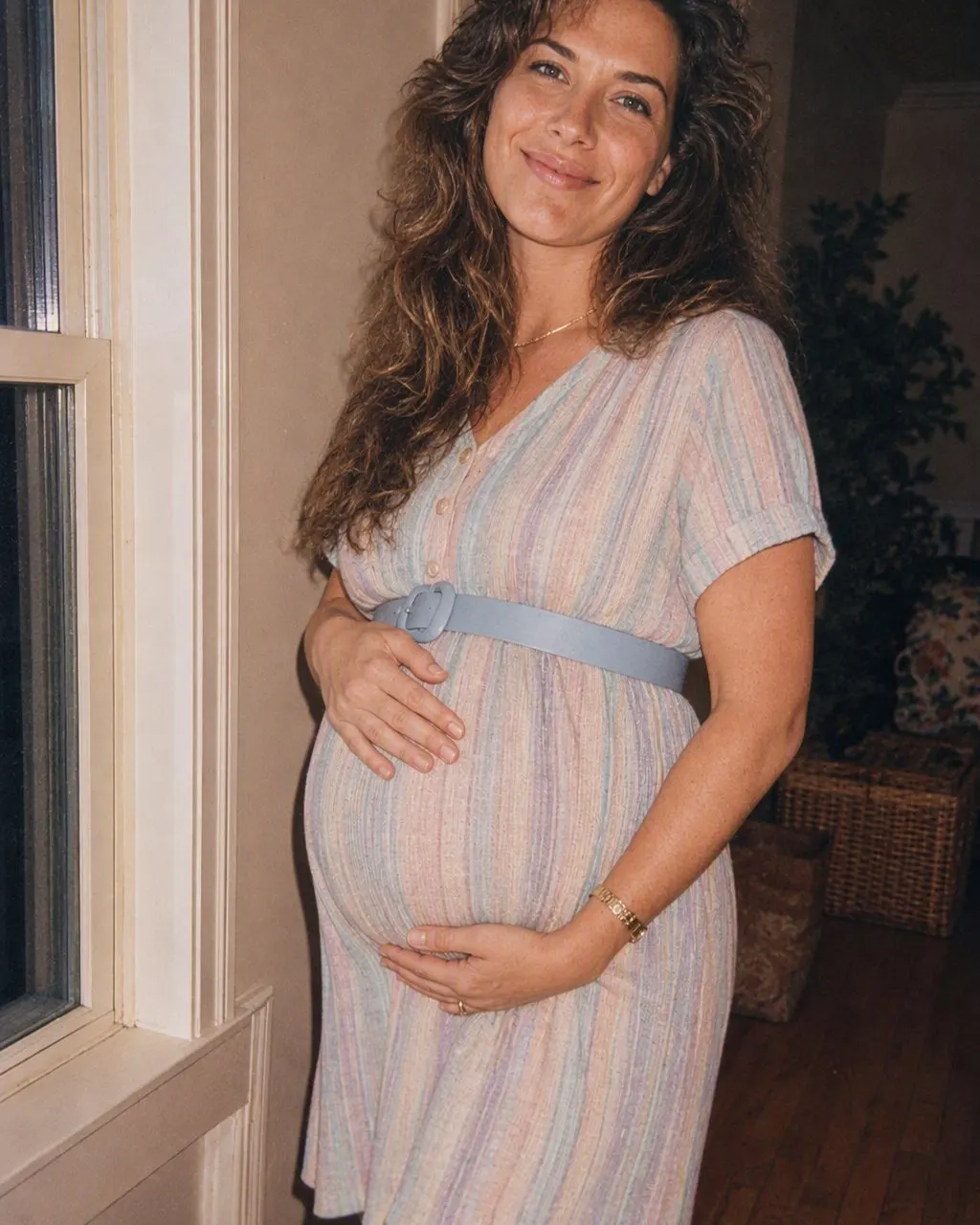
How to Make Your 80s Family Portrait
Upload one group photo
One picture with everybody in it. Every face should be visible and front-on, in even light, with nobody half-hidden behind someone else.
Choose the 80s look
Tap the 80s style and the era styling is applied to the whole group at once. Nothing to describe, nothing to configure.
Save and share it
The portrait is ready in seconds. Save it, send it to the family chat, and label it as AI so nobody mistakes it for a real photo from the album.
What Changes, and What Stays
The look is a mid-1980s portrait-studio sitting — the kind of photograph that ended up framed on a hallway wall. Everybody in the frame is the same person; everything around them is 1985. These are the details that make it read instantly as the era.
Stays: every face
Faces, features, skin tone and expression are kept as they are. Each person in the group is still clearly themselves, which is the only reason the picture is funny.
Changes: hair
Big permed curls or feathered layers with height at the crown; a side part or a mullet; hairspray shine on everyone.
Changes: clothes
Pastel knitwear, a blazer with shoulder pads, a denim jacket, a polo with a popped collar, geometric patterns in bold colours.
Changes: setting
A mall photo-studio backdrop — a laser grid, a pastel gradient or a mottled grey canvas — behind the whole group.
Changes: the camera
Direct on-camera flash, slightly soft focus, visible film grain and faded warm colours, as if the print has been in a drawer for forty years.
Also included: the pets
A dog or cat in the frame stays exactly itself and gets a small 80s bandana. No costumes, no changed markings.
Consent, Children’s Photos and Privacy
A family photo is not only your photo. Before you upload one, check that the adults in it are happy to be posted — the trend is a group joke, and it stops being funny for the person who did not know their perm was going online. The rule is simple: upload your own picture, or one everybody in it agreed to. Never someone else’s photo.
Children deserve a separate thought. A child’s face is their biometric data, not yours to spend, and only a parent or guardian is in a position to decide anything about it. Plenty of families in this trend did post their children, but a public post is permanent in a way a family group chat is not — and a child cannot weigh that. If you are not sure, the safest version is the one on this page: adults only in the frame, and children’s pictures kept off the internet entirely.
On the tool itself, the terms are short. FaceCast uses your photo only to generate your result; it is not sold or shared for marketing. It makes still images, not video; it does not age anyone; and it will not put a celebrity’s face into your picture. When you post the result, a quick “made with AI” line keeps it honest and is expected on most platforms now.
The Future-Family Twist
There is one more version, for couples who do not have a family portrait to restyle yet. FaceCast builds a future-baby portrait from two parents’ photos, one from each of you, and that portrait can go through the 80s look as well. Put your couple photo and the future-baby portrait through the same style and you have your whole future family in the 80s — two perms and a very small denim jacket, in front of the same laser backdrop.
It is a novelty rather than a forecast, and it is worth saying that when you share it. Nothing about the result predicts a real child; it is a portrait made from two photographs, in a decade neither of you was photographed in.
Frequently Asked Questions
How do I make an 80s family photo with AI?+
Upload one photo that already has the whole group in it, choose the 80s look, and the portrait is generated in seconds. FaceCast keeps every face as it is and changes only the hair, clothes, accessories and background to the mid-1980s. There is no prompt to write, and it is free on iOS and Android.
Does everyone need to be in the same photo?+
Yes. The 80s look restyles one picture, so everyone you want in the portrait has to be in the frame you upload. It cannot merge separate photos of different people into one group. The one exception is the future-baby portrait, which is built from one photo of each parent.
How many people can be in the photo?+
A normal family group is fine — two, three, four people standing together. What matters more than the count is that every face is visible, front-on and reasonably sharp. A face that is turned away, blurred or hidden behind someone else has nothing for the styling to work with.
Should I upload photos of my children?+
That is a decision only a parent or guardian can make, and it is worth taking seriously: a child’s face is their biometric data, and a public post lasts far longer than the trend will. If you would rather not, the version on this page works perfectly with adults only — parents with a grown-up child, adult siblings, a couple.
Will it age anyone or make a video?+
No to both. FaceCast’s 80s look produces a single still image and does not age anyone up or down. Everyone stays the age they are in the photo you upload; only the styling around them moves to 1985.
What happens to our photo after we upload it?+
It is used only to generate your result. FaceCast does not sell your photo or share it for marketing. As a rule, upload your own picture or one every adult in it has agreed to, and add a short “made with AI” note when you post the portrait.
Put the Whole Family in 1985
Upload one group photo, choose the 80s look, and share the portrait in seconds. Free on iOS and Android.
4.6average rating · 4,109 App Store