
Trending now
How to Turn a Group Photo Into an 80s Friends Picture
One shot of the whole group, one tap, and you are all at a house party in 1986 — boombox on the shelf, cassettes on the table, neon on the walls, and everybody still recognisable.
4.6average rating · 4,109 App Store

The Short Answer
To turn a group photo into an 80s friends picture, upload one shot with everybody in it, choose the 80s look, and the result is ready in seconds. FaceCast keeps each face, skin tone and expression exactly as they are, then restyles the hair, clothes, accessories and setting into 1986: a house party with a boombox, stacked cassette tapes, neon and pastel walls, direct flash and film grain. It is free on iOS and Android and there is no prompt to write.
The group version reads better than a solo one for the same reason a real party photo does. Five friends in the same feathered hair, the same shoulder pads and the same bad lighting look like a genuine print somebody found in a shoebox — and because everyone in the frame can post it, it spreads through a whole friend group in an afternoon.
It is a still image, not a video. Nobody is aged up or down, no celebrity faces are added, and the line-up you upload is the line-up you get back. What changes is everything around the faces.
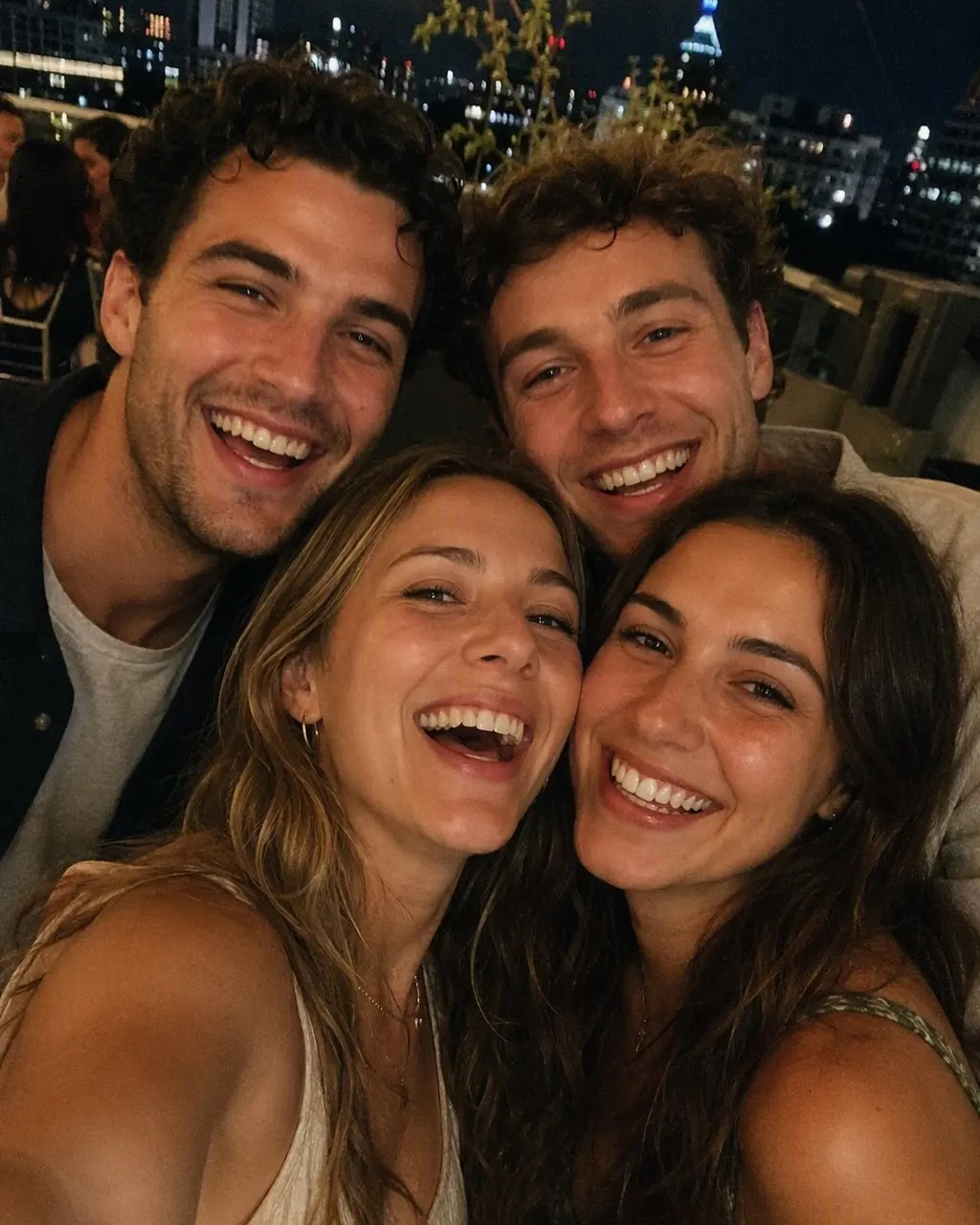

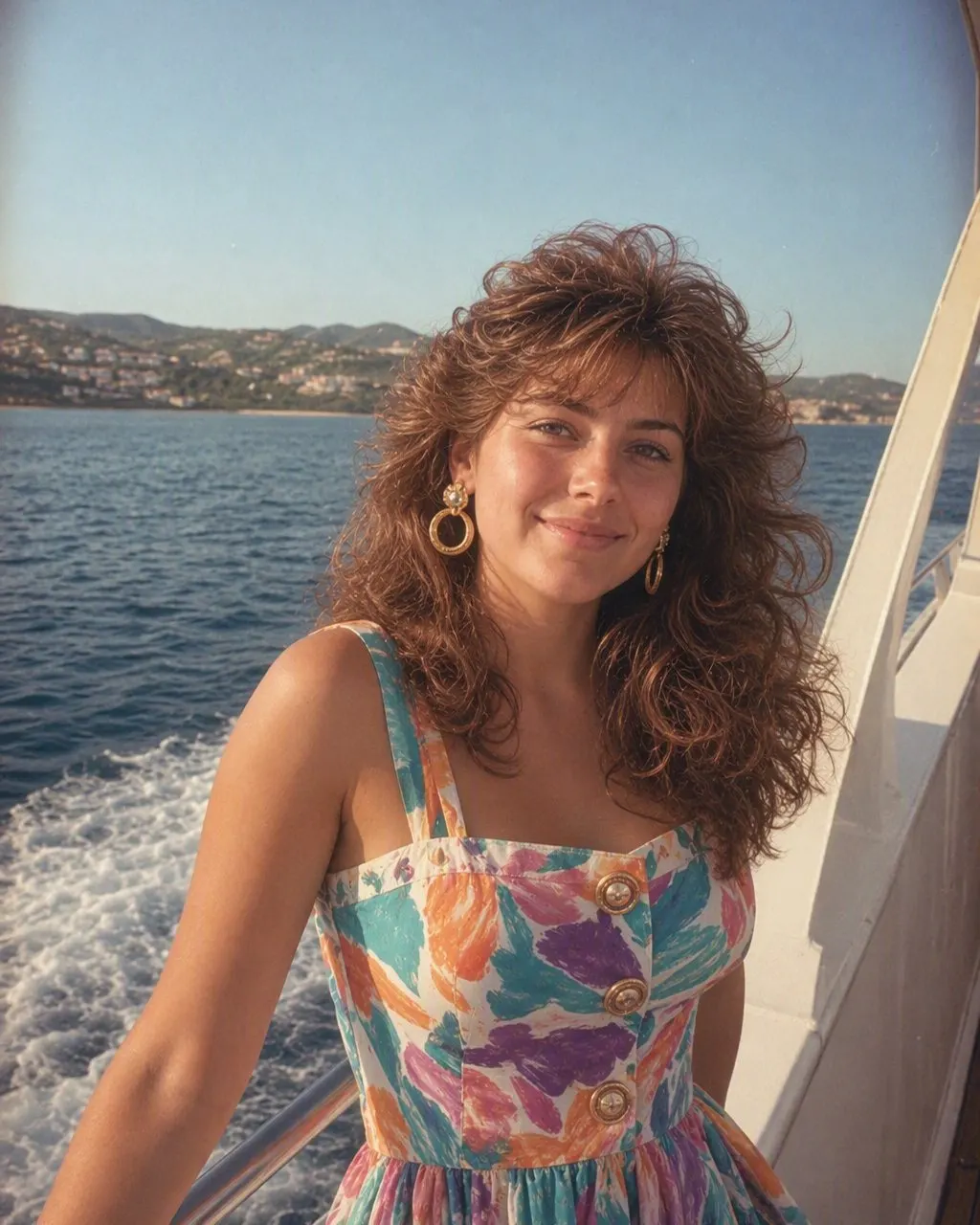
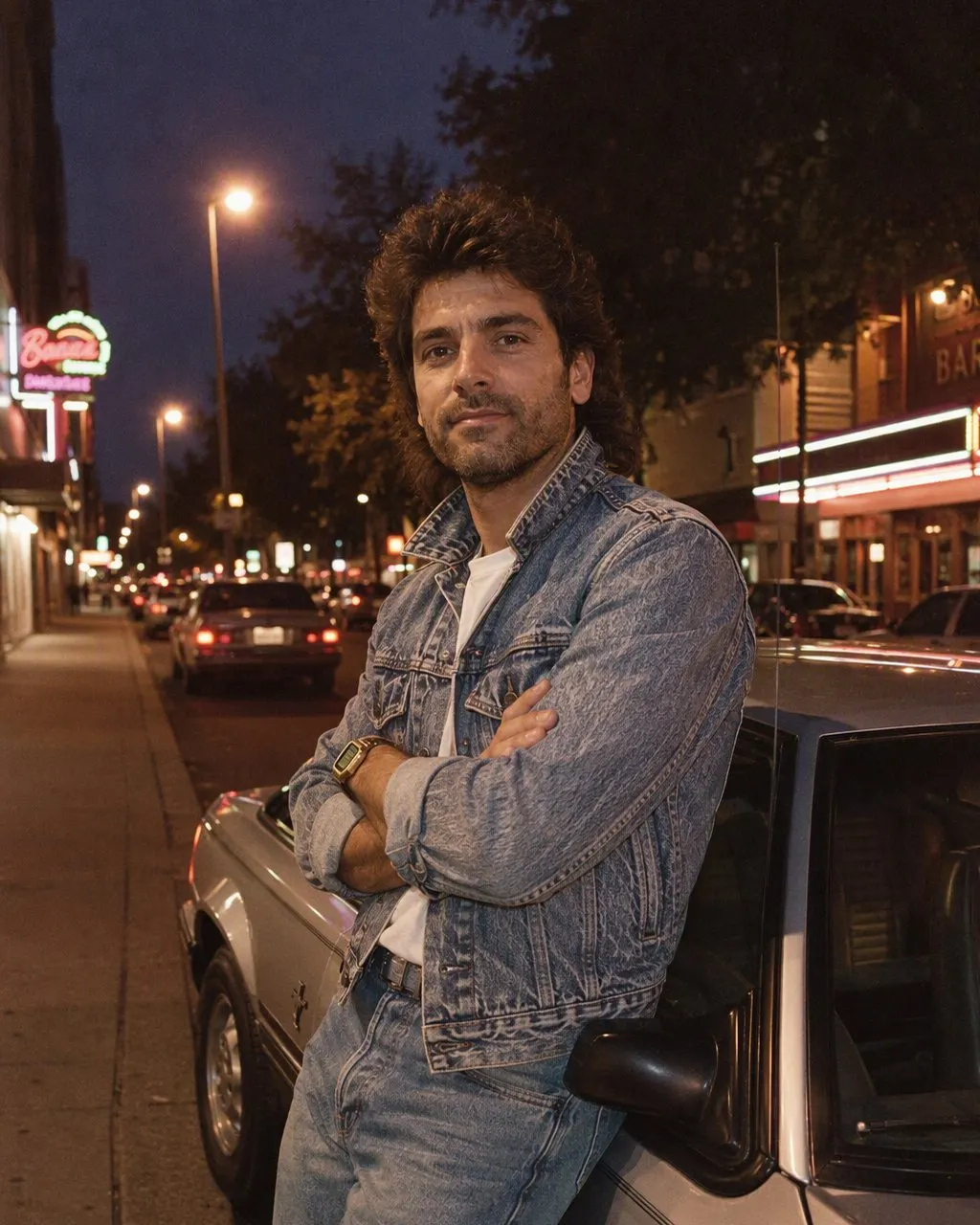
How to Make the 80s Group Photo
Pick one group shot
One frame with everyone in it, every face visible and front-on. Group selfies work well as long as nobody is cut off at the edge.
Choose the 80s look
Tap the 80s style and the whole group is restyled at once — hair, clothes, the party around you. Nothing to type.
Save and send it round
The picture is ready in seconds. Drop it in the group chat, post it with a “made with AI” note, and let everyone argue about whose perm is worse.
What a 1986 House Party Looks Like
The group version does not use the mall-studio backdrop that solo portraits get. It puts you somewhere instead — a living room in 1986, mid-party, the sort of photo taken with a disposable camera and a flash that blew out the nearest face. These are the details that carry it.
The boombox
A big silver twin-deck stereo on a shelf or on the floor, usually with the speakers facing straight at the camera.
Cassette tapes
Loose tapes and cases scattered across a table, a few with handwritten labels. The single most convincing prop in the whole picture.
Neon and pastel
Bright wall colours, geometric wallpaper, a neon sign or a strip of coloured light behind the group.
The clothes
Denim jackets, oversized sweaters with bold patterns, pastel polos with popped collars, shoulder pads, plastic earrings and thin gold chains.
The hair
Perms, feathered layers, side parts and the occasional mullet, all with height and hairspray shine.
The camera
Direct on-camera flash, slightly soft focus, heavy film grain and faded warm colour, exactly like a print from 1986.
How to Choose the Group Photo
Group shots fail more often than solo ones, and almost always for the same reasons. Two minutes of care on the source photo is worth more than any amount of retrying.
Every face visible
If someone is behind a shoulder, turned away or cropped at the edge of the frame, the styling has nothing to work with on them. Check the back row before you upload.
Nobody covered up
No sunglasses, no caps pulled low, no hands or drinks in front of faces. The eyes and the hairline are exactly where 80s styling does its work.
One sharp, unfiltered shot
Skip the beauty filters and heavy edits. The app adds its own flash and grain, and a modern filter underneath makes both look wrong.
Even light across the group
Avoid half the group in shade and half in sun. A flat indoor light or open shade keeps everyone at the same exposure.
Stand close, similar heights
A tight line-up fills the frame the way a real party photo did. Big gaps between people leave dead space the styling cannot fill well.
Ask the Group First
Everyone in the photo should agree before you upload it. It is a group picture, so it is a group decision — a quick message in the chat is enough, and it saves the awkward conversation with the one friend who did not want their face restyled and posted. Upload your own photo, or a group photo everyone in it has agreed to, and never a picture of somebody who has not said yes.
The tool’s side of the deal is short. FaceCast uses your photo only to generate your result; it is not sold or shared for marketing. It produces still images only — no video, no ageing, no celebrity likenesses — and if the group dog made it into the frame, the dog stays itself and gets a small 80s bandana. Add a “made with AI” note when you post, and the picture stays a joke rather than a claim.
Frequently Asked Questions
How do I turn a group photo into an 80s picture?+
Upload one shot with the whole group in it, choose the 80s look, and the picture is generated in seconds. FaceCast keeps every face as it is and restyles the hair, clothes and setting into a 1986 house party, with a boombox, cassette tapes, neon and a hard flash. No prompt to write, free on iOS and Android.
How many friends can be in one photo?+
A normal group works fine. What matters is not the headcount but whether each face is visible, front-on and reasonably sharp. Anyone half-hidden behind a shoulder or cropped at the edge of the frame will not restyle well, so check the back row before uploading.
Do I need a separate photo of each person?+
No. The 80s look restyles the single picture you upload, so everyone has to be in that one frame. It cannot combine separate photos of different people into one group shot.
Does everyone have to agree first?+
Yes, and it takes one message in the group chat. A group photo belongs to everyone in it, so get a yes before you upload and again before you post. Never upload a photo of someone who has not agreed to it.
Is the 80s group photo free?+
Yes. The 80s look is free in FaceCast on iOS and Android, the result comes back in seconds, and there is nothing to configure. Upload the group shot, pick the style, save the picture.
What happens to the photo after I upload it?+
It is used only to generate your result — FaceCast does not sell your photo or share it for marketing. The output is a still image; there is no video, no ageing and no celebrity faces involved.
Take the Group to 1986
Upload one group photo, choose the 80s look, and put everyone at the house party in seconds. Free on iOS and Android.
4.6average rating · 4,109 App Store