
80s photo trend
The 80s Trend App
You have already seen the photos. This is the app behind the ones that appear in seconds — one photo in, 1986 out, nothing typed and no account made.
4.6average rating · 4,109 App Store
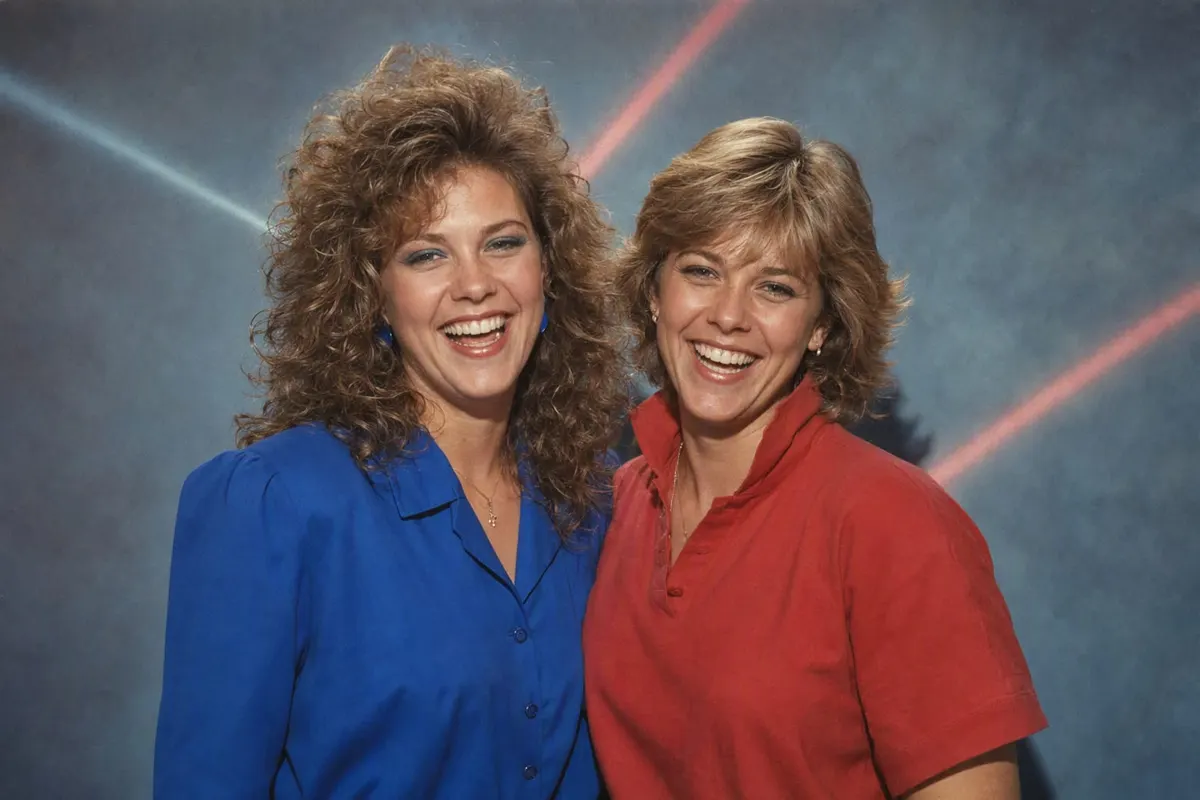
Which app does the 80s trend
FaceCast. It is free on iOS and Android, the 80s style is already built into it, and there is nothing to type: open the app, add one photo, tap the 80s style, and a few seconds later you have the 1986 version of that picture with your own features, skin tone and expression unchanged. That is the whole process, and it is why some of the posts you have scrolled past clearly took ten seconds to make.
What the app changes is everything around your face. The hair gains height and volume — a perm, a blow-dried feathered cut, a mullet, a deep side part. The jacket gains shoulders. The wall behind you becomes a mottled studio backdrop. The light becomes a hard direct on-camera flash, which is the detail most people cannot name but every eye recognises: a bright flat face, a crisp edge at the hairline, a short dark shadow behind the shoulder. Then the colour ages the way a print in an album ages, with reds and yellows holding, blues drifting green, magenta creeping into the shadows and a fine even grain over the lot.
You can also get there by writing a prompt in ChatGPT or Gemini, and plenty of people have. The difference is not quality so much as attempts: a prompt has to lock your identity in its first sentence or the result comes back as a convincing stranger, and every run produces a different picture. In the app that part is not yours to get right. The rest of this page is the honest comparison, the timing, the price, and the list of things it will not do.
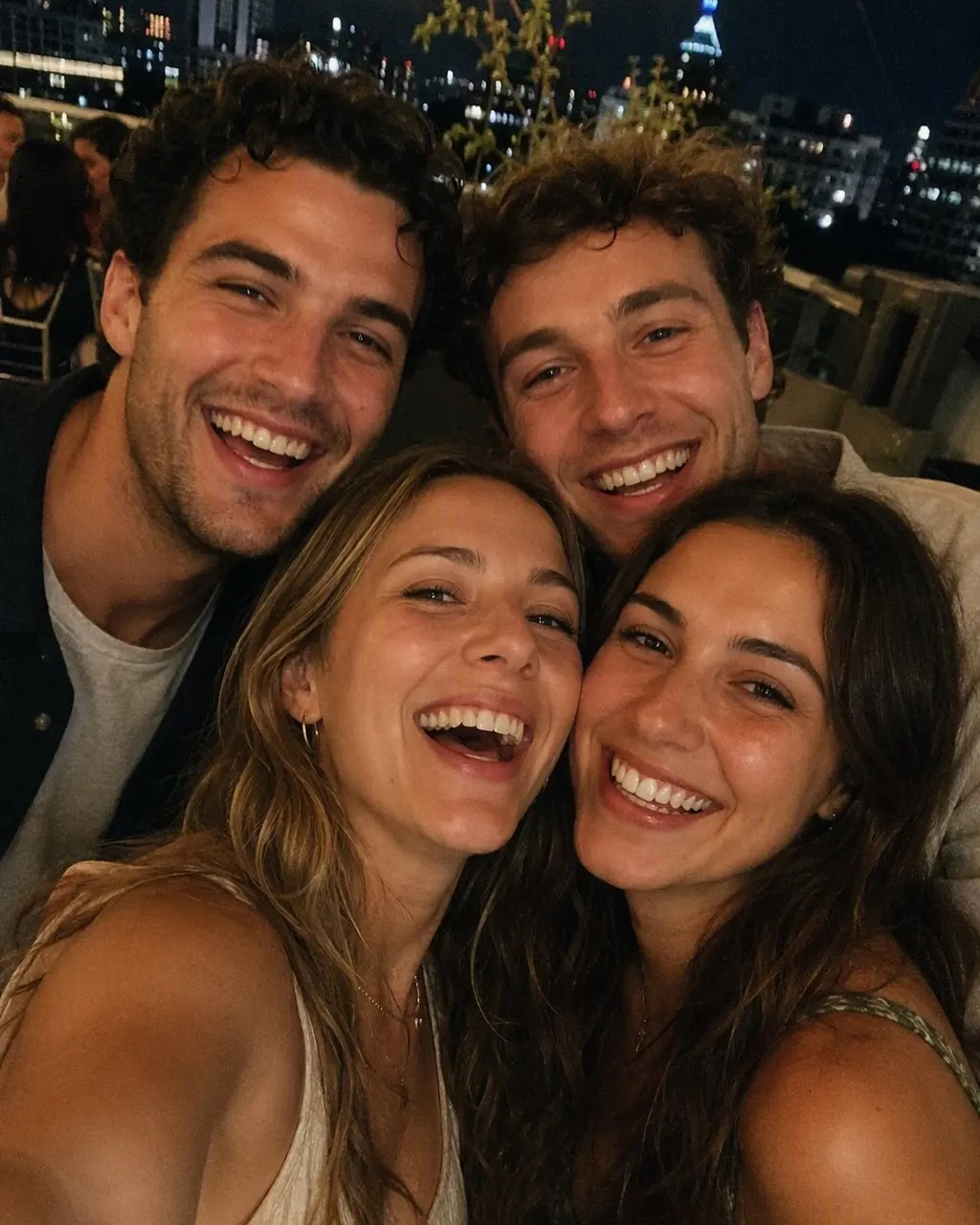

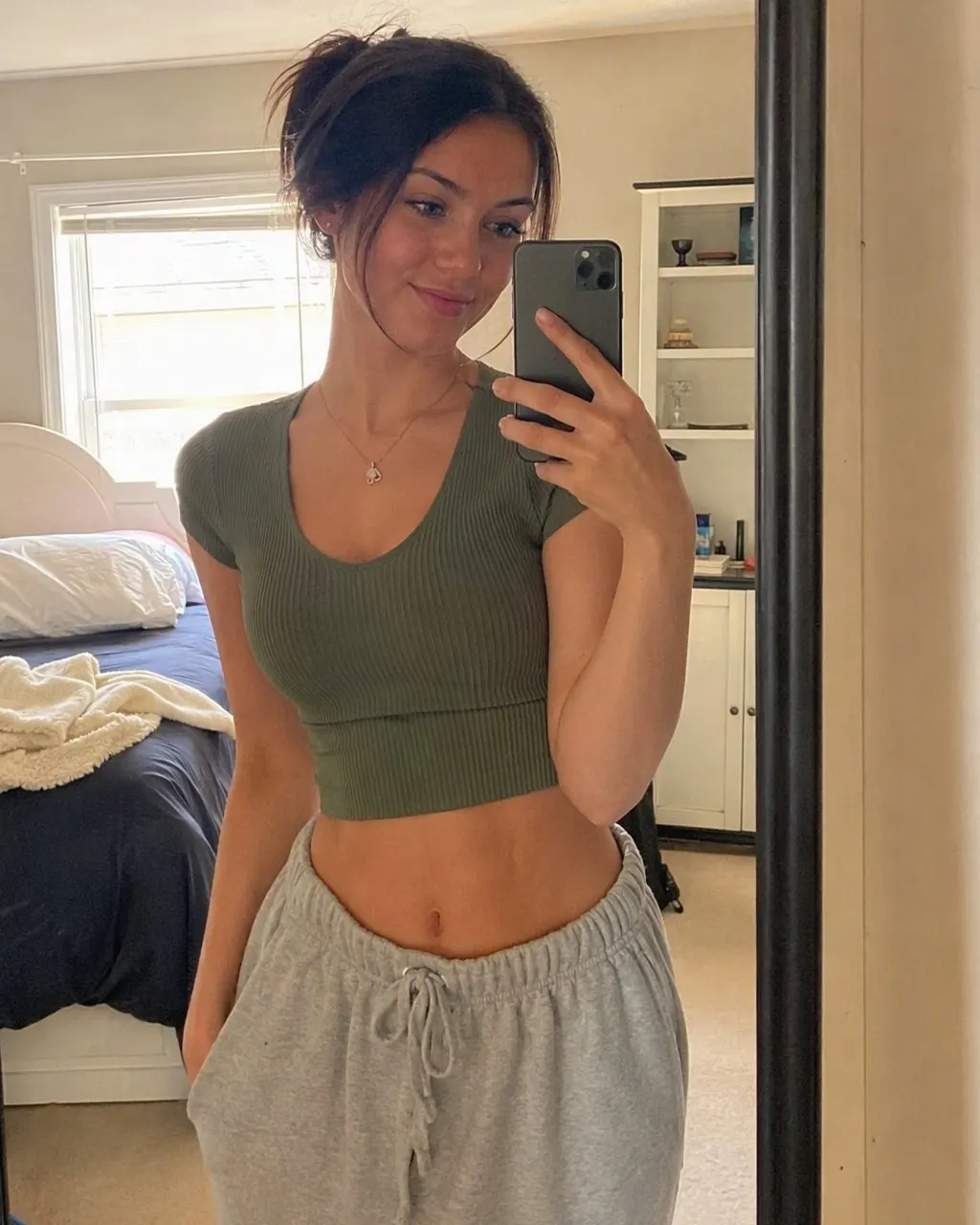
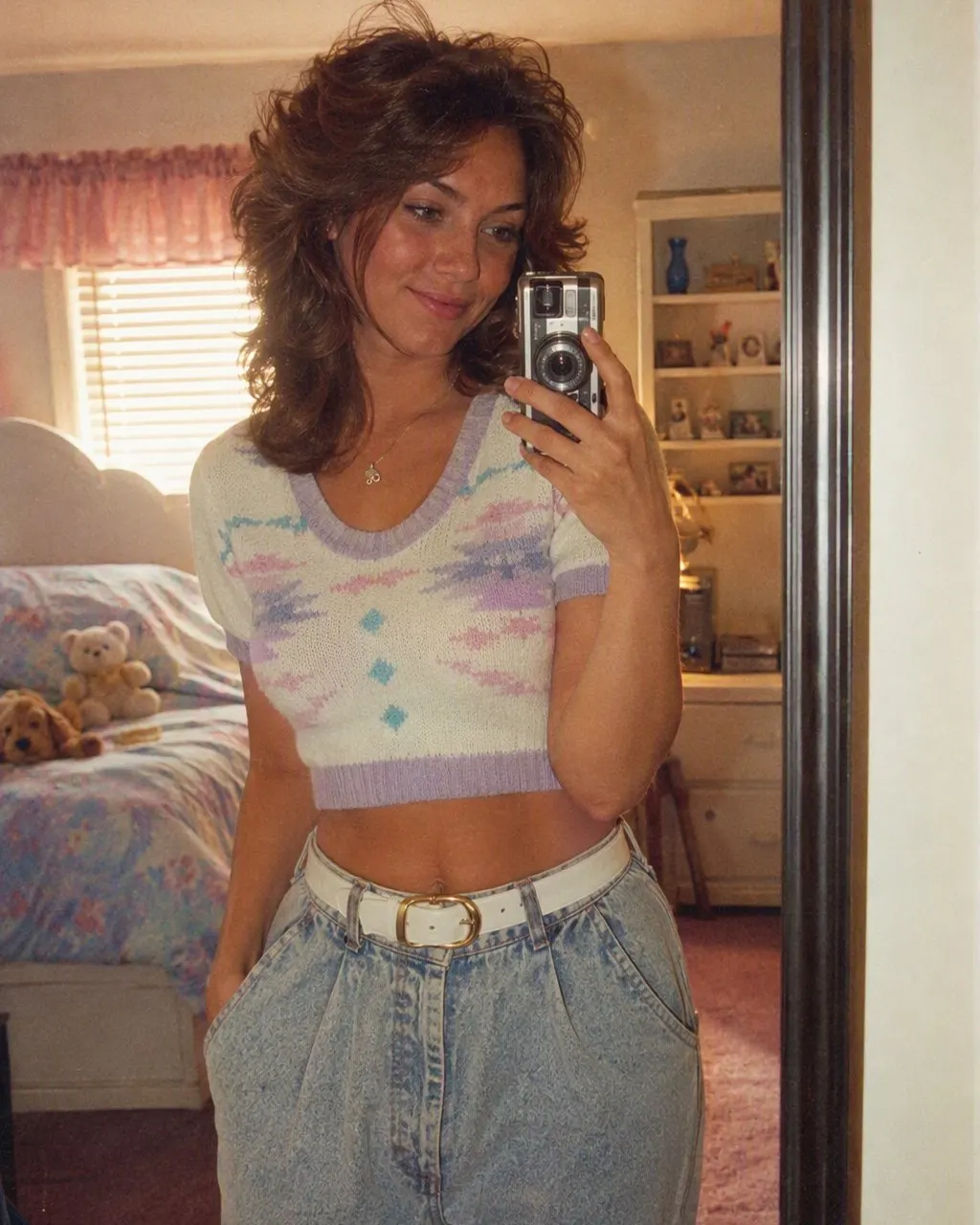
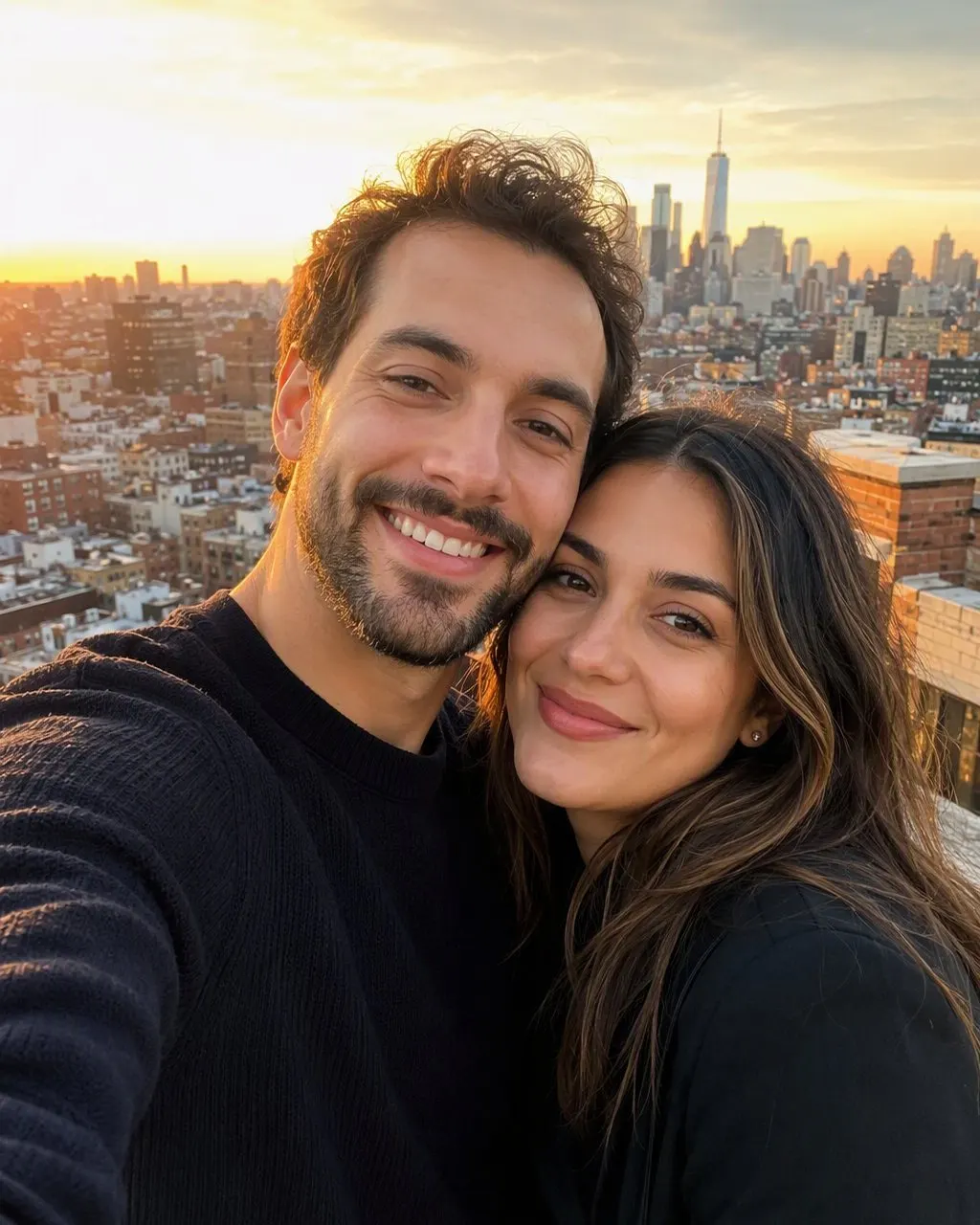

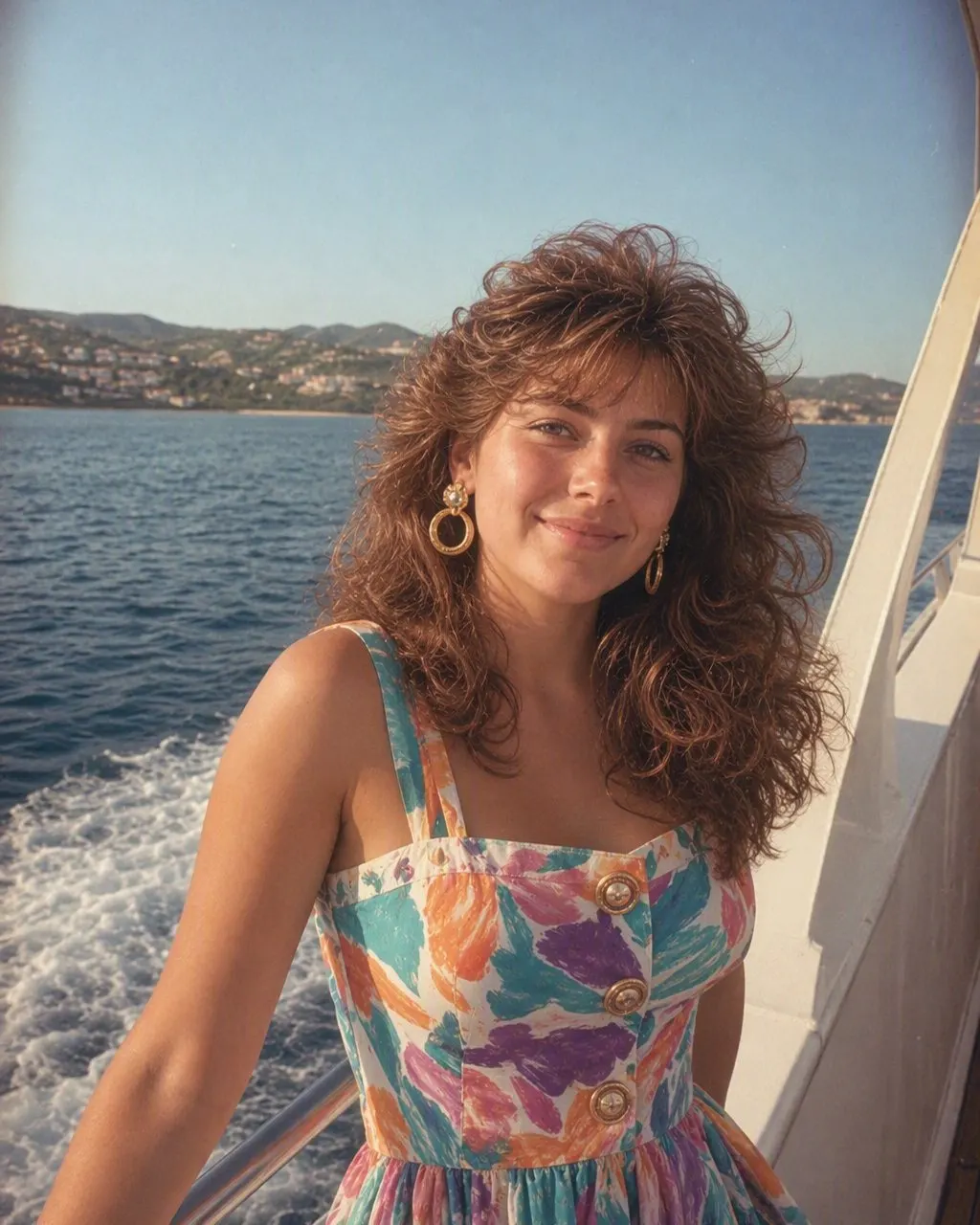
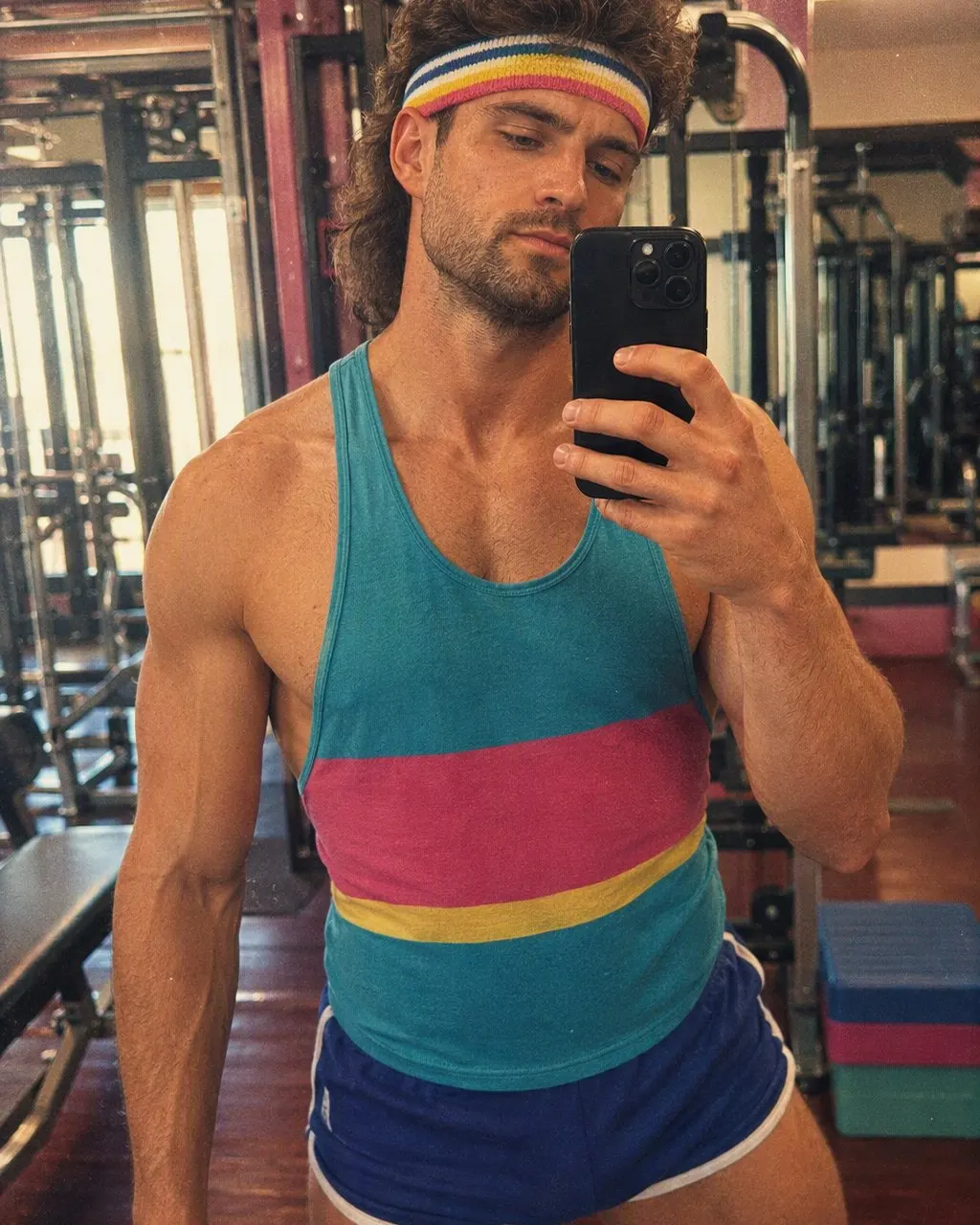
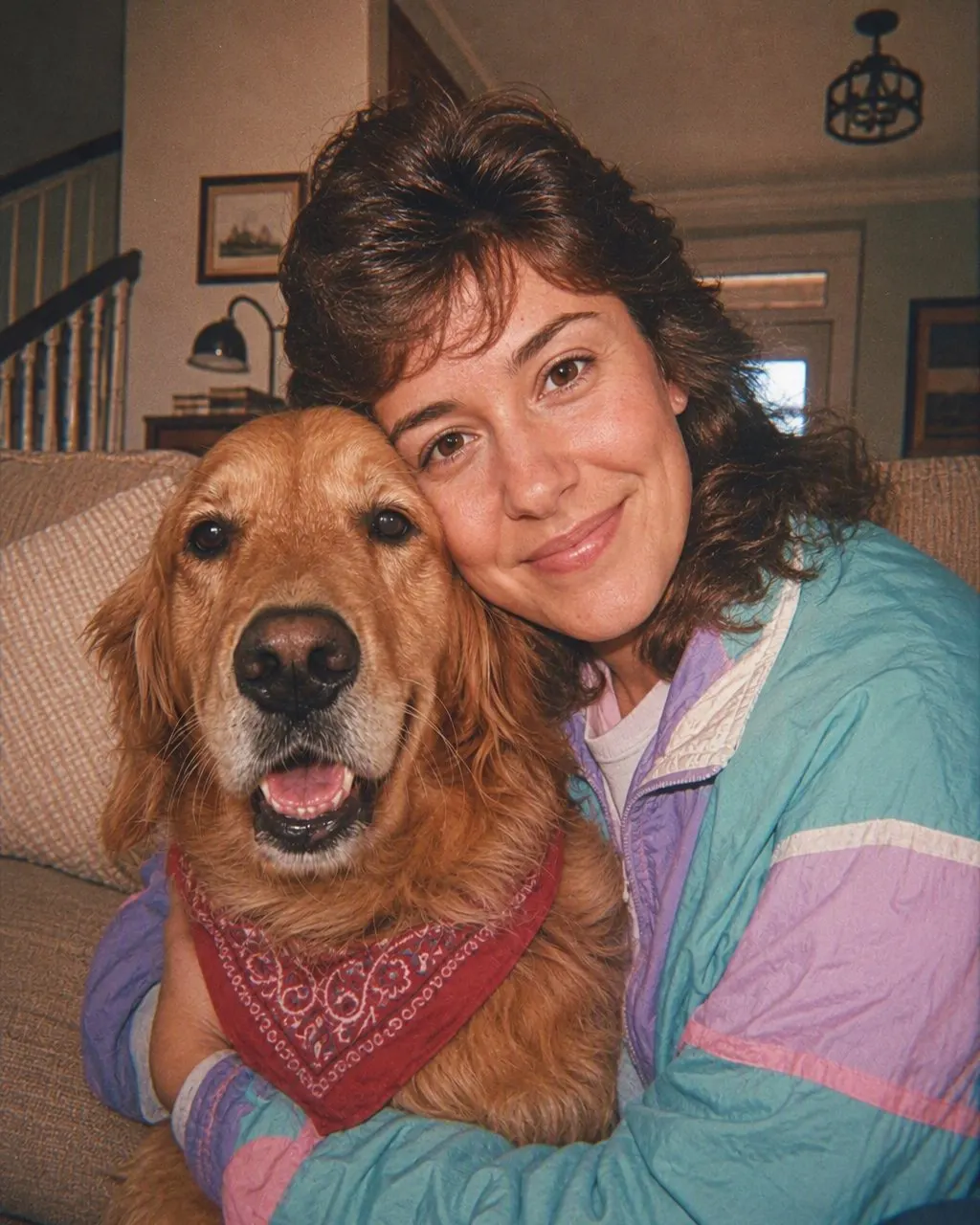

From your feed to your camera roll
Install it and skip the blank screen
Free on the App Store and Google Play, and no sign-up is needed to try the style. Thirteen use cases are waiting inside — mirror selfie, portrait, couple, mother and daughter, friends, wedding, graduation, gym, holiday, office, pet, car, maternity — so you are choosing rather than inventing.
Add one honest photo
Face front-on and sharp, daylight if you have it, no sunglasses and no beauty filter. A smoothing filter has already removed the detail the style needs to keep you looking like you. Couples, families and groups go through in a single pass.
Tap the 80s style, then post the pair
A few seconds, and you can slide between before and after and save at full resolution. Post the after first and the original second — that is the format the trend actually spreads in — and add the AI label when you post it.
Is it one app, or is everyone using something different?
Both, which is why the question keeps being asked. The 80s trend is not owned by one tool: some of the photos in your feed came out of an app with the style built in, some came out of ChatGPT or Gemini after a paragraph of typing, and a few are just a warm filter over a modern haircut and are not really the trend at all. Nothing in a post tells you which is which, so people search for the app and get three different answers.
There is one reliable tell. Look at whether the person still looks like themselves. Prompt-made results drift — the jawline softens, the eyes change shape, the person becomes a good-looking stranger in a denim jacket — because a general-purpose model rebuilds the face along with everything else unless it is told, forcefully and first, not to. Results from a purpose-built style hold the likeness, because holding it is the thing the style is for.
The second tell is consistency. If someone has posted four 80s photos in a row that all sit in the same decade, with the same flash, the same grain and the same colour age, that is a preset. Four prompt runs give four slightly different decades.
The app and the prompt, side by side
Time
The app is about ten seconds from photo to result and there is no text box. ChatGPT or Gemini is two to five minutes once you count reading the prompt, pasting it, and fixing whatever came back wrong.
Likeness
In the app, identity preservation is part of the style. In a chat tool it is a sentence you have to write, put first, and sometimes repeat — and it is the single most common reason a result gets deleted rather than posted.
Repeatability
A style gives the same treatment every time, so the version you post is the version you saw. A prompt is a new roll of the dice on each run, which is fine if you enjoy the rolling and frustrating if you do not.
Groups
The app restyles everyone in the frame at once and keeps their positions. Prompting a group usually takes two passes — hair first, clothing second — and still has a habit of quietly adding or losing a person.
Where the prompt genuinely wins
When you want something specific that no preset would guess: a particular band T-shirt, a named city street at night, a second person who is not in the original photo. A chat tool will attempt all of that. A style will not, because a style has already decided.
Cost
FaceCast is free to download and you can try the 80s style without paying. ChatGPT and Gemini both have free tiers that can do it. None of the three routes requires a card to see a first result.
How long it takes and what it costs
A single photo comes back in a few seconds on a normal connection — closer to ten if you are on a weak signal, because the picture has to make a round trip. A group photo takes no longer than a selfie; the work does not scale with the number of faces. The result saves to your camera roll at full resolution, not at a preview size, so it survives being cropped for a story.
The app is free to download on iOS and Android and the 80s style is free to try there, with no account needed before you see a result. If you want the ChatGPT version of the same idea instead, the exact prompt text is on the prompt page linked below, written so that the face is locked before anything else is described.
What the app will not do
No video
It makes a still image. There is no animation, no talking portrait and no clip.
No age progression
It does not make you older or younger. You in 1986 is a styling of your face as it is today, not a guess at your face twenty years ago.
No celebrity faces
You cannot ask it for someone famous, and it will not put a public figure into your photo.
It is not a record of your past
This is a picture for fun. The period details are accurate to 1986 photography; the specific jacket you are wearing in the result is invented, not remembered.
It cannot rescue a bad source
Heavy beauty filtering, motion blur, sunglasses, a hat brim across the eyes or a face turned three-quarters away all cost you likeness. The hairline matters as much as the eyes, because that is where 80s hair is built.
It is not a colour filter
If you only wanted grain and a date stamp over today’s haircut, any vintage filter will do it faster. This restyles the picture instead of tinting it, which is a slower thing to want and a different thing to get.
What happens to your photo
Photos are processed only to create your result. They are not sold, and they are not shared with third parties for marketing purposes; the details are in the privacy policy.
Upload only photos of yourself, or of adults who have agreed to it — never someone else’s photo without their consent, and please do not upload photos of children.
When you post the result, label it. Instagram offers an AI label at the point of posting, and a line in the caption costs nothing. In the EU, Article 50 of the AI Act has applied since 2 August 2026 to AI images realistic enough to be mistaken for a photograph, and a convincing 1986 portrait is exactly that.
Common questions
Which app is everyone using for the 80s trend?+
FaceCast. The 80s style is built into it, so you add one photo, tap the style, and the result comes back in seconds with your face preserved. It is free on iOS and Android. ChatGPT and Gemini can also produce the look, but they need a written prompt and usually a few attempts.
Is the 80s trend app free?+
FaceCast is free to download on the App Store and Google Play, and the 80s style is free to try. You do not need an account to see a first result.
Is there an 80s trend app for Android as well as iPhone?+
Yes — the same app and the same style on both. Nothing about the result differs between the two platforms.
Do I have to write a prompt in the app?+
No. There is no text box. The hair, clothing, background, flash, colour shift and film grain are all part of the style, so the only decision you make is which photo to use.
How long does the 80s trend take in an app?+
A few seconds per photo, and about the same for a group as for a selfie. Most of the minute people spend on it goes on choosing a photo and writing the caption.
Do I have to say it was made with AI when I post it?+
Yes, and it is easy — use the AI label your platform offers and mention it in the caption. Since 2 August 2026 it has been a requirement in the EU for AI images realistic enough to pass as real photographs.
Get the app behind the 80s trend
One photo, one tap, 1986 in a few seconds. Free for iOS and Android.
4.6average rating · 4,109 App Store