
Trending now
80s Studio Photoshoot: The Mall Portrait Studio Look From One Photo
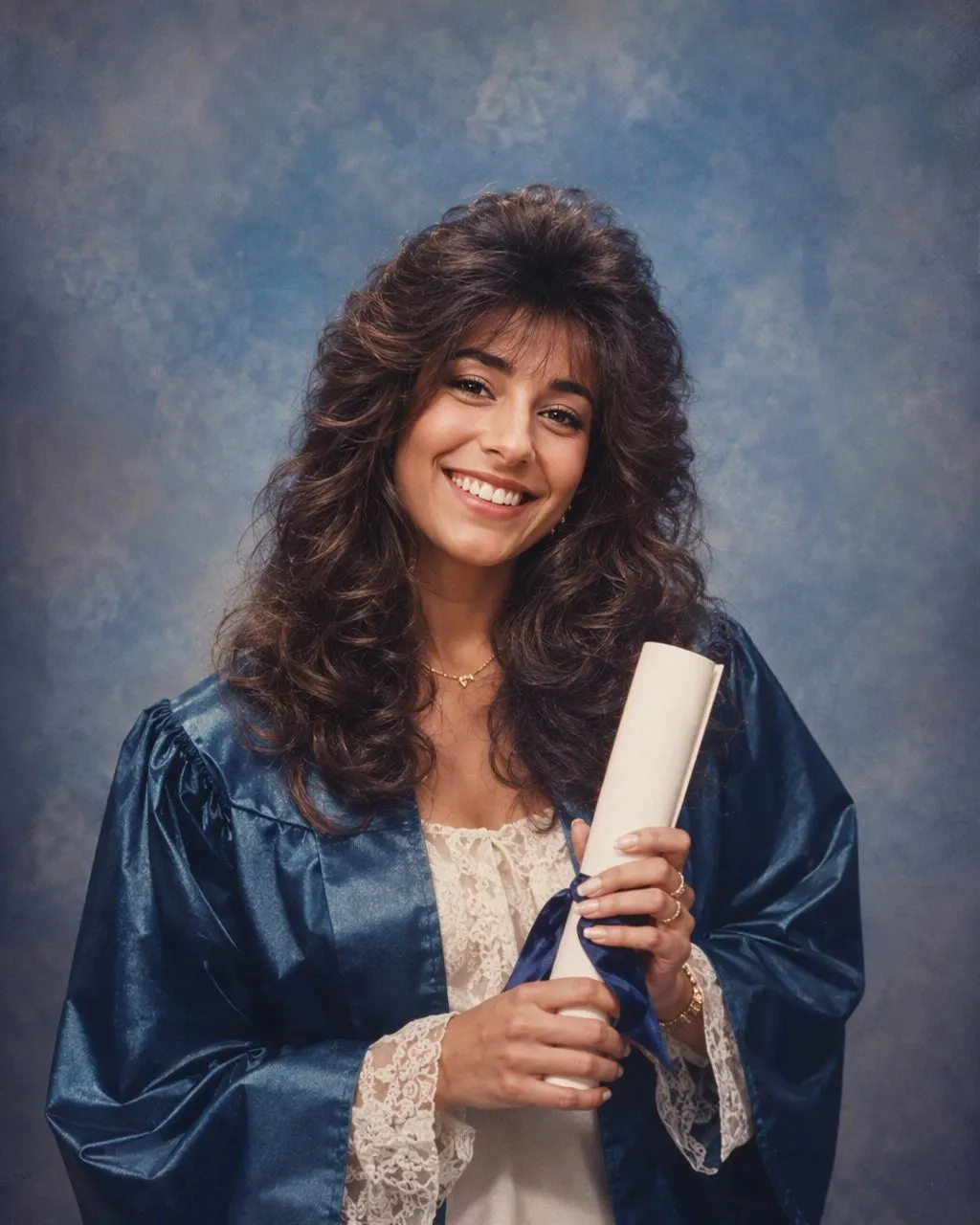
The mottled canvas, the one hot flash, the hair sprayed into place and the shoulder pads: this is the exact portrait the mall photo studios printed in the mid-80s, and it is what the style makes from a single photo.
4.6average rating · 4,109 App Store

The Short Answer
An 80s studio photoshoot is the portrait the mall and town-centre photo studios made in the mid-1980s: a chest-up or three-quarter pose in front of a mottled grey, blue or brown canvas backdrop, lit with one direct flash that makes the face bright and drops a hard shadow behind the shoulder, with feathered or permed hair, shoulder pads or a collar-up polo, and the soft grain and warm fade of a print. FaceCast makes exactly this from one photo: upload it, tap the 80s style, and the studio portrait is back in seconds with your face, skin tone and expression kept. Free on iOS and Android, no prompt, no studio.
The look is specific and that is why it works. Studios in the mid-80s used a canvas backdrop, one flash, a slightly long lens and a print process that faded warm over the years. Every one of those decisions is visible in the finished picture, and every one of them is what the style rebuilds: the flash, not just the hairstyle; the canvas, not just a colour tint. A generic “retro” filter changes the colours of your photo and leaves it lit like 2026. A studio look changes the photograph.
The style does not turn the photo into a video, does not age or de-age anyone, does not add other people, and does not produce a picture you could use as an ID. It is one still portrait in the format the studios printed.
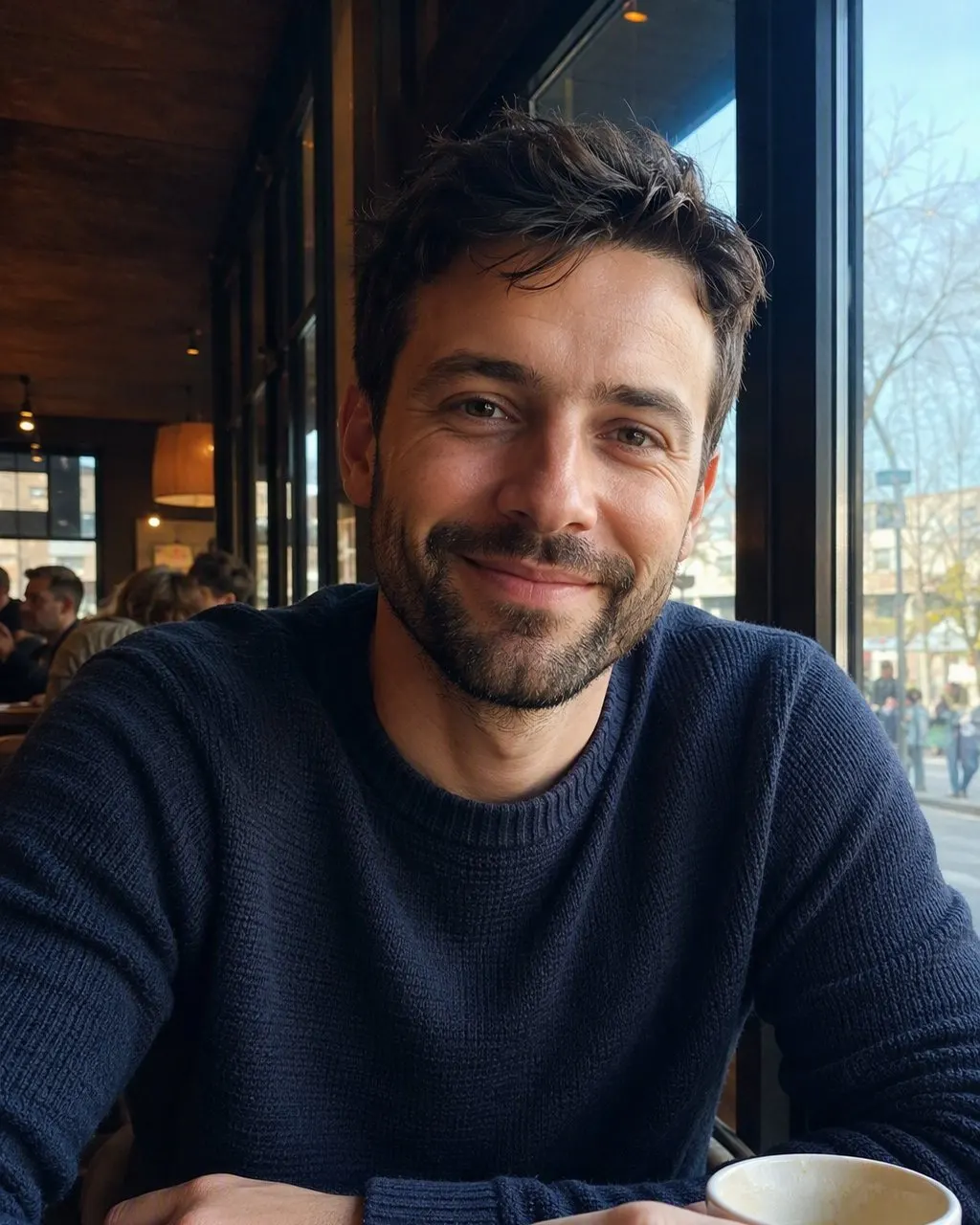
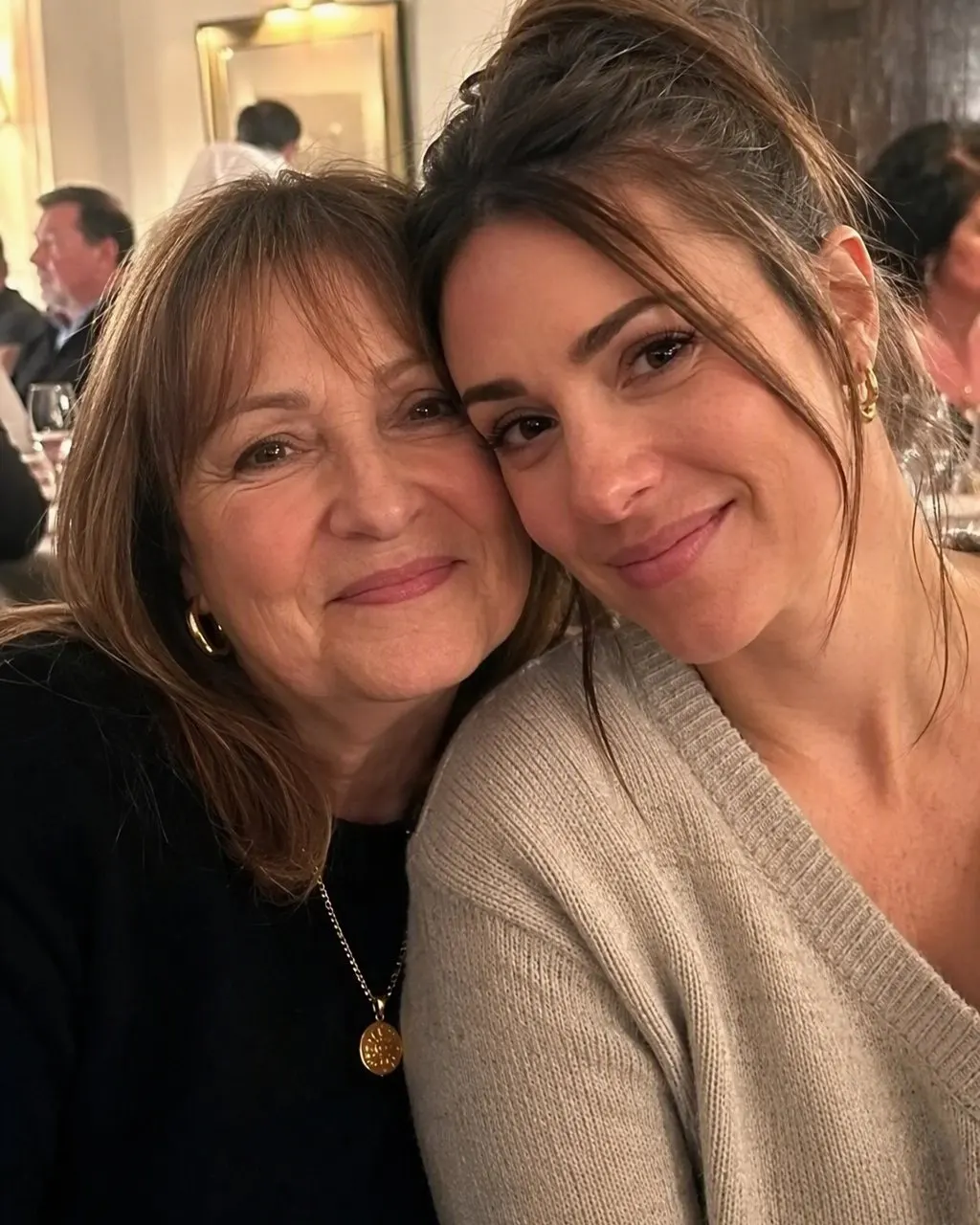

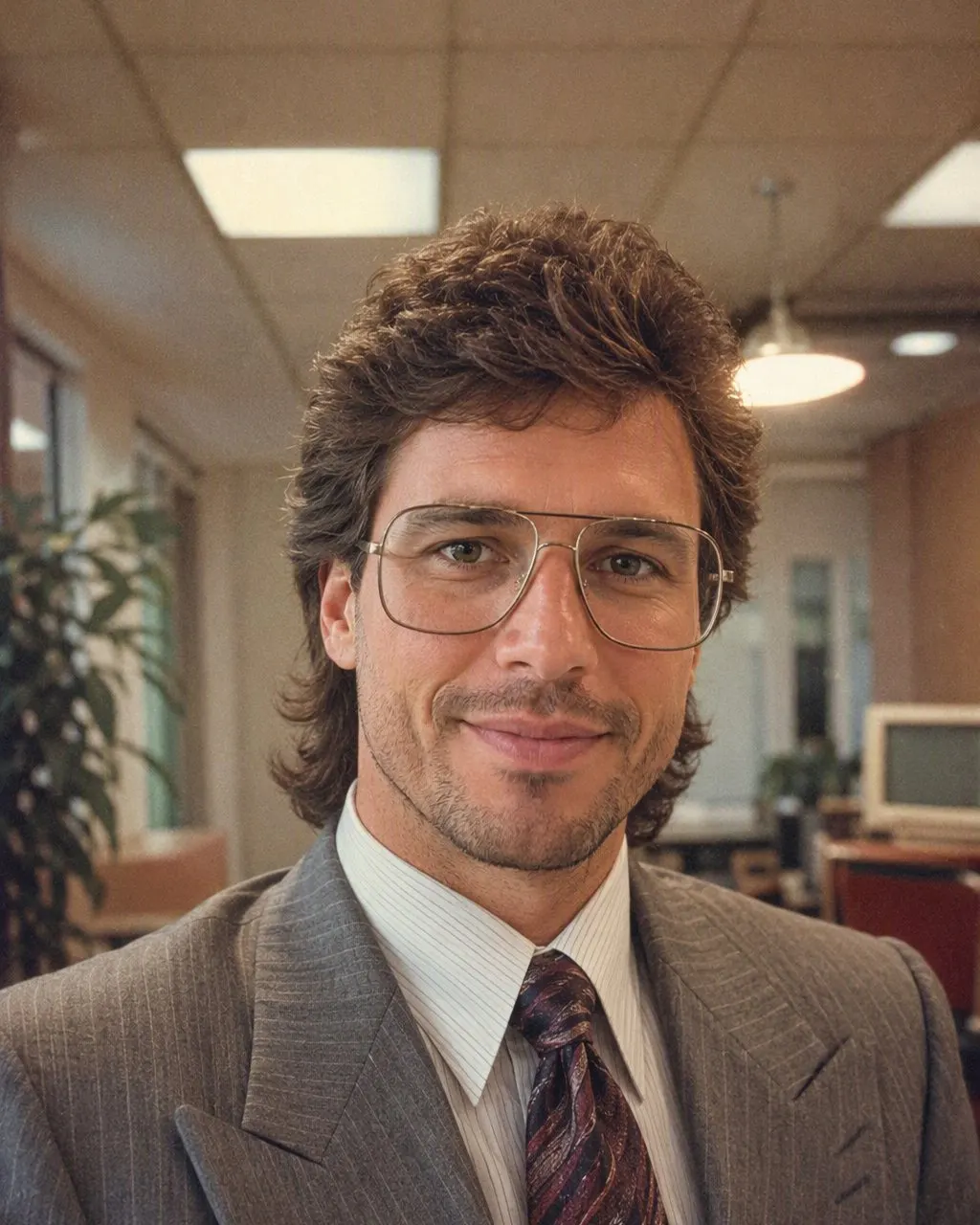
How to Do an 80s Studio Photoshoot From Your Phone
Take or pick a chest-up photo
A front-facing or slightly angled photo in even light, from the chest up, with the whole face visible. This matches the studio crop and gives the style room to place the backdrop and the shoulder shadow.
Tap the 80s style
Open FaceCast, choose the 80s look and upload the photo. There is no backdrop to pick and no prompt to write; the mottled canvas, the flash and the hair are part of the style.
Compare, save, print if you like
The portrait is back in seconds. Check the face against the original, then save it. It prints well at the size the old studio prints came in, and it sits comfortably next to the real ones on the wall.
What Made the Mid-80s Studio Portrait Look the Way It Did
If you have ever wondered why every studio portrait from those years looks like every other one, it is because the studios used the same handful of tools. Each one leaves a mark you can point to in the finished print.
The mottled canvas
A hand-painted grey, blue or brown backdrop with cloudy patches, hung a metre behind the sitter so it went slightly soft. This is the single most recognisable element.
The direct flash
One flash on or near the camera. The face goes bright and slightly hot, a hard little shadow appears behind the shoulder, and the corners fall away into dark.
The pose
Shoulders angled, head turned back to the lens, chin slightly down. For pairs, one person a half-step behind the other. For families, the smallest in front, everyone in matching colours.
The hair and clothes
Hair sprayed high and feathered, a perm or a swept fringe; a blazer with shoulder pads, a satin blouse with a bow, a collar-up polo, large earrings.
The print
Soft grain, warm fade, a slight softness overall. Most of the “80s” in an 80s photo is the print, not the person.
The Mall Photo Studio, and Why Filipino Families Have the Reference
In the Philippines the studio portrait was a ritual, not an occasional treat. The graduation portrait in the toga, the debut portrait at eighteen, the prom pair, the whole family in coordinated colours before a reunion, the office headshot: each was a sitting at a photo studio in the mall or the town centre, and each came back as a print in a cardboard folder. Those prints are still framed in living rooms in Cubao, Cebu and Davao, and in balikbayan boxes on three continents.
That is the advantage of doing the trend here. You do not have to guess whether the AI got the studio look right; you can hold the result up to the original on the wall and compare the canvas, the flash and the hair. And it is why the style feels like a family joke rather than a costume: it puts you into the exact frame your parents were photographed in.
Studio Portrait Versus a Prompt, and What Stays Private
You can ask ChatGPT or Gemini for the same studio portrait; the prompt has to begin by telling the model to keep the face exactly as it is and change only hair, clothes, accessories and setting, and then describe the canvas, the flash, the grain and the fade. The honest caveat is that a free-text prompt re-decides the whole picture every run, so the face can drift between attempts. The fixed style handles the face the same way every time, which is the difference between the two, not a claim about which is prettier.
FaceCast uses your photo only to generate your result; it is not sold or shared for marketing. Upload your own picture, or one everyone in it has agreed to, and add a short “made with AI” note when you post the portrait.
Frequently Asked Questions
How do I do an 80s studio photoshoot without a studio?+
Use one chest-up photo in even light and a fixed 80s style. In FaceCast, upload the photo and tap the 80s look; the mottled canvas backdrop, the direct flash, the hair and the shoulder pads are added for you and the portrait is back in seconds with your face kept. Free on iOS and Android, no prompt.
What did 80s portrait studio photos look like?+
A chest-up or three-quarter pose against a mottled grey, blue or brown canvas, lit by one direct flash that brightened the face and put a hard shadow behind the shoulder, with feathered or permed hair, shoulder pads or a collar-up polo, and a soft-grained, warm-faded print.
Can I do an 80s mall photo studio family portrait?+
Yes. Family and group photos work and every face in the picture is kept. Photos where the faces are clearly visible and reasonably large in the frame give the cleanest result; the style handles the matching backdrop and flash.
Does the 80s studio photoshoot change my face?+
No. FaceCast keeps the face, skin tone and expression and changes only hair, clothes, accessories, backdrop, flash and grain. That is what makes it look like you at a mid-80s sitting rather than a different person.
Can I print the 80s studio portrait?+
Yes. Save the image from the app and print it as you would any photo. It is a stylised portrait, though, not a valid ID or passport photo.
Is it safe to upload my photo?+
FaceCast uses your photo only to generate your result; it is not sold or shared for marketing. Upload your own photo or one everyone in it has agreed to, and label the result as AI when you post it.
Book the Studio Without Leaving the House
One photo, one tap, the mid-80s studio portrait in seconds with your face kept. Free on iOS and Android.
4.6average rating · 4,109 App Store