
Trending in the Philippines
The Trending 80s Picture: What It Is and How to Make Yours
Big hair, a wide collar, the mall photo studio backdrop and a hard flash, with your own face exactly as it is. Here is what the trending 80s picture actually is, the two ways to make it, and which one to use.
4.6average rating · 4,109 App Store
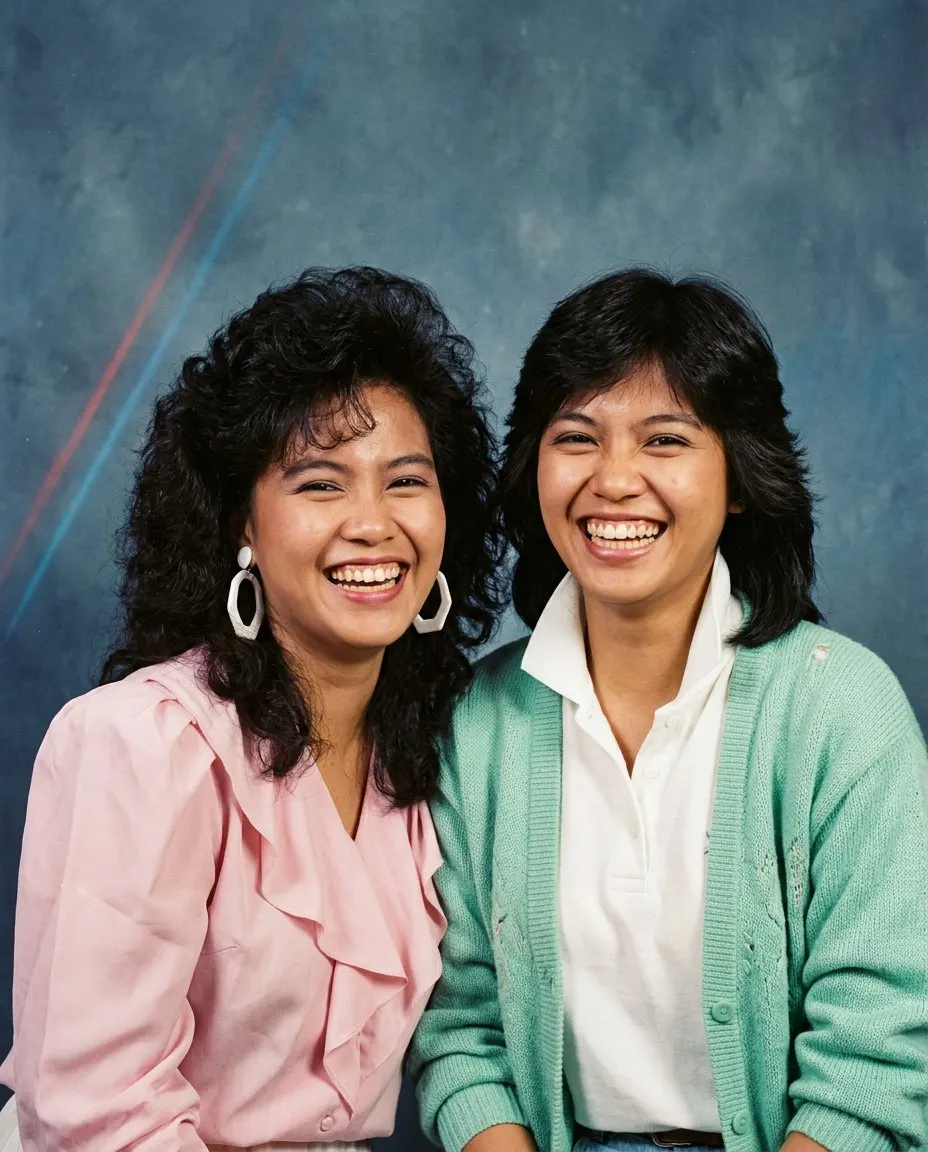
The Short Answer
The trending 80s picture is an AI restyle of one ordinary photo into a mid-1980s portrait: your face, skin tone and expression kept exactly, with the hair, clothes, accessories, backdrop, flash and film grain changed to the era. It is not a filter over your selfie; the whole frame is rebuilt around your face so it reads as a print from 1985.
There are two ways to make it. The fastest is FaceCast, a free app for iOS and Android with the 80s look built in: upload one photo, tap the style, and the picture is ready in seconds with nothing to type. The other is a prompt in Gemini or ChatGPT, which works and gives you control over the wording, but takes a few attempts because the face drifts between runs.
It works on a selfie, a couple picture, a barkada group shot, a family portrait and a mirror selfie. It makes a still image only: no video, no ageing anyone, no celebrity faces.
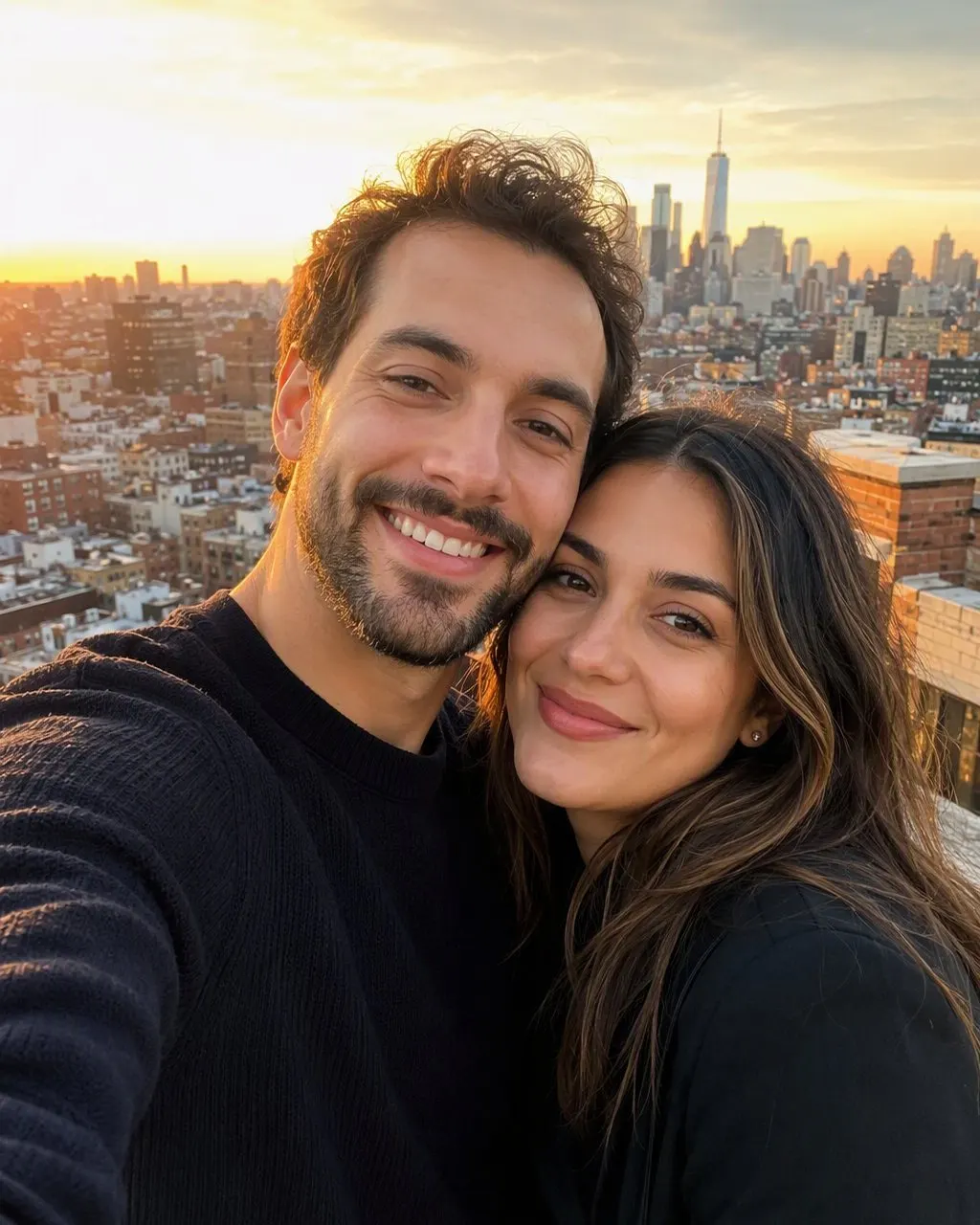

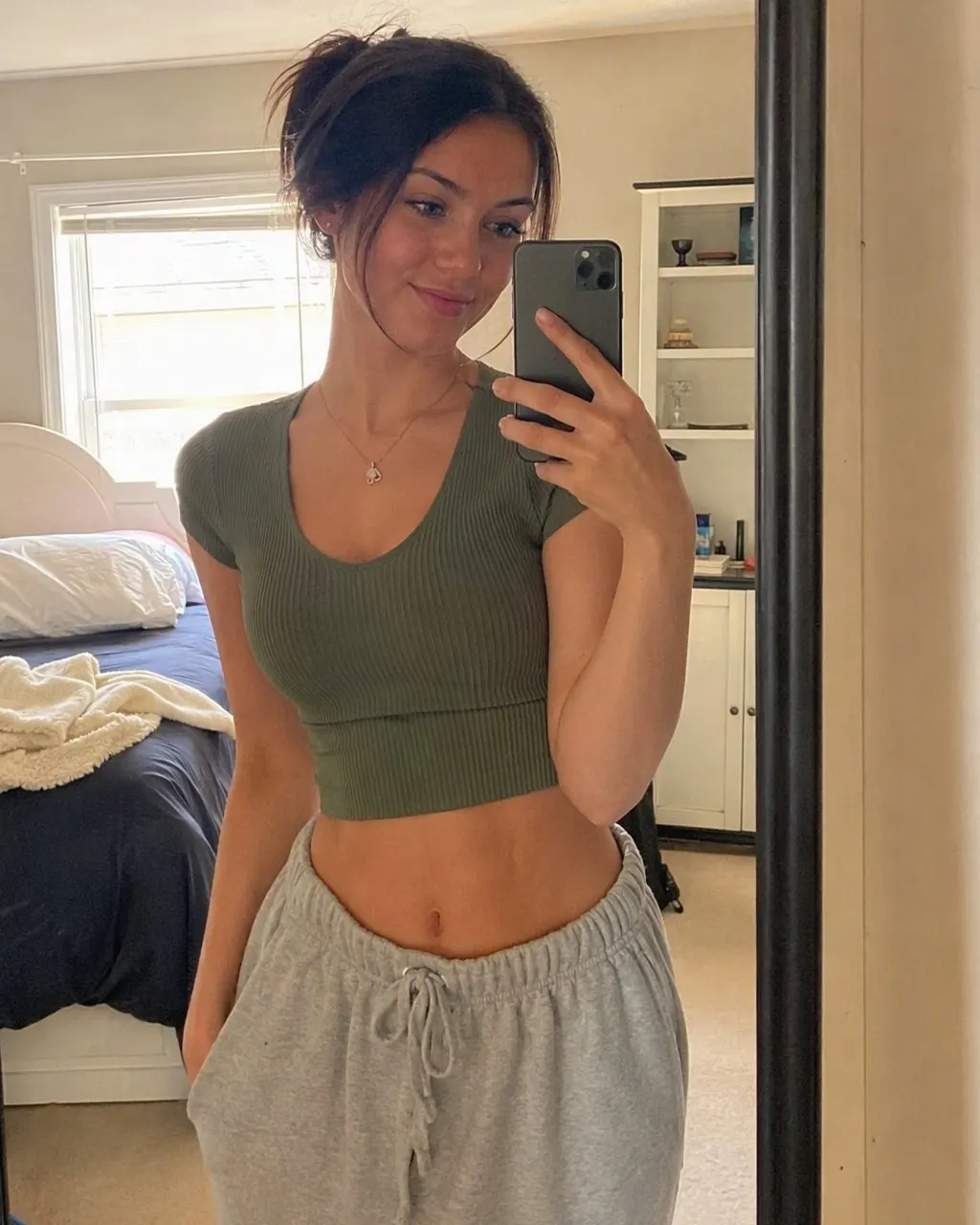
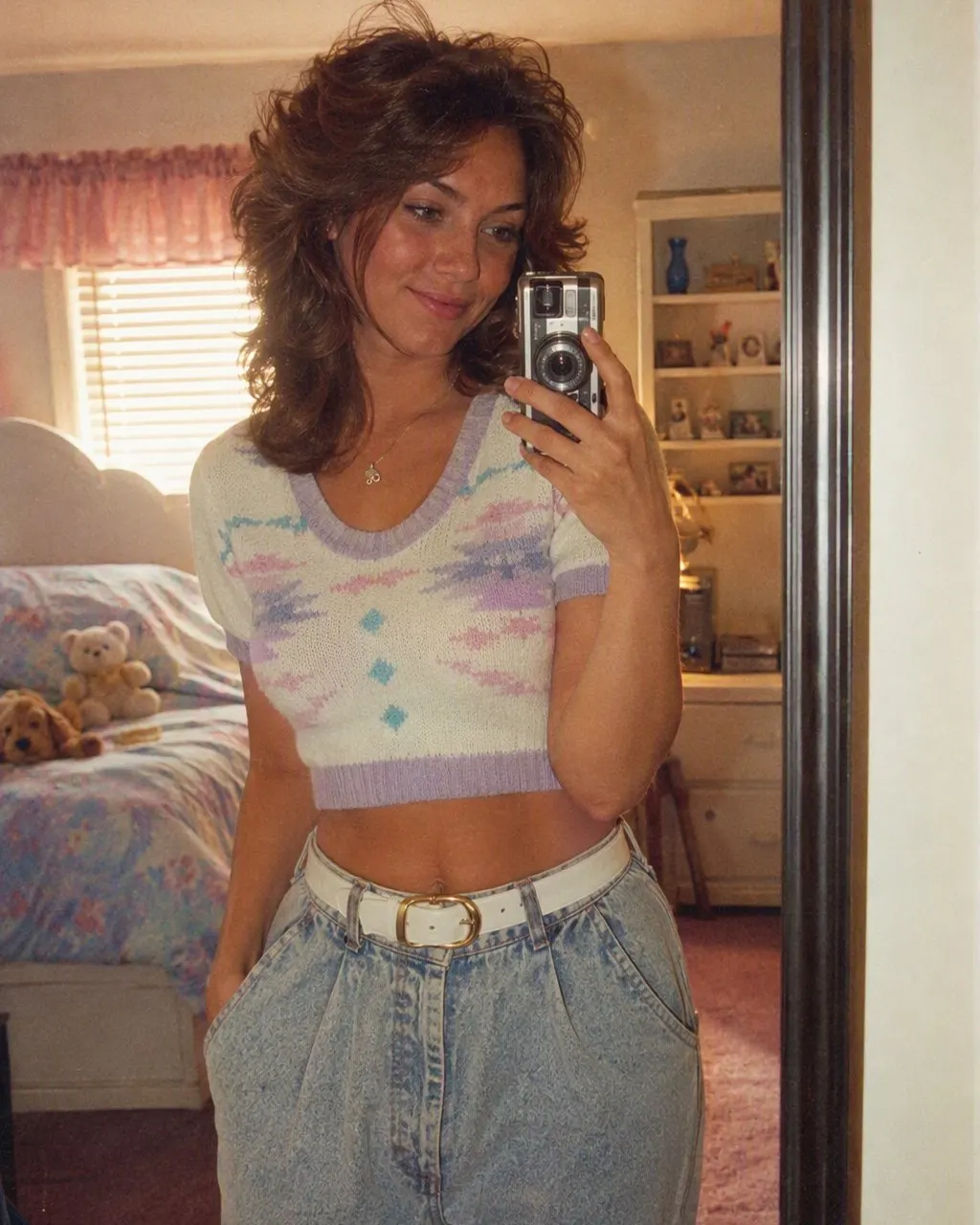



How to Make the Trending 80s Picture
Pick a clear photo
Front-on, sharp, in daylight, no sunglasses and no beauty filter. For a group picture, make sure no face is hidden behind another.
Tap the 80s style in FaceCast
Install from the App Store or Google Play, upload the photo, tap the 80s look. There is no prompt and nothing to set; the hair, the clothes, the backdrop and the flash are built into the style.
Post it as a before-and-after
The 80s version first, the original second. Add a short “made with AI” note so nobody takes it for a real print from your parents’ album.
What Makes the Trending 80s Picture Look Like That
The hair
Volume and height at the crown for women, feathered layers or a side-parted cut with a moustache for men, with plenty of hairspray shine.
The clothes
A wide-collared shirt, a blazer with padded shoulders, a pastel polo with the collar up, an oversized sweater in a bold pattern.
The backdrop
The mall photo studio: a mottled blue-grey canvas, sometimes with two thin laser streaks, or a living room with a wooden television cabinet and a cassette player.
The flash and the film
A hard direct on-camera flash, a short shadow behind the shoulder, visible grain, warm faded colours. This is what carries the decade, and it is what a colour filter alone cannot give you.
Your face
Kept. Features, skin tone, expression and the shape of your smile stay the same, on every person in the picture.
App or Prompt: Which One to Use
Both routes make the same kind of picture. The honest difference is about typing, attempts and how tightly the face is held.
The app route
Upload, tap, save. The 80s look is a fixed style, so the face is kept the same way on every run and a barkada picture comes back with every face right. You do not choose the outfit; the style decides.
The prompt route
Paste, compare, correct, paste again. You get full control over the wording, so you can ask for a specific outfit or a specific Manila studio. The trade-off is that the face can drift between attempts, most of all in group pictures.
What It Will and Will Not Do
FaceCast makes a still image from one photo. It does not make video, it does not age anyone up or down, it does not add celebrity faces, and it does not restore or colourise old prints. The result is not a valid ID photo.
Upload your own photo, or a group photo where everyone is happy to take part. Your photo is used only to generate your result; it is not sold or shared for marketing.
Frequently Asked Questions
What is the trending 80s picture?+
An AI restyle of one ordinary photo into a mid-1980s portrait: your face kept exactly, with the hair, clothes, accessories, backdrop, flash and film grain changed to the era. It is a full restyle, not a colour filter.
How do I make the trending 80s picture?+
Install FaceCast on iOS or Android, upload one clear photo and tap the 80s style. The picture is ready in seconds, with nothing to type. You can also paste a prompt in Gemini or ChatGPT, which takes a few attempts.
Is the trending 80s picture free?+
Yes. The 80s style is free in FaceCast on iOS and Android, and you can try it without creating an account.
Does it work on a barkada or family picture?+
Yes. Upload one photo with everyone in it and every face is kept. Group pictures are where a prompt drifts most, so the app route is the safer one for them.
Will it change my face?+
No. Your face, skin tone and expression are kept. What changes is the hair, the clothes, the accessories and the background, plus the flash and the grain that make the picture look like a print from the era.
Does it make a video?+
No. It makes a still image only. It also does not age faces, add celebrity faces or restore old prints.
Make Your Trending 80s Picture
Install FaceCast, upload one photo and tap the 80s look. The picture is ready in seconds, free on iOS and Android.
4.6average rating · 4,109 App Store