
Trending in Australia
The 80s Photo Effect: Filter or Full Restyle?
Two very different things get called an 80s photo effect. One tints your photo warm and grainy. The other puts you in a 1986 portrait studio with your own face. Here is the difference, and how to get the second one in seconds.
4.6average rating · 4,109 App Store
The Short Answer
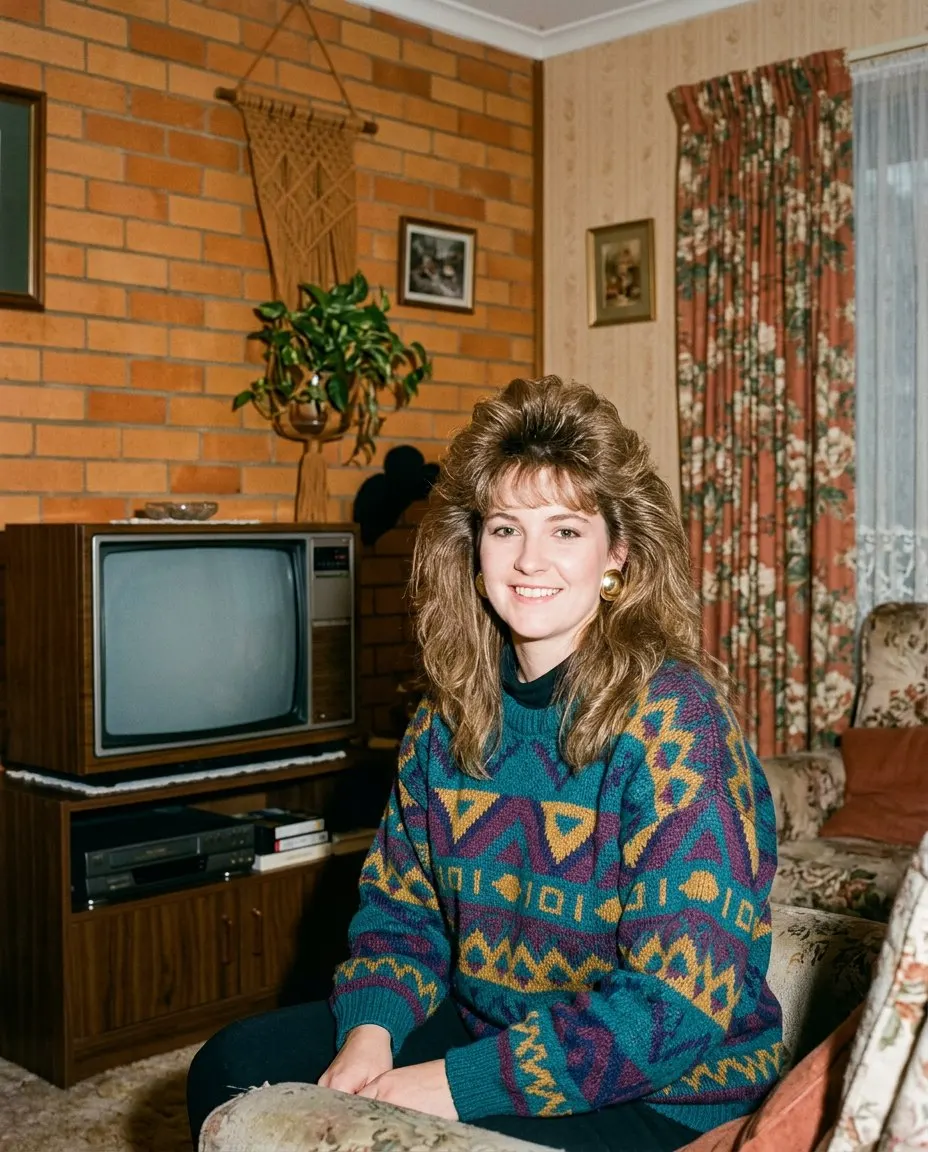
There are two 80s photo effects. The first is a colour effect: warm highlights, crushed shadows, grain, maybe a light leak, applied to the photo you already have. It is fast and free almost everywhere and it does make a photo look older, but your 2026 haircut, your 2026 clothes and your kitchen are still in the frame, now slightly orange. The second is a full restyle: the hair, the clothes, the accessories, the backdrop and the flash are regenerated around your face, and only the colour grading and grain come last. That is the effect in the photos everyone is posting.
FaceCast does the second kind in one tap. Upload one photo, tap the 80s style, and the picture comes back in seconds with your face, skin tone and expression kept exactly and everything else moved to about 1986. Free on iOS and Android, nothing to type, no account needed to try it.
It makes a still image only. It does not make video, it does not age anyone, it does not add celebrity faces, and it does not restore or colourise damaged old prints.
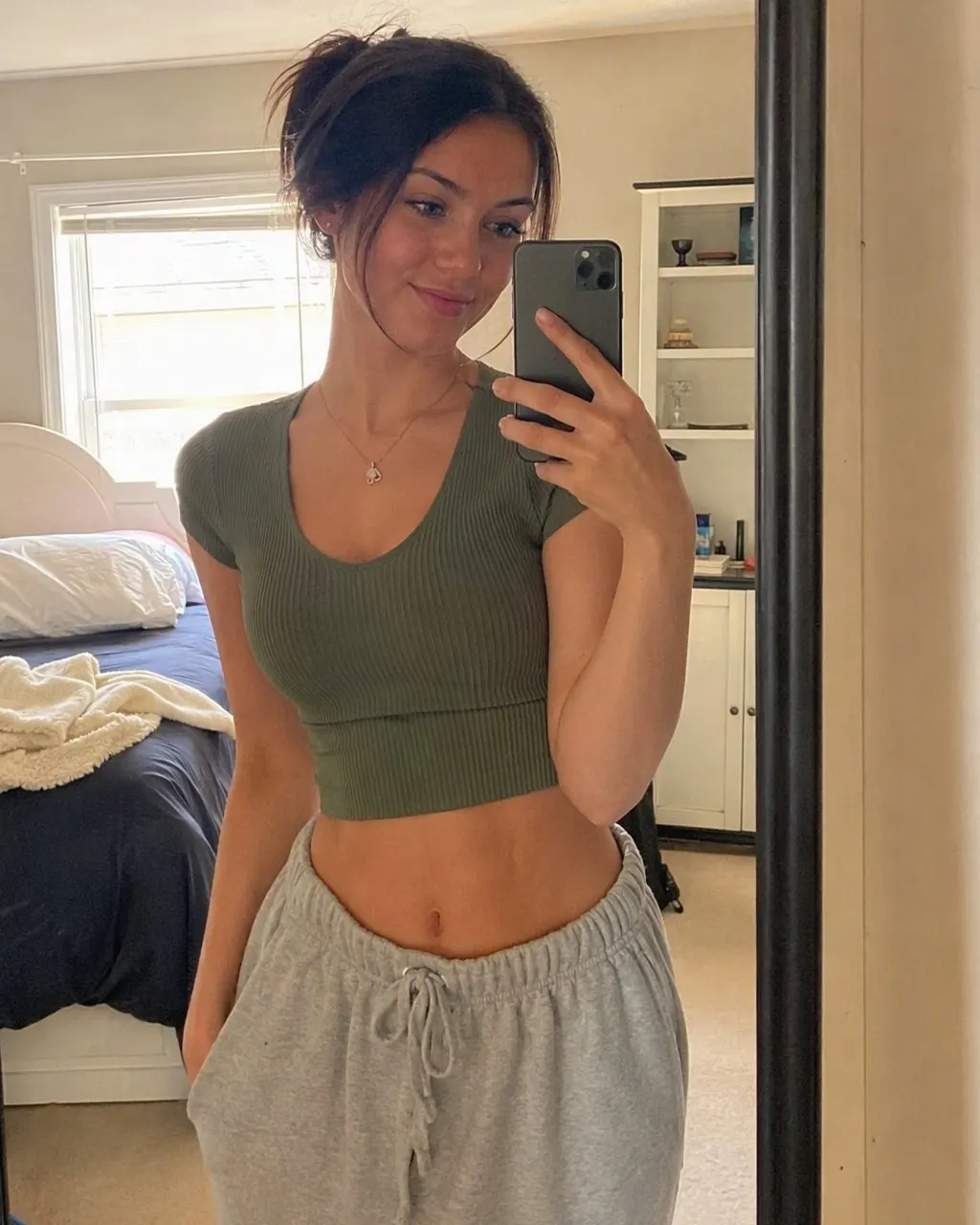
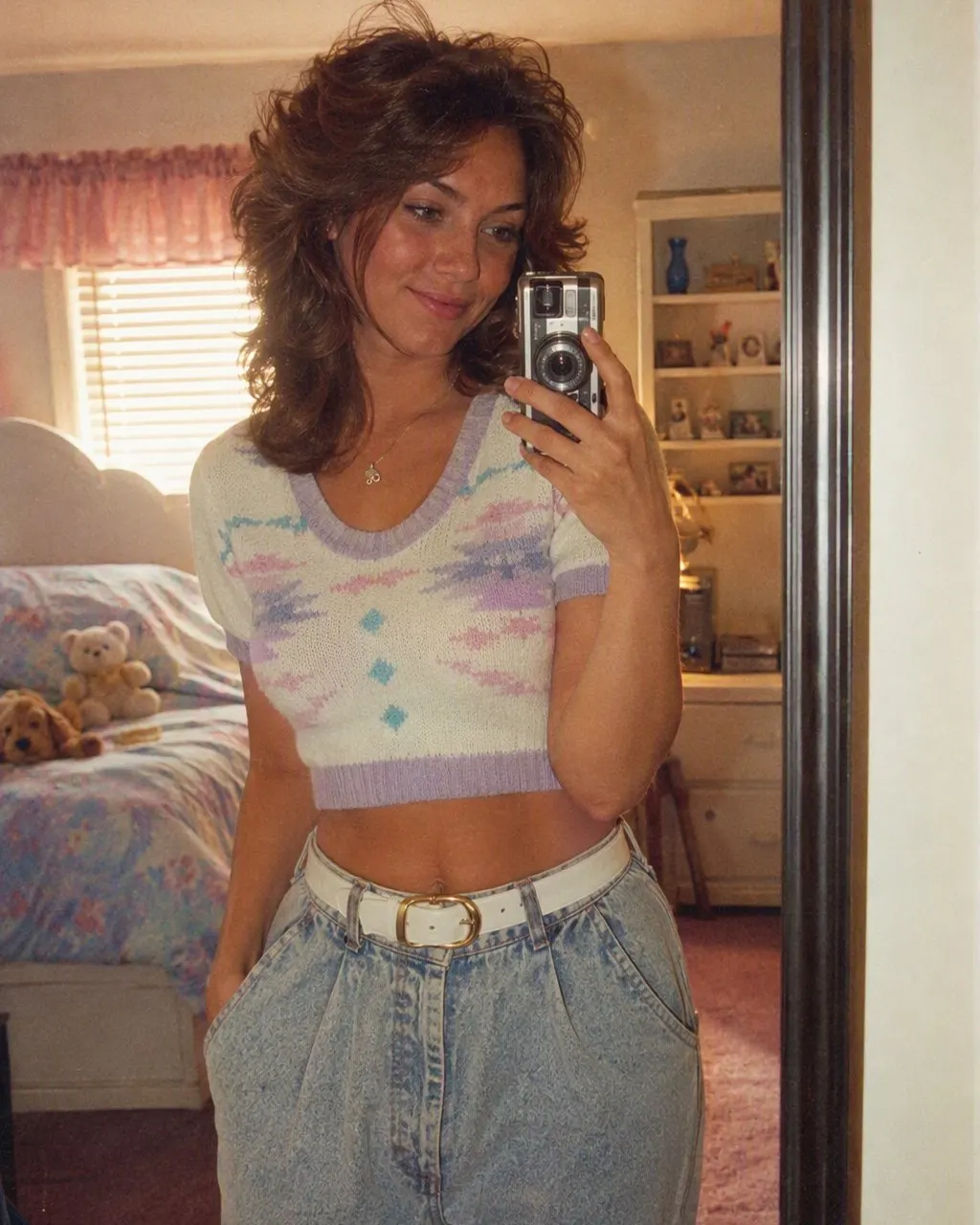




How to Get the Full 80s Photo Effect
Add one photo
A selfie, a couple photo, a family portrait or a group shot. Front-on and evenly lit gives the effect the most to work with; the style adds its own hard flash, so a harshly side-lit photo stacks two lighting schemes.
Tap the 80s style
Choose it from the style list in FaceCast. There is nothing to describe and nothing to configure; the hair, the clothes, the backdrop and the flash are all built into the style.
Save it
The photo is ready in seconds. Save it to your camera roll and post it with the AI label on, so nobody files it under real family history.
Colour Effect Versus Restyle: What Each One Changes
Colour effect: the grading
Warm cast, faded blacks, grain, halation on the highlights, sometimes a date stamp. Nothing else. The hair, the clothes and the room are exactly as they were.
Restyle: the hair
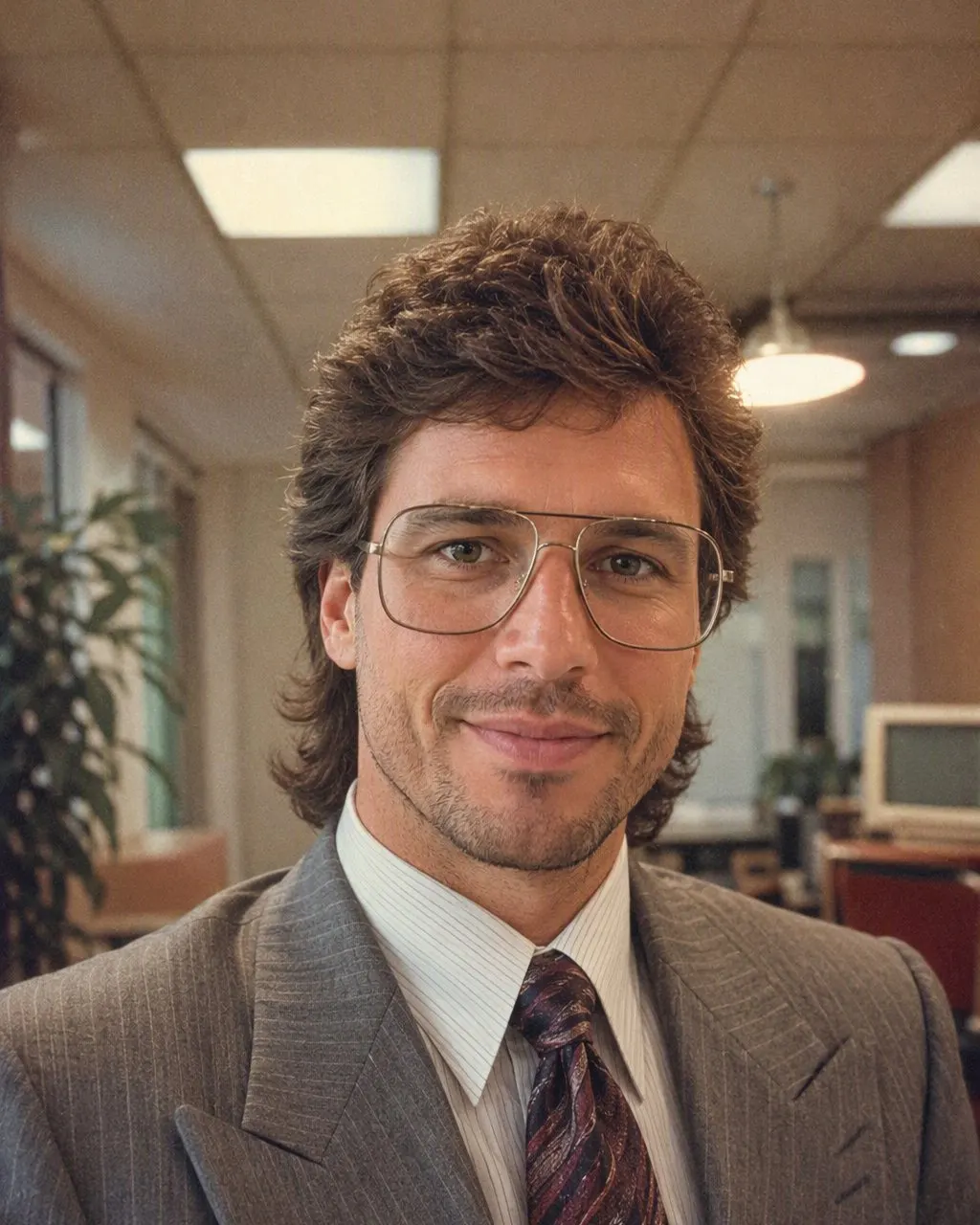
Big permed curls or feathered layers with height at the crown; a mullet or a side-parted cut on men.
Restyle: the clothes and accessories
A denim jacket, a blazer with shoulder pads, a printed shirt, large plastic earrings, aviator frames, a thin gold chain.
Restyle: the backdrop and the light
The school-photo-day mottled canvas with laser streaks, or a lounge room with a wood-grain television; a hard direct flash with a short shadow behind the shoulder.
Both: the film
The grading and grain are applied in the restyle too, but as the last step rather than the whole effect.
Neither: your face
The restyle keeps features, skin tone, expression and the shape of your smile, because the photo only works if the people who know you can tell it is you.
Why the Colour Effect Alone Looks Like a Filter
A photo from 1986 looks the way it does for four reasons: the flash, the film, the backdrop and the hair. A colour effect reproduces one of them. The other three are still 2026, and everyone can tell, because the modern haircut under a warm tint is the most recognisable thing in the frame.
The restyle reproduces all four, and the light on the face and the shadow on the backdrop belong to the same photograph because they were generated together. That is the difference between a photo with an effect on it and a photo that reads as a print from a drawer.
What It Will and Will Not Do
FaceCast makes a still image from one photo. It does not make video, it does not age anyone up or down, it does not add celebrity faces, and it does not restore or colourise old prints. The result is not a valid passport or ID photo.
Upload your own photo, or a group photo where everyone is happy to take part. Your photo is used only to generate your result; it is not sold or shared for marketing.
Frequently Asked Questions
What is the 80s photo effect?+
Either a colour effect, which tints your existing photo warm and grainy, or a full AI restyle, which rebuilds the hair, clothes, accessories, backdrop and flash around your face. The photos in the trend are the second kind.
How do I get the 80s photo effect for free?+
Install FaceCast on iOS or Android, upload one clear photo and tap the 80s style. The photo is ready in seconds and you can try it without creating an account.
Why does my 80s photo effect look like a filter?+
Because only the colour changed. A warm tint over a modern haircut, modern clothes and your kitchen is a filtered selfie. The effect only reads as 1986 when the hair, the clothes and the backdrop change too.
Does the 80s photo effect change my face?+
No. In FaceCast your face, skin tone and expression are kept exactly. What changes is the hair, the clothes, the accessories and the background, plus the flash and the grain.
Can I apply the effect to a group photo?+
Yes. Upload one photo with everyone in it and every face is kept. It also works on couple photos, family portraits and mirror selfies.
Does the 80s photo effect make a video?+
No. It makes a still image only. It also does not age faces, add celebrity faces or restore old prints.
Get the Full Effect in One Tap
Add one photo, tap the 80s style, save the result in seconds. Free on iOS and Android.
4.6average rating · 4,109 App Store