
Trending in Australia
How Do You Do the 80s Photo Trend?
A mate posts one, you want yours. Here is the quick answer: what the trend actually is, the ten-second way to do it, the five-minute way, and the one mistake that makes it look like a filter instead of a photo from 1986.
4.6average rating · 4,109 App Store
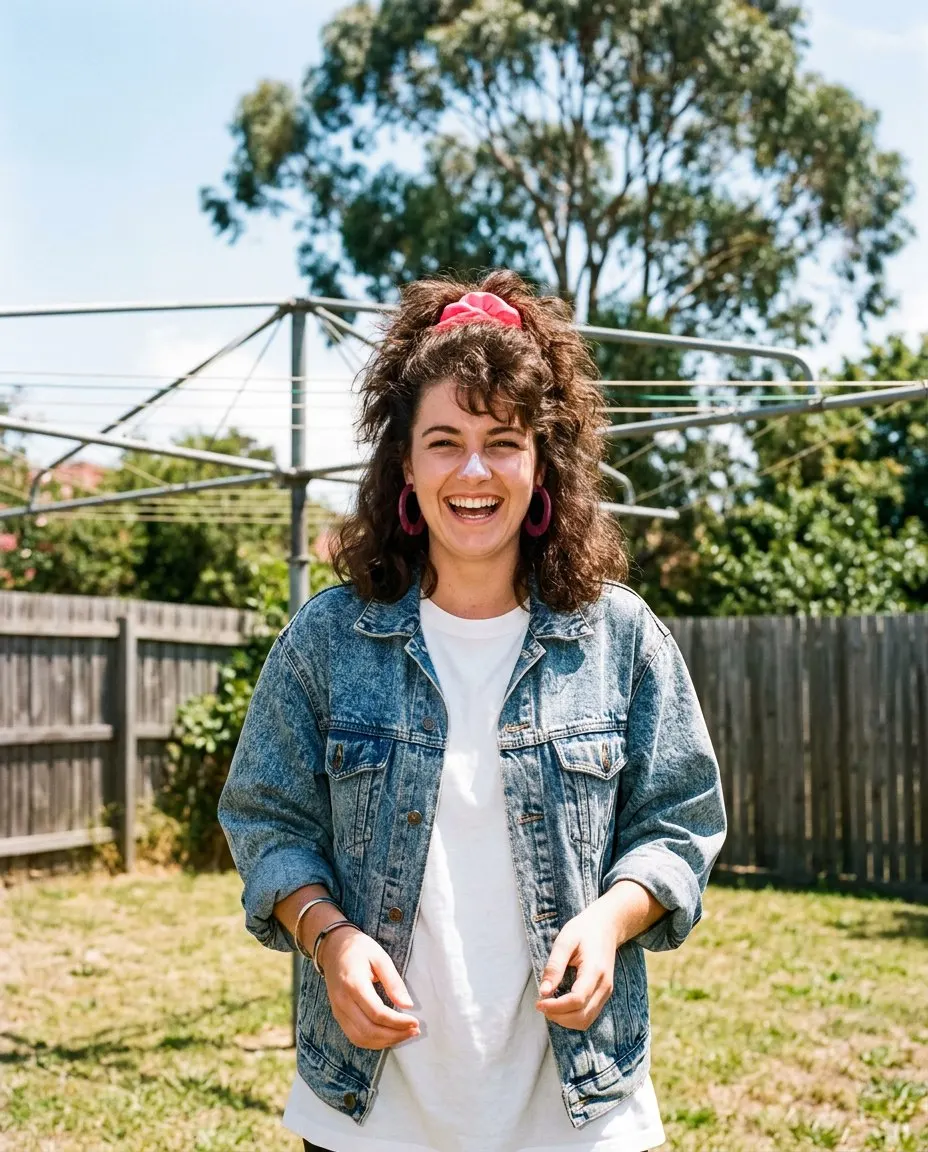
The Short Answer
You do the 80s photo trend with one clear photo and one of two tools. The ten-second way is FaceCast, a free app for iOS and Android with the 80s look built in: upload the photo, tap the 80s style, and the picture comes back in seconds with your face, skin tone and expression kept and only the hair, clothes, accessories, backdrop, flash and film grain changed. Nothing to type, no account needed to try it.
The five-minute way is a prompt. Attach the photo in ChatGPT or Gemini and paste a prompt that keeps your identity in the first line, then lists what may change: mid-80s hair, period clothes, a mottled studio backdrop, a direct flash, faded warm colour and grain. It works, and it takes a few goes because the face drifts a bit on every run.
What the trend is: an AI restyle, not a filter. A filter tints the photo you already have and leaves your 2026 haircut and hoodie in place. The trend rebuilds the hair, the clothes and the backdrop around your face so the picture reads as a print from 1986 rather than a filtered selfie. That difference is the whole thing.
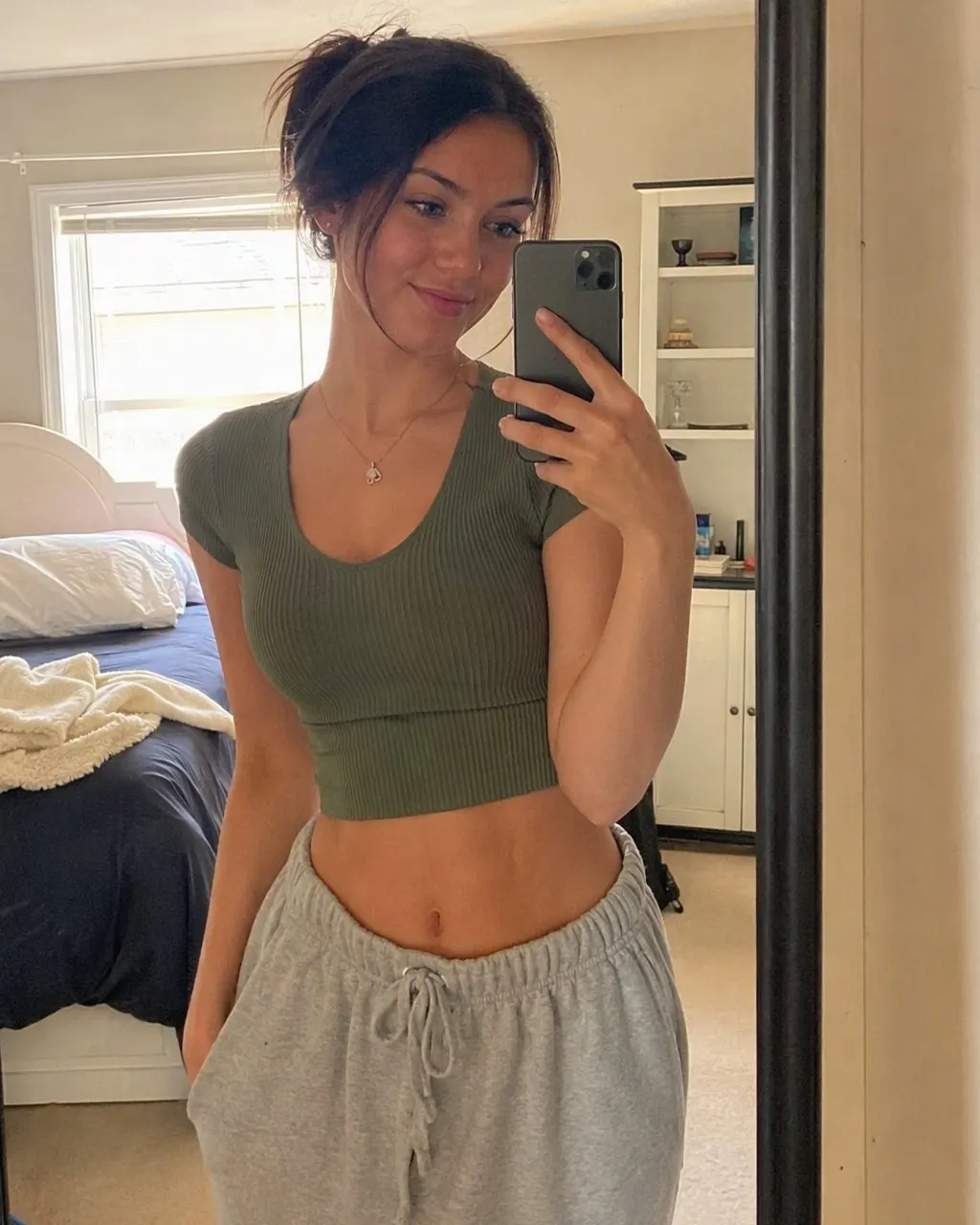
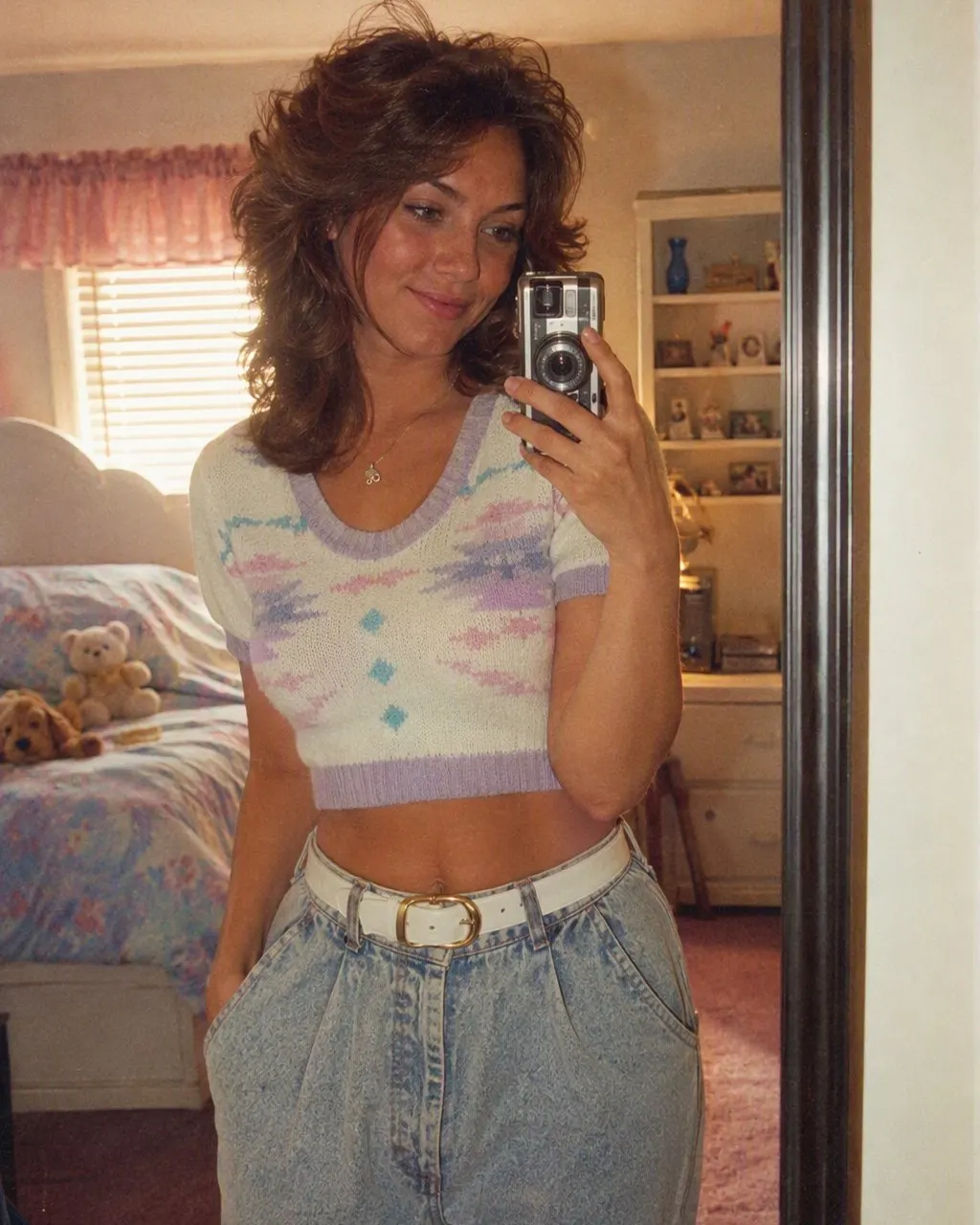
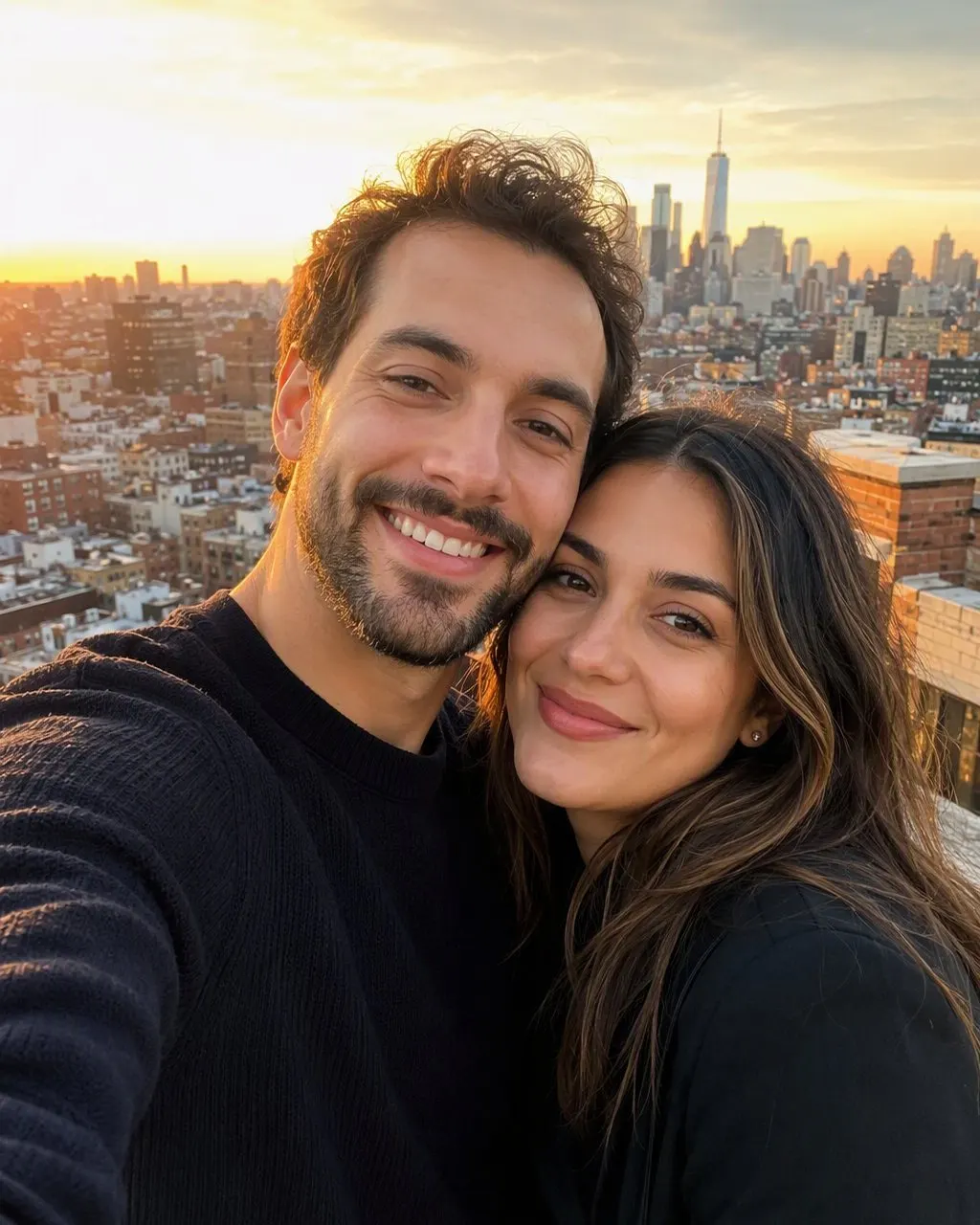




How to Do the 80s Photo Trend in Three Steps
Choose the right photo
Face front-on and sharp, taken in daylight, no sunnies, no beauty filter. A selfie at a window beats a posed shot in a dark room. For a group, make sure no face is hidden behind another.
Run it through one tool
FaceCast: upload, tap the 80s style, wait a few seconds, no prompt. ChatGPT or Gemini: attach the photo and paste a prompt that says your face stays exactly as it is and only the hair, clothing, background and lighting change to the mid-1980s.
Post it as a before-and-after
The 1986 version first, the original second. Add the AI label when you post, and say so in the caption, so nobody files it under real family history.
App or Prompt: Which Way Should You Do It
Both routes make the same kind of picture. The honest difference is about typing, attempts and how tightly the face is held.
The app route
Upload, tap, save. The 80s look is a fixed style, so the face is kept the same way on every run and a group photo comes back with every face right. You do not choose the outfit; the style decides the hair, clothes and backdrop.
The prompt route
Paste, compare, correct, paste again. You get full control over the wording, so you can ask for a specific jacket or the school-photo lasers backdrop. The trade-off is that the face can drift between attempts, most of all in group photos.
The One Mistake That Makes It Look Like a Filter
The trend fails when only the colour changes. A warm tint and some grain over a modern haircut, a modern hoodie and your kitchen in the background is a filtered selfie, and everyone can tell. The look only works when the hair, the clothes and the backdrop change too, and the flash on the face matches the shadow on the backdrop because they belong to the same photograph.
That is what the FaceCast style does in one tap, and what a good prompt has to spell out line by line. If your result looks like a filter, the tool only tinted it.
What It Will and Will Not Do
FaceCast makes a still image from one photo. It does not make video, it does not age anyone up or down, it does not add celebrity faces, and it does not restore or colourise old prints. The result is not a valid passport or ID photo.
Upload your own photo, or a group photo where everyone is happy to take part. Your photo is used only to generate your result; it is not sold or shared for marketing.
Frequently Asked Questions
How do you do the 80s photo trend?+
Upload one clear photo to FaceCast and tap the 80s style; the picture is ready in seconds with your face kept. Or attach the photo in ChatGPT or Gemini with a prompt that keeps your identity first and changes only the hair, clothes, background and lighting to the mid-1980s.
What is this 80s photo trend everyone is posting?+
An AI restyle of one ordinary photo into a mid-1980s portrait: your face kept exactly, with the hair, clothes, accessories, backdrop, flash and film grain changed to the era. It is a full restyle, not a colour filter.
How are people doing the 80s trend so fast?+
With an app that has the look built in. In FaceCast the 80s style is one tap and the result comes back in seconds; the prompt route takes a few goes because every run comes back slightly different.
Is the 80s photo trend free?+
Yes. The 80s style is free in FaceCast on iOS and Android, and you can try it without creating an account. ChatGPT and Gemini also have free tiers with a daily image allowance.
Does it work on a group photo?+
Yes. Upload one photo with everyone in it and every face is kept. Group photos are where a prompt drifts most, so the app route is the safer one for them.
Does it make a video?+
No. It makes a still image only. It also does not age faces, add celebrity faces or restore old prints.
Do the 80s Photo Trend Now
Install FaceCast, upload one photo and tap the 80s look. The portrait is ready in seconds, free on iOS and Android.
4.6average rating · 4,109 App Store