
Trending now
1980 Photo Banane Wala App: One Photo, One Tap, 1980 Wala Look
Aap 1980 ka photo banane wala app dhoondh rahe hain? Here is the straight answer: FaceCast has the 1980s studio look built in. Upload one photo, tap the style, and the portrait comes back in seconds with your face kept. Free to download on Android and iPhone, no prompt, no account to try.
4.6average rating · 4,109 App Store
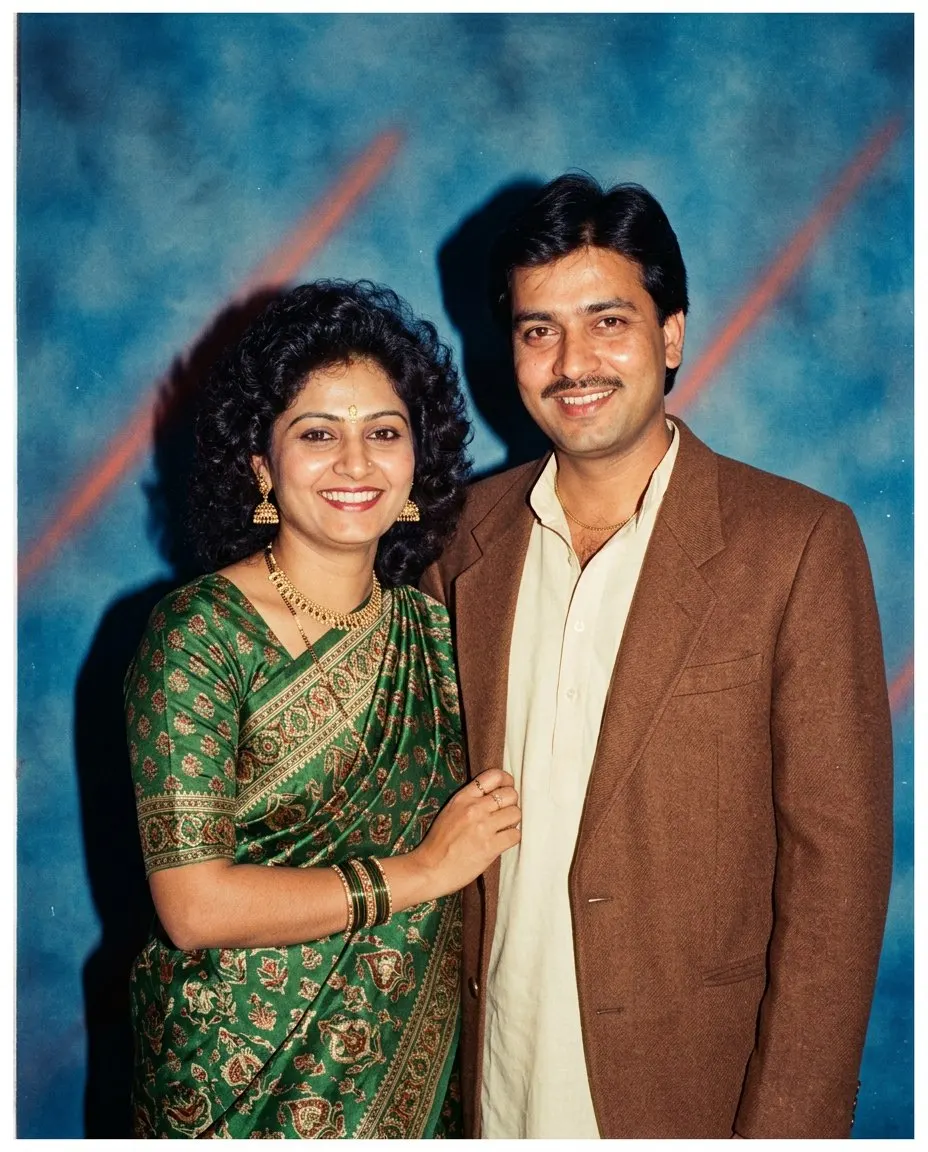
Kaun Sa App? The Short Answer
FaceCast is the 1980 photo banane wala app: a free-to-download iOS and Android app with the 1980s look built in as a style. Upload one photo, tap the style, and a mid-1980s studio portrait comes back in seconds, with your face, features, skin tone and expression kept and only the hair, clothes, accessories, backdrop, flash and film grain changed. Koi prompt nahi, koi account nahi to try it.
The other route you have seen on Instagram is a prompt pasted into Gemini or ChatGPT. It makes the same kind of picture, but the prompt is the whole interface, so the face is held only as tightly as your wording says, and it changes between attempts. In the app the 1980 look is a fixed style, so the identity handling is the same code on every run and what changes between two results is the photo, not the sentence.
It works on selfies, couple photos, family portraits, wedding photos and college group pics. It makes a still image only: no video, no ageing anyone up or down, no celebrity faces, no ID photos. Your photo is used only to generate your result; it is not sold or shared for marketing.


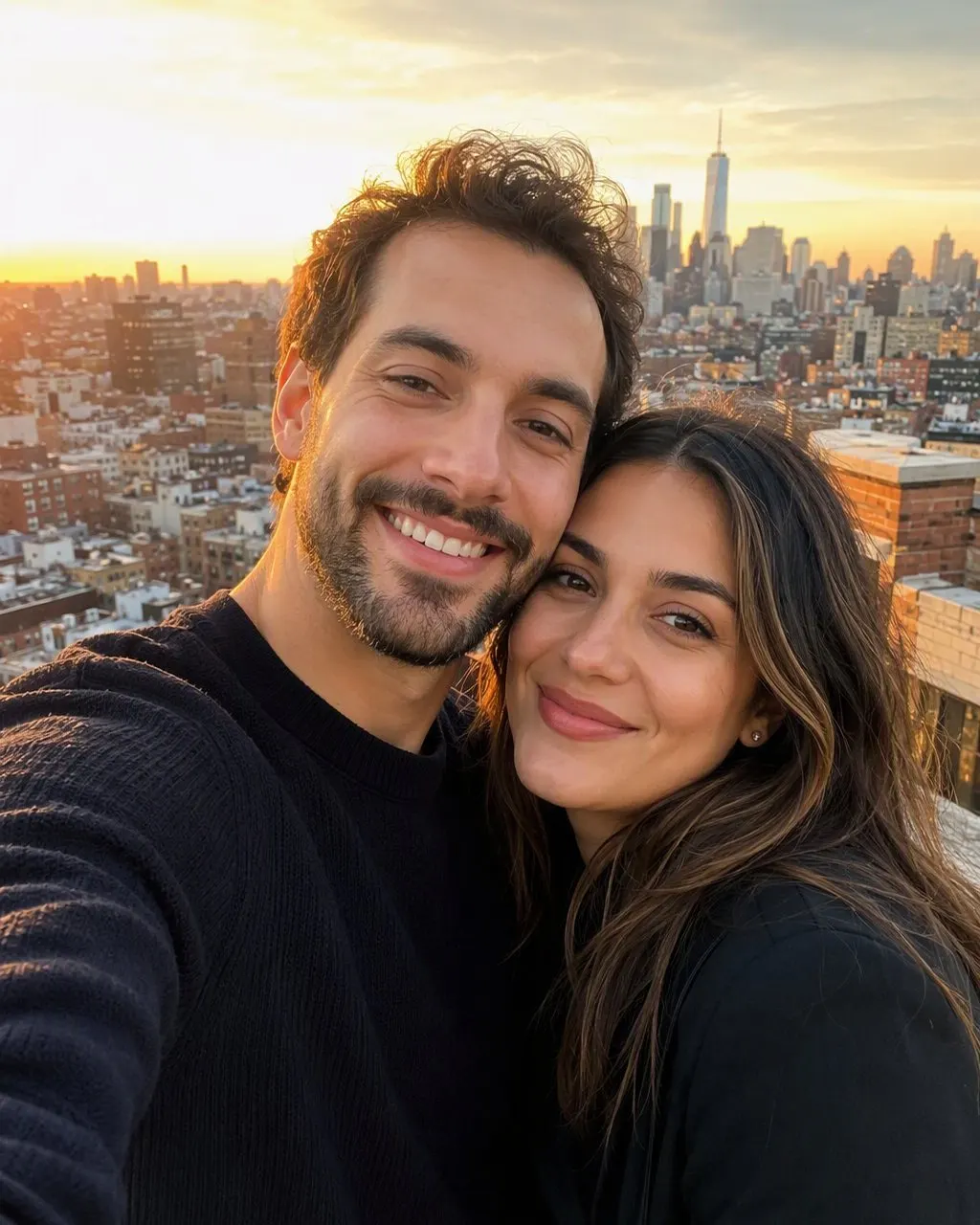


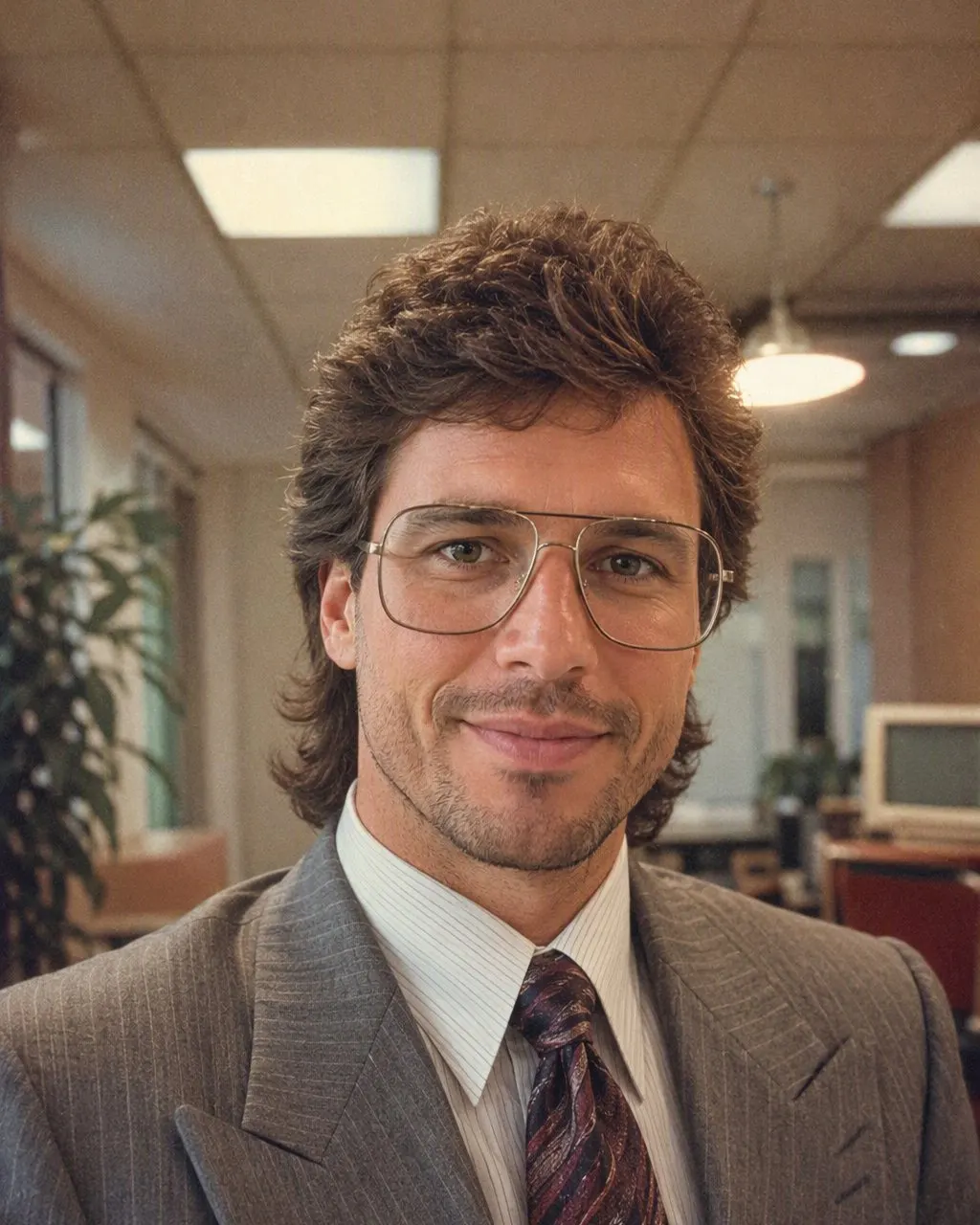

1980 Ka Photo Kaise Banaye: Three Steps
FaceCast download karein
Free on Google Play and the App Store. Nothing to sign up for to try the 1980s style.
Ek clear photo choose karein aur 80s style tap karein
A selfie, a couple pic, a Diwali family photo. One tap; there is no prompt field and nothing to describe.
Save karein aur share karein
The portrait is ready in seconds. Save it, post it with a short “made with AI” note, and try the next photo.
App Ya Prompt: What Actually Differs
Both routes produce the same kind of 1980 wala photo. The honest comparison is about the face, control, attempts and effort, not about which is prettier.
Face
In Gemini or ChatGPT the face is held only as tightly as the identity line in your prompt, and it moves between attempts, most on couple and group photos. In the app the style keeps the face on every run.
Kapde aur background
A prompt lets you ask for a specific saree, a safari suit, a particular studio curtain. The app’s style decides the hair, clothes and backdrop for you. If you want a specific outfit, the prompt route is the right one, and the prompts are on this site.
Attempts
A chat tool gives you a daily allowance of images, and a couple photo can take three or four tries. The app returns one result in seconds.
Mehnat
The prompt route is paste, compare, correct, repeat. The app route is upload, tap, save.
What the 1980 Wala App Does Not Do
The trend has picked up claims that are not true of any tool, so it is worth being precise. FaceCast makes a still image from one photo. It does not make video. It does not age anyone up or down; the face, including its age, is kept. It does not put film-star or public-figure faces into a photo. It does not restore damaged old photos or colourise black-and-white ones, and the result is not a valid ID or passport photo.
Apna hi photo upload karein, or one that everyone in it agreed to, and add a short “made with AI” note when you post the result.
Frequently Asked Questions
1980 ka photo banane wala app kaun sa hai?+
FaceCast. It is a free-to-download iOS and Android app with the 1980s look built in as a style: upload one photo, tap the style, and a mid-1980s studio portrait is ready in seconds with your face kept. No prompt, no account to try.
1980 wala app free hai?+
FaceCast is free to download on Android and iPhone, and you can try the 1980s style without creating an account. Optional in-app purchases exist for more features, and the terms are shown in the app before anything is charged.
Android pe 1980 photo banane wala app chalega?+
Yes. FaceCast is on Google Play, and the 1980s style is the same as on the iPhone version.
1980 ki photo banane ke liye prompt chahiye kya?+
Not in the app; the style is one tap. If you prefer Gemini or ChatGPT, the prompt for the 80s photo is on this site with the line that keeps the face from changing.
Kya 1980 wala photo mein face change ho jata hai?+
In a prompt tool it can, because the whole image is regenerated on every run. In FaceCast the 80s look is a fixed style and the face, skin tone and expression are kept on every run; only the hair, clothes, backdrop, flash and grain change.
Photo upload karna safe hai?+
FaceCast uses your photo only to generate your result; it is not sold or shared for marketing. Upload your own photo or one everyone in it agreed to, and label the result as AI when you post it.
Ek Photo, Ek Tap
Upload one photo, tap the 80s look, and the 1980 wala portrait is ready in seconds with your face kept. Free to download on Android and iPhone.
4.6average rating · 4,109 App Store