
Trending now
80s Photo Prompt for Men: The Full Text, and What to Change
The generic 80s prompt gives men a perm and shoulder pads. The men’s version asks for the things that actually read as a mid-80s studio portrait of a man — and keeps the face, which is the part that matters.
4.6average rating · 4,109 App Store
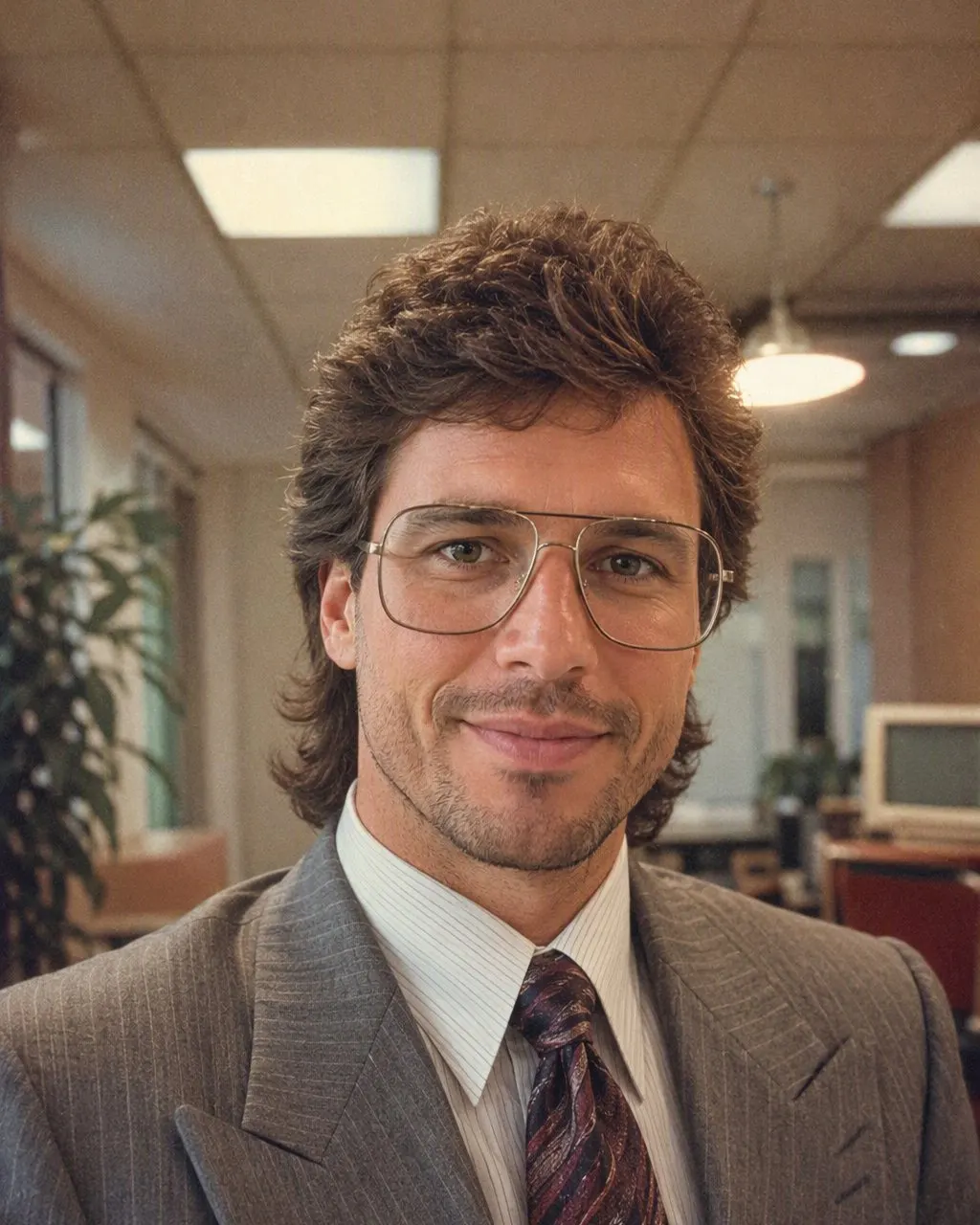
The 80s Photo Prompt for Men
Paste this into ChatGPT or Gemini with your photo attached: “Keep my face, facial features, skin tone, beard or moustache and expression exactly as they are in this photo — same man, same angle, do not lighten the skin, do not change my age. Change only the hair, clothes, accessories and setting. Make it a mid-1980s studio portrait of a man: fuller hair with a side parting and a little height, natural and slightly glossy, not permed; a safari suit, or a shoulder-padded blazer over a wide-collar shirt with the top button open, or a dark polo with the collar up; a thin gold chain, a steel watch, aviator frames if I wear glasses; direct on-camera flash with a small hard shadow behind the shoulder; soft film grain; slightly faded warm colour; a plain mottled grey or blue studio backdrop. Photorealistic, like a 1986 studio print.”
The men’s prompt differs from the generic one in three lines. It says “not permed”, because the default 80s prompt leans towards big feminine hair and the model will give a man a perm if you let it. It lists the men’s pieces by name — safari suit, wide collar, chain, steel watch — because “80s clothes” on its own produces a costume. And it names the beard or moustache in the identity line, because facial hair is the first thing a model changes on a man when it is not told to leave it alone: a moustache you have appears or disappears, and with it half your face.
If you would rather not type at all, FaceCast has the 80s look built in as a fixed style: upload one photo, tap the style, and the portrait comes back in seconds with your face, skin tone, facial hair and expression kept and only the hair, clothes, accessories and background moved to the mid-80s. Free on iOS and Android, one tap, no prompt.


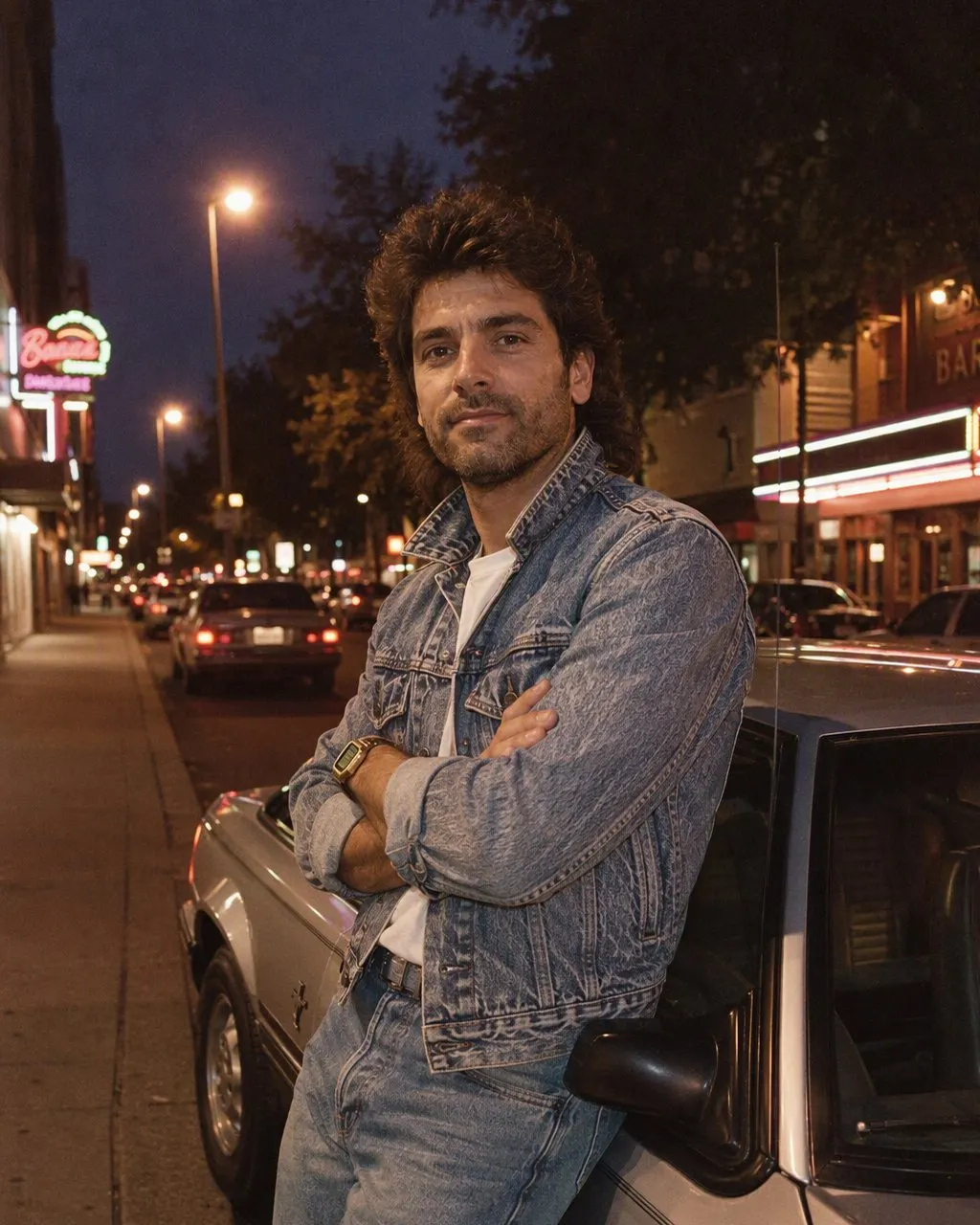

How to Use the 80s Prompt for Men
Use a front-facing photo with the jaw visible
Evenly lit, nothing covering the chin, no sunglasses. If you have a beard, make sure it is clearly visible in the photo, because the identity line can only hold what the model can see.
Keep the identity line, pick your clothes line
The first sentence stays as it is. Choose one outfit — safari suit, blazer, or polo — rather than listing all three; a prompt that offers options lets the model mix them into something nobody wore.
Check the jaw, the nose and the facial hair
Compare with the original at the jawline, the nose and the moustache or beard line. If any has moved, reply “the face and facial hair must match the original exactly” and regenerate. Or skip the loop with FaceCast, which keeps the face on every run.
What the Men’s 80s Prompt Asks For, Line by Line
Each line closes off a decision the model would otherwise make for you, and for men most of those defaults are wrong.
The identity line, with facial hair named
Face, features, skin tone, beard or moustache, expression, age. Facial hair is named explicitly because it is the first thing to drift on a man.
The hair
Side-parted, fuller, a little height, slightly glossy, not permed. The mid-80s studio look for men is neat volume, not the mullet or the perm the generic prompt reaches for.
The clothes
A safari suit; a shoulder-padded blazer over a wide-collar shirt, top button open; or a dark polo with the collar up. One outfit per prompt.
The accessories
A thin chain, a steel watch, aviator frames only if you already wear glasses. Skip the props — a cigarette or a cassette player drags the whole picture into fancy dress.
The photograph
Direct flash with a small hard shadow, soft grain, faded warm colour, a mottled grey or blue backdrop. This is the part that says “studio, mid-80s” rather than “man in a blazer”.
Why the Face Drifts, and Why It Drifts More on Men
A free-text prompt regenerates the whole image on every run, and holds the face only as tightly as the words say. Men’s photos have one extra thing to hold — facial hair — and a model that is not told to keep it will change it freely. Run the same prompt three times and compare the jawline, the nose and the moustache line; on most photos at least one has moved by the third attempt.
A fixed style is built differently: the identity handling is the same code on every run, so what changes between two results is the photo, not the sentence. That is a statement about mechanism, not about which result looks better — the prompt route gives you control of the outfit, the fixed style gives you your own face back every time.
Gemini, Nano Banana and the Route With Nothing to Type
The same men’s prompt works in Gemini, whose image model is nicknamed nano banana; there is no separate Gemini recipe. FaceCast is the no-prompt route: one photo, one tap, a result in seconds, with the hair, clothes, accessories and backdrop moved to the mid-80s and the face left where it was. It makes a still image only — no video, no ageing anyone, no celebrity faces. Your photo is used only to generate your result; it is not sold or shared for marketing. Upload your own picture and add a short “made with AI” note when you post it.
Frequently Asked Questions
What is the 80s look prompt for men?+
It is the 80s prompt with the men’s lines: keep the face, skin tone, facial hair and expression exactly as they are, then change only the hair — fuller, side-parted, not permed — the clothes — a safari suit, a shoulder-padded blazer with a wide collar, or a polo with the collar up — and the setting, with a direct flash, soft grain, faded warm colour and a mottled studio backdrop. The full text is at the top of this page.
What is the Gemini 80s photo prompt for men?+
The same text pasted into Gemini with the photo attached. Gemini’s image model is nicknamed nano banana, so a nano banana prompt for men is the same prompt. The wording does not change between tools.
Why does the 80s prompt give me a perm?+
Because the generic 80s prompt leans towards big hair and the model applies it to everyone. Say “side-parted, fuller, slightly glossy, not permed” in the hair line and the perm goes away.
Why did my moustache disappear or appear?+
Because facial hair was not named in the identity line, and it is the first thing a model changes on a man when left to itself. Add “keep my beard or moustache exactly as it is” to the first sentence, or “no facial hair” if you have none.
Can I do the 80s look for men without a prompt?+
Yes. FaceCast has the 80s look as a built-in style: upload one photo, tap the style, and the portrait is ready in seconds with your face and facial hair kept. Free on iOS and Android, nothing to type.
Is it safe to upload my photo?+
Your face is biometric data, so check what any tool does with it. FaceCast uses your photo only to generate your result; it is not sold or shared for marketing. Upload your own photo and label the result as AI when you post it.
Skip the Prompt Entirely
Upload one photo, tap the 80s look, and the portrait is ready in seconds with your face and facial hair kept — free on iOS and Android.
4.6average rating · 4,109 App Store