
Trending now
80s Photo Prompt for Girls: The Full Text, and What to Change
The women’s version of the 80s prompt is where the trend started, and it is where faces drift the most — the model has a strong idea of what a “retro glamour” face looks like and will give you that one instead of yours. Here is the prompt that keeps yours.
4.6average rating · 4,109 App Store
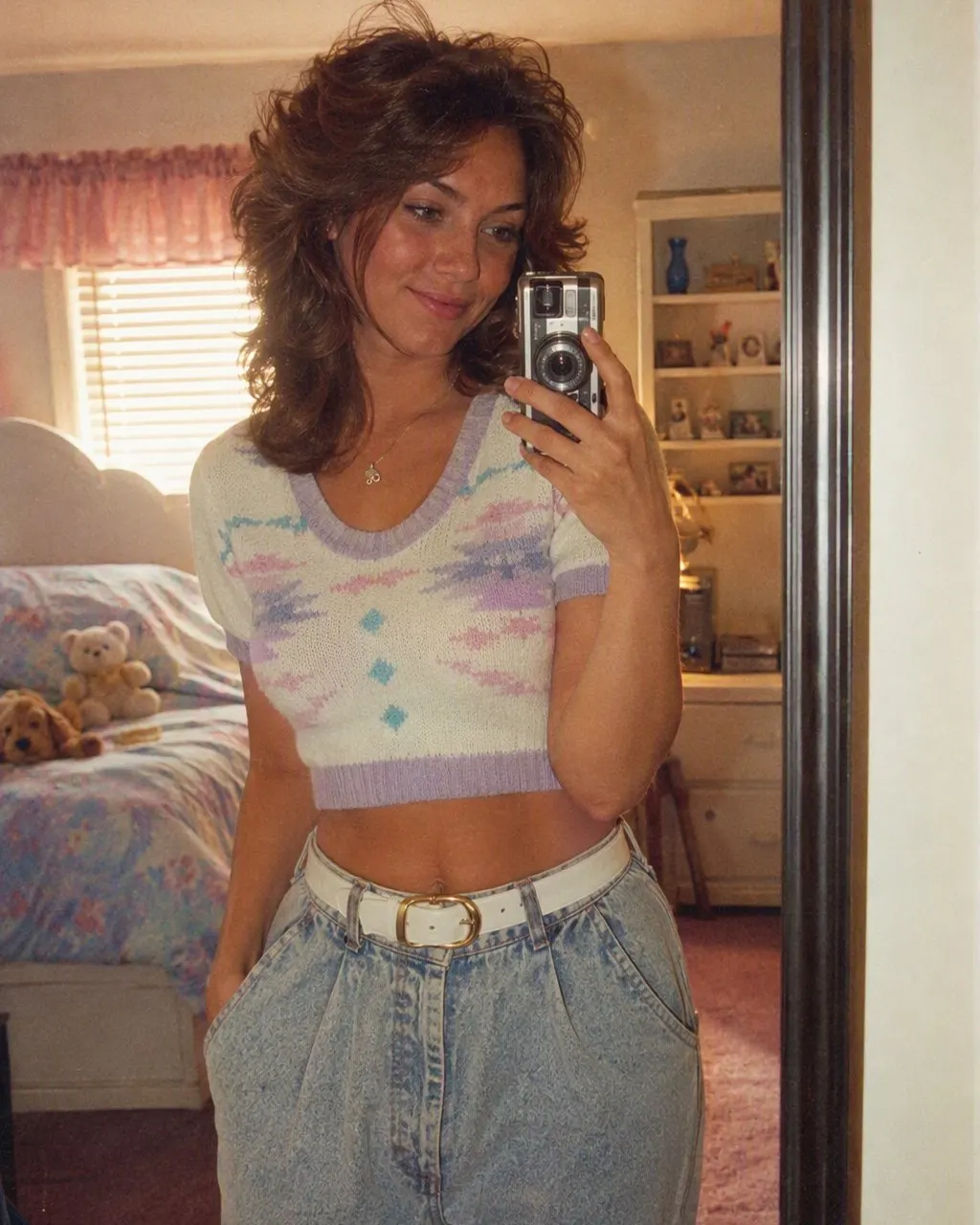
The 80s Photo Prompt for Girls
Paste this into ChatGPT or Gemini with your photo attached: “Keep my face, facial features, skin tone, eyebrows and expression exactly as they are in this photo — same woman, same angle, do not lighten the skin, do not slim the face, do not change my age. Change only the hair, clothes, accessories and setting. Make it a mid-1980s studio portrait: feathered layers or a soft perm with volume at the crown and a side-swept fringe; a printed silk saree with a matching blouse, or a puff-sleeved dress, or a blazer with shoulder pads; large earrings, a thin gold chain, a bindi if I am wearing one; soft matte make-up with a defined lip, not modern contouring; direct on-camera flash with a small hard shadow behind the shoulder; soft film grain; slightly faded warm colour; a plain mottled studio backdrop in blue or maroon. Photorealistic, like a 1986 studio print.”
The women’s prompt has three lines the generic one does not. “Do not slim the face” and “do not lighten the skin”, because the model’s idea of a retro glamour portrait is narrower and paler than most real faces and it will drift towards that idea unless stopped. “Eyebrows” in the identity line, because thin mid-80s brows are the model’s default and they change a face more than any hairstyle. And “soft matte make-up, not modern contouring”, because without it the result is dressed for the mid-80s and made up for 2026.
If you would rather not type at all, FaceCast has the 80s look built in as a fixed style: upload one photo, tap the style, and the portrait comes back in seconds with your face, skin tone and expression kept and only the hair, clothes, accessories and background moved to the mid-80s. Free on iOS and Android, one tap, no prompt.
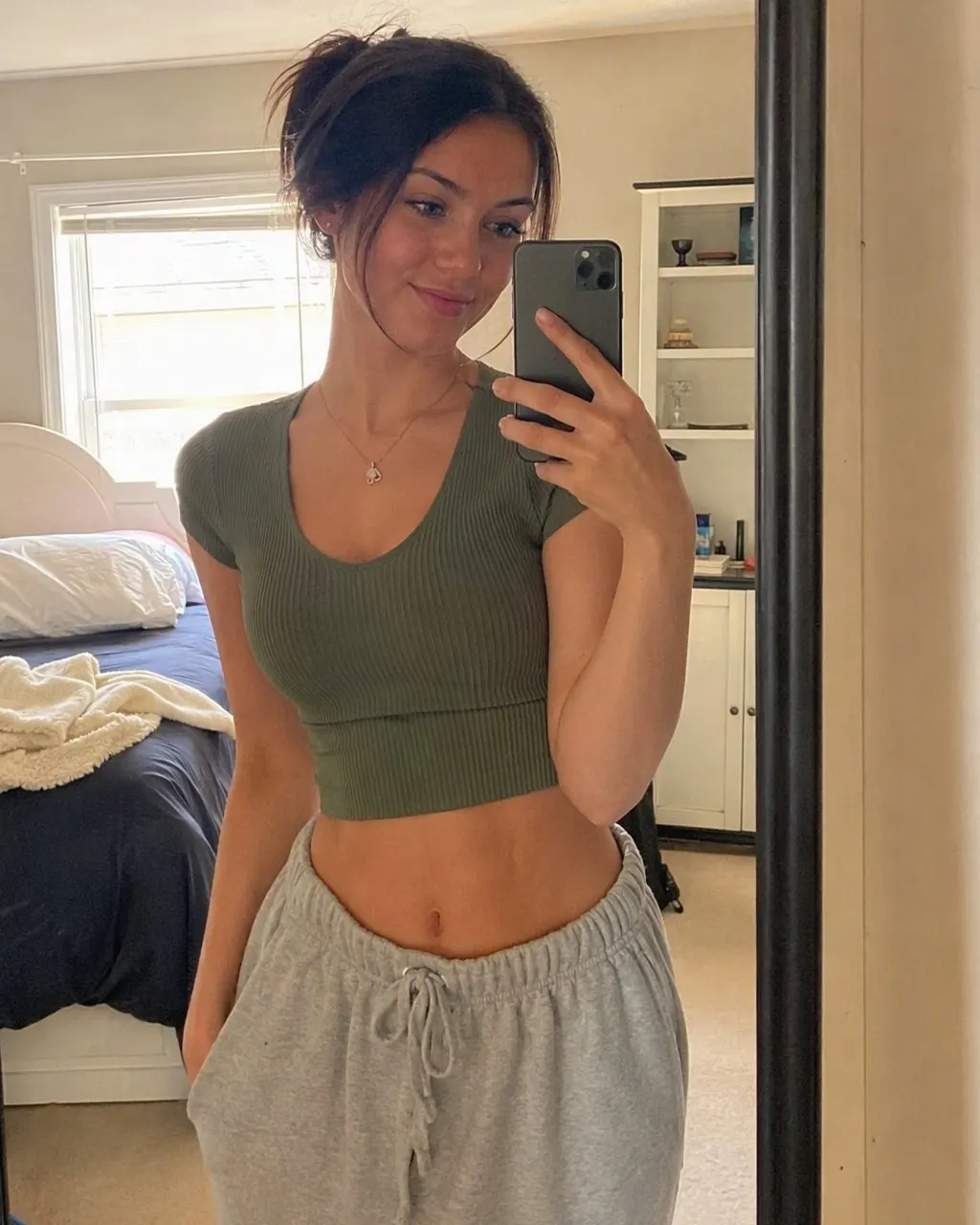


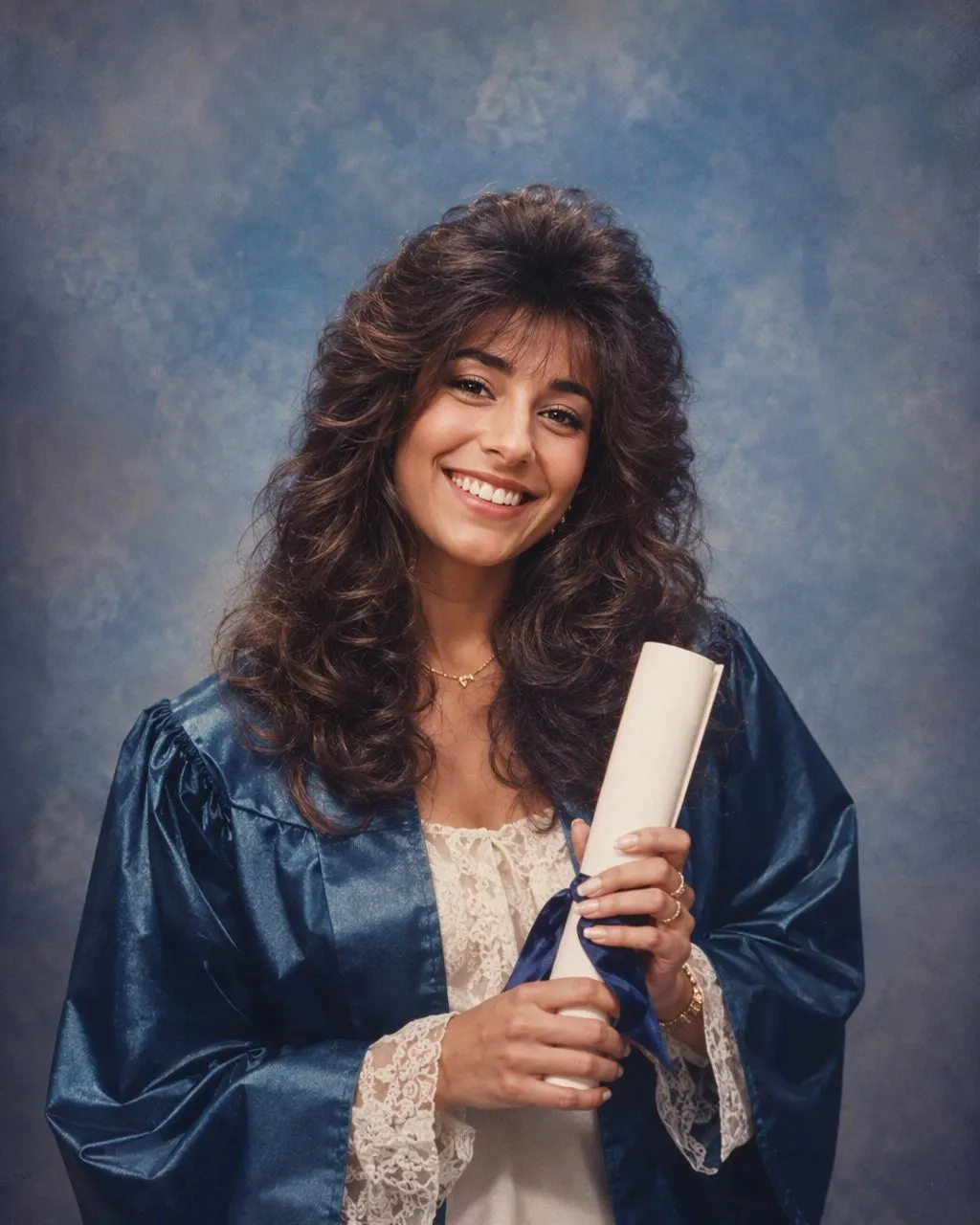
How to Use the 80s Prompt for Girls
Use a clear, front-facing photo without a filter
A beauty filter on the original gives the model a smoothed face to copy and it will smooth it further. Use an unfiltered, evenly lit photo with the eyebrows and jaw visible.
Keep the identity line, pick one outfit
The first sentence stays exactly as it is. Choose the saree, the dress or the blazer — one, not a list — and add your own details: the saree colour, a particular earring, the bindi you wear.
Check the face shape, brows and skin tone
Compare with the original at the jawline, the eyebrows and the skin tone. If the face is narrower, paler or the brows are thinner, reply “the face, brows and skin tone must match the original exactly” and regenerate. Or use FaceCast, which keeps them on every run without a prompt.
What the Women’s 80s Prompt Asks For, Line by Line
Each line closes off a decision the model would otherwise make, and for women the defaults are the ones that make the result look like a different person.
The identity line, with brows, skin and face shape named
Face, features, skin tone, eyebrows, expression, age — and “do not slim the face”. These are the four things the model changes first on a woman when not told to leave them.
The hair
Feathered layers or a soft perm, volume at the crown, a side-swept fringe, hairspray shine. Name the shape; “80s hair” on its own gives the biggest, most generic version.
The clothes
A printed silk saree with a matching blouse, a puff-sleeved dress, or a shoulder-padded blazer. One outfit per prompt. A saree is what makes an Indian 80s studio portrait read as Indian rather than a generic retro shoot.
The accessories and make-up
Large earrings, a thin chain, a bindi if you wear one; soft matte make-up with a defined lip and no modern contouring.
The photograph
Direct flash with a small hard shadow, soft grain, faded warm colour, a mottled blue or maroon backdrop. This is the part that carries the decade.
Why the Face Drifts, and Why It Drifts Most on Women
A free-text prompt regenerates the whole image every run and holds the face only as tightly as the wording says. For women there is a second pull: the model has a strong, narrow idea of a retro glamour face — slimmer, paler, thinner brows — and every run drifts a little towards it. Run the same prompt three times and compare the jawline, the brows and the skin tone; on most photos at least one has moved by the third attempt.
A fixed style is built differently: the identity handling is the same code on every run, so what changes between two results is the photo, not the sentence. That is a statement about mechanism, not about which result looks better — the prompt route gives you control of the saree and the hair, the fixed style gives you your own face back every time.
Gemini, Nano Banana and the Route With Nothing to Type
The same prompt works in Gemini, whose image model is nicknamed nano banana; there is no separate Gemini recipe. FaceCast is the no-prompt route: one photo, one tap, a result in seconds, with the hair, clothes, accessories and backdrop moved to the mid-80s and the face left where it was. It makes a still image only — no video, no ageing anyone, no celebrity faces. Your photo is used only to generate your result; it is not sold or shared for marketing. Upload your own picture and add a short “made with AI” note when you post it.
Frequently Asked Questions
What is the 80s photo prompt for girls?+
It is the 80s prompt with the women’s lines: keep the face, skin tone, eyebrows and expression exactly as they are and do not slim the face, then change only the hair — feathered or softly permed — the clothes — a silk saree, a puff-sleeved dress or a shoulder-padded blazer — the accessories and the setting, with a direct flash, soft grain, faded warm colour and a mottled studio backdrop. The full text is at the top of this page.
What is the 80s look prompt for women in Gemini?+
The same text pasted into Gemini with the photo attached. Gemini’s image model is nicknamed nano banana, so a nano banana prompt for women is the same prompt. The wording does not change between tools.
Why does the 80s prompt make my face thinner or lighter?+
Because the model’s default retro glamour face is narrower and paler than most real faces, and it drifts towards it unless stopped. Add “do not slim the face” and “do not lighten the skin” to the first sentence, and reply with the same words if it still drifts.
Can I do the 80s prompt with a saree?+
Yes. Put “a printed silk saree with a matching blouse” in the clothes line and name the colour. A saree is what makes an 80s studio portrait read as Indian rather than generic retro. There is a full saree prompt on this site as well.
Is there an app for the 80s look for girls with no prompt?+
Yes. FaceCast has the 80s look as a built-in style: upload one photo, tap the style, and the portrait is ready in seconds with your face, skin tone and expression kept. Free on iOS and Android, nothing to type.
Is it safe to upload my photo?+
Your face is biometric data, so check what any tool does with it. FaceCast uses your photo only to generate your result; it is not sold or shared for marketing. Upload your own photo and label the result as AI when you post it.
Skip the Prompt Entirely
Upload one photo, tap the 80s look, and the portrait is ready in seconds with your face, brows and skin tone kept — free on iOS and Android.
4.6average rating · 4,109 App Store