
Free to try
80s Photo Editing App: One Tap, Not a Sliders Session
The 80s photo you saw was not made with a curves tool and a grain slider. No amount of editing turns today’s haircut into 1986 hair. Here is the 80s photo editing app that does it as a single style, what you can and cannot adjust, and how it compares to editing by prompt.
4.6average rating · 4,109 App Store
The Short Answer
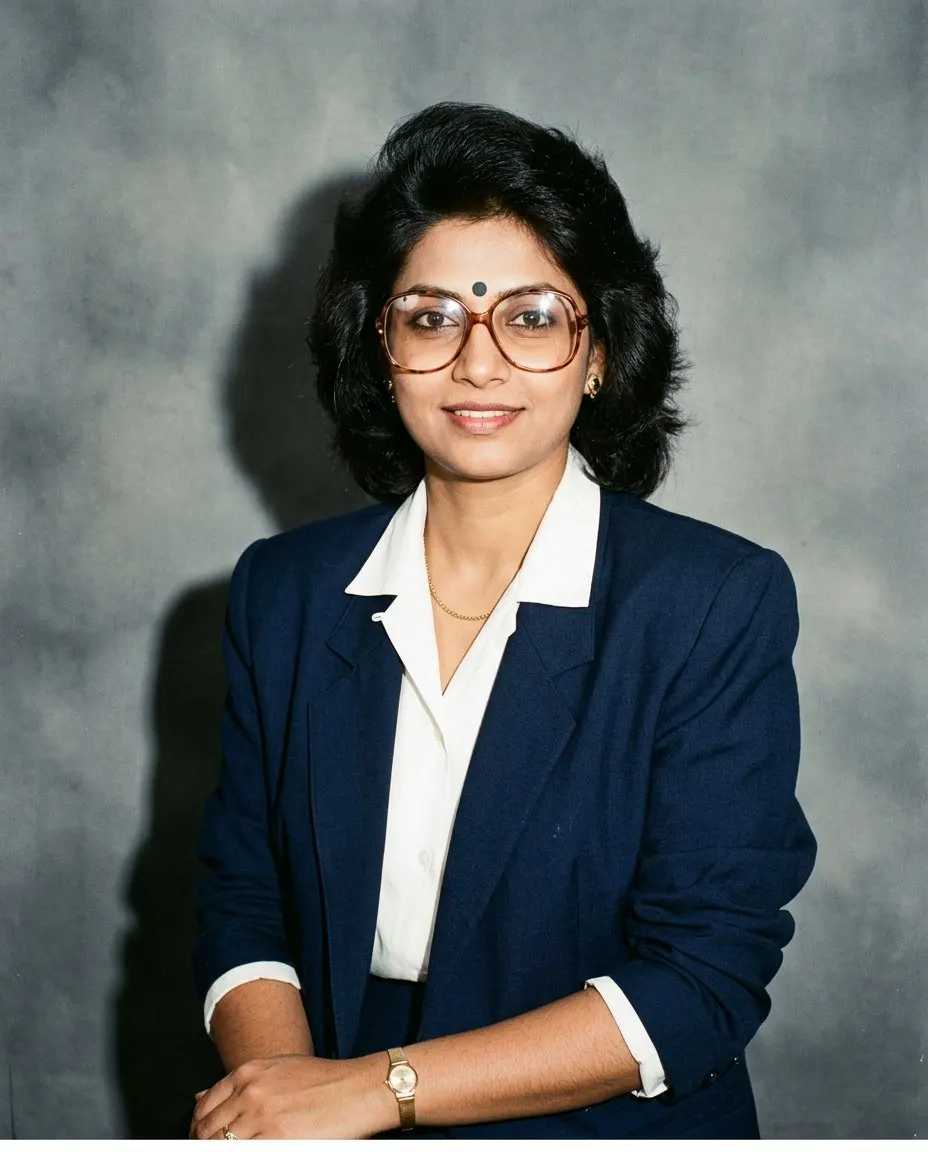
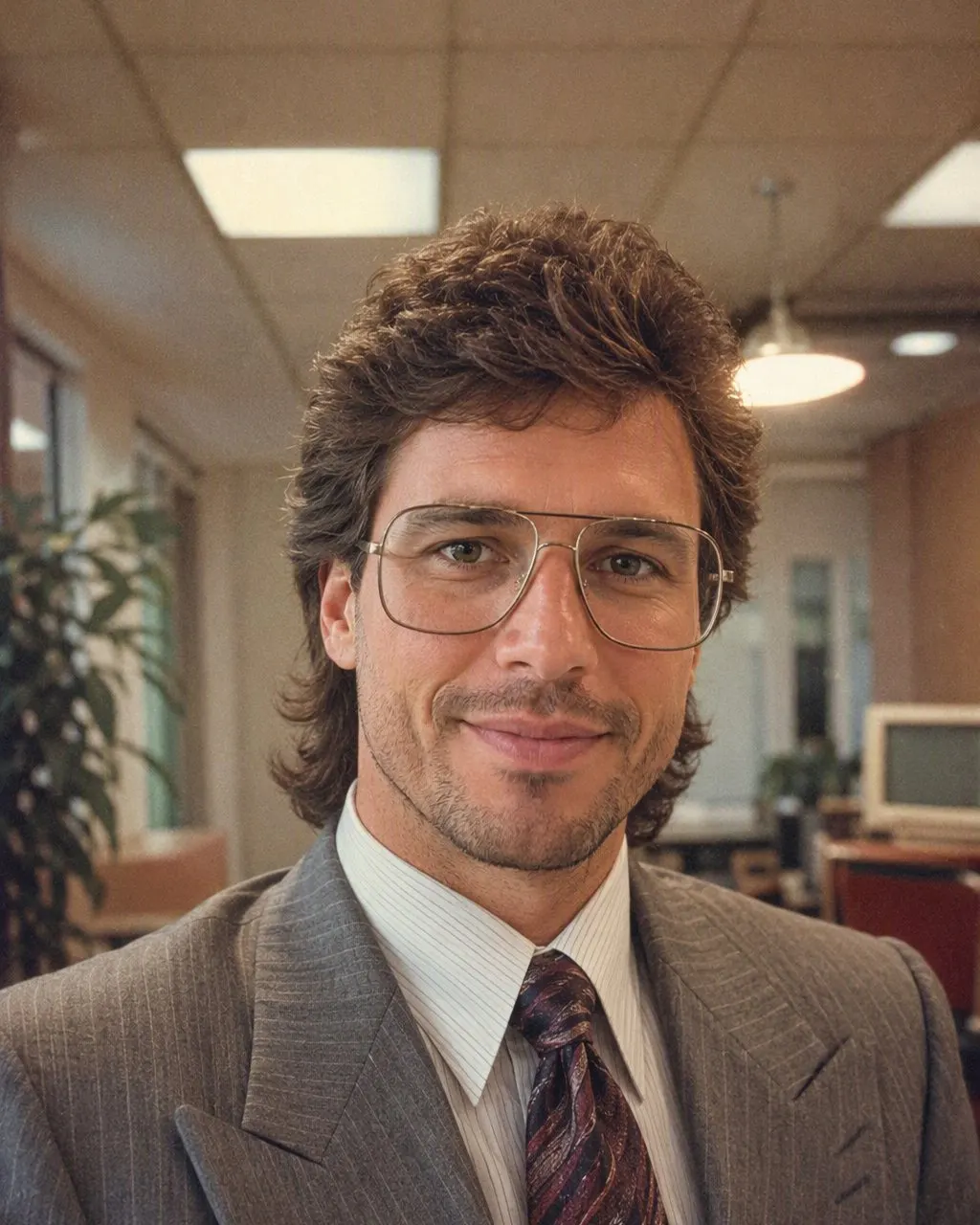
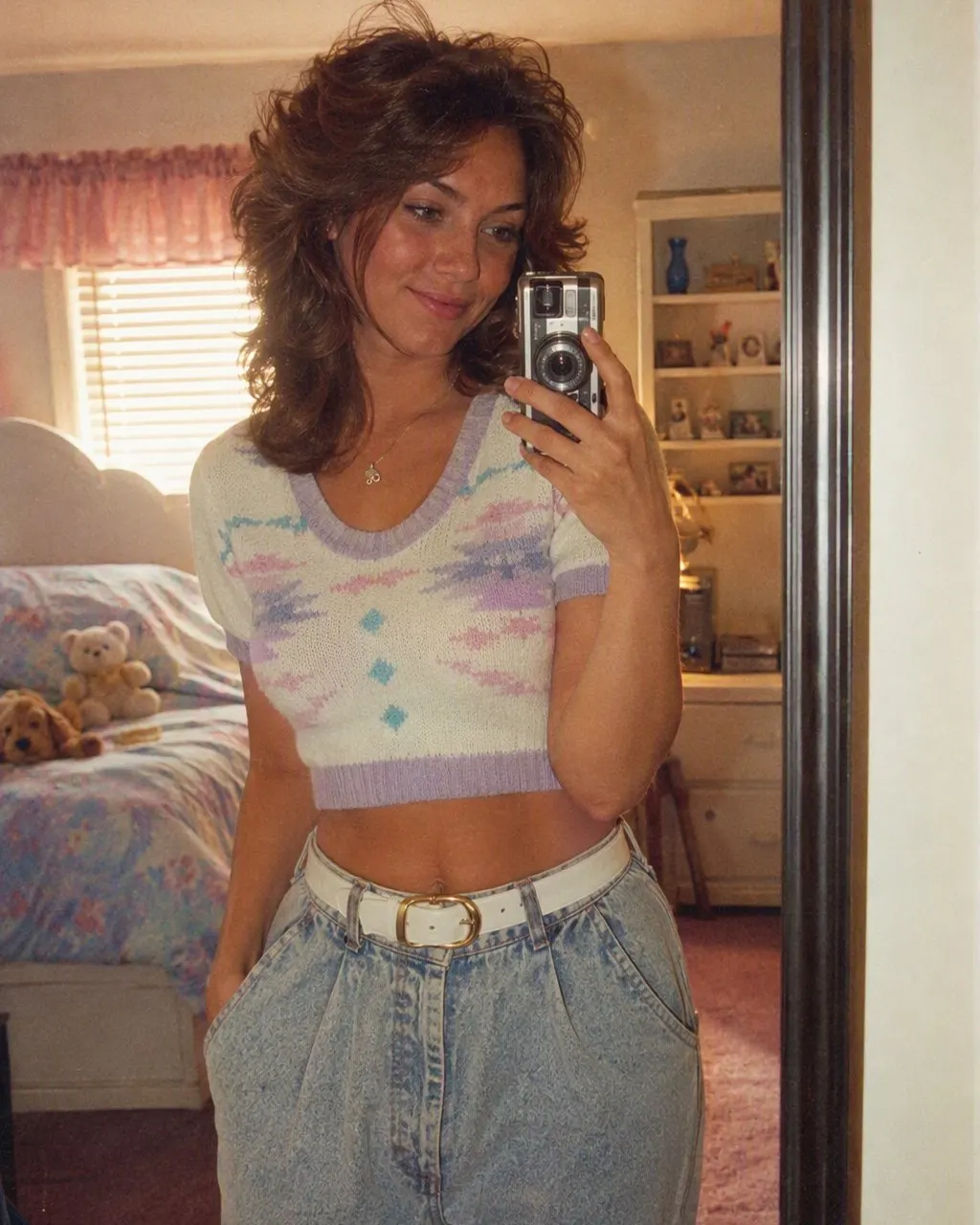
FaceCast is the 80s photo editing app, with one difference from what the name suggests: there is nothing to edit. Upload one photo, tap the 80s style, and a mid-1980s studio portrait comes back in seconds with your face, features, skin tone and expression kept, and the hair, clothes, accessories, backdrop, flash and film grain changed for you. Free to download on iOS and Android, no prompt, no account to try.
The reason a conventional editor cannot do this is that the 80s look is not an adjustment of your photo; it is a different photo of the same face. A grain slider and a warm tint leave you in your current hair and your current T-shirt in front of your current wall. The style regenerates all of that as a 1985 photo studio would have shot it, and holds the face.
What you give up is control over the details. The style decides the hair, the outfit and the backdrop. If you want a specific saree, a safari suit or a particular studio curtain, the prompt route in Gemini or ChatGPT can take that instruction, and the prompts are on this site. If you want the result now, with the face kept on every run, the app is the route.




How to Edit a Photo to the 80s
Download FaceCast
Free on the App Store and Google Play. Nothing to sign up for to try the 80s style.
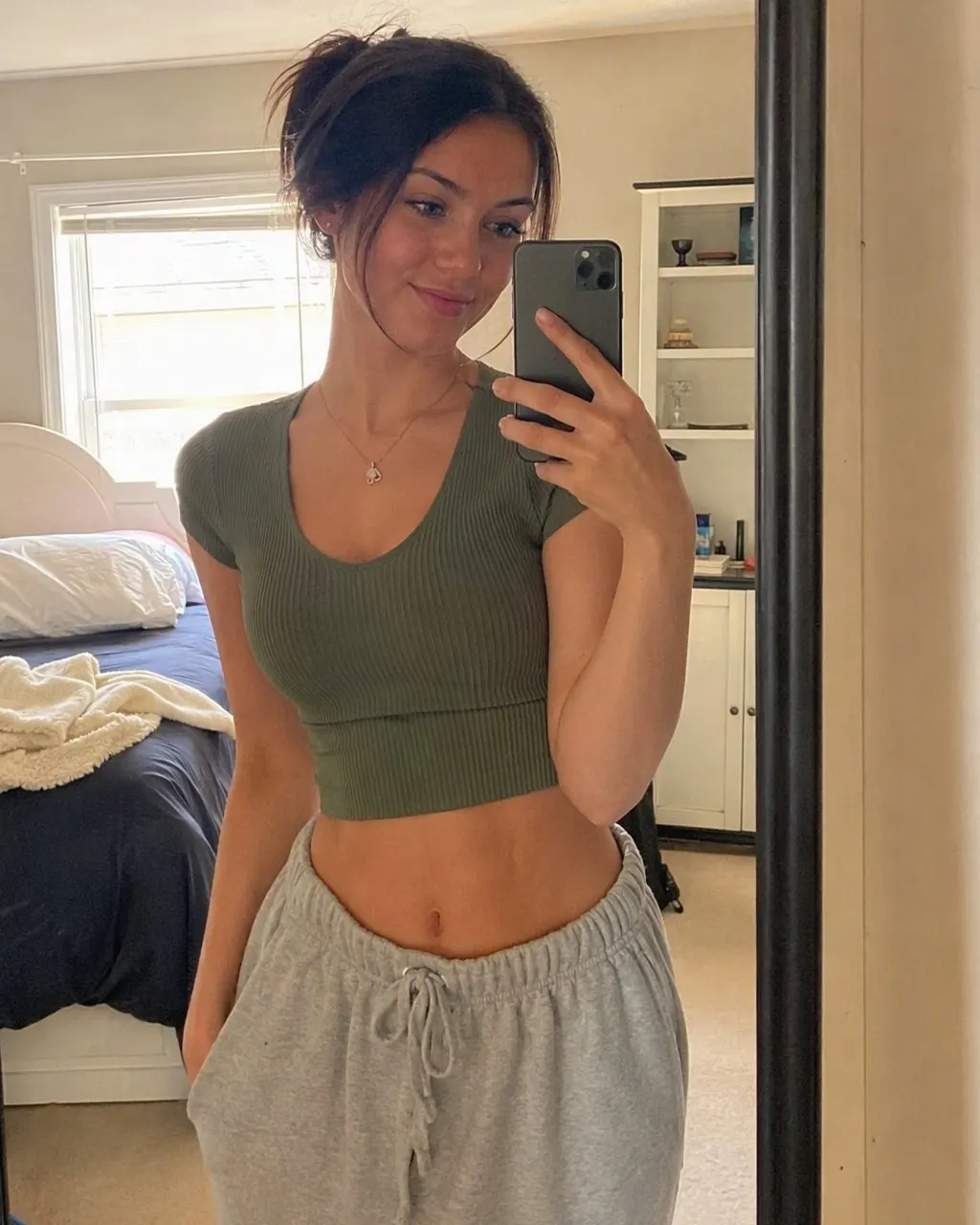
Upload one photo and tap the 80s style
A selfie, a couple pic, a Diwali family photo. One tap; no sliders, no layers, nothing to describe.
Save and share
Ready in seconds. Save it, post it with a short “made with AI” note, and run the next photo.
Editor, Prompt or Style: What Each One Can Change
The three tools are often searched for together and they do very different amounts of the work.
A conventional photo editor
Grain, colour, contrast, a vignette, a date stamp. Your hair, clothes and background stay as they are. Good for a faded-print feel on an already 80s-looking photo; useless for the trend.
A prompt in Gemini or ChatGPT
The full transformation, with control over the outfit and the backdrop. You write, check the face, correct and re-run, within a daily image allowance.
The 80s style in FaceCast
The full transformation in one tap, face kept on every run, no control over the details. Free to download on iOS and Android.
What the 80s Photo Editing App Does Not Do
It makes a still image from one photo. It does not make video, does not age anyone up or down, does not put celebrity faces into a photo, does not restore damaged prints or colourise black-and-white ones, and the result is not a valid ID or passport photo.
Your photo is used only to generate your result; it is not sold or shared for marketing. Upload your own photo, or one everyone in it agreed to, and label the result as AI when you post it.
Frequently Asked Questions
Which is the best 80s photo editing app?+
For the trend look, an app with the 80s style built in. FaceCast does it in one tap with the face kept, free to download on iOS and Android. A conventional editor only adds grain and colour and cannot change the hair or the clothes.
Is the 1980 photo editing app free?+
FaceCast is free to download and you can try the 80s style without an account. Optional in-app purchases exist for more features, with the terms shown in the app before anything is charged.
Do I need to adjust anything?+
No. There are no sliders or settings for the 80s style; the hair, clothes, backdrop, flash and grain are all part of it.
Can I edit the result afterwards?+
The result saves to your phone as a normal image, so you can crop it or add a caption in any editor. If you want a different outfit or backdrop, the prompt route is the one that takes that instruction.
Is there an 80 photo editor online?+
The 80s photos you have seen come from a chat prompt or an app, not from browser filter sites. FaceCast is an app rather than a website; the prompt route works in a browser through Gemini or ChatGPT.
Is it safe to upload my photo?+
FaceCast uses your photo only to generate your result; it is not sold or shared for marketing. Upload your own photo or one everyone in it agreed to, and label the result as AI when you post it.
No Sliders, One Tap
Upload one photo, tap the 80s look, and the portrait is ready in seconds with your face kept. Free to download on iOS and Android.
4.6average rating · 4,109 App Store