
Trending now
80s Couple Photo Prompt: The Text That Holds Both Faces
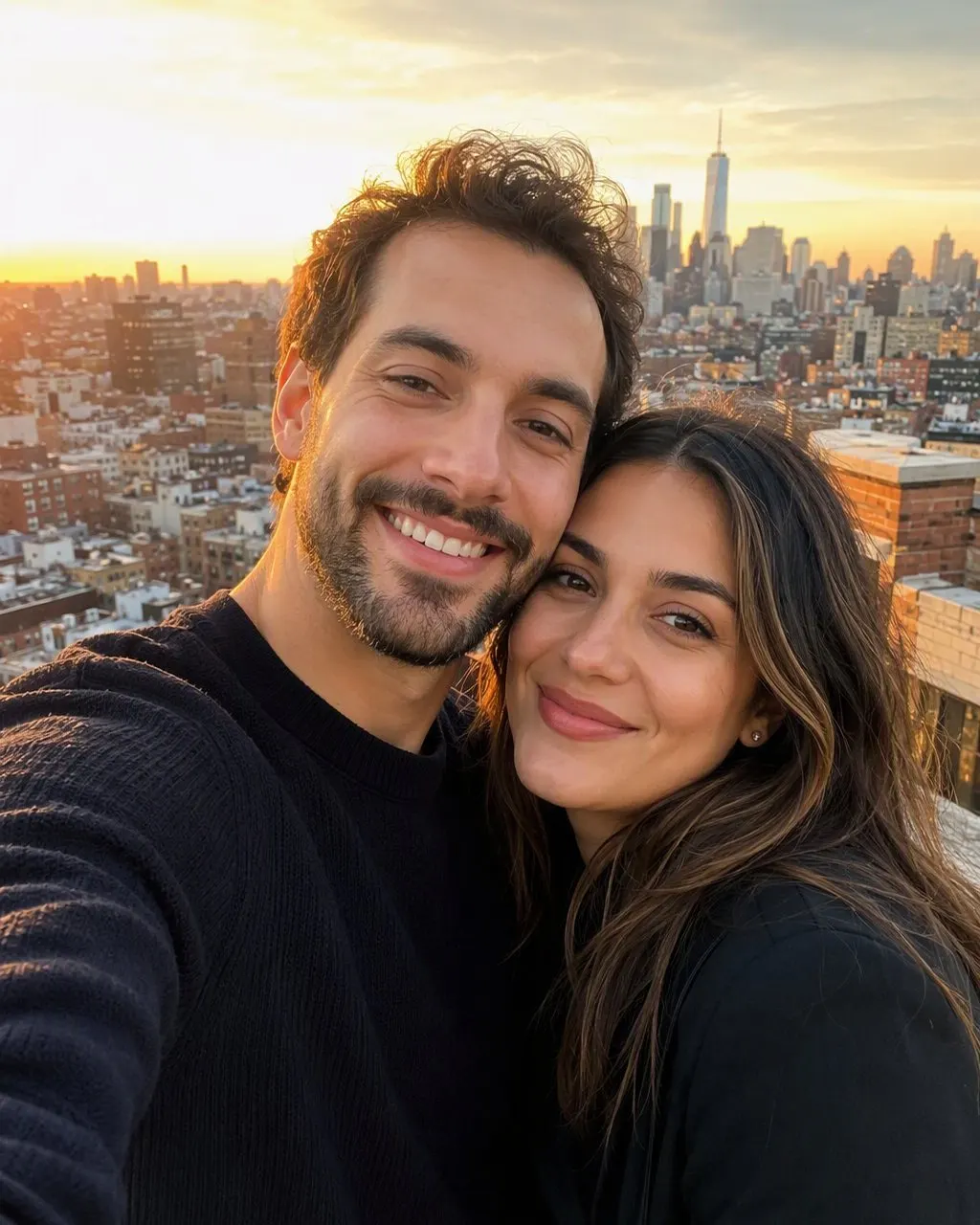
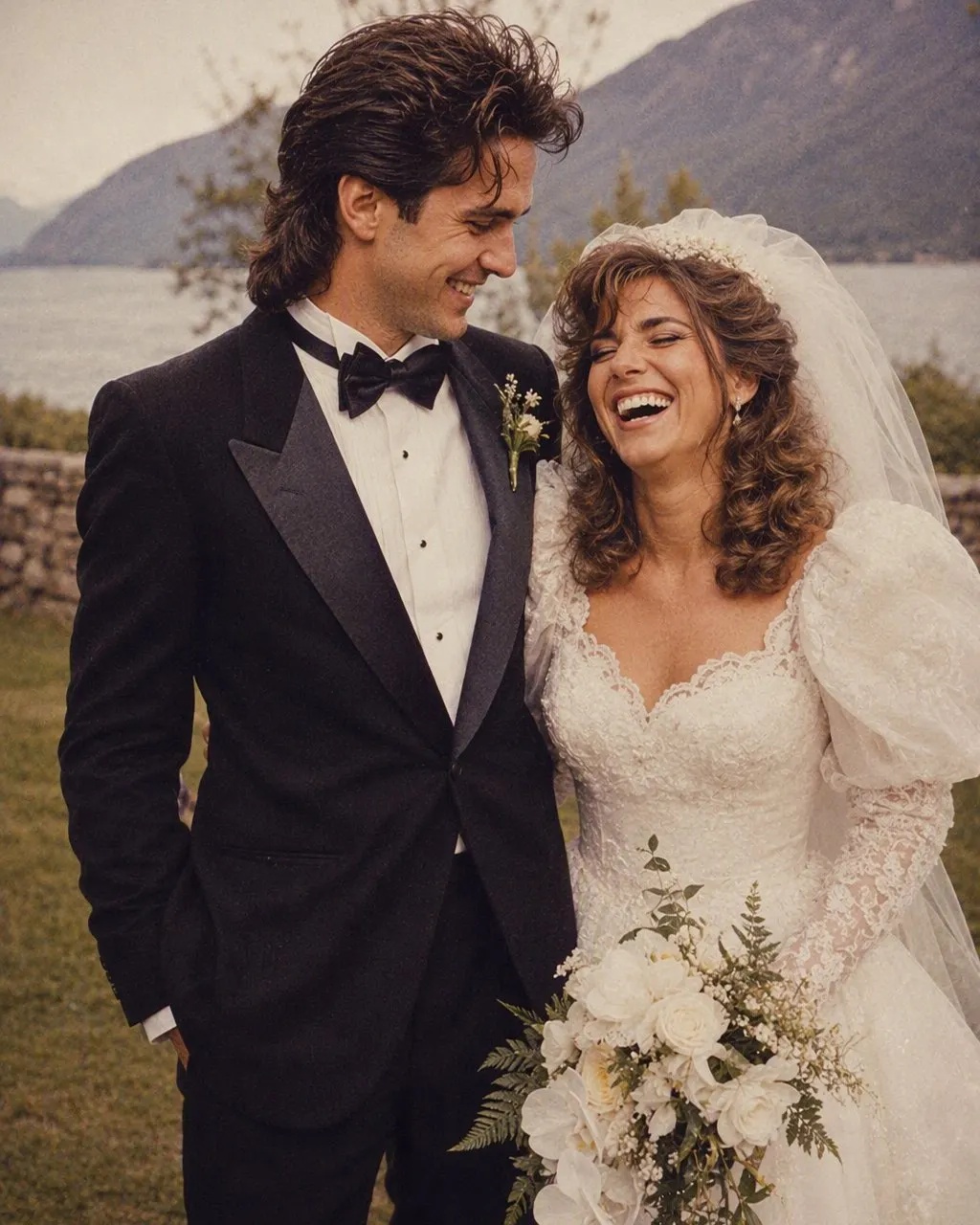
A couple photo is the hardest version of the 80s trend, because one prompt has to keep two faces. Here is the couple prompt in full, the line most people forget, and the route where both faces are kept without typing anything.
4.6average rating · 4,109 App Store

The 80s Couple Photo Prompt
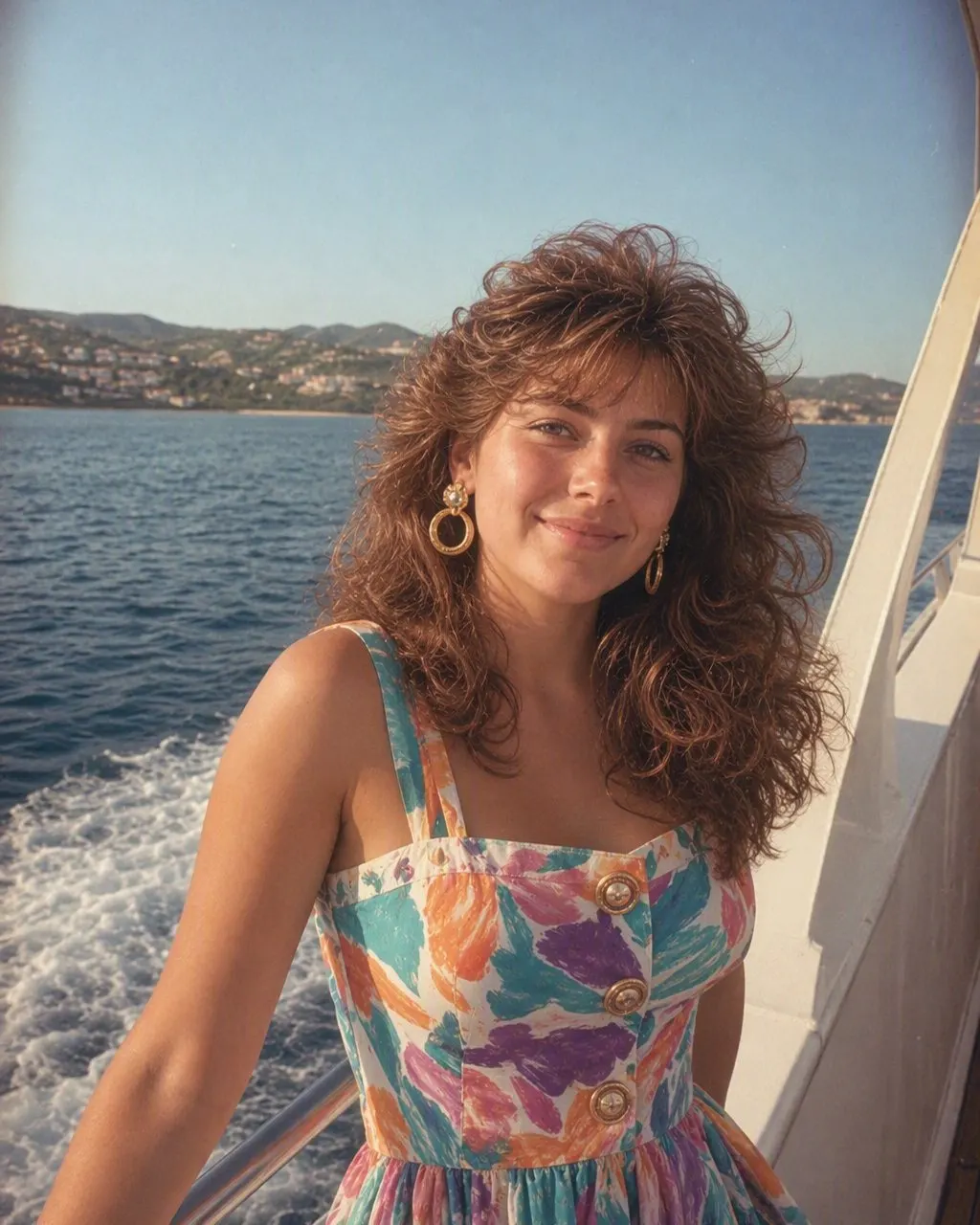
Paste this into ChatGPT or Gemini with your couple photo attached: “Keep both faces in this photo exactly as they are — the same two people, same facial features, same skin tones, same expressions, same positions and the same distance between us. Do not lighten either skin tone and do not change anyone’s age. Change only the hair, clothes, accessories and setting. Make it a mid-1980s studio couple portrait: for him, fuller side-parted hair, a shoulder-padded blazer or a wide-collar shirt, a thin chain; for her, feathered layers or a soft perm, a printed silk saree with a matching blouse or a puff-sleeved dress, large earrings; direct on-camera flash with a small hard shadow behind the shoulders; soft film grain; slightly faded warm colour; a plain mottled studio backdrop. Photorealistic, like a 1986 studio print.”
The line most couple prompts miss is “same positions and the same distance between us”. A single-portrait prompt only has to hold one face; a couple prompt has to hold two faces and the relationship between them, and when it is not told to, the model will happily move one person closer, swap who is taller, or hand back two well-dressed strangers standing where you stood. The identity line still goes first, but for a couple it has to name both people and the space between them.
If you would rather not type at all, FaceCast has the 80s look built in as a fixed style and it works on couple photos: upload one photo of the two of you, tap the style, and the portrait comes back in seconds with both faces, skin tones and expressions kept and only the hair, clothes, accessories and background moved to the mid-80s. Free on iOS and Android, one tap, no prompt.

How to Use the 80s Couple Prompt
Pick a photo where both faces are clear
Both people facing the camera, both faces evenly lit, nobody half-hidden behind the other. A couple prompt drifts most when one face is smaller, turned or in shadow, because the model has less of it to hold.
Write both identities into the first sentence
Name both faces, both skin tones, both expressions and the distance between you, all before the costume list. Then describe his hair and clothes and her hair and clothes separately — one shared description tends to blur into one shared face.
Check both jawlines, then correct or skip
Put the result next to the original and check each face at the jaw, the nose and the eye spacing. If either has moved, reply “both faces must match the original photo exactly” and regenerate. Or use FaceCast, which keeps both faces on every run without a prompt.
Why Couple Photos Drift More Than Single Portraits
A free-text prompt regenerates the whole image on every run, and the face is held only as tightly as the words instruct. With one face that is one constraint to keep. With two, the model is holding two faces, two skin tones, two expressions and the geometry between them, all from one sentence — and in practice the second face is where it loosens first.
You can check it in two minutes: run the same couple prompt three times and compare each face at the jawline, the nose and the eye spacing. On most couple photos at least one of the two faces moves between the first and third attempt. This is not a flaw in your wording; it is how a description-based tool behaves when the description has to cover more than one person.
A fixed style is built differently: the identity handling is the same code on every run and applies to every face in the photo, so what changes between two results is the photo, not the sentence. That is a statement about mechanism, not a claim that one route is prettier.
Adapting the Couple Prompt
The couple prompt is the base for every two-person version of the trend; only the clothes line and the setting line change.
Wedding photo
Replace the clothes line with a mid-80s wedding: a heavy silk saree or lehenga with gold jewellery for her, a sherwani or a wide-lapel suit for him, a garland if you had one, and a soft-focus studio backdrop with a painted floral edge.
Anniversary or parents’ photo
Same prompt, and add “keep our current ages exactly” — a couple in their fifties dressed for the mid-80s should still look their age, not twenty-five.
Outdoor photo
Drop the studio backdrop line and ask instead for the scene you have, with faded warm colour and grain — a beach, a park, a rooftop — so the model does not pull you into a studio you were never in.
Gemini or nano banana
The same text. Gemini edits the attached photo rather than describing a new one, which helps on the first attempt, but the face still moves between runs and the identity line still goes first.
The Route With Nothing to Type
FaceCast has the 80s look built in and it handles two faces the same way it handles one: upload the couple photo, tap the style, and the result is ready in seconds with both faces kept and only the hair, clothes, accessories and backdrop moved to the mid-80s. It makes a still image only — no video, no ageing anyone up or down, no celebrity faces. Your photo is used only to generate your result; it is not sold or shared for marketing. Upload a photo both of you agreed to, and add a short “made with AI” note when you post it.
Frequently Asked Questions
What is the 80s look prompt for a couple?+
It is the 80s prompt written for two faces: keep both faces, features, skin tones, expressions, positions and the distance between you exactly as they are, then change only the hair, clothes, accessories and setting to a mid-1980s studio couple portrait with a direct flash, soft grain, faded warm colour and a plain studio backdrop. The full text is at the top of this page.
Why does the 80s couple prompt change one of our faces?+
Because the prompt has to hold two faces from one sentence, and the model regenerates the whole image on every run. Name both people in the first sentence, describe each person’s hair and clothes separately, and reply “both faces must match the original exactly” if one drifts. A fixed style like FaceCast’s keeps both faces on every run.
Does the 80s couple prompt work in Gemini?+
Yes, the same text. Gemini edits the attached photo, which helps on the first attempt, but it still regenerates on each run, so the identity line with both faces still goes first. Nano banana is Gemini’s image model, so a nano banana couple prompt is the same thing.
Can I use the 80s couple prompt for a wedding photo?+
Yes. Keep the identity line and swap the clothes line for a mid-80s wedding: a silk saree or lehenga with gold jewellery, a sherwani or wide-lapel suit, a soft-focus studio backdrop. Everything else — flash, grain, faded colour — stays the same.
Is there an app that makes an 80s couple photo without a prompt?+
Yes. FaceCast has the 80s look as a built-in style and it works on couple photos: upload one photo of both of you, tap the style, and the portrait is ready in seconds with both faces kept. Free on iOS and Android, nothing to type.
Is it safe to upload a photo of both of us?+
Both faces are biometric data, so upload a photo both of you agreed to. FaceCast uses your photo only to generate your result; it is not sold or shared for marketing. Label the result as AI when you post it.
Both Faces Kept, Nothing to Type
Upload one photo of the two of you, tap the 80s look, and the couple portrait is ready in seconds — free on iOS and Android.
4.6average rating · 4,109 App Store