
Trending now
The Old Photo Trend App: Turn a New Photo Into an 80s Studio Print
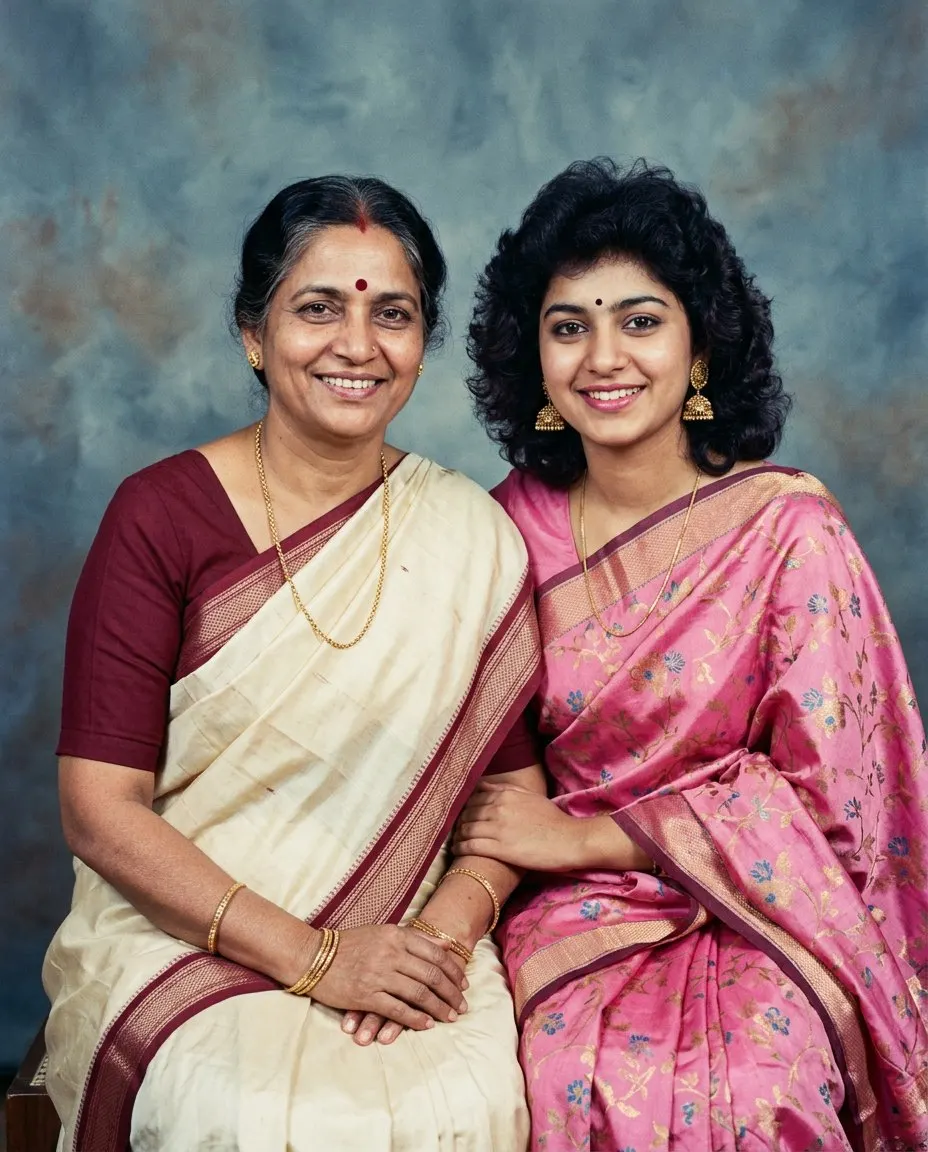
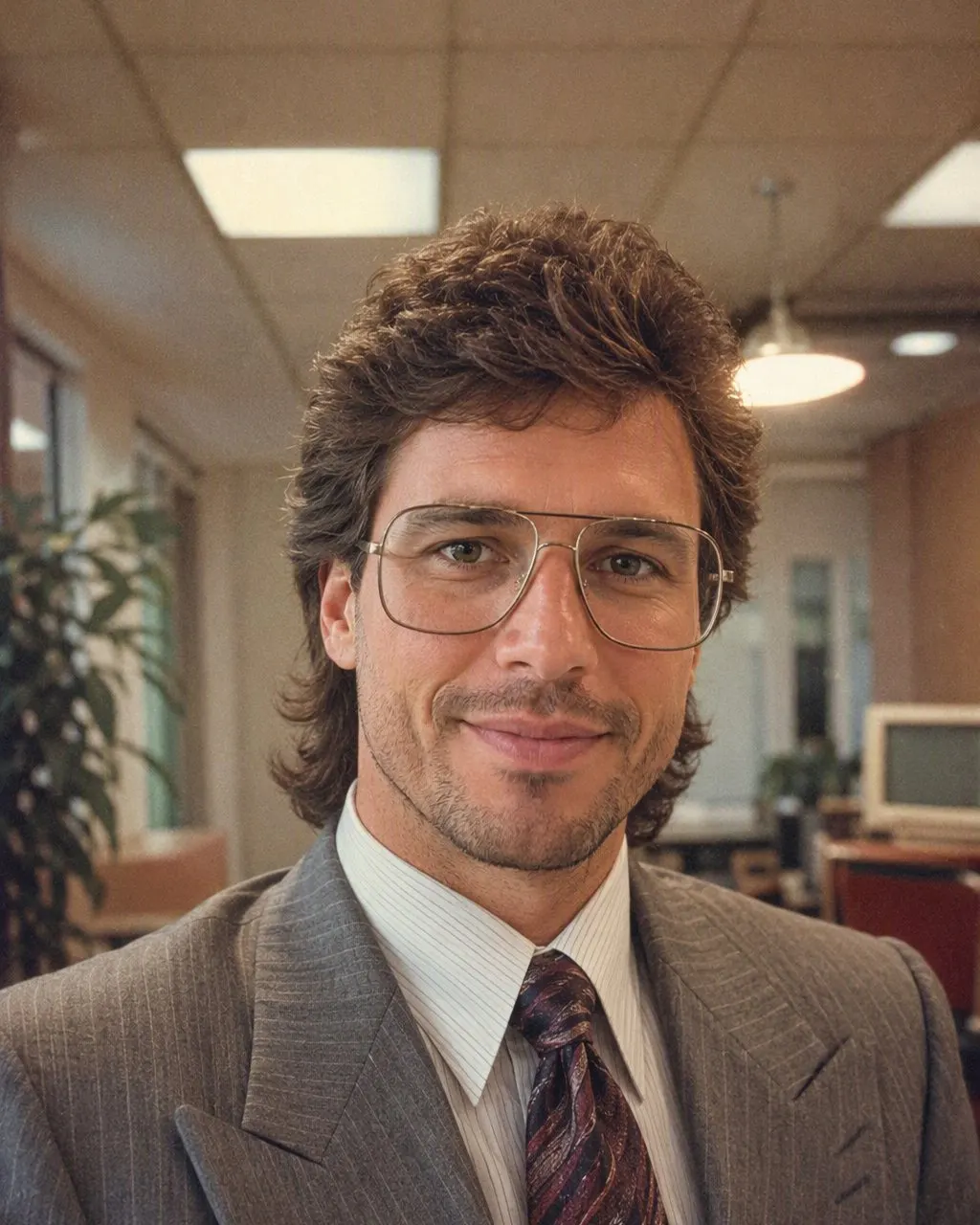
The “old photo trend” filling your feed is not about old photos. It is a new photo of you, restyled as a print from a 1980s photo studio: big hair, a direct flash, faded film colour, a mottled backdrop. Here is the app that does it in one tap, and the one thing it is not.
4.6average rating · 4,109 App Store
The Short Answer
The old photo trend app is FaceCast: upload a recent photo, tap the 80s style, and it comes back in seconds looking like a print from a mid-1980s photo studio, with your face, features, skin tone and expression kept and only the hair, clothes, accessories, backdrop, flash and film grain changed. Free to download on iOS and Android, no prompt, no account to try.
The name is a little misleading. The trend takes a new photo and makes it look old; it does not take an old photo and make it new. FaceCast does not restore faded, torn or scanned prints, does not colourise black-and-white photos, and does not age anyone up or down. If what you have is a damaged old family photo, this is not the tool; if what you want is to look like you were photographed in 1986, it is.
The other route is a prompt in Gemini or ChatGPT, which makes the same kind of picture but holds the face only as tightly as your wording and drifts between attempts. In the app the look is a fixed style, so the face is kept on every run. Your photo is used only to generate your result; it is not sold or shared for marketing.



How to Do the Old Photo Trend
Download FaceCast, free
On the App Store or Google Play. Nothing to sign up for to try the style.
Pick a recent, clear photo and tap the 80s style
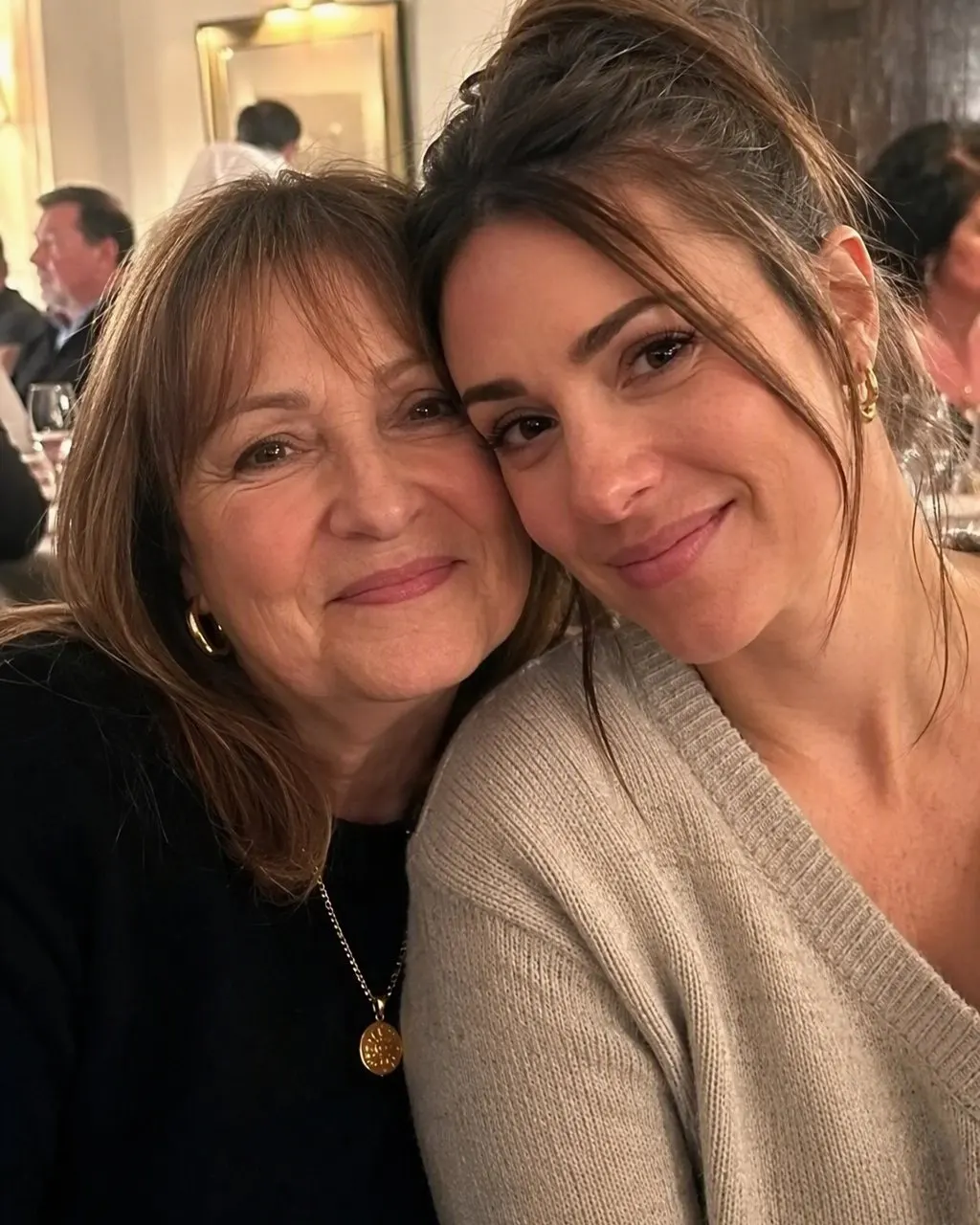
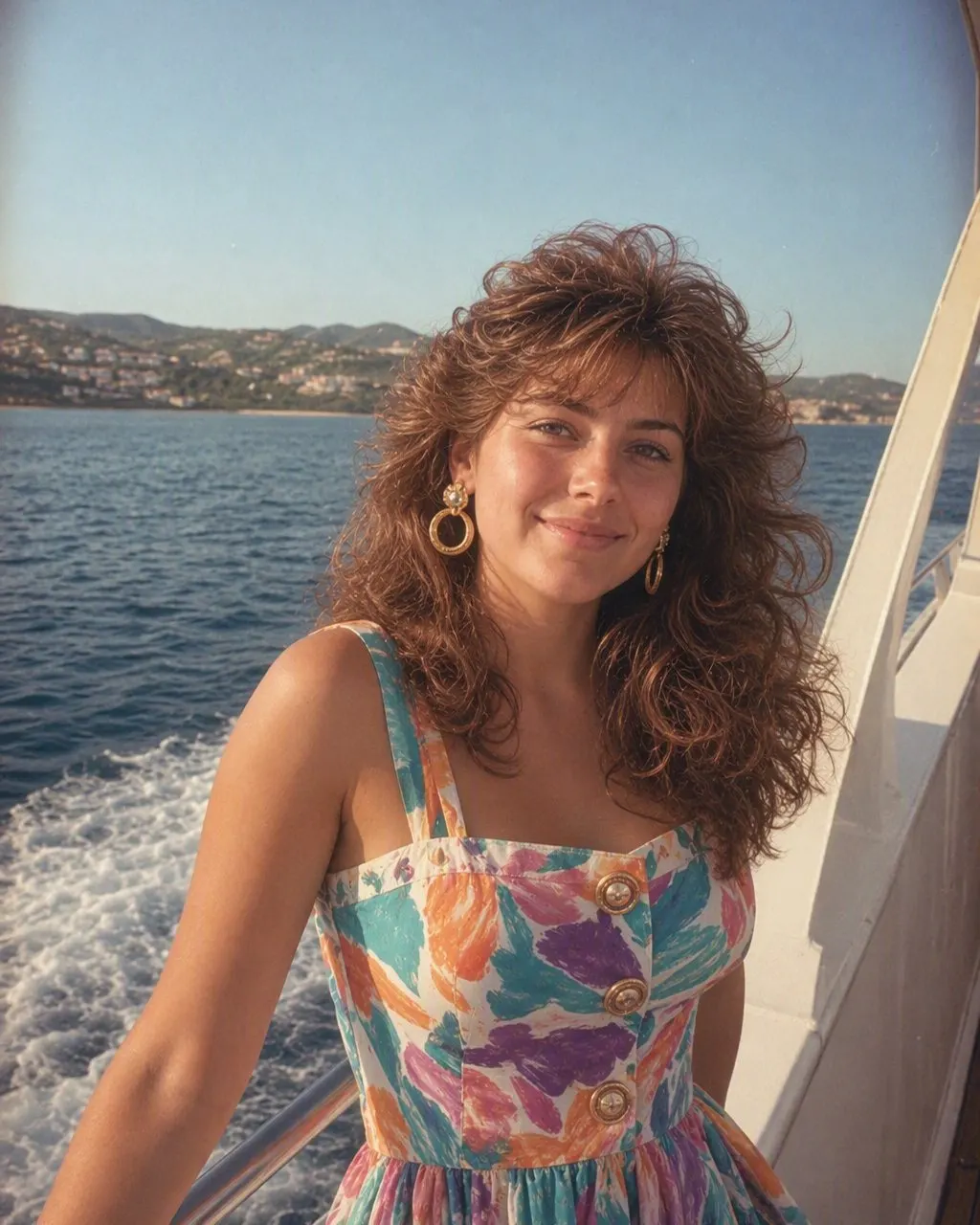
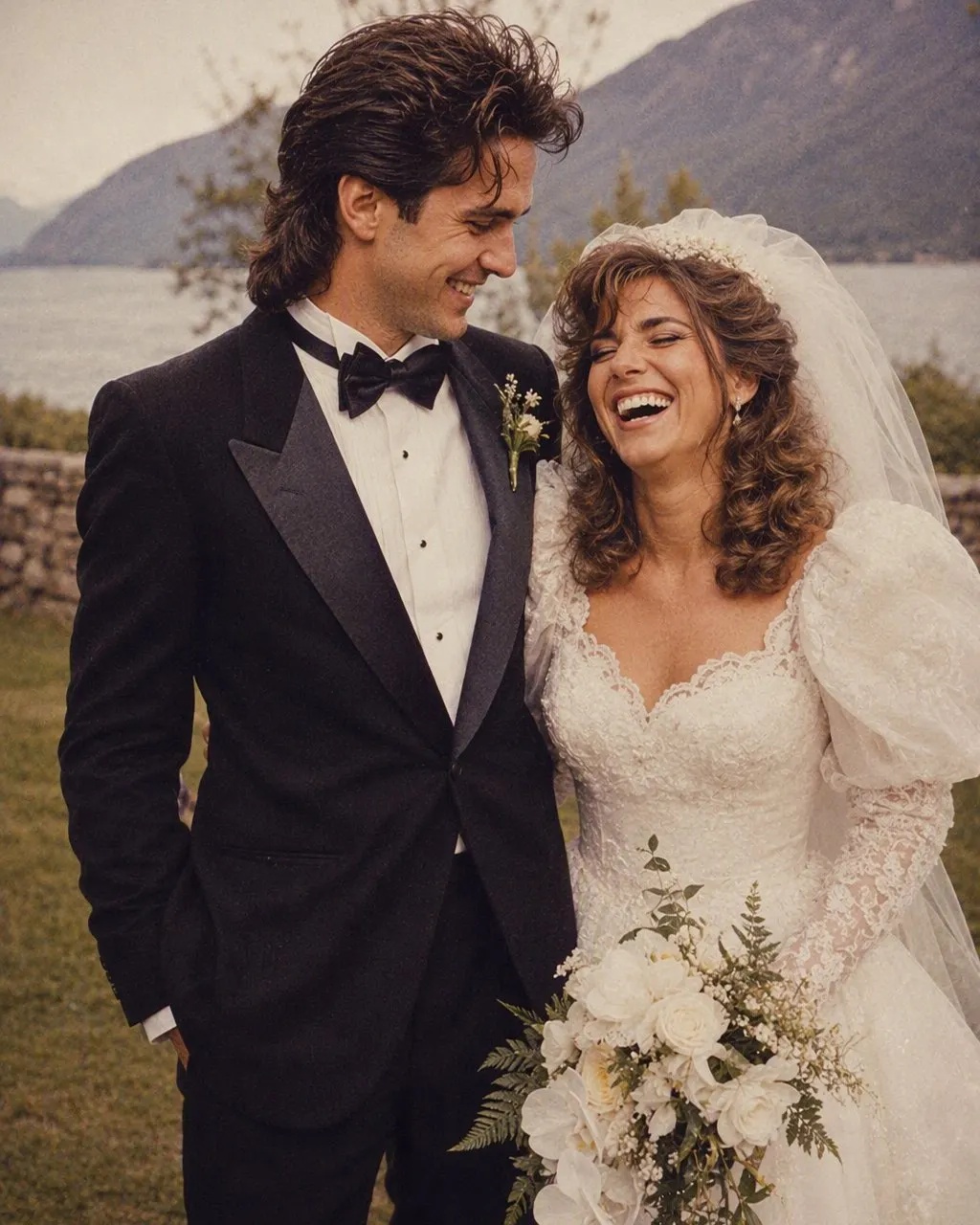
A selfie, a couple pic, a family photo from the last wedding. One tap; the hair, clothes, backdrop, flash and grain are all part of the style.
Save and post
Ready in seconds. Add a short “made with AI” note when you post it, and run the next one.
What Makes a New Photo Look Like an Old One
A filter that adds grain and a sepia tint leaves your current haircut and your current clothes in place, which is why it never quite reads as old. The trend works because five things change together while the face stays.
Hair
Height at the crown, a feathered or permed finish; for men, a fuller side part.
Clothes
Shoulder pads, a wide-collar silk shirt, a printed saree with a matching blouse, a safari suit, thin gold jewellery.
Flash
A direct on-camera flash with a small hard shadow behind the shoulder.
Film
Soft grain and faded, warm colour, like a print that has spent decades in an album.
Backdrop
A mottled blue or grey canvas or the painted curtain of a neighbourhood studio.
Old Photo Trend, New Photo Trend, 80s Trend: Same Thing
Search sees this trend under several names from India: old photo trend app, new old photo trend, old trend photo app, 80s trending photo app. They all describe the same mid-80s studio look and lead to the same two routes. There is no separate “new old photo” app; there is the app, and there is the prompt.
FaceCast makes a still image only: no video, no ageing, no celebrity faces, no restoration, no ID photos. Upload your own photo, or one everyone in it agreed to, and label the result as AI when you post it.
Frequently Asked Questions
What is the old photo trend app everyone is using?+
Most people use either a Gemini or ChatGPT prompt or FaceCast. FaceCast is the app route: the 80s studio look is a built-in style, one photo, one tap, face kept, free to download on iOS and Android.
Is the new old photo trend the same as the 80s trend?+
Yes. Both names describe a recent photo restyled as a mid-1980s studio print: big hair, period clothes, a direct flash, film grain, faded colour, a mottled backdrop.
Does the app restore my old photos?+
No. It makes a new photo look old; it does not repair faded, torn or scanned prints, and it does not colourise black-and-white photos. Start from a clear, recent photo.
Is the old photo trend app free?+
FaceCast is free to download and you can try the 80s style without an account. Optional in-app purchases exist for more features, with the terms shown in the app before anything is charged.
Does it work on family and group photos?+
Yes. Every face in the frame is kept the same way one face is, which is exactly where a prompt struggles.
Is it safe to upload my photo?+
FaceCast uses your photo only to generate your result; it is not sold or shared for marketing. Upload your own photo or one everyone in it agreed to, and label the result as AI when you post it.
Make a New Photo Look Old
Upload one photo, tap the 80s look, and the studio print is ready in seconds with your face kept. Free to download on iOS and Android.
4.6average rating · 4,109 App Store