
Trending now
Make 80s Photos From One Pic: The Two Routes, Step by Step
You have seen the 80s photos on every Instagram story and now you want to make your own. There are exactly two ways that work: a fixed style in an app, or a prompt in a chat tool. Here is how to do each, what to check, and where each one goes wrong.
4.6average rating · 4,109 App Store
How to Make 80s Photos: The Short Answer
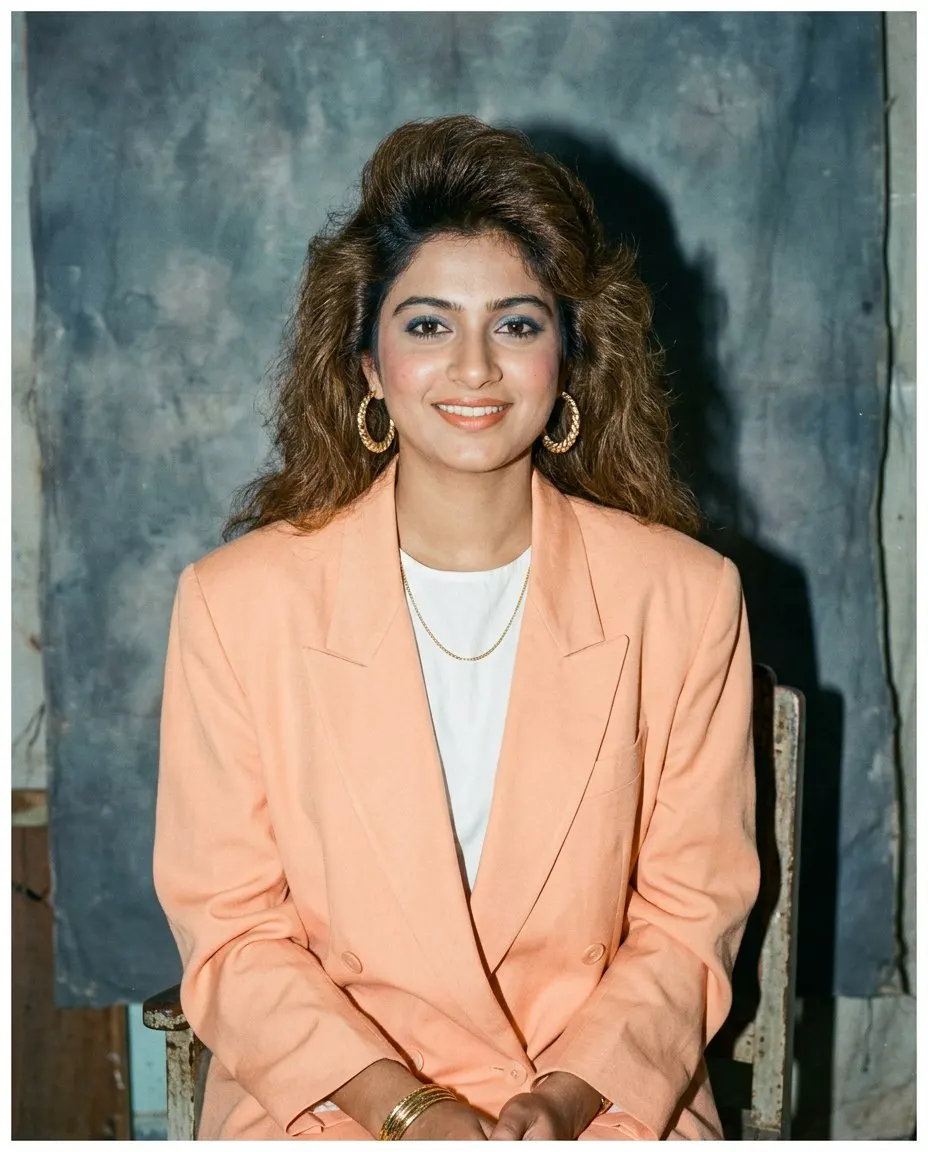
The quickest way to make 80s photos is FaceCast: download it free on iOS or Android, upload one clear photo, tap the 80s style, and a mid-1980s studio portrait comes back in seconds with your face, skin tone and expression kept. Only the hair, clothes, accessories, backdrop, flash and film grain change. No prompt to write, no account needed to try it.
The other way is a prompt in Gemini or ChatGPT. Attach the photo, paste a prompt that starts with “keep my face, features, skin tone and expression exactly as they are”, then describes mid-80s hair, shoulder pads or a wide-collar shirt, a direct flash, film grain, faded warm colour and a mottled studio backdrop. It makes the same kind of photo, and it lets you ask for a specific outfit, but the face is held only as tightly as your wording and it drifts between attempts.
Both routes make a still image only. Neither makes a video, ages anyone up or down, or restores an old print. Whichever you use, upload your own photo or one everyone in it agreed to, and add a short “made with AI” note when you post it.

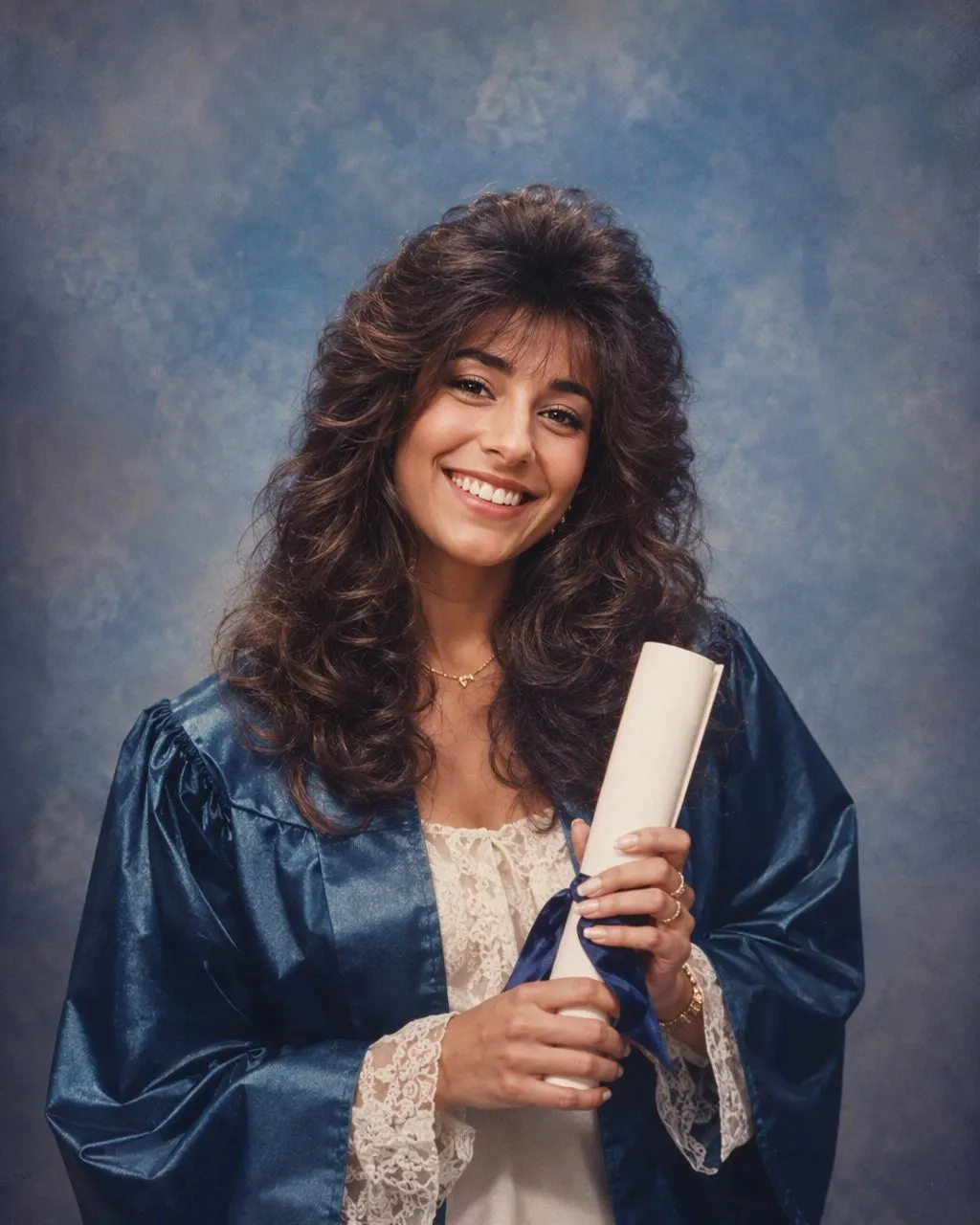
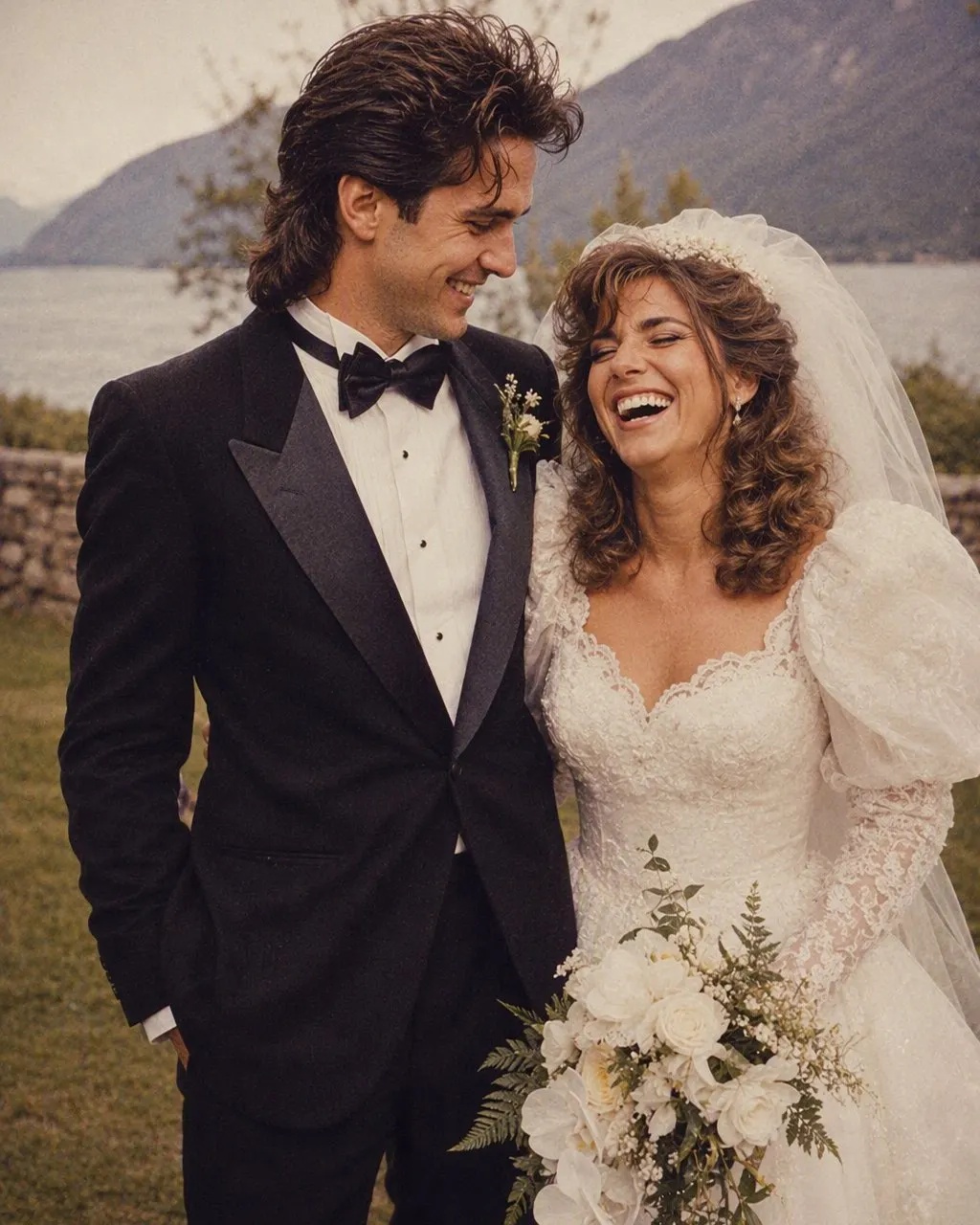

Make an 80s Photo in Three Steps
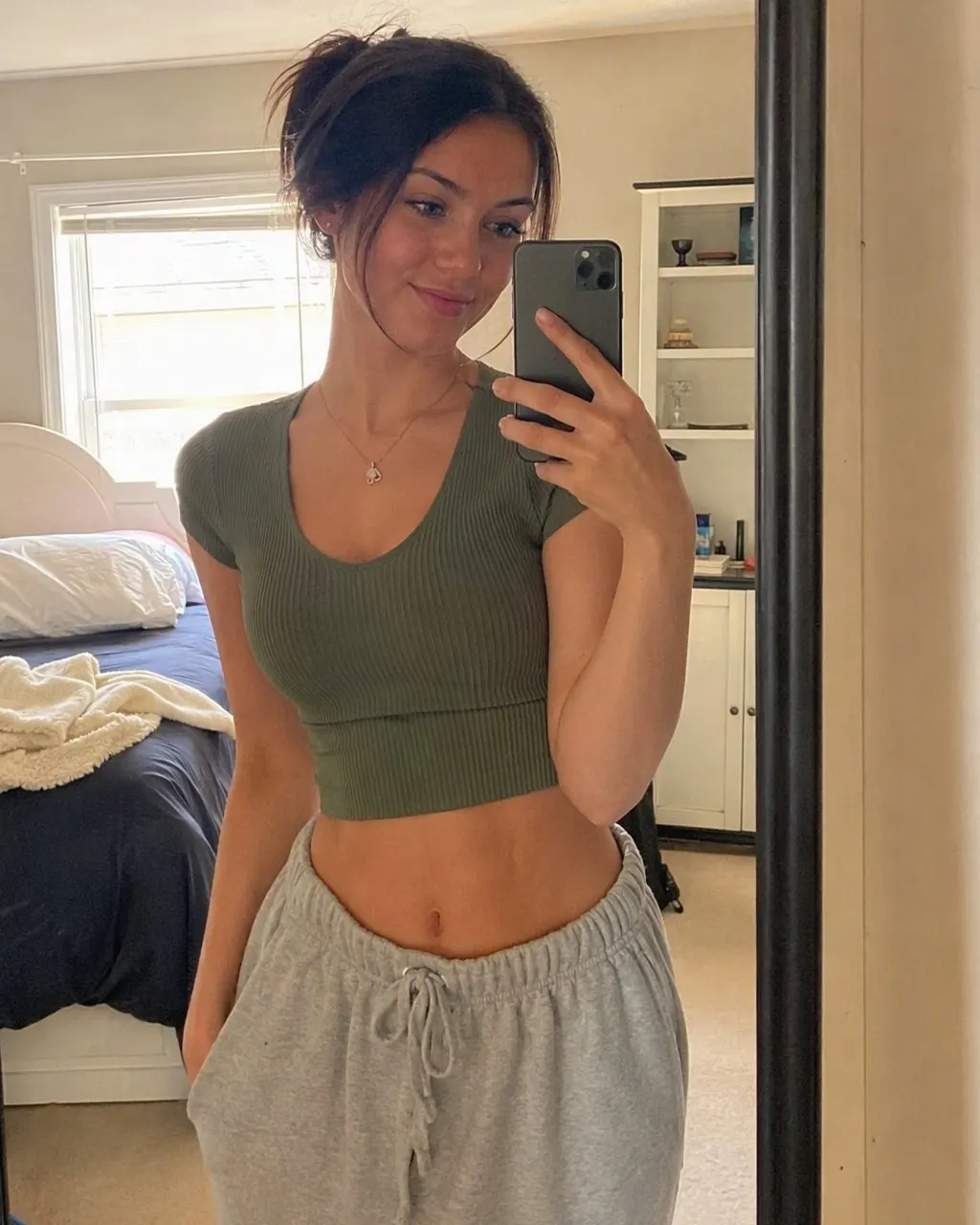
Choose the right pic
Front-facing, evenly lit, nothing across the eyes or jaw. A clear photo gives a clean result in either route; a dim or half-turned one is where the prompt route drifts most.
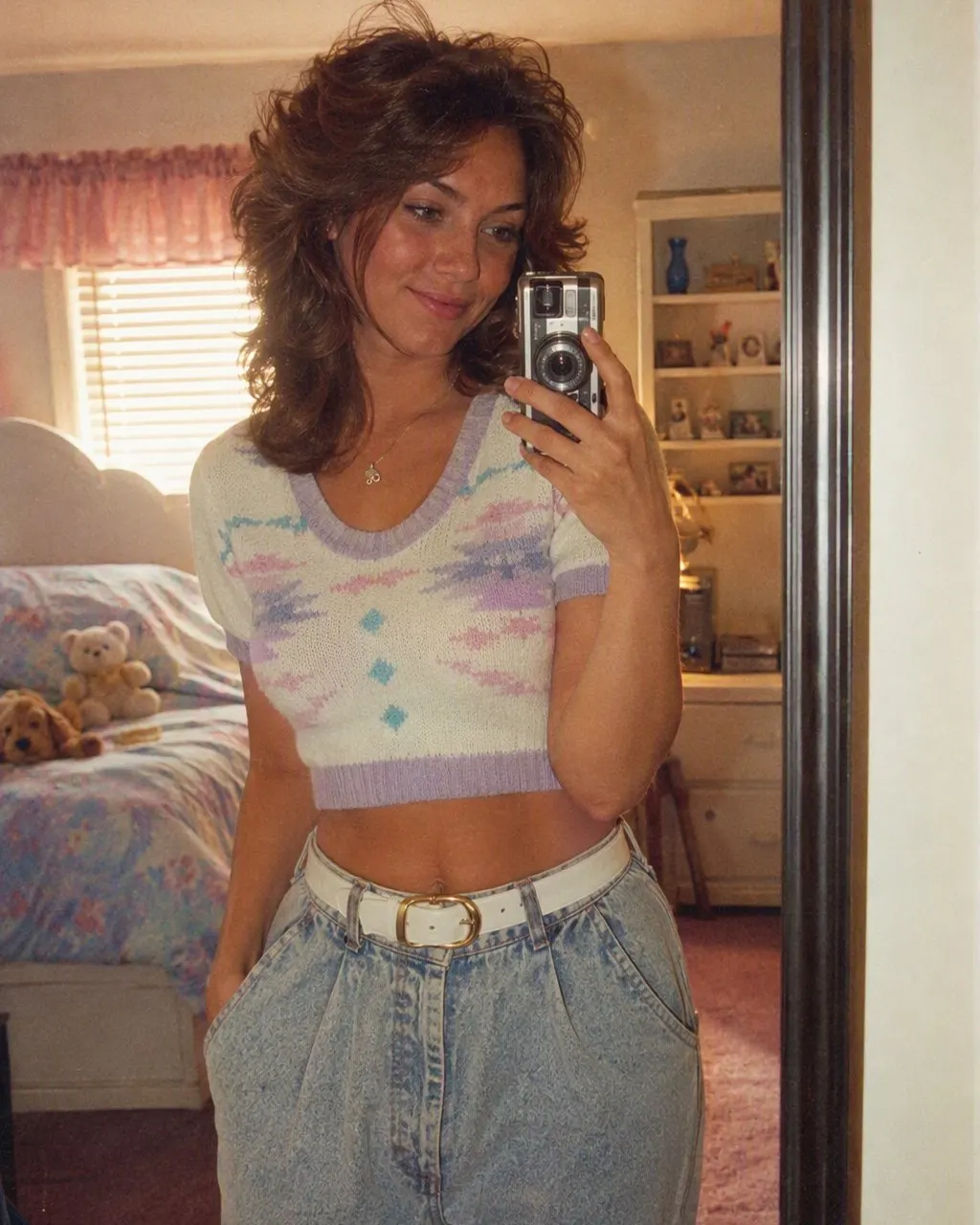
App: tap the 80s style. Prompt: paste with the identity line first
In FaceCast there is nothing to describe. In a chat tool, keep “keep my face exactly as it is, do not lighten the skin” as the first sentence and put the hair, clothes and studio details after it.
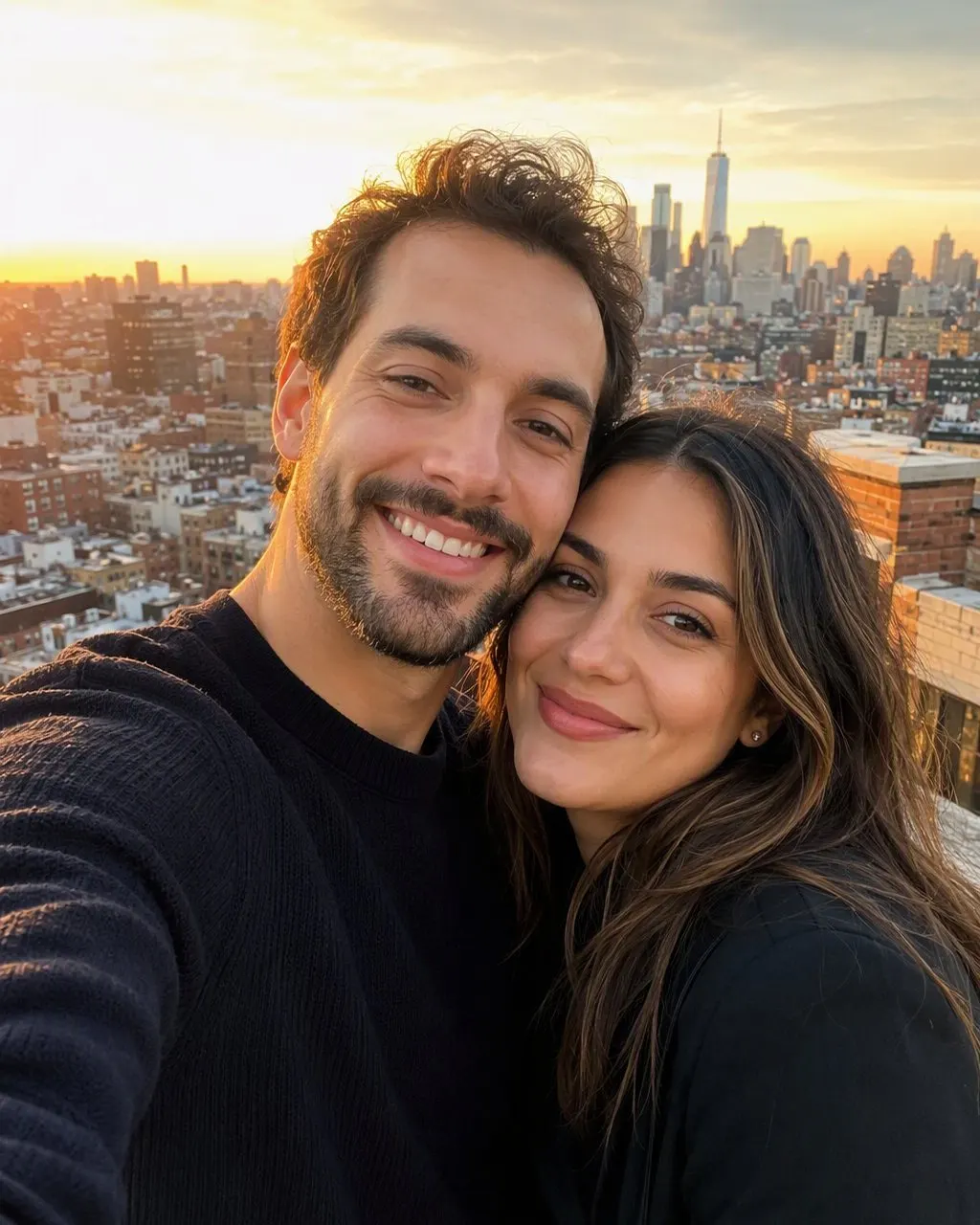
Check, save, share
Compare the result with the original at the jaw, the nose and the eyes. In the app they match on every run; in a chat tool, if something moved, reply that the face must match the original and run again.
How to Make 80s Photos of a Couple, a Family or a Group
Group pictures are where the two routes separate. A prompt has to hold several faces at once and it usually lets one of them go, which means a second and third attempt and a daily image allowance used up on one photo. In the app every face in the frame is kept the same way one face is, so a couple photo, a family portrait from Diwali or a college group pic is still one tap.
If you want a specific outfit for each person, a kasavu for one and a safari suit for another, the prompt route is the one that can take that instruction. The couple, men’s, girls’ and saree prompts on this site are written for exactly that.
What Makes a Photo Look 80s
The trend is not a filter. Grain and a warm cast on top of your current photo still leaves you in your current hair and your current clothes, which is why the “80s filter” websites disappoint. A real 80s photo needs five things changed together.
Hair with height
Volume at the crown, a feathered or permed finish, a swept fringe; for men, a fuller side part.
Period clothes
Shoulder pads, a wide-collar silk shirt, a printed saree with a matching blouse, a safari suit, thin gold jewellery.
A direct flash
Bright foreground, a small hard shadow behind the shoulder, the signature of the neighbourhood studio.
Film
Soft grain and faded, warm colour, like a print that has spent decades in an album.
A studio backdrop
A mottled blue or grey canvas, or the painted curtain every 1980s studio in India seemed to own.
Frequently Asked Questions
How do I make an 80s photo of myself?+
Download FaceCast free on iOS or Android, upload one clear photo, and tap the 80s style. The portrait is ready in seconds with your face kept. Or paste a prompt into Gemini or ChatGPT; the full text is on this site.
How do I make 80s photos of a couple?+
In the app, upload the couple photo and tap the style; both faces are kept. In a chat tool, add one identity line per person and check both jawlines after each run, because two faces drift more than one.
Can I make 80s photos for free?+
FaceCast is free to download and you can try the 80s style without an account. A Gemini or ChatGPT prompt is free within the image allowance of your plan.
Is there an 80s trend photo maker online?+
The results you have seen come from a chat prompt or an app, not from browser filter sites, which only add grain and a colour cast. FaceCast is an app rather than a website, and it does the whole transformation in one tap.
Can I make an 80s photo in a saree or kurta?+
Yes. In a prompt, name the outfit: a printed silk saree with a matching blouse, or a cream kurta with a thin chain. The retro saree prompt on this site is written for it. The app’s style chooses the outfit for you.
Does making an 80s photo change my face?+
It should not, and in FaceCast it does not: the face, skin tone and expression are kept on every run. In a chat tool it can, because the whole image is regenerated each time; keep the identity line first and re-run if the jaw or nose has moved.
Make Your 80s Photo Now
Upload one photo, tap the 80s look, and the portrait is ready in seconds with your face kept. Free to download on iOS and Android.
4.6average rating · 4,109 App Store