
Trending now
Retro Saree Photo Prompt: The Full Text for Gemini and ChatGPT
The saree version is the one that makes the 80s trend look Indian instead of generically retro. Here is the vintage saree prompt in full, the lines that keep your face and your skin tone, and the route with nothing to type.
4.6average rating · 4,109 App Store

The Retro Saree Photo Prompt
Paste this into Gemini or ChatGPT with your photo attached: “Keep my face, facial features, skin tone, eyebrows and expression exactly as they are in this photo — same woman, same angle, do not lighten the skin, do not slim the face, do not change my age. Change only the hair, clothes, accessories and setting. Make it a mid-1980s Indian photo-studio portrait: a printed silk saree in deep maroon or bottle green with a contrasting border, draped simply, with a matching blouse; hair in soft feathered layers or a loose low bun with a string of jasmine; large gold jhumka earrings, a thin gold chain, glass bangles, a small bindi; soft matte make-up with a defined lip, not modern contouring; direct on-camera flash with a small hard shadow behind the shoulder; soft film grain; slightly faded warm colour; a plain mottled studio backdrop with a painted floral edge. Photorealistic, like a 1986 studio print.”
A retro saree prompt is the 80s look prompt with the clothes line rewritten, and it works for the same reason: the identity line goes first and does the work, and everything after it is a checklist the model would otherwise fill in for you. The saree line is worth being specific about — a colour, a border, a simple drape, a matching blouse — because “vintage saree” on its own hands you a costume from a film poster rather than a portrait from a neighbourhood studio. And the photograph lines — the flash, the grain, the faded colour, the mottled backdrop with a painted edge — are what make it look like a real print from a mid-80s album rather than a fashion shoot in a saree.
If you would rather not type at all, FaceCast has the 80s look built in as a fixed style: upload one photo, tap the style, and the portrait comes back in seconds with your face, skin tone and expression kept and only the hair, clothes, accessories and background moved to the mid-80s. Free on iOS and Android, one tap, no prompt.
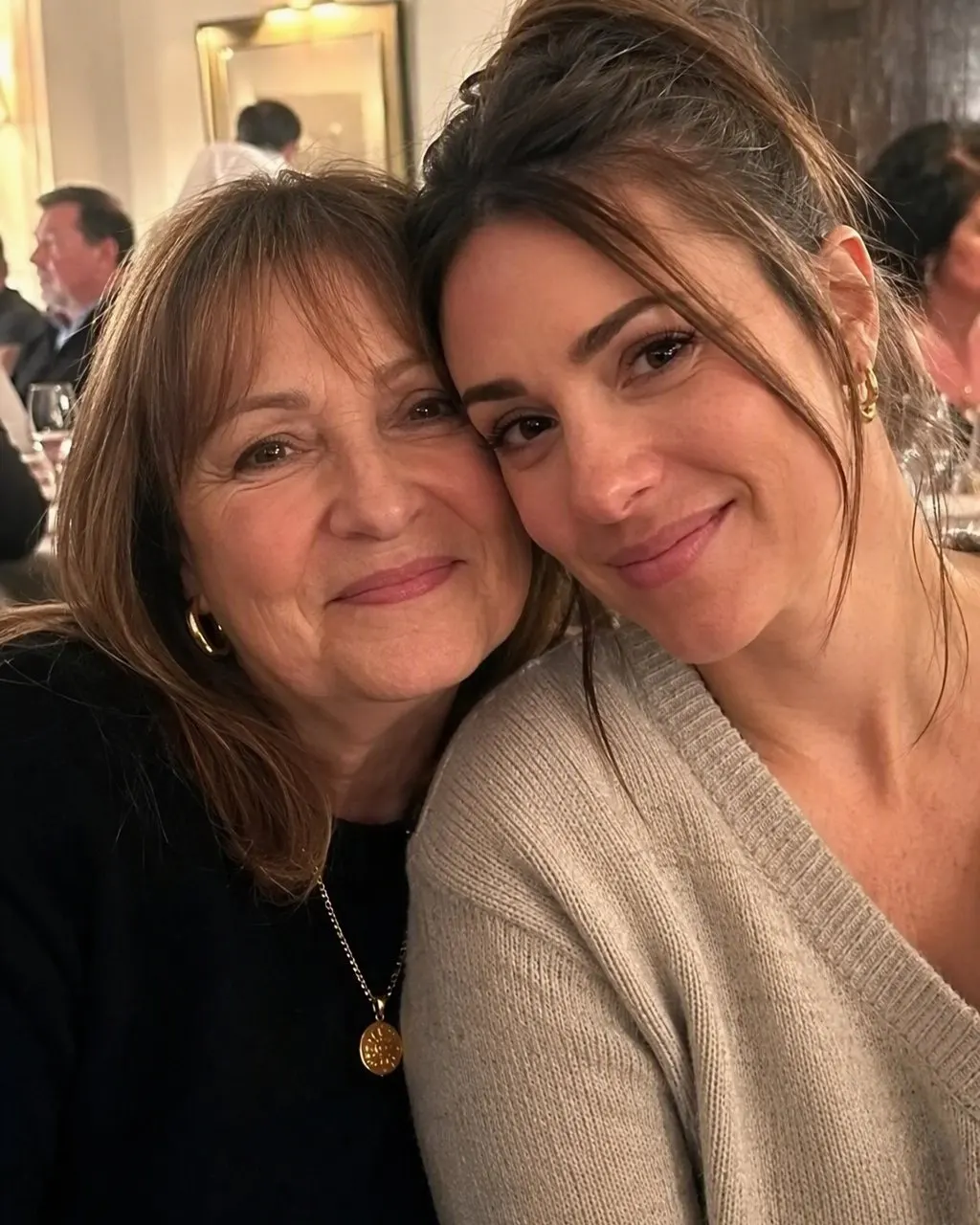

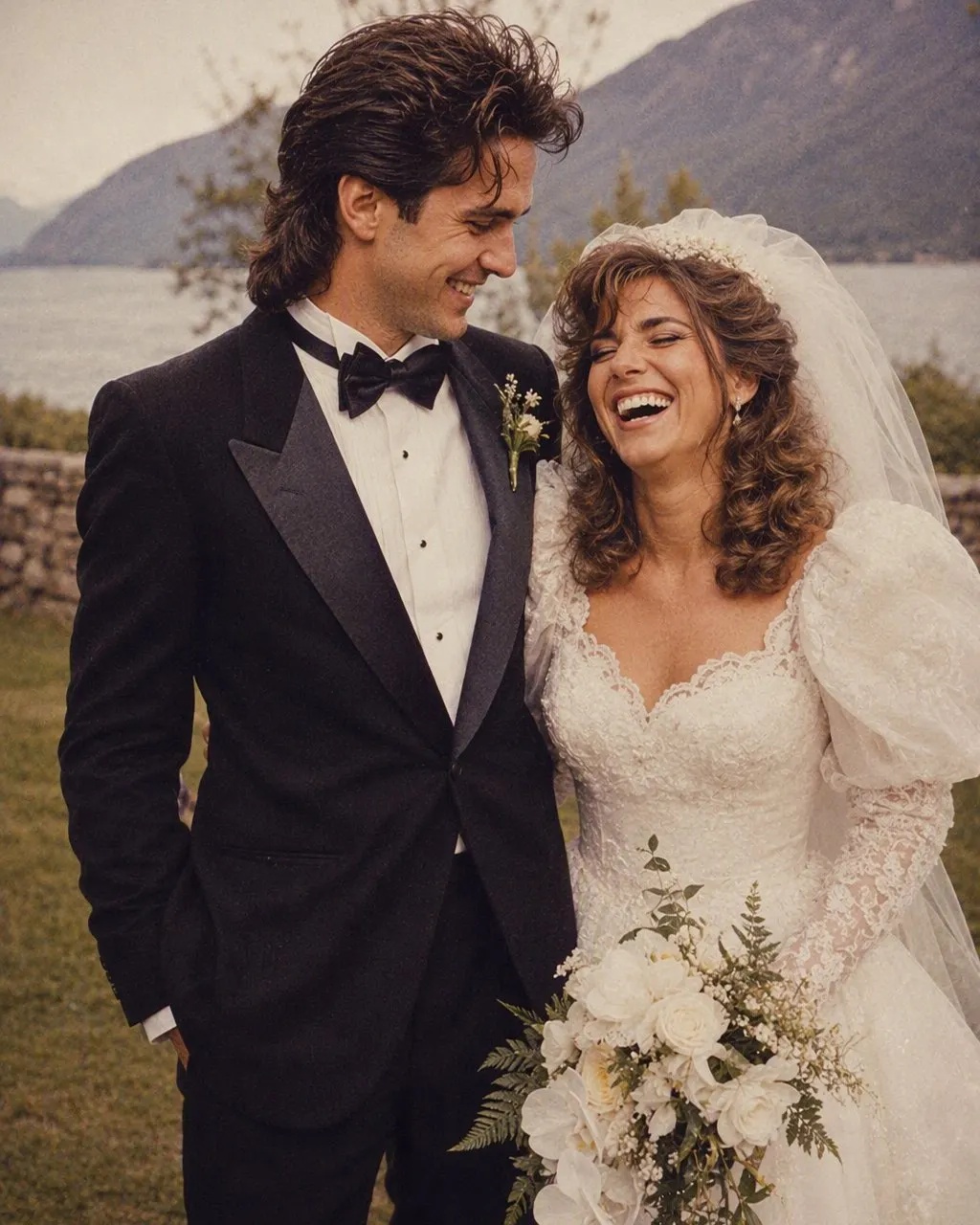

How to Use the Retro Saree Prompt
Attach a clear, front-facing, unfiltered photo
Face evenly lit, eyebrows and jaw visible, no beauty filter on the original. Any saree you are already wearing helps the model with the drape, but a plain top works too — the prompt supplies the saree.
Keep the identity line, personalise the saree line
The first sentence stays exactly as it is. Change the saree colour, the border, the jewellery and the flowers to what you would actually wear; keep the make-up line, because it is what stops the result from being made up for 2026.
Check the face, the brows and the skin tone
Compare with the original at the jawline, the eyebrows and the skin tone. If the face is narrower, paler or the brows have thinned, reply “the face, brows and skin tone must match the original exactly” and regenerate. Or use FaceCast, which keeps them on every run without a prompt.
What the Saree Prompt Asks For, Line by Line
Each line closes a decision the model would otherwise make on its own. For a saree portrait, most of the decisions that go wrong are in the clothes and make-up lines, not the hair.
The identity line
Face, features, skin tone, eyebrows, expression, age; do not slim the face; do not lighten the skin. The model’s default retro-glamour face is narrower and paler than most real faces, and this line is what stops the drift.
The saree
A printed silk saree in a named colour with a contrasting border, draped simply, with a matching blouse. Name it or you get a costume.
The hair
Soft feathered layers, or a low bun with jasmine. Both are period-correct and both keep the face visible; big permed hair is the generic-80s default and it hides the jawline the identity line is trying to hold.
The jewellery and bindi
Gold jhumkas, a thin chain, glass bangles, a small bindi. Small and specific reads as a real studio portrait; “lots of gold jewellery” reads as bridal wear.
The make-up
Soft matte, defined lip, no modern contouring. This single line does more for the decade than any hairstyle.
The photograph
Direct flash with a small hard shadow, soft grain, faded warm colour, a mottled backdrop with a painted floral edge — the neighbourhood studio look of the mid-80s.
Why the Face Drifts Between Attempts
A free-text prompt regenerates the whole image every run and holds the face only as tightly as the wording instructs. Saree portraits have an extra pull towards a narrow, pale, thin-browed retro-glamour face that the model has seen thousands of times; each run drifts a little towards it unless the identity line names the skin tone, the brows and the face shape. Run the same prompt three times and compare the jawline, the brows and the skin tone: on most photos at least one has moved by the third attempt.
A fixed style is built differently: the identity handling is the same code on every run, so what changes between two results is the photo, not the sentence. That is a statement about how the two are built, not about which is prettier. The prompt route gives you control over the saree; the fixed style gives you your own face back every time.
Gemini, Nano Banana and the Route With Nothing to Type
The saree prompt works the same in Gemini, whose image model is nicknamed nano banana, and in ChatGPT; there is no separate recipe. FaceCast is the no-prompt route: one photo, one tap, a result in seconds, with the hair, clothes, accessories and backdrop moved to the mid-80s and the face left where it was. It makes a still image only — no video, no ageing anyone, no celebrity faces. Your photo is used only to generate your result; it is not sold or shared for marketing. Upload your own picture and add a short “made with AI” note when you post it.
Frequently Asked Questions
What is the retro saree photo prompt?+
It is the 80s look prompt with the clothes line rewritten for a saree: keep the face, skin tone, eyebrows and expression exactly as they are, then change only the hair, the saree, the jewellery and the setting to a mid-1980s studio portrait with a direct flash, soft grain, faded warm colour and a mottled backdrop. The full text is at the top of this page.
What is the Gemini retro saree photo prompt?+
The same text pasted into Gemini with the photo attached. Gemini’s image model is nicknamed nano banana, so a nano banana saree prompt is the same prompt. The wording does not change between tools.
What is a vintage saree AI photo prompt?+
The same thing under another name. “Vintage” and “retro” both point at the mid-80s studio look; the prompt on this page produces it. Avoid using only the word “vintage” in the prompt itself, because on its own it gives a sepia wash rather than a period portrait.
Why does the saree prompt change my skin tone?+
Because the model’s warm retro colour grade pulls skin paler, and its default retro-glamour face is lighter than most real faces. Say “do not lighten the skin” in the first sentence, and reply with the same words if it still drifts. A fixed style like FaceCast’s keeps the skin tone on every run.
Can I make a retro saree photo without a prompt?+
Yes. FaceCast has the 80s look as a built-in style: upload one photo, tap the style, and the portrait is ready in seconds with your face, skin tone and expression kept and the hair, clothes and backdrop moved to the mid-80s. Free on iOS and Android, nothing to type.
Is it safe to upload my photo?+
Your face is biometric data, so check what any tool does with it. FaceCast uses your photo only to generate your result; it is not sold or shared for marketing. Upload your own photo and label the result as AI when you post it.
Skip the Prompt Entirely
Upload one photo, tap the 80s look, and the portrait is ready in seconds with your face and skin tone kept — free on iOS and Android.
4.6average rating · 4,109 App Store